Kindle Paperwhite vs Kobo Clara BW: Which Cheap E-Reader Handles Library Books and EPUBs Better

Mira Chen
October 13, 2026
Most people shopping for a cheap e-reader compare the wrong things. They line up screen sizes and battery weeks, notice the numbers are close, and pick whichever is on sale. Then, a month later, they try to borrow a library book from their phone, or drop in an EPUB a friend sent, and find out what they actually bought: not a screen, but a set of rules about where books are allowed to come from.
I run a Calibre library of a little over two thousand titles, and I spent six years producing ebooks for a small press. I have loaded the same files onto both of these devices, borrowed from the same library on both, and broken both in the ways people usually break them. The Kindle Paperwhite and the Kobo Clara BW are both very good at showing text. Where they differ is everything around the text, and that is where your decision should come from.
US Amazon readers vs everyone else
If you live in the US, buy most of your books from Amazon, and borrow library books occasionally through Libby, the Paperwhite is the better reading machine and the price gap buys you something real: a bigger screen and quicker page turns.
If you live outside the US, borrow library books often, or already own EPUBs from anywhere other than Amazon, buy the Kobo Clara BW. It is cheaper, it is smaller, and it accepts books on your terms rather than Amazon’s.
The rest of this piece is the reasoning, because the edge cases are where people regret their choice.
The hardware is closer than the price gap suggests
Both are current-generation, mid-2020s designs. If a newer model has launched by the time you read this, the hardware numbers will shift a little, but the ecosystem rules further down will not. Those are Amazon’s and Kobo’s policies, not panel specs.
| Kindle Paperwhite (12th gen) | Kobo Clara BW | |
|---|---|---|
| Screen | 7-inch, 300 ppi | 6-inch, 300 ppi |
| Storage | 16 GB | 16 GB |
| Waterproofing | IPX8 | IPX8 |
| Warm front light | Yes | Yes |
| Charging | USB-C | USB-C |
| Audiobooks over Bluetooth | Audible | Kobo audiobooks |
| Launch price (US) | $159.99 with lock-screen ads | $129.99, no ads |
| Native EPUB | No (converted via Send to Kindle) | Yes |
| Built-in library borrowing | Libby “Read with Kindle”, US only | OverDrive on the device, many countries |
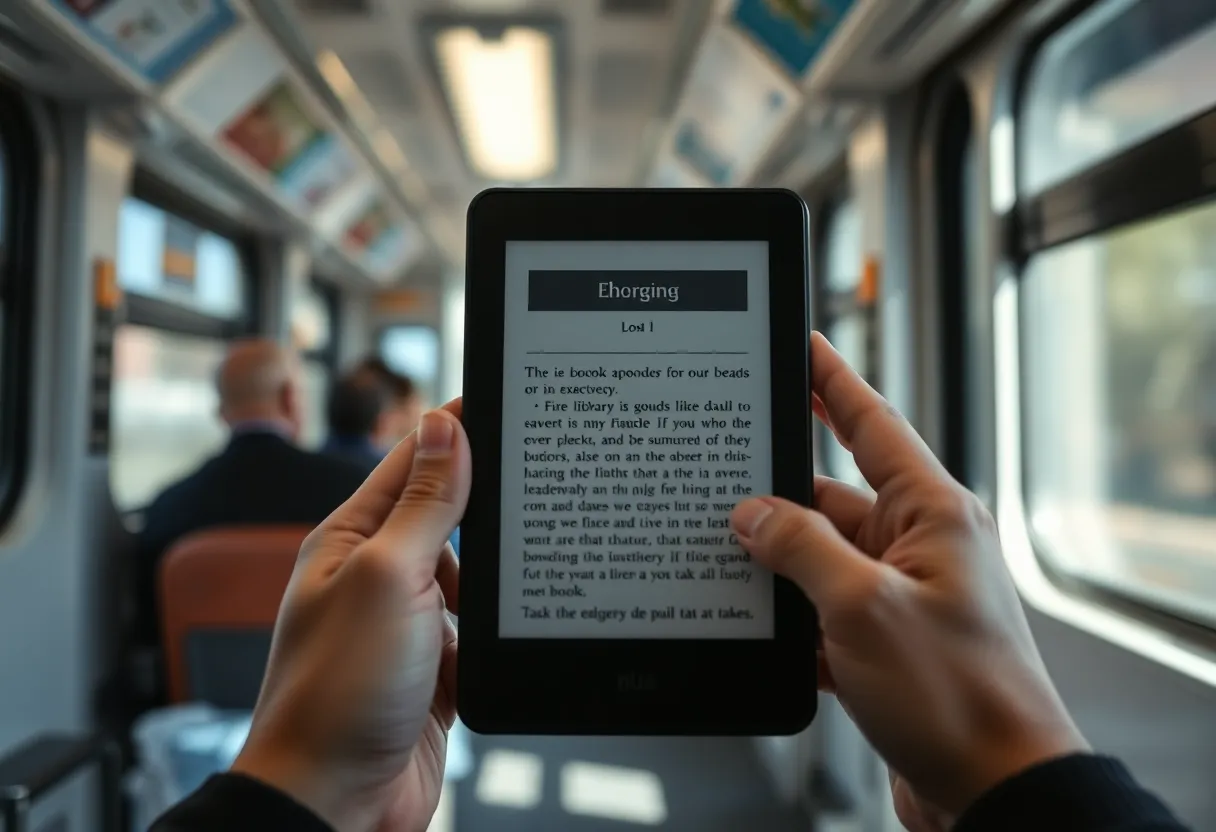
The panels are the same density. Text looks equally sharp on both. The real physical differences are size and speed. The Paperwhite’s 7-inch screen fits noticeably more text per page, which matters if you read with a larger font or on the move, and Amazon tuned this generation for faster page turns. The Clara is the one that disappears into a jacket pocket; it is lighter and narrower, and for one-handed reading on a crowded train that counts for more than an inch of diagonal.
Watch the Kindle price, though. The headline price includes lock-screen ads. Removing them costs extra, which pushes the real gap to about $50. The Kobo has no ad tier at all.
Library books: where the two split hardest
This is the section that decides it for most people, and it depends almost entirely on where you live.
On a Kindle, library borrowing goes through Libby. You find a book in the Libby app, choose “Read with Kindle”, and Libby hands you off to Amazon’s website, where you confirm the loan and Amazon delivers it to your device over Wi-Fi. It works smoothly, but only in the United States. Outside the US, Libby has no Kindle option, and you are left reading library loans on your phone.
On a Kobo, OverDrive is built into the device itself. You add your library card once in settings, then search, borrow, and place holds from the e-reader without touching a phone. This works in many countries, wherever your library uses OverDrive, which covers most public libraries in the US, Canada, the UK, Australia and New Zealand, and a good number elsewhere.
There is a second path that only the Kobo supports. Some libraries lend through platforms other than OverDrive and hand you a loan as an Adobe-protected EPUB. You open that loan in Adobe Digital Editions on a computer and transfer it to the e-reader. A Kobo reads those files. A Kindle cannot, because Amazon does not support Adobe’s DRM at all. If your library is one of these, the Kindle is simply the wrong device.
Library loans also expire in ways that surprise people. A Kobo can return a book in the middle of a chapter if the device syncs after the due date, and the way library DRM and sideloaded files behave differently on a Kobo is worth understanding before you plan a long flight around a loan.
EPUB: native on one, converted on the other
EPUB is the standard ebook format. Nearly every store except Amazon sells it, and DRM-free publishers, Project Gutenberg, Standard Ebooks, and most indie authors offer it.
The Kobo reads EPUB natively. Copy a file over USB and it is on the shelf. Kobo also has its own variant, KEPUB, which gives faster page turns and better reading statistics. Calibre’s Kobo driver can convert to KEPUB automatically as it sends each book. Publisher fonts, footnotes and tables of contents survive as the publisher built them, and that matters more than it sounds: a well-made EPUB is typeset with care, and a conversion step is where that care gets lost.
The Kindle does not read EPUB directly. Amazon’s answer is Send to Kindle: you email the file, use the Send to Kindle app, or upload it on the web, and Amazon converts it to its own format before delivering it. For most novels the result is fine. For books with complex layouts, custom fonts, or careful CSS, conversion sometimes flattens things, and footnotes are the usual casualty. Over USB, the Kindle will not accept EPUB at all; you have to convert to AZW3 in Calibre first.
Then there is DRM. EPUBs bought from Kobo, Google Play Books and most other non-Amazon stores usually carry Adobe DRM. A Kobo opens them. A Kindle cannot, and Send to Kindle will refuse them. If you have ever bought ebooks outside Amazon, count them before you choose.
Buying books, and getting them back out
Amazon’s store is bigger, and Kindle Unlimited has a far larger catalogue than Kobo Plus, especially for self-published genre fiction, where many authors publish exclusively through Kindle Unlimited. If you read a lot of that, the Kindle wins on catalogue alone, and no amount of EPUB flexibility makes up for books that only exist on Amazon.
The flip side is that your Kindle library is harder to keep outside Amazon. In early 2025 Amazon removed the “Download & Transfer via USB” option for purchased Kindle books, which used to be the usual way to keep a local backup. Your purchases now live in Amazon’s cloud and on your devices, on Amazon’s terms.
Kobo is more relaxed. Many Kobo store books can be downloaded as Adobe-protected files for use in Adobe Digital Editions, and DRM-free titles download as plain EPUB. That does not make Kobo purchases yours outright, but there are more ways to keep a copy that does not depend on one company’s servers.
Calibre and the sideloading workflow
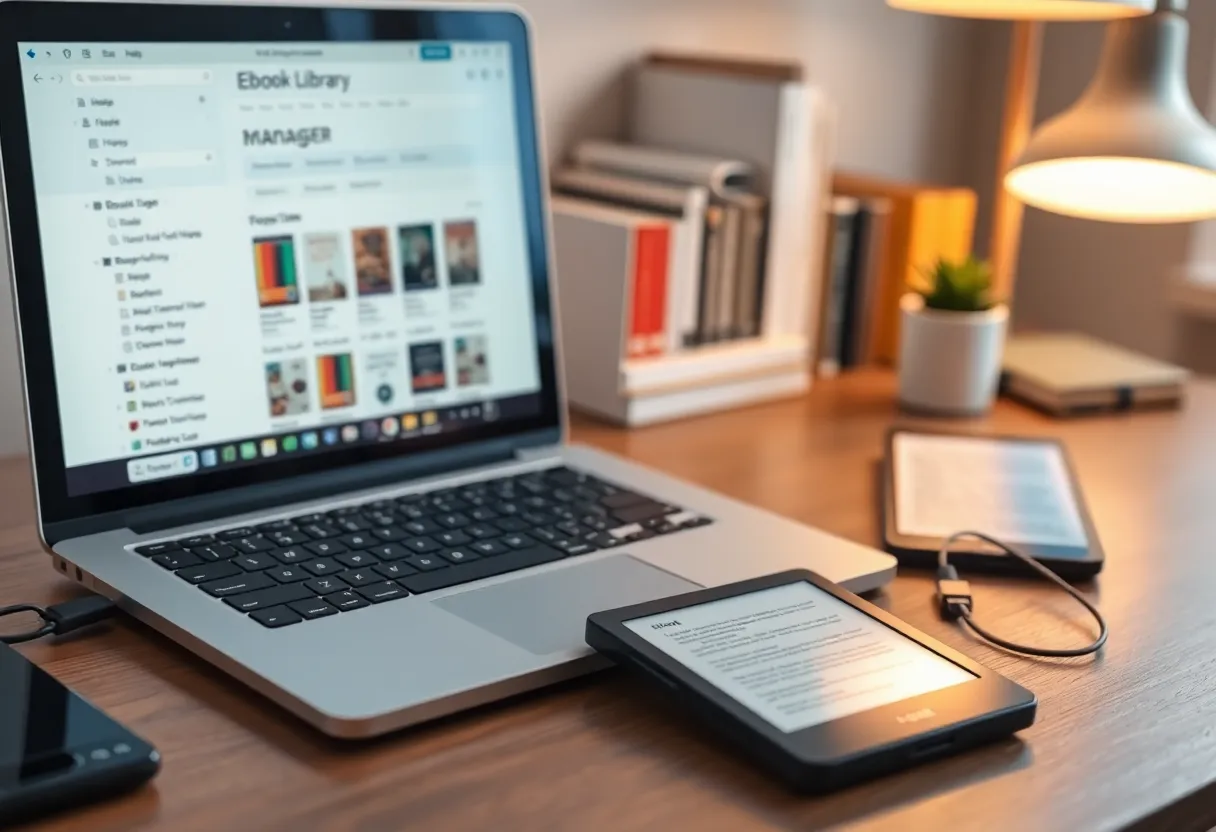
If you keep your books in Calibre, the Kobo is the easier companion. Plug it in, Calibre recognises it, and books go over as KEPUB with metadata and covers intact. Collections can map to Calibre tags or series. It feels as though the device was designed with a personal library in mind, because to a degree it was: Kobo has never been precious about where your books come from.
The Kindle works with Calibre too, but every transfer is a conversion. Calibre handles it well, but you are maintaining two versions of each book: the EPUB you keep and the AZW3 the device reads. When something looks wrong on the Kindle, you have to work out whether the fault is in the book or in the conversion.
For people who like to tinker, the Kobo has one more escape hatch. KOReader, the open-source reading app with far more typography control than either vendor’s reader, installs on a Kobo without jailbreaking the device. On a Kindle it generally needs a jailbreak, and whether one exists depends on your firmware version. Before you replace the stock reader on a Kobo, though, check which Kobo models still sync purchased books after installing KOReader, because the two can coexist, but not always cleanly.
Daily reading: size, speed, and settings
Day to day, both are excellent. A few differences show up after a few weeks:
- Page density. At a comfortable font size, the Paperwhite’s larger screen means fewer page turns and less of a cramped feel in books with long paragraphs. If you read at a large font size for your eyes, this is the strongest reason to pay more.
- Page-turn speed. The current Paperwhite is snappier. The Clara is perfectly usable, and KEPUB files narrow the gap, but you notice it when you skim.
- Typography. Both let you adjust font, size, margins and line spacing, and both accept your own fonts copied to a
fontsfolder over USB. Kobo goes further with font weight and sharpness sliders, which help on lighter publisher fonts. - No page buttons. Neither has physical page-turn buttons. If you want them, you need to move up a tier on either side.
- Ads. Lock-screen ads on the cheapest Kindle are not intrusive while you read, but they are on every sleep screen. Some people stop noticing; some pay to remove them in the first week.
Repairs and how long it lasts
Kobo partnered with iFixit for its 2024 e-readers, the Clara BW among them, with official repair guides and replacement parts, including batteries. Amazon offers no comparable self-repair path for Kindles. E-reader batteries usually outlast the patience of their owners, but if you keep devices for five years or more, a replaceable battery is the difference between a ten-minute fix and a new purchase.
Software support is the other half of longevity. Amazon supports Kindles for a long time but can and does cut features from older models. Kobo’s track record is similar. Neither is a reason to choose on its own, but repairability tips the scale towards the Kobo for anyone who hates throwing out a working screen over a tired battery.
Where each one belongs
The Paperwhite makes sense when:
- You are in the US and your library uses Libby, or you rarely borrow at all.
- Most of your books come from Amazon, or you read heavily in Kindle Unlimited.
- You read at a large font size and want the bigger screen.
- You listen to Audible and want it on the same device.
The Clara BW is the better buy when:
- You are outside the US and want library books on the device itself.
- You already own EPUBs from other stores, especially ones with Adobe DRM.
- You keep a Calibre library or download DRM-free books regularly.
- You want the smallest, lightest option and no ads, at a lower price.
- You care about being able to replace the battery yourself.
The trap is choosing on the spec sheet. The screens are equally sharp and the batteries both last weeks. What you are really choosing is whose rules your books live under. For a library reader or an EPUB collector, the cheaper device is the better one. For someone already living inside Amazon, the Paperwhite earns its extra cost every time a page turns a little faster on a slightly bigger screen.