No-Code vs Code: When Automation Needs a Real Engine

Sam Rivera
February 24, 2026

No-code and low-code tools have made it possible to build workflows, apps, and automations without writing a line of code. That’s powerful—until you hit a wall. Some problems need logic that drag-and-drop can’t express, or scale that visual builders weren’t designed for. Knowing when to stay in no-code and when to reach for code is one of the most practical skills in modern automation. Here’s how to tell the difference.
Where No-Code Shines
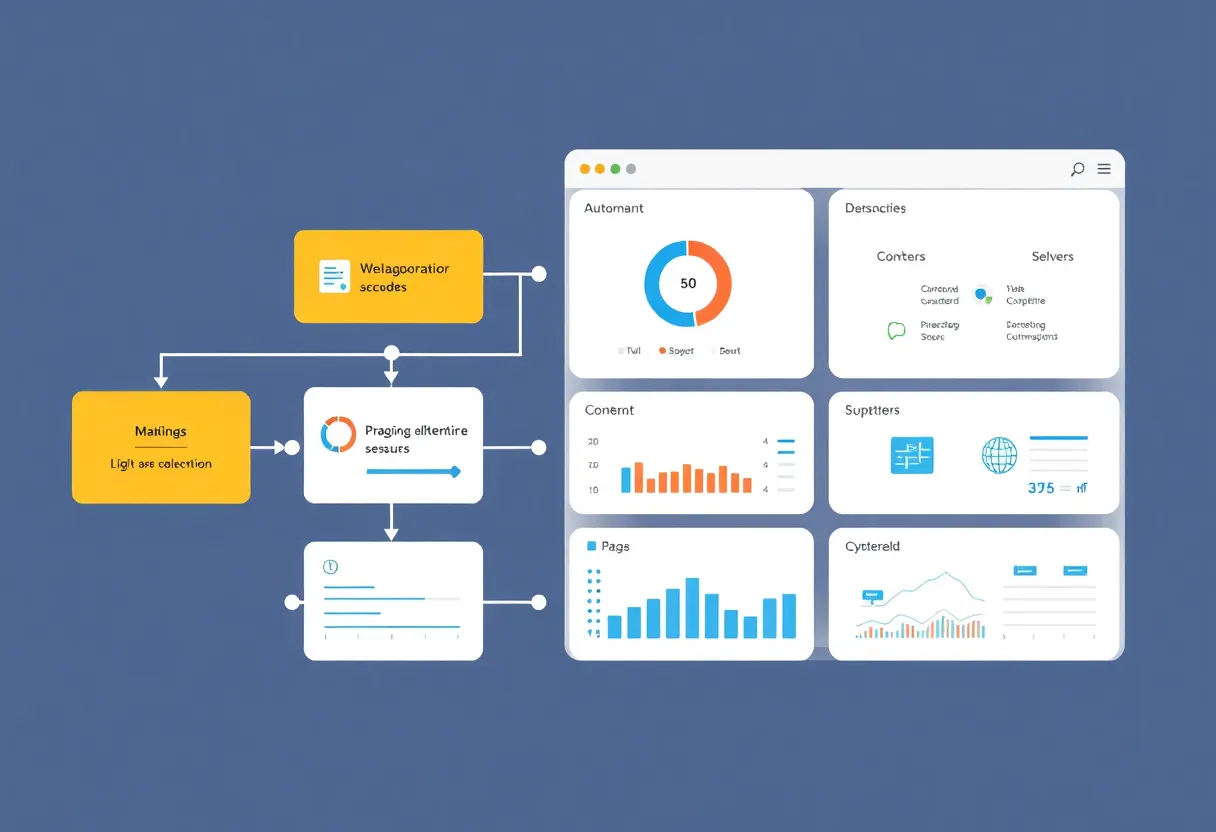
No-code platforms excel at connecting existing services and defining linear or branching workflows. If your automation is “when X happens, do Y, and if Z then also do W,” you can often build it in Zapier, Make, n8n, or a similar tool. No-code is fast to prototype, easy to change, and doesn’t require a developer. For internal tools, approval flows, simple CRUD apps, and glue between SaaS products, it’s often the right call. You ship in hours instead of weeks, and non-technical teammates can own and tweak the logic.
Where It Runs Out of Road
No-code starts to struggle when you need one or more of these: complex conditional logic, loops and iteration that aren’t built-in, custom data transformation, high throughput or low latency, or integration with systems that don’t have a ready-made connector. Visual workflows become spaghetti. Workarounds multiply. Performance and cost can spike. At that point, you’re fighting the tool instead of solving the problem.
Another limit is ownership and portability. Your logic lives inside a vendor’s canvas. If you need to move, customize deeply, or audit every branch, code gives you a single source of truth and full control. No-code keeps you inside the platform’s box.
When Automation Needs a Real Engine
“Real engine” here means code: scripts, APIs, or a small service that does the heavy lifting. You need it when:
- Logic gets complex. Nested conditions, multi-step calculations, or business rules that don’t map to simple triggers and actions are clearer and more maintainable in code.
- Volume or speed matter. Processing thousands of records, handling webhooks with strict SLAs, or running batch jobs that need to finish in a window—code lets you optimize and scale.
- You’re integrating with something odd. Legacy systems, custom APIs, or protocols that no-code tools don’t support require code (or a code step inside an otherwise no-code flow).
- You need to test and version. Code can be unit-tested, reviewed, and version-controlled. That’s harder with visual workflows, though some platforms are improving.
The Hybrid Approach
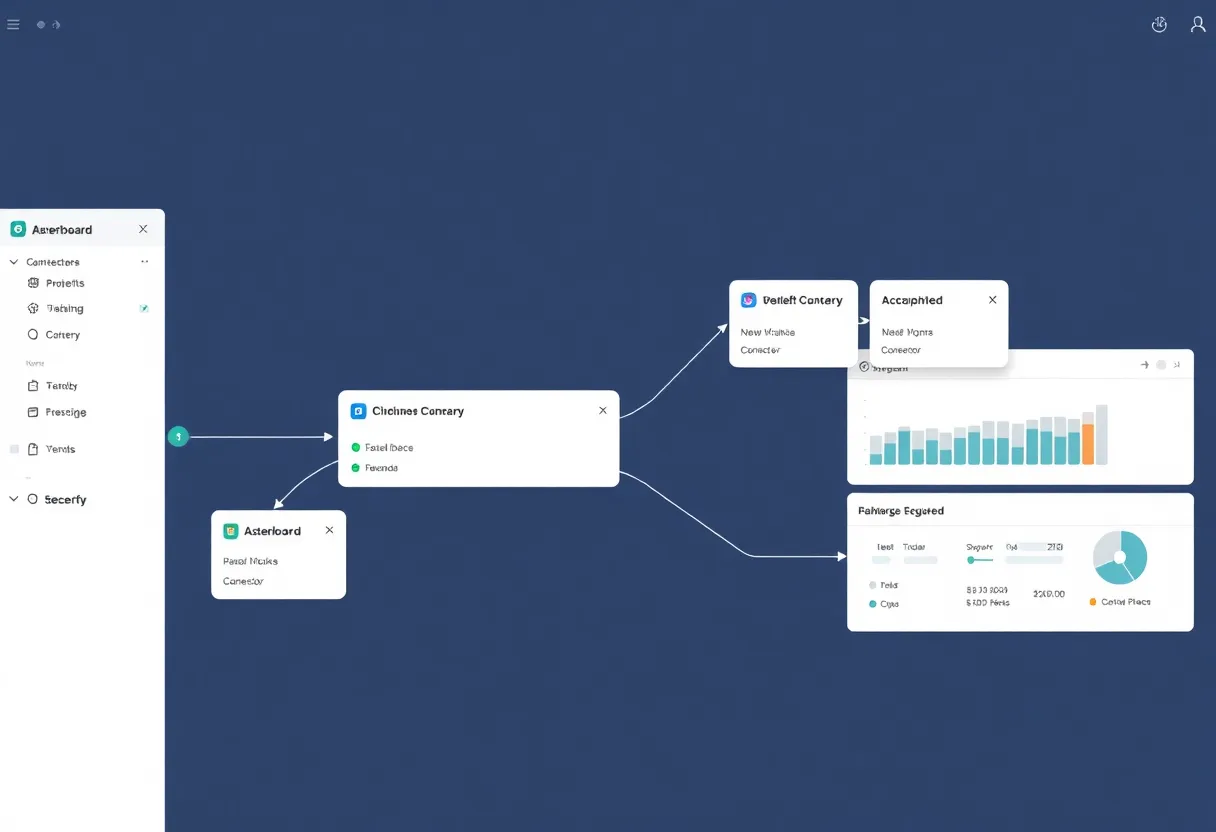
Most teams don’t choose one or the other forever. They mix. No-code handles the obvious workflows and quick wins. Code steps or separate services handle the hard parts: custom logic, heavy processing, or integrations that no-code can’t do. Many no-code tools support “run a script” or “call an API” steps, so you can drop into code exactly where you need it and stay visual everywhere else. The goal is to use no-code where it fits and code where it’s required—without overbuilding or underbuilding.
How to Decide
Start in no-code. Build the happy path. If you find yourself adding dozens of steps, copying flows to simulate loops, or hitting rate limits and timeouts, step back. Ask: would a small script or service make this simpler and more reliable? If yes, introduce code for that slice and keep the rest in no-code. The best automation setup is the one that stays maintainable and does the job—whether that’s all no-code, all code, or a mix. When automation needs a real engine, reach for code. Until then, no-code might be enough.