How Password Managers Actually Handle a Forgotten Master Password

Futurion Editorial
July 9, 2026
Password managers ask users to trust them with literally every credential they own, protected behind a single master password that unlocks the entire vault. This concentration of risk raises an obvious and genuinely important question that many users don’t think through carefully until it’s suddenly relevant: what actually happens if you forget that one master password? The honest answer varies significantly by specific password manager and by exactly what security architecture and recovery options that provider has built in, and the range of actual outcomes spans from “fully, permanently locked out with zero recovery path” to “several legitimate recovery mechanisms available,” depending entirely on choices made well before the moment someone actually forgets their password.
Why This Is a Genuinely Different Problem Than Forgetting an Ordinary Website Password
Recovering a forgotten password for an ordinary online account is usually straightforward because the website or service itself holds enough information about your account, and enough independent verification channels like your email address or phone number, to verify your identity and issue a password reset without ever needing to actually know your original password, since most reputable services never store your actual plaintext password in the first place, and can simply let you set a new one after confirming your identity through some separate channel.
Password managers built around genuine zero-knowledge encryption architecture, which is the security model that most reputable password manager providers use and actively market as a core security feature, deliberately don’t have this same fallback option available, because the entire security premise of zero-knowledge design is that the provider itself never has access to your actual unencrypted vault contents or the encryption key derived from your master password — your master password is used locally to derive the specific encryption key that unlocks your vault, and the provider only ever stores and syncs your already-encrypted vault data, meaning they have no ability to decrypt your vault or verify your master password themselves, since they were deliberately never given the information needed to do so in the first place. This is precisely the security property that makes a reputable password manager meaningfully safer than a provider that could theoretically access your actual stored passwords if they wanted to, or if they were compromised by an attacker or a government legal demand, but it also means that a genuinely, completely forgotten master password, with no other recovery mechanism set up in advance, is frequently permanently unrecoverable by design, not through any provider negligence but as a direct, unavoidable consequence of the exact security architecture that makes the product trustworthy in the first place.
The Specific Recovery Mechanisms Different Providers Have Actually Built
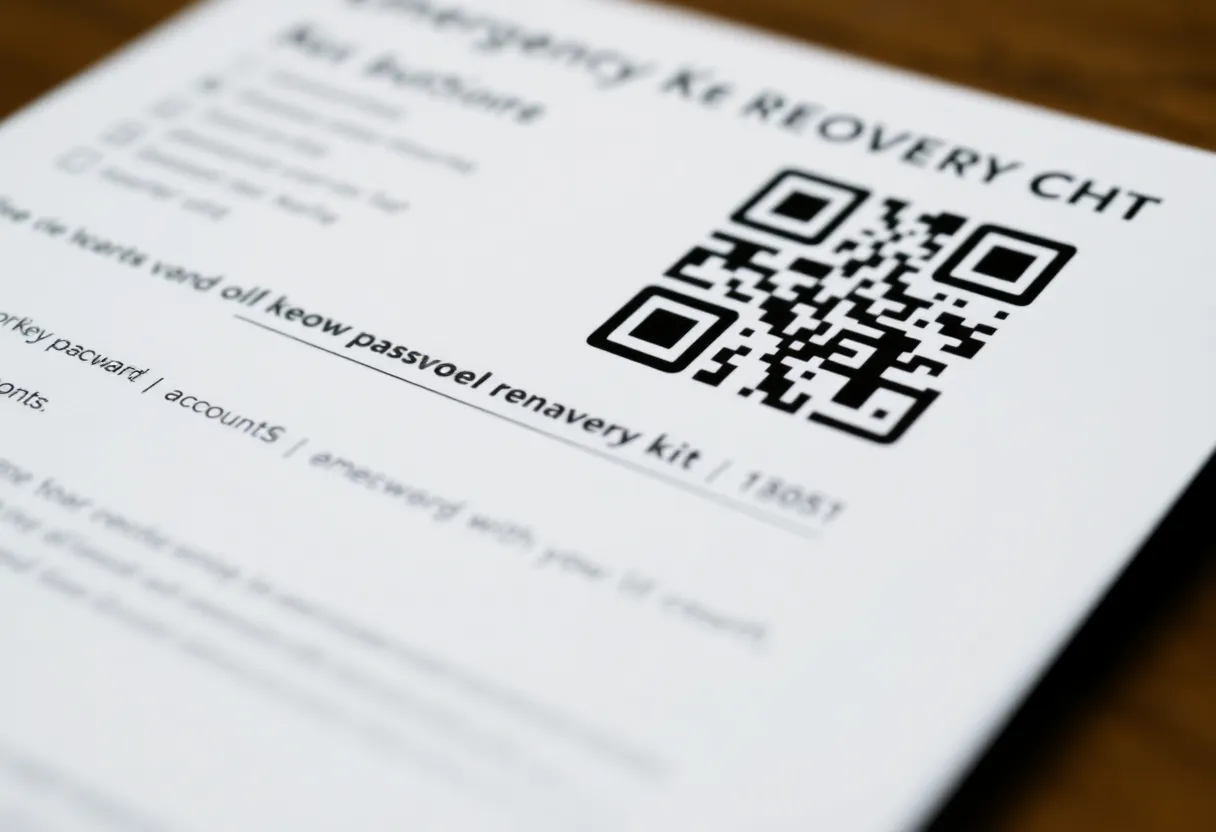
Given the genuine severity of a fully locked-out vault, most established password manager providers have built at least some form of advance-setup recovery mechanism specifically to address this scenario, though the exact approach and the resulting security trade-offs differ meaningfully between providers. Emergency recovery kits, printed or securely stored physical documents generated at account setup time containing a portion of the cryptographic information needed to regenerate access, represent one common approach — Bitwarden, for example, provides users the option to generate and store this kind of physical recovery information specifically for this scenario, explicitly requiring the user to have proactively created and safely stored it before ever actually needing it, since the provider itself, consistent with zero-knowledge design, doesn’t retain a usable copy on their own servers.
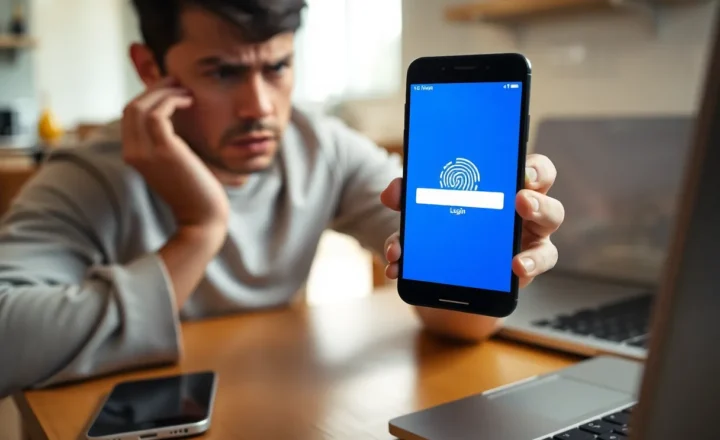
Biometric unlock methods, like fingerprint or face recognition on a device the vault has already been unlocked and configured on previously, offer another practical, if more limited, path back into a vault for users who’ve forgotten their master password but still have access to a previously trusted, already-configured device, since many password managers allow biometric unlock specifically as a convenience layer on top of the underlying master-password-derived encryption on devices where the user has already successfully unlocked their vault at least once with the correct master password, effectively caching decrypted access locally on that specific trusted device without needing to re-enter the master password each time, though this recovery path only works on that already-configured device and doesn’t help at all if a user needs to access their vault from a new, never-before-configured device without knowing their master password.
Why Account Recovery Trusted-Contact Features Represent a Genuinely Different Trade-off
Some password manager providers, including 1Password and several enterprise-focused password management platforms, have built account recovery features that involve designating a trusted contact, family member, or organizational administrator who can help verify identity and assist with account recovery through a process that typically still requires some cryptographic component the locked-out user needs to provide, rather than simply allowing the trusted contact or administrator to unilaterally unlock the vault on the user’s behalf. Family and organizational password manager plans in particular often include specific administrator-assisted recovery capability precisely because losing access to a shared family or company vault carries meaningfully higher stakes and more urgency than an individual personal account lockout, making a somewhat weaker but genuinely functional recovery mechanism a reasonable trade-off many organizations and families deliberately choose to accept in exchange for reduced lockout risk.
Why Security Experts Still Generally Endorse This Trade-off Despite the Lockout Risk
Security researchers and password manager providers themselves have been consistently clear-eyed and transparent about this fundamental trade-off in their public documentation and security advisories: the same zero-knowledge architecture that creates genuine risk of permanent lockout for a truly forgotten master password is also precisely the property that makes these products meaningfully more trustworthy and secure against the more common, more consequential risk of a provider-side data breach exposing user vault contents, which has actually happened to several real password manager and credential storage providers over the years, with outcomes considerably worse for affected users than an individual lockout scenario, since a breach that exposes decryptable vault contents compromises literally every password in a user’s vault simultaneously, while a personal lockout, while genuinely serious and frustrating for the affected individual, remains contained to that one person’s account.
This is why virtually every reputable password manager provider’s own security guidance strongly and explicitly recommends proactively setting up whatever recovery mechanism the specific product offers — printed emergency kits, designated trusted contacts, or account recovery keys — at the time of initial account setup, treating this proactive setup step as a genuinely mandatory part of properly using the product securely, rather than an optional convenience feature that can reasonably be skipped or deferred, precisely because the consequence of skipping it and later forgetting the master password is, by the deliberate design of the underlying security architecture, frequently unrecoverable.