How Coders vs Designers Use Two Screens: IDE+Docs vs Figma+Reference

Nate Osborn
September 18, 2026
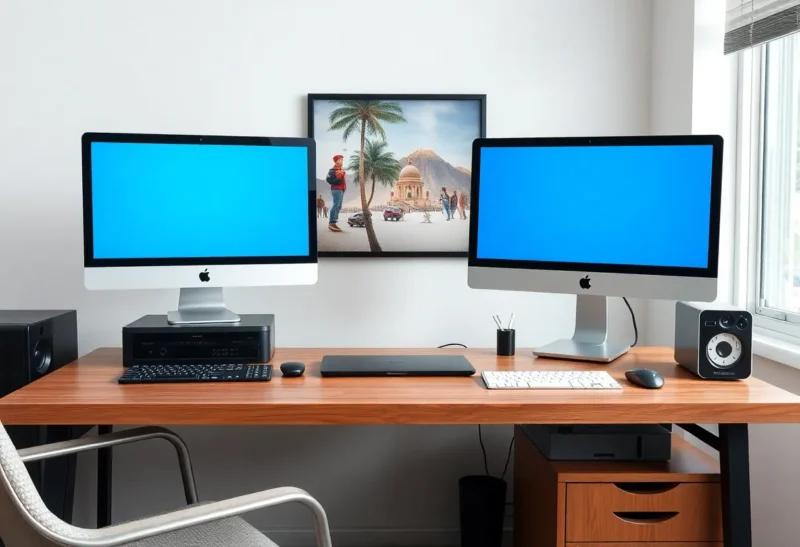
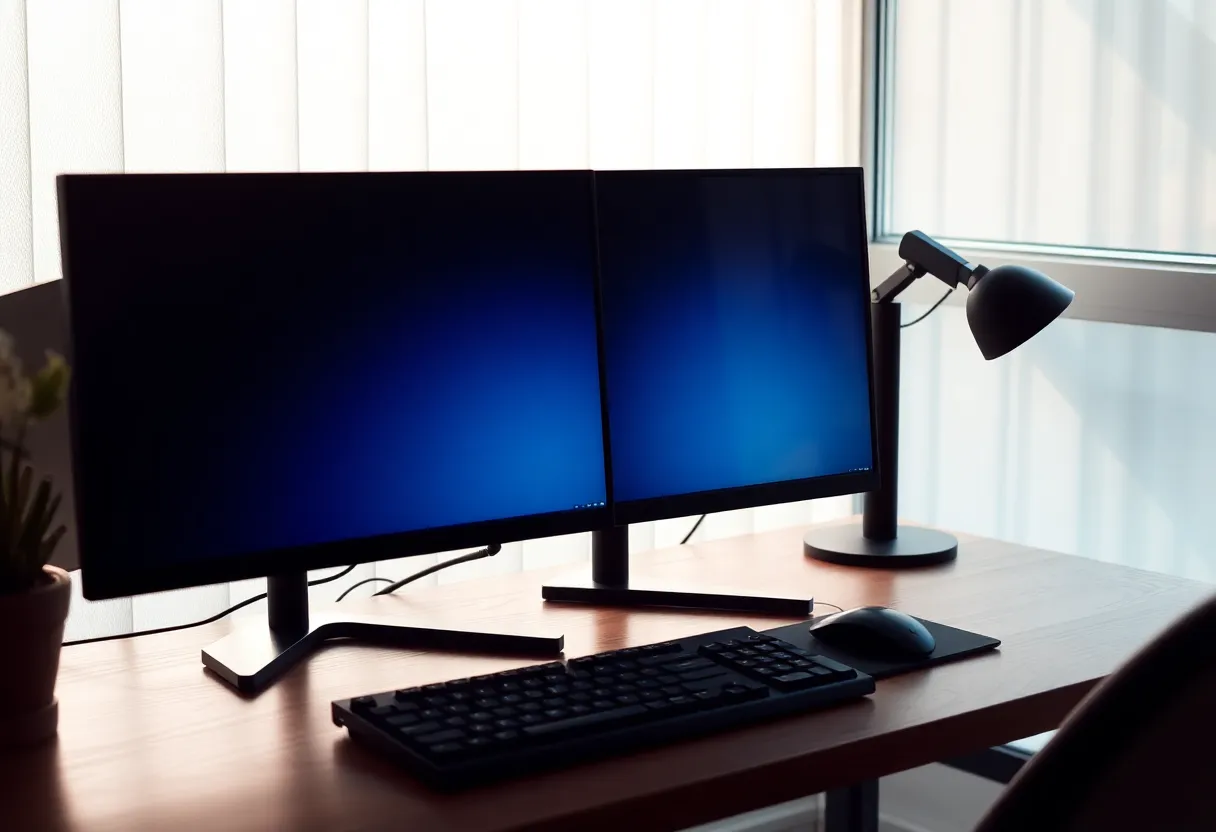
I have sat at the same two-monitor desk as a designer and as someone who lives in an IDE. The hardware was identical: a 27-inch 4K Dell U2723QE in the center and a 27-inch 1440p LG 27UP850 on the side, both on cheap arms. The layouts were not identical. One of us was running VS Code plus a browser full of docs. The other was running Figma plus a folder of screenshots that had to stay visible at real size. Calling both of those “dual monitor productivity” is how you buy a second panel and then use it as an email dump.
Two screens are a layout problem. Coders and designers fail it in opposite directions.
What the coder is actually looking at
The working set is a text editor, a terminal, and a moving target that is usually documentation or a running app. I want the editor at a width that does not wrap Rust or a long TypeScript type. I want the terminal either under the editor (one tall 27) or on the second panel so I do not cover the file I am reading. Docs — Rust std, MDN, an internal Notion page, a PR on GitHub — want a full page of readable type, not a strip.
On two 27s I put the IDE on the primary, snapped. Docs go on the secondary, also snapped, sometimes split with a browser preview. I do not put Slack on the secondary as the default. Slack will colonize it. I have done that and then “needed a third monitor” because I had given the second one to a chat client.
Vertical 27-inch 1440p as the docs panel is the coder trick that actually sticks. A portrait LG or a cheap Innocn in 1440p portrait holds a lot of markdown and a lot of stack traces. Figma in portrait is a joke. The coder can live with a 16:9 secondary rotated. The designer usually cannot.
What the designer is actually looking at
The working set is a canvas that has a physical size. Figma, Illustrator, Affinity, sometimes Photoshop. A 1x mobile frame at 390 CSS pixels is meaningless if the panel is so small or so far that the frame is a postage stamp. The second screen is not “docs.” It is a reference: a screenshot from the client, a competitor’s site at 100 percent, a PDF of a brand guide, a video still. Those references have to be large enough to judge spacing. If I shrink them to a 400-pixel strip beside Figma, I am inventing the layout from memory.
I have watched designers put Figma on a 27-inch 4K at 150 percent scaling and the reference on a 24-inch 1080p leftover. The leftover lies about size. They then export and say the padding “looked fine on the other screen.” Mixed PPI is a later article in this house. Here the point is: the second screen is a measuring tool, not a clipboard.
Color is the other designer constraint the coder can ignore. A Dell Ultrasharp with a decent factory calibration is enough for UI work if you are not shipping print. A random 1440p gaming panel as the reference will shift the grey of a screenshot. I have argued about a “warm” mock because the secondary was an old BenQ with a dying CCFL-era look even though it was LED. The IDE does not care. The Figma file does, if you are picking brand colors off the reference instead of off hex.
The shared hardware that still splits
A pair of 27-inch 1440p IPS panels (Dell P2723D, LG 27IP850, similar) is the boring kit I tell both groups to start with. Same size, same PPI, same height on the arms. The coder can rotate one. The designer should not, unless they only ever do mobile frames in a tall artboard — and even then I have seen them rotate back after a week.
A 27-inch 4K plus a 27-inch 1440p is what a lot of us actually own because one panel was a “work from home stipend” and the other was a leftover. Windows scaling will fight you. macOS will fight you less and still fight you. The coder notices when a window dragged to the 1440p looks huge. The designer notices when a 1x iPhone frame is two different physical sizes. Both will curse. Only the designer will ship the wrong padding because of it.
Apple Studio Display plus a cheap 27 is the macOS version of that fight. The Studio Display is a lovely Figma panel. The cheap 27 as reference is a PPI cliff. I would rather two slightly worse matching panels than one jewel and one liar.
Software habits that look like hardware needs
Coders: IDE + docs is a two-screen job if you refuse tabs. It is a one-screen job with a 32-inch 4K and virtual desktops if you are honest. I have written plenty of code on a 16-inch MacBook. The second screen is for the thing I refuse to alt-tab, which is usually the running app or the spec. If the second screen is Slack and email, you did not need two screens. You needed notification hygiene.
Designers: Figma + reference is a two-screen job if the reference must stay at 100 percent. It is a one-screen job if you work in components and the “reference” is a Figma page you can pin. Client screenshots that must stay visible are the reason the second panel exists. I use a simple image viewer, not a browser tab, so Chrome does not steal the zoom. PureRef on the secondary is a cliché because it works.
Both groups abuse picture-in-picture video. A 17-inch movie in the corner of the docs panel is how a coder “uses two screens” and still cannot read the error. A reference board with a YouTube tutorial playing on top is how a designer misses the 8px grid. I pause the video or I give it a third, smaller panel I already regret.
KVM, laptop, and the afternoon someone else sits down
A coder who docks a ThinkPad to two 27s with a CalDigit or a cheap HDMI+DP dock will live. A designer who color-picks off a panel that the laptop is driving in “extended” with the lid closed and a different ICC profile will not. I keep the same two panels and I accept that the laptop lid is a third, terrible screen I close.
When a designer and a coder share a desk — pair sessions, a small studio — I set both monitors to the same resolution and scaling before the other person sits. I have lost twenty minutes to “why is Figma tiny” that was 125 percent leftover from Windows. The coder had wanted more terminal columns. The designer inherited a UI that lied about a 390pt frame.
What I would buy for each job, twice
Coder-only desk: 27-inch 1440p primary, 27-inch 1440p secondary in portrait, same stand height, arms from Amazon that do not droop. A 32-inch 4K single is the alternative if the desk is shallow. Two screens lose if the desk is so shallow that the portrait panel is in your neck.
Designer-only desk: two 27-inch 4K or two 27-inch 1440p, landscape, matched, one of them a known-decent gamut (the Ultrasharp, a BenQ PD, an Eizo if someone else is paying). Figma in the center. PureRef or a full-page screenshot on the side. No portrait unless the work is literally a long mobile scroll you inspect at 100 percent.
Shared desk: match the panels. Give the coder a virtual desktop for docs instead of rotating a panel the designer will need at 3 p.m. Buy a second cheap 27 if the stipend only covered one good panel. Do not make the good panel the reference and the junk panel the canvas. The canvas is where the mistakes are born.
The honest split
IDE plus docs wants a lot of columns and a page of type. Figma plus reference wants two large, honest rectangles at the same PPI. Both are “two screens.” They are not the same window manager trick. If you are buying a second monitor because Twitter said dual setup, decide which of those two jobs you have on a Tuesday. Then put Slack back in a hotkey where it belongs.
I still use two screens for both jobs. I just stopped pretending the second one is a personality. It is either a docs column I can rotate, or a reference I cannot. If I catch myself using it as a chat tray, I unplug it for a week and see whether the work actually needed the glass. The work either fits on one 27 plus a laptop, or I had the layout right and the chat was the thief.