Home Automation Without the Cloud: What Actually Works

Drew Morrison
February 26, 2026

Most smart home gear assumes the cloud: your commands go to a company server, get processed, and come back to your devices. That means subscriptions, privacy trade-offs, and the risk that a product gets discontinued or the service goes down. A growing number of people want home automation that runs locally—no dependency on someone else’s servers. The good news: it’s possible. The catch: you have to choose the right stack and accept some trade-offs. Here’s what actually works when you take the cloud out of the equation.
Why Go Local?
Local-first home automation means your hub or controller talks directly to your devices on your LAN. Rules run at home; voice and remote access can still work via your own tunnel or relay, but the core logic doesn’t depend on Google, Amazon, or a vendor’s cloud. Benefits: no monthly fees for “premium” features, no surprise shutdowns, and your routines keep working even when the internet is out. You also keep more control over what data leaves your network. The trade-off is more setup and maintenance. You’re the sysadmin.
Hubs and Controllers That Run Locally
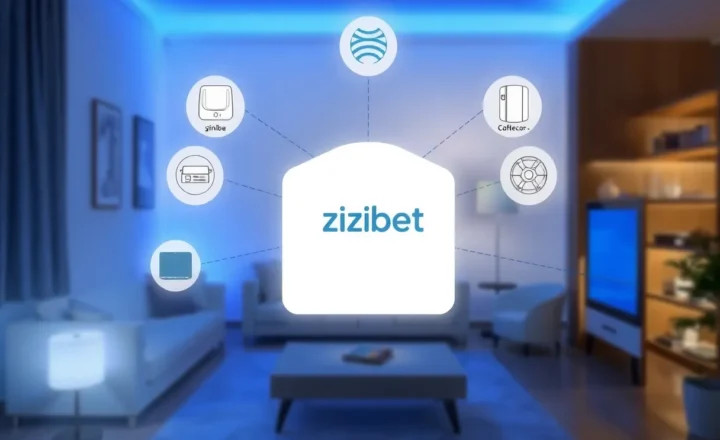
Home Assistant is the standard choice for local-first automation. It runs on a Raspberry Pi, a small PC, or a dedicated device like the Home Assistant Green or Yellow. It integrates with a huge range of devices—Z-Wave, Zigbee, Wi-Fi—and most logic runs locally. You can add cloud integrations (e.g., for voice) if you want, but the core doesn’t require them. Setup has gotten easier; the learning curve is still steeper than “buy a Google Nest and open the app,” but the payoff is a system that stays under your control.
Other options include openHAB and Node-RED (often used with a Pi or server). For Zigbee and Z-Wave, you need a radio: a USB stick like the Sonoff Zigbee 3.0 or a ConBee, or a hub that exposes a local API. The key is to pick devices that support local control. Many Wi-Fi gadgets are cloud-only; Zigbee and Z-Wave devices typically work with local hubs. Check before you buy: “Works with Home Assistant” or “Local API” is what you want.

What Works Well Locally
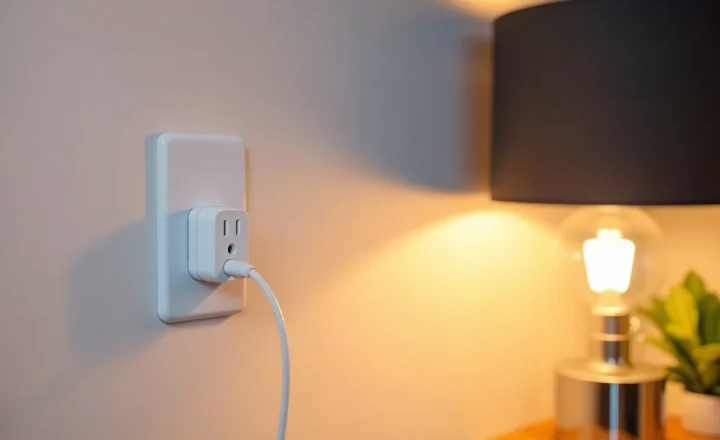
Lights, switches, sensors, and thermostats that speak Zigbee or Z-Wave are the easiest. Pair them to your local hub, create automations in Home Assistant (or similar), and they run without the cloud. Scenes, schedules, and sensor-based triggers—motion turns on a light, temperature triggers a fan—all work. So do many smart plugs and bulbs that have been “flashed” with firmware like Tasmota or ESPHome, which expose a local API. The more you lean on open protocols and local firmware, the more reliable and private your setup.
Cameras are trickier. Many consumer cameras stream only to the vendor’s cloud. For local-only, you need cameras that support RTSP or ONVIF and record to a local NVR or Home Assistant. Doorbells and voice assistants are the hardest: true local voice is still rare (though projects like Piper and custom setups exist), and doorbells often depend on vendor apps. You can still use them while minimizing cloud use—e.g., block them from the internet and use them only on LAN—but full local equivalence isn’t there yet for everything.
Remote Access and Voice
If you want to check your system or trigger automations when you’re away, you need a way in. Options include a VPN into your home network, Home Assistant’s Nabu Casa subscription (which funds development and gives you secure remote access without opening ports), or a self-hosted tunnel (e.g., Tailscale, Cloudflare Tunnel). Voice control without the cloud is possible with Home Assistant’s built-in voice (or integrations with local TTS/STT), but it’s not as polished as Alexa or Google. For many, the compromise is local automation with optional cloud voice for convenience.

Practical Takeaways
Start with a local hub (Home Assistant on a Pi or small PC) and a Zigbee or Z-Wave stick. Add devices that are known to work locally—lights, sensors, plugs. Build automations that don’t depend on the internet. Add remote access only if you need it, and prefer a VPN or a trusted tunnel over exposing your hub directly. Accept that some product categories (voice, some cameras) are still cloud-heavy, and either avoid them or use them with clear boundaries. Home automation without the cloud is very much possible; it just takes more upfront work and the right hardware choices. Once it’s in place, you get control and resilience that cloud-only setups can’t match.
Conclusion
Local-first home automation is no longer a niche hobby. With Home Assistant and compatible devices, you can run lights, climate, and sensors entirely on your network. The ecosystem is mature enough that “what actually works” is a long list—as long as you’re willing to be the operator and pick gear that talks locally. If you’re tired of subscriptions and vendor lock-in, it’s a path worth exploring.