Why Smart Plugs Are the Unsung Hero of Home Automation

Drew Morrison
March 7, 2026
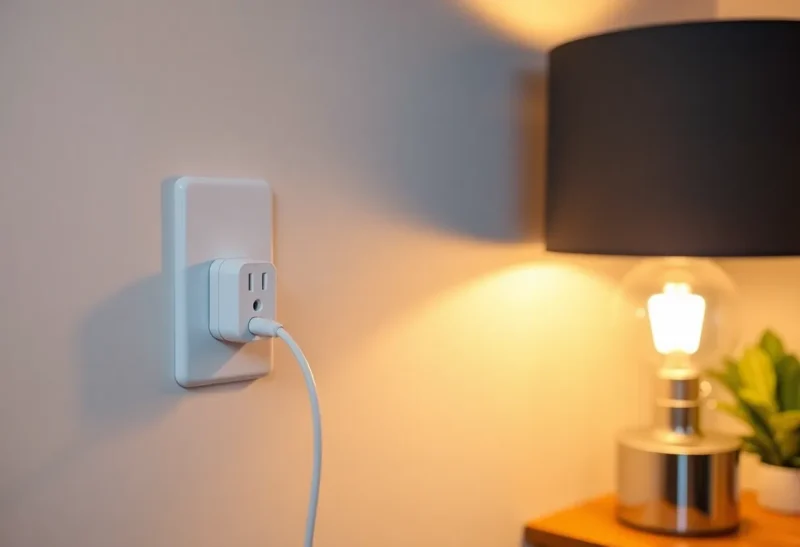
Smart bulbs get the buzz. Smart thermostats get the energy credits. But the device that often does the most heavy lifting in a connected home is the humble smart plug. It’s cheap, universal, and turns almost any dumb device into something you can schedule, monitor, and control from your phone or voice. Here’s why smart plugs deserve more credit—and how to use them well.
Universality Without Replacement
Smart bulbs only work with lights. Smart thermostats only work with HVAC. A smart plug works with anything that plugs into the wall: lamps, fans, space heaters, coffee makers, chargers, and gear you’d never think to make “smart” on its own. You don’t replace the device; you add a layer of control. That makes smart plugs the easiest way to dip a toe into home automation without rewiring or swapping out expensive appliances.
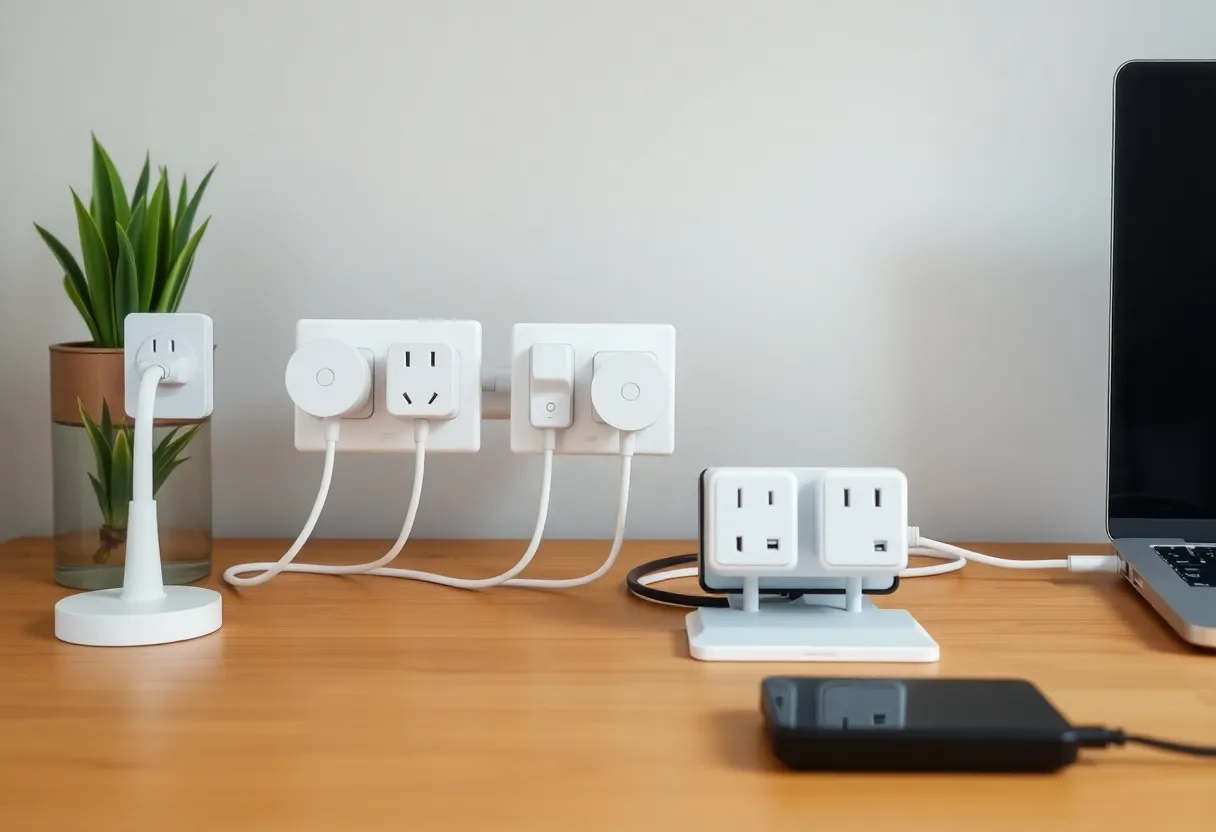
They’re also portable. Move house? Unplug them and take them. Change your mind about which lamp should be on a schedule? Move the plug. That flexibility is rare in the smart home world, where most devices are tied to a fixed location or fixture.
Energy Monitoring and Safety
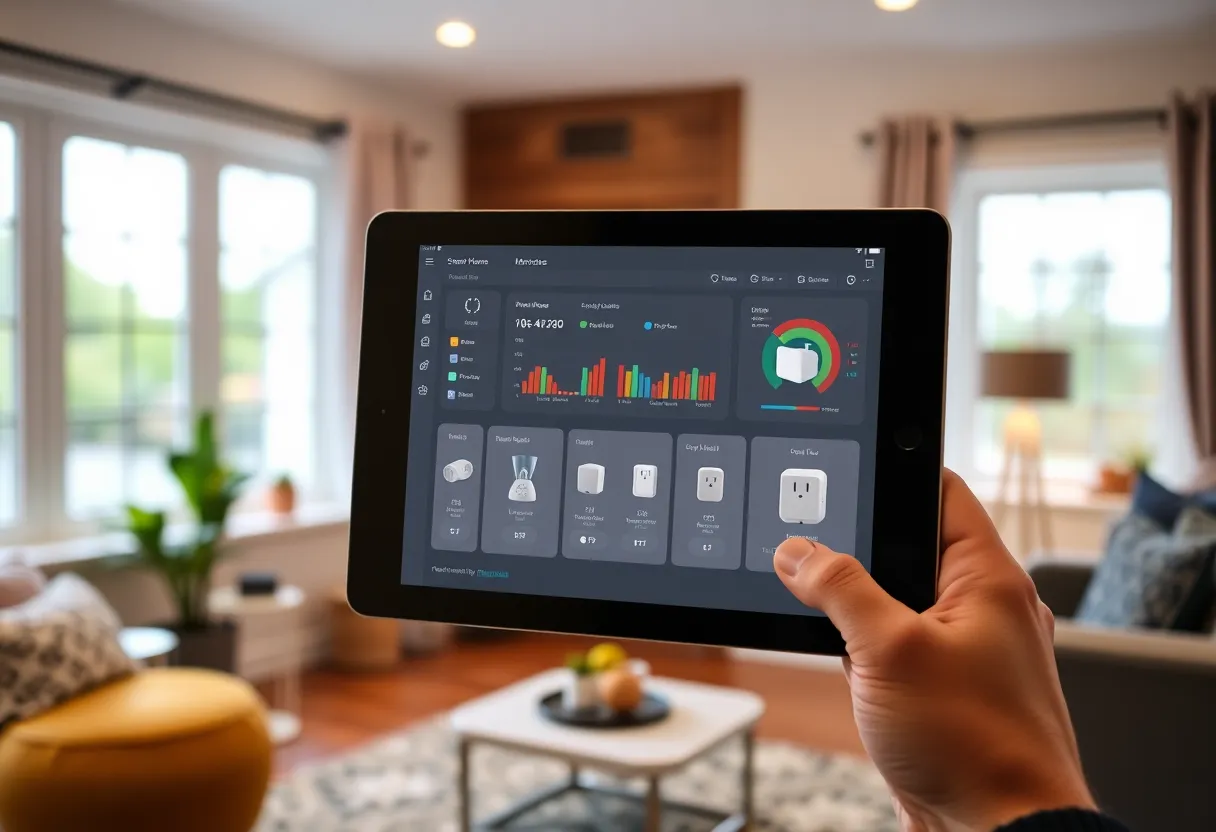
Many smart plugs now include basic energy monitoring: how much power the connected device is drawing, and sometimes cumulative usage over time. That’s useful for tracking which appliances cost the most, catching phantom loads from devices that never fully turn off, and spotting when something is drawing more power than it should. You can set alerts for unusual consumption or simply review usage in the app. It’s not a full home energy monitor, but for a single outlet it’s surprisingly informative.
On the safety side, plugs can cut power to space heaters, irons, or other high-draw devices on a schedule or when you leave home. Some support “away” modes that randomize lights to simulate occupancy. Again, you’re not replacing the device—you’re adding a layer of control and visibility that didn’t exist before.
Gateways to the Rest of Your Smart Home
Once you have a few smart plugs, you start thinking in terms of routines. “Turn off the living room lamp at 11 p.m.” or “Turn on the coffee maker at 7 a.m. on weekdays.” Those routines often lead to adding more devices: motion sensors, door sensors, or voice assistants that tie everything together. Smart plugs are a low-risk, low-cost entry point. If you like the experience, you expand. If you don’t, you’ve spent very little and learned what you actually want from automation.
Protocols and Compatibility
Smart plugs come in Wi‑Fi, Zigbee, and Z-Wave variants. Wi‑Fi plugs talk directly to your router and your phone; they’re simple but can clutter your network. Zigbee and Z-Wave plugs need a hub or a device that acts as one (like many Echo and some other smart speakers), but they form a mesh that can be more reliable and doesn’t depend on your main Wi‑Fi for every command. If you’re building out a larger smart home, choosing plugs that match your existing protocol pays off. If you’re just trying one or two, a well-reviewed Wi‑Fi plug is usually enough.
What to Avoid
Not every plug is equal. Avoid the very cheapest no-name options if you care about safety and longevity—they may lack proper certification or use flimsy internals. Check that the plug supports the power draw of what you’re connecting; some are rated only for lights, others for heavier loads like space heaters. If you’re automating something that draws a lot of current, get a plug rated for it. Also watch for plugs that require a proprietary app or cloud; if the company goes under or the app is abandoned, the plug becomes a dumb outlet. Prefer plugs that work with a major ecosystem (Amazon, Google, Apple Home, or a local controller like Home Assistant) so you’re not locked to one vendor.
The Bottom Line
Smart plugs are the unsung hero because they’re boring in the best way: they work with what you already have, they’re cheap to try, and they scale from “one lamp on a schedule” to “whole-home routines” without forcing you to commit. If you’ve been curious about home automation but didn’t know where to start, start with a smart plug. You might find it’s the only automation you need—or the gateway to the rest.