HDD vs SSD in 2026 for Homelab Backups: When Spinning Rust Still Wins

Sasha Pell
August 25, 2026
The homelab storage argument in 2026 still ends the same way it did when SATA SSDs stopped being exotic: people buy flash for everything that feels modern, then discover that four terabytes of restic snapshots cost as much as the rest of the rack. Spinning rust did not become a personality defect. It became the boring way to store bytes you hope you never read.
SSDs win the desktop, the VM datastore, the Docker pool you abuse, and any database that has to answer while you wait. HDDs win when the job is bulk, sequential, and allowed to be slow on the worst day of the year. Backups are that job more often than forum shopping admits.
If your backup target is also your Plex library and your iSCSI LUN, you do not have a backup target. You have a compromise. This piece is about the first one.
What “backup” means for the media, not the slogan
A backup write is usually a stream: a Borg pack, a restic chunk upload, a zfs send, a dump. It cares about sustained throughput and about not lying when the queue is deep. It does not care about 4k random IOPS except when you did something cute like thousands of tiny files without packing. Restore is sequential too, until you need one file from a tree and then you learn what your filesystem and your repo format cost.
An SSD makes that stream feel instant and makes “I’ll just copy it again” cheap in time. An HDD makes it feel like a job. The job is still cheaper per terabyte, quieter in the wallet, and — if you buy the right rust — fine for a nightly push that finishes before you wake up.
The failure mode I see is not “HDD is too slow for restic.” It is “I put the repo on a 2 TB NVMe that is also the OS, it filled, prune failed, and now I have neither space nor a policy.” Flash is not a backup strategy. It is a speed grade.
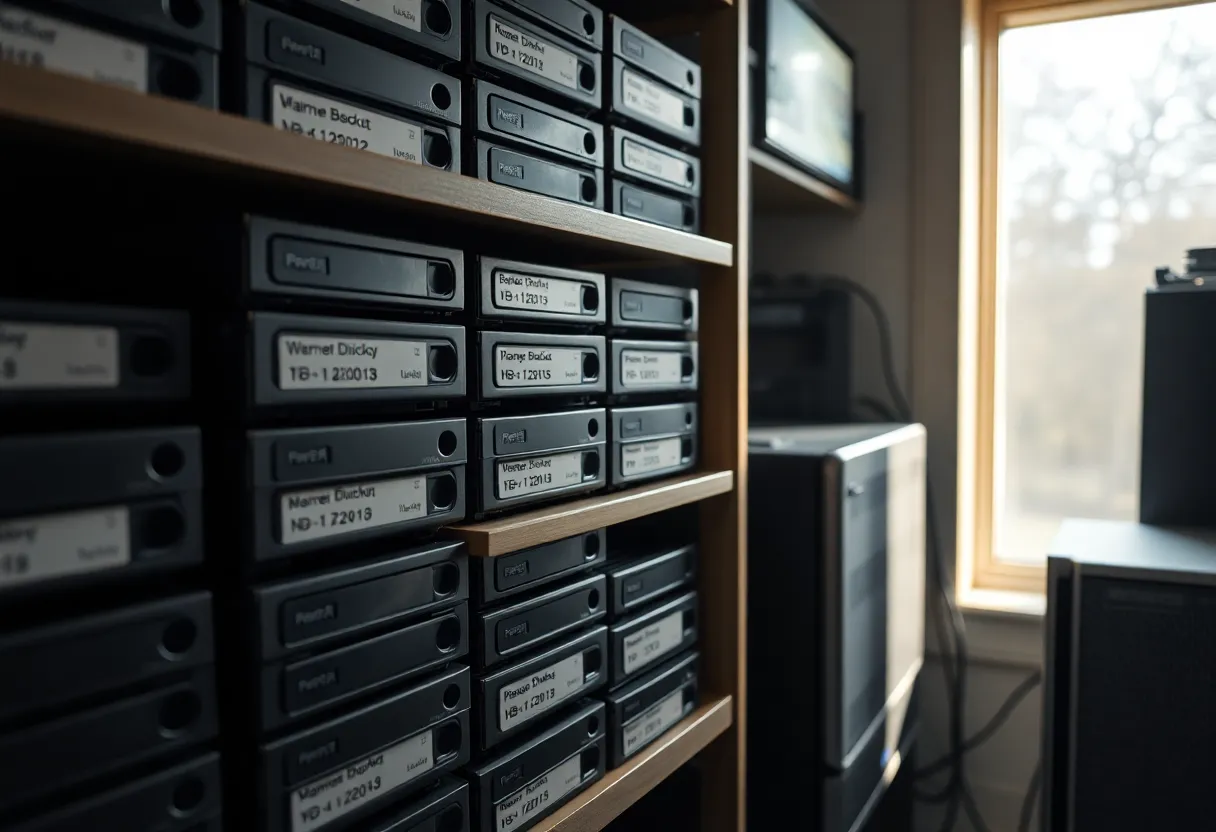
When spinning rust still wins
Dollars per terabyte for cold-ish copies. In 2026 you can still put 16–20 TB on a single CMR disk for a fraction of the flash that would hold it. Offsite number two, the drawer drive, the friend-across-town disk, the shelf of monthly rotations: this is rust’s home. If the restore SLA is “Sunday afternoon,” you do not need NVMe.
Write once, read never, until you do. Backup media that sits idle is not wasting IOPS you paid for. An SSD’s remaining write endurance is a number you bought and then did not use. An HDD’s wear is more about power-on hours and mechanical luck. For a disk that spins up for a two-hour job and sleeps, rust is a reasonable bet. For a disk that is the live ZFS special vdev, it is not.
A second copy that is allowed to be ugly. USB 3.2 enclosures, a used 8 TB in a drawer, a shucked drive you do not trust for RAID. Ugly rust is still a copy. A single 4 TB SSD that also holds your VMs is not a copy. It is a single point of failure with good latency.
Noise and power, if you are honest. A modern NAS HDD is not silent. A stack of them in a living room is a personality. If you only need one backup disk that runs at night, rust is often quieter over a month than a 10-drive all-flash chassis you bought because YouTube had RGB. If you need twelve bays spinning 24/7 next to a bedroom, flash or a closet is the relationship-saving move.
When flash wins even for “backups”
The repo is also the working set. If you mount the backup and grep it, or you run a forge that dumps into the same pool you browse, you want SSD. People call this backup. It is a second datastore.
Lots of small files, no packer. A naive rsync of a maildir or a node_modules graveyard will make an HDD sound like it is dying. Pack first, or use a repo format that chunks. If you refuse, buy flash or buy time.
Tight RTO. If the drill is “NAS dead, I need the photos in an hour for a print job,” a 2.5-inch SSD in a USB enclosure can be the whole plan. A 16 TB rust restore over USB 2 because you grabbed the wrong dock is not a plan. Match the media to the clock you wrote down in the restore drill, not the clock you imagined.
Vibration-heavy RAID rebuilds you cannot tolerate. Rebuild a large HDD RAID in a cheap chassis and you will learn about URE panic and rebuild time. That is a live-pool problem. Backup targets that are single disks or simple mirrors suffer less of this theater. If you built a backup RAID because it felt professional, ask whether two independent disks in two buildings would have been the adult design.
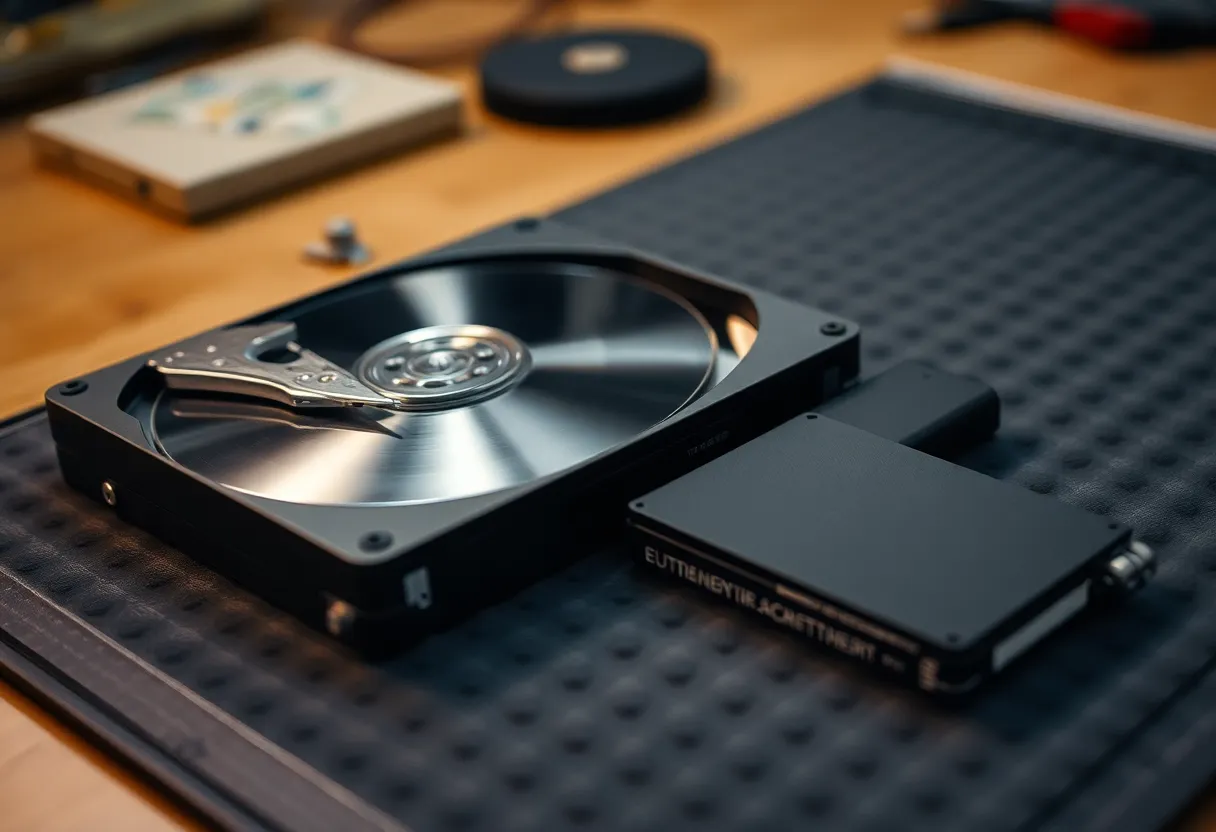
SMR is how rust loses the argument
Not all cheap terabytes are equal. SMR drives look like a deal until a prune, a check, or a rewrite storm hits the shingled zone and throughput falls off the table. Backup jobs that rewrite pack files or run restic check --read-data can look like “HDD is unusable.” The drive class is unusable for that pattern.
Buy CMR for backup rust. If the product page will not say, assume marketing already chose for you. Enterprise leftovers that are CMR and ugly are better than a new retail disk that is SMR and pretty. I would rather have a loud 7200 RPM CMR in a closet than a silent SMR that wedges every monthly verify.
Flash has its own lie: QLC in a cheap internal SSD used as a backup sink, then filled to 95 percent, then asked to delete and rewrite. It will feel like SMR. Leave wear-leveling room. Do not fill a consumer SSD like a tape.
A split that survives a house
OS, VMs, Docker, databases: SSD. Always. I do not care that a 7200 RPM disk “is fine for a lab.” It is fine until you run compose pulls and a database and a backup job on the same platter and then blame Linux.
The backup repo: HDD, CMR, not the VM pool. Prefer a disk or a pool that does nothing else. Nightly restic/Borg to that disk. Optional weekly sync of that repo to a second HDD that lives offline. The offline disk is the one that survives the day you type the wrong prune on the online rust.
Hot metadata if you insist: a small SSD as cache or special vdev in front of rust, only if you understand the failure. A cache disk dying should not take the backup. If it can, you built a single array with extra steps.
Offsite: rust in a drawer or a cheap VPS is still a size game. Uploading 16 TB to a bucket is a bill. Shipping a disk is a ritual. Pick one and drill it. Flash offsite is how people buy a 4 TB stick and then stop taking copies because the stick is full and they do not want another $200 afternoon.
Power, sleep, and the backup window
HDDs hate being spun up and down every five minutes. They also waste power if you leave them up for a 20 GB nightly job. A scheduled spin-up, a two-hour window, and a spin-down is a reasonable homelab pattern. A disk that never sleeps in a 24/7 NAS is a different pattern. Do not mix them on the same expectation of lifespan.
SSDs do not care about spin. They care about being the boot disk that also ate a 2 TB snapshot because the backup path was /var. Separate the paths. The number of “my SSD died” stories that are “I wrote the backup to the OS disk until TRIM and fullness met” is not zero.
The 2026 shopping rule I actually use
If the dataset is larger than I want to pay flash prices for, and the restore can wait a meal, I buy CMR rust. If the dataset is the thing I work on every day, I buy SSD and I back it up to rust. If someone tries to sell me an all-flash NAS for cold photos, I ask them to price the second copy. The second copy is where rust wins, every time I have done the math without a coupon brain.
Used enterprise HDDs are fine if you SMART-test, listen, and do not put your only copy on a drive that already has 50,000 hours and a click. New retail SMR is how you donate the weekend to a verify job. New CMR in a size you will not outgrow in a year is the boring cart.
Do not RAID0 a pair of SSDs and call it a backup. Do not RAID5 a pile of rust and call it offsite. Copies in two failure domains beat a pretty array in one closet.
The close
Spinning rust still wins homelab backups when the bytes are many, the reads are rare, and the clock is a Sunday. SSDs still win the machines you wait on. SMR and a backup repo that shares the OS disk are how either technology looks cursed.
Buy CMR for the shelf. Buy flash for the working set. Put the repo on the shelf. Restore once from the shelf onto a machine that is not the shelf. If that sentence is too slow for your life, you needed flash for the restore target, not a manifesto against rust. If it is fine, stop paying NVMe prices for data you hope stays unread.