eSIM-Only Phones for Travel: Dual-Number Trade-offs When the Tray Is Gone

Sofia Maren
August 25, 2026
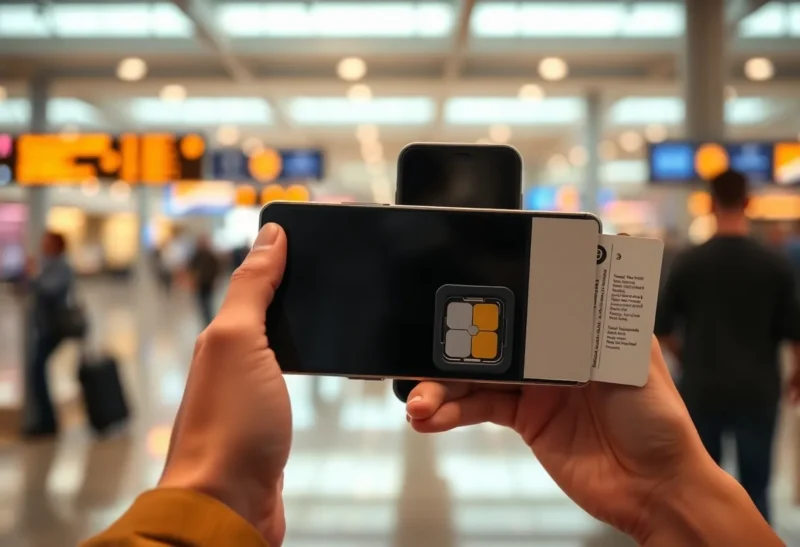
eSIM-only phones travel beautifully until they do not. There is no tray to feed a kiosk SIM at 11 p.m. in a country whose eSIM shops want a QR you cannot load because you already have no data. Dual-number life becomes a software problem: two profiles, one radio, a home carrier that hates roaming, and a travel profile that dies when you delete the wrong line. The hardware freedom of “no SIM slot” is a constraint you feel at the worst airport, not in the spec sheet.
I have done physical dual-SIM, hybrid, and eSIM-only. I still travel with a cheap tray phone in the bag when the trip is messy. I use eSIM-only when I trust the install path before I leave the hotel Wi-Fi of the previous city — or my home Wi-Fi before I leave at all.
What you gain when the tray is gone
Thinner phones, one less gasket, no pin. Instant profiles from Airalo-class shops, carrier apps, and employer MDM. Switching a data line without a paperclip. For a lot of EU and US hops, this is genuinely nicer than a junk drawer of cut SIMs.
You also gain a second number that is not a second radio in the old dual-SIM sense. Modern phones multiplex. The UX is “primary for calls, secondary for data” until a setting flips and your 2FA SMS lands on a line that is off. That is the dual-number trade-off: software state, not a tray you can look at.
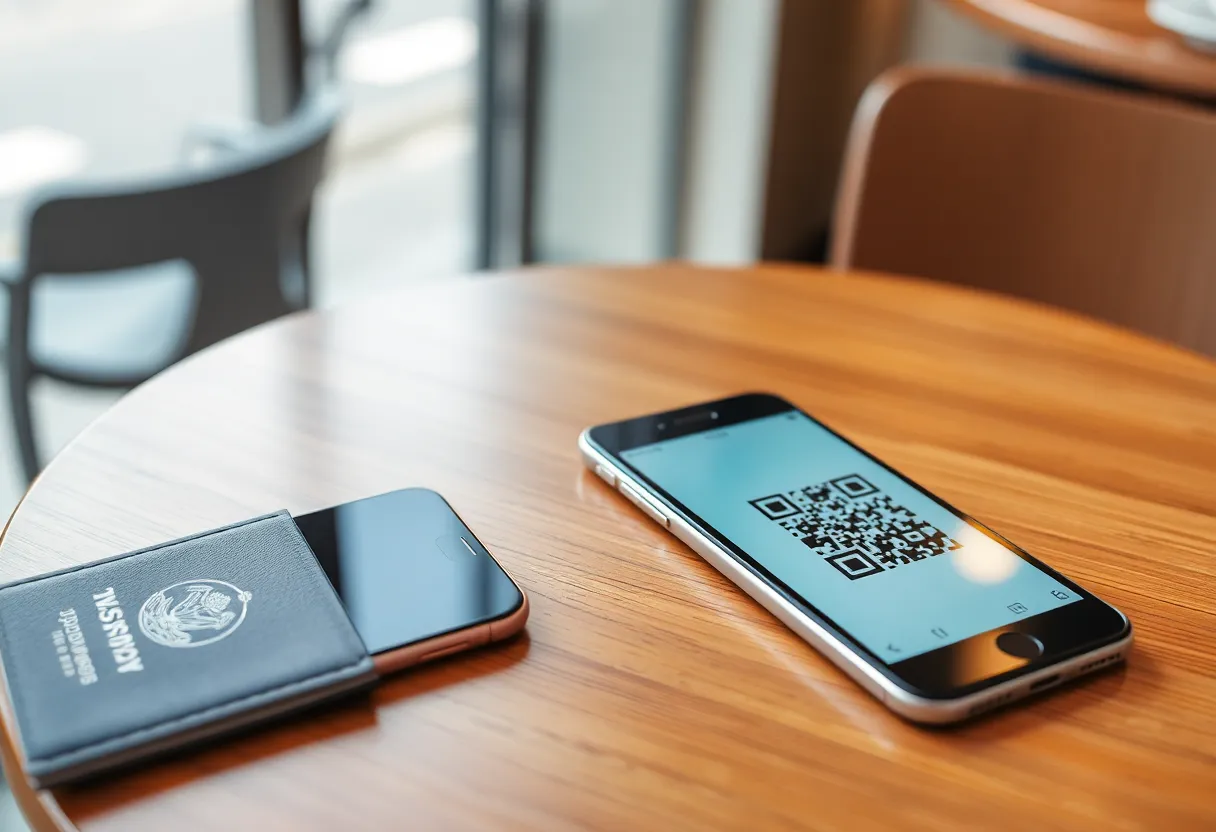
What you lose at the kiosk
Countries and carriers still sell plastic. Some prepaid counters have never heard of your eSIM brand. Some require a local ID you do not have. Some eSIM vendors need an app that needs data to activate. Deadlock: you need data to get data. The tray phone eats a $10 SIM and moves on. The eSIM-only phone needs cafe Wi-Fi, a downloaded profile you already purchased at home, or a friend.
I buy and install the travel eSIM on home Wi-Fi, label it, and leave it off until landing. I screenshot the QR and store it offline. I keep the home line able to receive SMS. If the travel profile fails, I still have a number. If I deleted the home profile to “make space,” I have a support chat and a vacation. Profile slots are finite. Count them before a three-country hop.
Work phones with locked eSIM policies are a special hell. MDM can forbid a travel profile. Then eSIM-only means you hotspot from a second device or you do not have data. A tray would have been an out. Ask IT before you buy a slotless flagship as your only handset.

Dual-number realities
Home number for banks and 2FA. Travel number for local calls and cheap data. That split is correct. The failures: iMessage/RCS tied to the wrong line, WhatsApp bound to a number you turned off, SMS OTP going to a line in airplane-adjacent state, and “default voice line” silently changing after an OS update.
WhatsApp in particular is a number, not a SIM. If you migrate WhatsApp to the travel number you will regret it at home. Keep WhatsApp on the home number. Use data from the travel eSIM. This is obvious and still the ticket I see every summer.
Carrier Wi-Fi calling can save a home number on travel data. It can also break 2FA that wants a real SMS. Test the bank before you fly, not in a taxi queue.
Two eSIMs plus a watch eSIM is how people hit slot limits and delete the home line. The watch is cute. The home line is the bank. Delete the watch profile first.
Data-only versus a real second number
Most travel eSIMs are data-only. You will not get a local MSISDN that restaurants can miss-call. That is fine for maps. It is not fine if you told a landlord you would have a local number. Read the product. “Unlimited data” that cannot SMS is not a dual-number plan. It is a modem in your pocket.
If you need inbound local calls, you want a carrier eSIM with a number, or plastic, or a second app number that the other party will actually use. App numbers fail for banks and for people over fifty. I do not pretend otherwise.
Tethering limits are the other surprise. Some travel eSIMs block hotspots. Your laptop then has no path except hotel Wi-Fi. If you work on the trip, test tethering at home on that profile if the vendor allows a small activate-and-pause, or pick a plan that documents hotspot. eSIM-only does not change physics. It changes how you find out.
Roaming on the home line “just a little” for SMS while data stays on travel is the usual setup. Watch the home carrier’s roaming data toggle like a hawk. One OS default has billed me for 200 MB of background before I noticed. Toggle data roaming off on the home line every time. Then check after the OS update that loves defaults.
When I still want a tray
Long trips through countries with weak eSIM retail. Field work. A backup phone that is allowed to be ugly. Traveling with kids who will lose a QR email. Any itinerary where the first night has no reliable Wi-Fi. A $50 tray phone with your travel SIM is cheaper than a day of no maps.
eSIM-only is fine for: one region, profiles installed at home, a carrier you have used before, a second device that can hotspot. It is a lifestyle, not a moral upgrade.
Family plans and the extra handset
A spouse on a tray phone can be your activation path: they buy plastic, hotspot you, you install eSIM. That is a valid architecture. An eSIM-only couple with no third device is a single failure domain. One of you should remain tray-capable if you travel together into uncertainty. Pride is a poor radio.
Kids’ phones that are eSIM-only become your support queue. Install their travel profile at home too. Write the steps like you write a restore note. They will toggle the wrong line. You will get a message from a hotel lobby. The note should say which line is data and which line must stay on for your calls to them.
Transfer and loss
Phone dies. Plastic SIM moves in thirty seconds. eSIM needs carrier transfer, sometimes a paid support person, sometimes a day. Travel insurance does not make that faster. Keep a second profile or a second cheap phone if the number is how you live.
Region-locked eSIM shops and “this device not supported” lists still exist. Check the IMEI before you land. The marketing QR will not. Carrier-locked phones can be eSIM-only and still refuse a foreign profile. Unlock status is a travel document now. Screenshot that too.
Lost-phone remote wipe will destroy eSIMs the way it destroys everything else. Your replacement will not inherit the travel QR you left in a locked notes app you cannot open. Print the ICCIDs or keep them in a vault you can reach from a browser on a friend’s laptop. The tray at least left a shard of plastic in the world. eSIM-only leaves a login.
A pack list that has saved me
Travel eSIM installed and labeled, off. Home line on, Wi-Fi calling tested. Offline maps. Screenshots of QR and ICCID. A second device that can share Wi-Fi. Bank 2FA that is not SMS-only if I can help it. If the trip is messy, a tray phone. If the trip is Frankfurt–Lisbon–home, eSIM-only is enough.
Do not make the travel profile default for calls. Do not delete home to free a slot until you are sure you can restore it from an app on Wi-Fi. Do not assume the hotel TV guest network will let you reach the eSIM vendor.
The close
eSIM-only travel is dual-number life with no paperclip escape. Install before you fly, guard the home line, keep WhatsApp on the number you will still own next month, and carry a tray phone when the itinerary cannot afford a QR deadlock. The missing tray is fine when the plan is boring. It is the whole incident when it is not.
If you buy an eSIM-only phone as a daily driver, practice a full travel rehearsal on the couch: install a cheap profile, switch data, receive an SMS on home, tether the laptop, delete nothing. The first time you see the settings maze should not be after immigration. The tray used to be the rehearsal. Now the rehearsal is a Saturday and a $5 plan you may never use. That $5 is cheaper than a dead maps day. I pay it once per new phone.