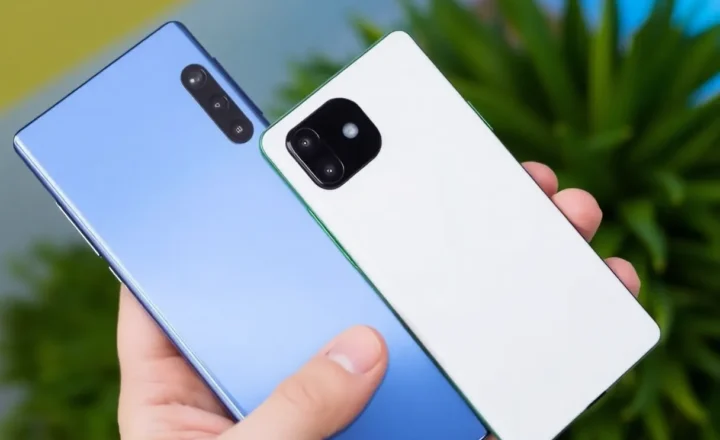
Lawnchair vs Nova Launcher in 2026: What Custom Android Launchers Still Break

Tasha Wren
August 25, 2026
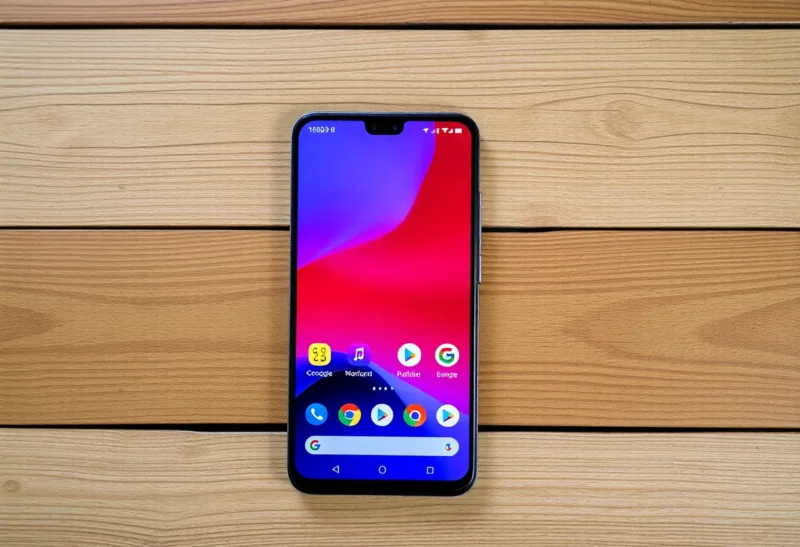
Custom Android launchers used to be a personality. The earlier question is still whether a custom launcher is worth it at all. In 2026 they are a compatibility project. Pixel Launcher, One UI Home, and Oxygen-ish skins swallowed the obvious tweaks: themed icons, themed widgets, at-a-glance stacks, messy app libraries. Nova and Lawnchair still exist because some of us want a home screen that is not a vendor mood board. They also still break things the default launcher is allowed to hook: search, recents-adjacent gestures, weather widgets that assume they are family, and battery restrictions that treat a third-party home as a random app.
I run Lawnchair on a Pixel and Nova Prime on a Samsung I keep for testing. Neither is “done.” Both are good enough if you know what you are trading. This is not a feature checklist from 2018. It is what still fails after an OS drop.
What you are actually buying
Nova is a product with a paid Prime path and a long habit of existing. It still feels like a company that wants your money and will ship a setting for a grid you forgot existed. Lawnchair is the Pixel-shaped fork culture: closer to AOSP/Pixel idioms, more “this should have been the default,” less of a settings encyclopedia. If you want Pixel-ish without being trapped in Google’s exact home, Lawnchair is the usual recommendation. If you want to micromanage icon size to a decimal, Nova is still the museum of knobs.
Both can import a backup and still look wrong after a big Android release. Expect a weekend. Do not switch launchers the night before a trip.
What still breaks: widgets
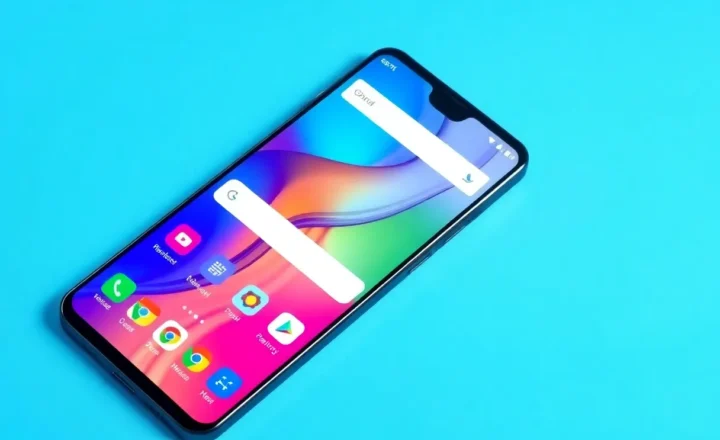
Widgets are the first casualty. OEM widgets that call into a privileged launcher API will render as a sad box, a clock that does not tap through, or a weather chip that opens a dead activity. Google’s own at-a-glance and some Pixel widgets have been on-and-off about third-party homes depending on the year and the APK. I treat first-party “smart” widgets as default-launcher-only. If I need the information, I use a widget from an app that does not assume it lives in the family.
Nova has historically been better at resizing and overlapping in ways that scare designers. Lawnchair tracks Pixel widget behavior more closely and then inherits Pixel’s bugs. When a widget is blank, I do not immediately blame the launcher. I force-stop the widget app, then the launcher, then I accept that this widget wants the OEM home. That acceptance is the 2026 skill.
What still breaks: gestures and the back contract
Predictive back, recents, and the home swipe are a stack. A third-party launcher can make the home swipe feel like 2022. Some OEMs only fully teach the gesture engine to their own home. I have had a Samsung where the extra-home-swipe to open a Google app became a coin toss on Nova. I have had a Pixel where Lawnchair’s search swipe fought Assistant. You can usually remap. You cannot always remap the thing the OEM wired into a firmware gesture.
If you live on gestures, test the launcher for a day before you delete the default home from your muscle memory. Recents is not the launcher, but the animation into recents is a relationship. A janky relationship is how people say “Android feels cheap” when they mean “I installed a home screen from 2016’s design language.”

What still breaks: search, Assistant, and the pill
The search bar is political. Pixel’s bar is a Google product. Nova and Lawnchair can fake a bar that opens a different search. Deep Google Discover-style feeds are not a third-party feature I rely on. If Discover is your breakfast, stay on Pixel Launcher. If the bar is a dock decoration, both custom launchers are fine.
Assistant and Gemini entry points move. A launcher update plus an OS update is how your long-press home does nothing, or does the wrong something. I keep a backup gesture I remember when the official one ghosts. Lawnchair’s Pixel imitation makes this more surprising when it breaks, because it looked official. Nova looks like Nova, so I expect a remap.
What still breaks: battery and “unused app” killers
Launchers are always running. OEMs still experiment with sleeping apps that “are not used.” A home screen that is not the OEM’s can get restricted like a Facebook clone. Then icons are stale, notification dots lie, and you blame the launcher’s badge implementation. Check the battery exception list first. Nova and Lawnchair both need to be unkillable. If you refuse that, stay default.
Work profiles and private space features add another home. I have seen a second profile fall back to a stock launcher while the main profile is Nova. That is not a bug you will “fix in settings” in five minutes. It is a policy. Live with two homes or do not use the second space.
Nova-specific cracks
Nova’s depth is its weight. A setting you flipped in 2019 can fight a 2026 icon pack. Prime features you paid for can feel like archaeology. I still pay because I want the archaeology. I do not recommend Nova to someone who wants a Pixel clone. They will drown in drawers of options and think Android is homework.
Backup restore across phones is usually fine and occasionally a grid that no longer matches the aspect ratio. Expect to nudge. Do not expect bit-perfect.
Lawnchair-specific cracks
Lawnchair’s pitch is closeness to Pixel. The cost is that when Pixel changes, Lawnchair is briefly the past. Releases have been uneven across years; I install a build I trust and I do not chase nightlies on a daily driver. If you want a science project, nightly is fun. If you want a phone, pin a release.
Themed icons and Material You can look more correct on Lawnchair and then miss an app Nova would have forced a pack on. Correctness versus control. I pick Lawnchair when I want the phone to look like a Pixel I own. I pick Nova when I want the phone to look like mine.
Who should stay on the default home
Anyone whose favorite widgets are OEM-only. Anyone who uses the launcher as a Google surface. Anyone who will not grant the battery exception. Anyone who switches phones often and does not want to re-tune a grid. The default launcher is a support contract. Custom launchers are a hobby with a home screen.
Stay default for a week after a major OS upgrade even if you love Nova. Let the OEM home show you which new widgets you will miss. Then go back if you still miss your grid more. I do this after every spring release now. It is cheaper than a forum thread and a rollback. The week also reminds me which breaks were the OS and which were the launcher I was about to uninstall in anger.
Notifications dots, icon packs, and the badge lie
Notification dots are a contract between the launcher, the app, and OEM “badge” services. Samsung’s own badging and Nova’s dots have fought for years. Sometimes you get two marks. Sometimes you get none. I turn off one system and live with the other. Chasing both is how you spend an evening in settings that reset after a store update.
Icon packs still work and still look dated next to themed icons. A pack that was beautiful in 2020 can clash with Material You dynamic color so hard the home screen looks like two operating systems. Lawnchair’s themed-icon path will skip apps. Nova will let you force a pack and then you will hate the one app that stays adaptive. Pick a side for six months. Mixing is how home screens look “custom” in the insult sense.
Folders as a filing system fail when you have 80 utilities. A drawer search is the real launcher feature I will not give up. Both apps search. OEM search may be more integrated and more advertising. I accept a slightly worse search to avoid a feed. That is a values choice, not a benchmark.
The choice I would make again
On a Pixel, I would run Lawnchair and treat Google widgets as guilty until proven innocent. On a Samsung, I would run Nova and treat One UI widgets as decoration I might lose. I would not run both on one phone. I would not promise a friend that 2026 launchers are “just like the old days.” They are still the best way to own a grid. They are also the best way to own a list of things that do not work. If that list is shorter than your love of the grid, install one. If the list includes the widget you check every morning, stay stock. The morning widget is the product. The grid is the hobby. I still keep the hobby. I just stopped pretending the OEM did not notice I left.