Can Home Assistant Replace Google Home? What Moves Over, What Stays and What You Lose

Helena Vos
November 20, 2026
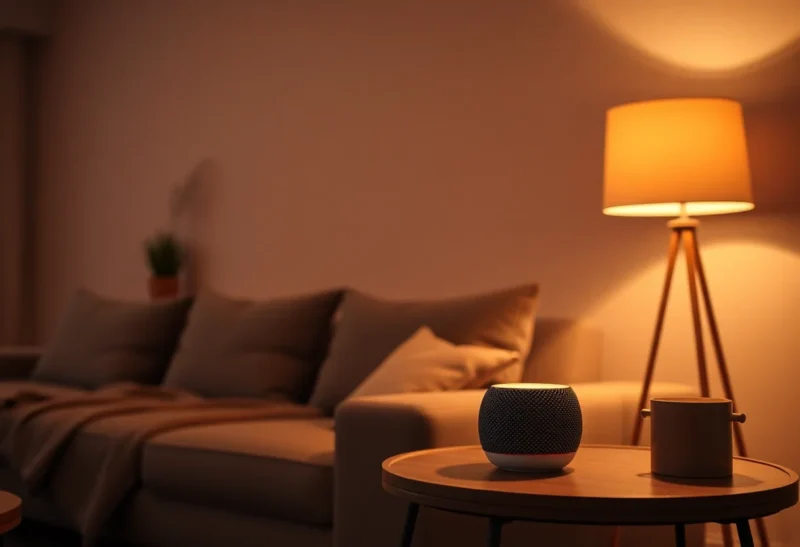
You have a few Nest speakers, a Nest Hub on the kitchen counter, and a Google Home app full of lights, plugs and a thermostat. Then you install Home Assistant, maybe on a spare mini PC or a Home Assistant Green, and within a week you are asking the obvious question: can this thing take over completely, so the Google Home app becomes optional? The answer depends on which job you mean. Google Home is several products in one app, and Home Assistant replaces some of them very well, some of them only partly, and one of them barely at all.
What Google Home actually does in your house
It helps to split Google Home into its separate roles before deciding what to move. In a typical setup it is doing at least five jobs at once.
- Voice front end. Nest Mini, Nest Audio, Nest Hub and the newer Google Home Speaker are far-field microphones attached to Google’s assistant. This is the part most households use every day.
- Assistant brain. Since October 2025 Google has been replacing Google Assistant with Gemini for Home on its speakers and displays, starting with early access in the US and expanding in a spring 2026 update to more languages and countries. Basic Gemini for Home is free; Gemini Live and some of the more advanced automation features sit behind a Google Home Premium subscription, which costs $10 a month for Standard or $20 a month for Advanced and replaces Nest Aware. Per press coverage of the rollout, once a home opts in, it cannot switch back to the old Assistant.
- Routines and automations. Starters, conditions and actions in the Google Home app, plus the script editor for more involved household automations.
- Device cloud and app. The account that links dozens of brands through “Works with Google Home”, the app on everyone’s phone, and remote access to all of it.
- Matter and Thread hub. According to Google’s support page on preparing for Matter, Nest speakers and displays act as Matter hubs, and some of them, including the Nest Hub (2nd gen), Nest Hub Max, Nest Wifi Pro, Google TV Streamer and the 2026 Google Home Speaker, also include a Thread border router.
Home Assistant can take over three of these roles outright, one of them partially, and it struggles with the voice hardware. That is the whole story in miniature; the rest is detail.
Where Home Assistant clearly does the job better
Automations with real logic
Google’s routines have improved, but Home Assistant’s automation engine is in a different category. You get triggers on any state change, numeric thresholds, time windows, templates, conditions that combine several sensors, waits, choose blocks and scripts you can reuse. If your current Google routine is “at sunset, turn on the porch light”, either platform handles it. If it is “turn on the hallway light at 20 percent between 11 pm and 6 am when motion is detected, but only if nobody is in the bedroom and the TV is off”, Google Home gets awkward and Home Assistant does not.
Local control that survives an internet outage
Most Google Home control paths go through Google’s cloud and then through each manufacturer’s cloud. Home Assistant talks to Zigbee, Z-Wave, Matter, ESPHome and many Wi-Fi devices directly on your network. When your connection drops, local automations keep running. The details vary by integration, and our breakdown of what still runs in Home Assistant when the internet drops covers which device types keep working and which still depend on a vendor server.
Dashboards and history
The Google Home app shows devices and a few controls. Home Assistant gives you dashboards you design per room or per person, long-term history graphs, energy monitoring and a full log of what changed and why. When a light turns on at 3 am, the logbook and automation traces show why.
Device coverage beyond the Google ecosystem
Home Assistant has integrations for thousands of devices and services, including many that never joined Works with Google Home. Cheap Zigbee sensors, solar inverters, network gear, printers and self-hosted apps can all live in the same automation engine.
The part that does not move easily: a speaker in every room
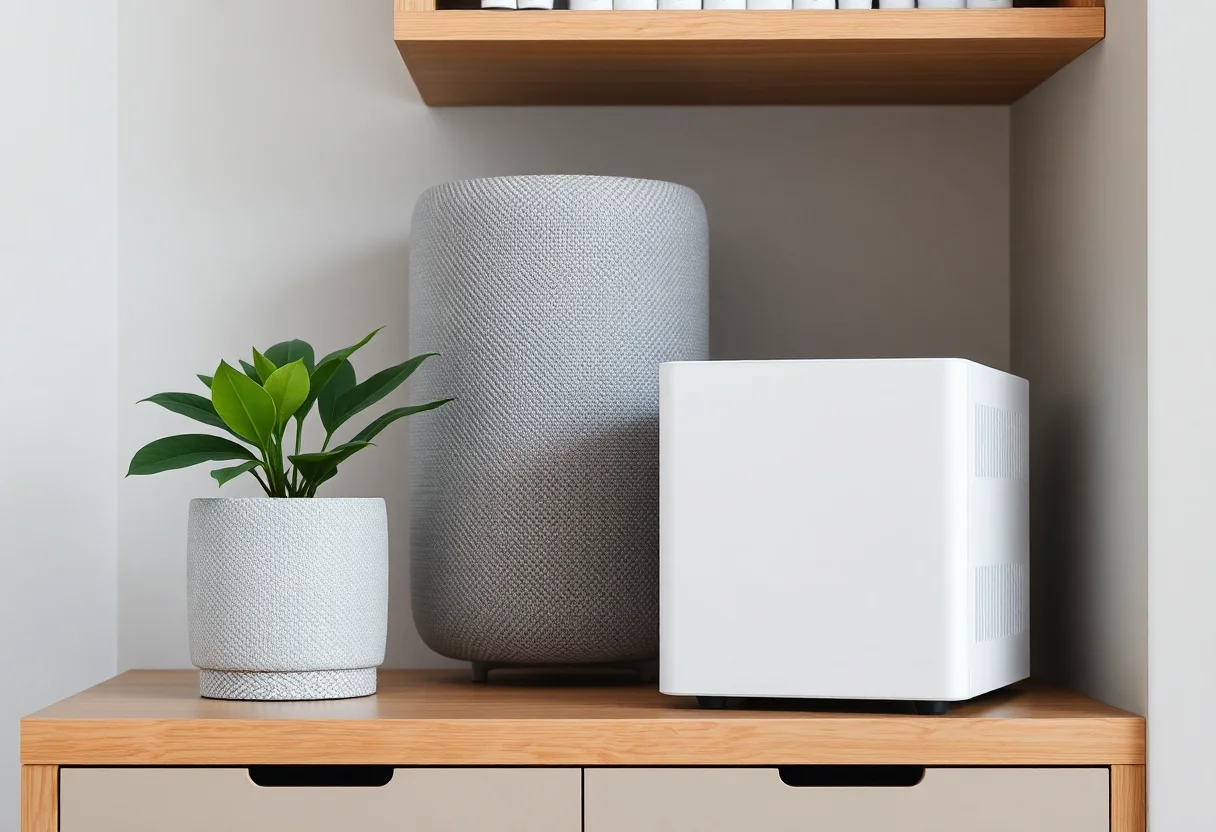
The hardest Google Home role to replace is the voice front end. A Nest Mini is small, inexpensive, has decent far-field microphones and works the moment you plug it in. Home Assistant has its own voice assistant, called Assist, and its own hardware, but the experience is not equivalent yet, and the project says so itself.
The Home Assistant Voice Preview Edition, launched in December 2024, is still sold under that “Preview Edition” name. Per the official product page, it lists at $69 or €59, runs ESPHome on an ESP32-S3, uses dual microphones with an XMOS audio processor for echo cancellation and noise removal, and has a physical switch that cuts power to the microphones. Wake word detection happens on the device, with “Okay Nabu”, “Hey Jarvis” and “Hey Mycroft” available out of the box. The built-in speaker is meant for voice feedback rather than music, so the page recommends using the 3.5 mm output with an external speaker and Music Assistant if you want audio playback.
Speech processing is the other half. Assist can use cloud speech through Home Assistant’s subscription service, or run locally. Home Assistant’s documentation is direct about the trade-offs: fully local speech-to-text with Whisper needs stronger hardware, with an Intel N100 or equivalent recommended as a starting point for the base model, while the lighter Speech-to-Phrase option runs on low-power hardware but only understands predefined home control phrases. Local language support also varies. If you plan to run voice locally, it is worth reading about whether Home Assistant voice can share a box with your Zigbee coordinator before you commit to a small board, and comparing a used mini PC against a Raspberry Pi for the job.
What you lose by replacing Nest speakers with Assist today:
- General knowledge questions, web answers and conversational follow-ups, unless you connect an LLM to Assist, which the Voice page itself describes as experimental and advises caution with for important controls.
- Music from streaming services by voice with the same polish, multi-room speaker groups and good built-in audio.
- Broadcasts, calls and the visual cards on a Nest Hub.
- The plug-in-and-go setup for non-technical household members.
What you gain: device control that does not need Google’s servers, a microphone you can physically cut, and voice commands that run your Home Assistant automations directly, including devices Google never supported.
Keeping Google’s voice but letting Home Assistant run the house
Many people end up in the middle: Home Assistant runs the automations and owns the devices, and the Nest speakers stay as voice remotes. There are two ways to expose Home Assistant entities to Google.
Through the Home Assistant subscription
Nabu Casa’s subscription, called Home Assistant Cloud and being renamed to Home Assistant Link with the December 2026 release per the Home Assistant blog, includes voice control with Alexa and Google Home, remote access, offsite backups and cloud speech processing for Assist. Nabu Casa lists it at $6.50 a month or $65 a year in the US, with a free trial. Setup is a toggle in Home Assistant plus linking the account in the Google Home app; you then pick which entities to expose. No port forwarding, certificates or developer consoles are involved.
The manual Google Assistant integration
The free route is Home Assistant’s google_assistant integration. The documentation describes it as needing “a bit more setup than most”, and that is accurate. You create a cloud-to-cloud project in the Google Home Developer Console, point its OAuth and fulfillment URLs at your Home Assistant instance, give Home Assistant a public hostname with a valid SSL certificate, and add a service account key with the HomeGraph API enabled so devices sync. Optional local fulfillment lets Google speakers reach Home Assistant over the LAN for some commands, but the docs note that devices still use the internet for credentials and as a fallback. The docs also warn that syncing can fail after about 30 days because the project stays in testing mode. It works, but it is a project you maintain, not a one-time setup.
Either way, the exposed entities show up in the Google Home app like any other linked brand, and the Nest speakers control them by voice. Google has not published anything specific to Home Assistant about how Gemini for Home handles these linked devices, so treat the voice behavior as whatever Google provides for cloud-linked devices in general.
Running both side by side with Matter multi-admin
Matter gives you a third option that avoids cloud linking for Matter devices entirely. A Matter device can be paired to more than one controller at the same time, so the same smart plug can live in Google Home and in Home Assistant, each talking to it locally.
Home Assistant’s Matter documentation describes the flow: in Home Assistant you go to Settings > Connectivity > Matter, choose to add a device, answer that it is already in use, pick Google Home as the existing controller, and follow the dialog to share it. The reverse also works; a Matter device that Home Assistant manages can be shared to Google Home with a sharing code.
A few limits apply, per the same documentation:
- Home Assistant acts as a Matter controller only. It is not a Matter bridge and cannot turn its Zigbee, Z-Wave or other non-Matter entities into Matter devices for Google to see. For those you still need one of the two linking options above.
- The Matter integration needs the Matter Server, which is not supported on 32-bit platforms, and IPv6 enabled on the Home Assistant host with multicast traffic reaching it.
- Thread devices need a border router nearby. Your Nest Hub or Google Home Speaker can fill that role, and Home Assistant can use the same Thread network.
If you are deciding which radio to buy for new devices, the trade-offs in Matter over Thread versus Matter over Wi-Fi apply equally whether Google or Home Assistant is the primary controller.
What each path costs in 2026
Home Assistant software is free and open source. Your costs come from hardware, optional subscriptions and, if you go voice-local, a stronger machine.
| Item | Price (as listed by the vendor) | Notes |
|---|---|---|
| Home Assistant Green | $199 / €179 suggested retail | Raised in 2026 due to component costs, mainly RAM, per Nabu Casa; launched at $99 in 2023 |
| Home Assistant Yellow | No longer manufactured | Production ended in October 2025; existing units keep receiving software updates |
| Voice Preview Edition | $69 / €59 MSRP | One per room you want voice in; power supply not included |
| Home Assistant Cloud / Link | $6.50 a month or $65 a year (US) | Optional; covers Google and Alexa linking, remote access, cloud speech |
| Google Home Premium | $10 or $20 a month | Optional; Gemini Live, camera history, advanced features |
| Google Home Speaker | $99.99 | Gemini speaker with Thread; launched June 2026 |
Retail prices vary by region and seller, so check the official listings before buying. Nest speakers you already own cost nothing extra as voice remotes beyond the subscription or the manual setup time.
Who should switch fully, and who should keep both
Switch fully to Home Assistant if
- You use voice mostly for device control and timers rather than general questions or music.
- You care more about local control and privacy than about a polished speaker experience.
- You are willing to run local speech on capable hardware, or pay for cloud speech, and accept that Assist is still labeled a preview on the hardware side.
- Your household is comfortable using a Home Assistant dashboard or the companion app instead of the Google Home app.
Keep Google Home for voice, Home Assistant for everything else, if
- Other people in the house rely on Nest speakers for music, broadcasts, questions and calls.
- You already own several Nest speakers or displays and do not want to replace working hardware.
- You want Home Assistant’s automations and local control without retraining anyone.
For this group, the practical setup is: pair Matter devices to both controllers through multi-admin, expose your non-Matter Home Assistant entities to Google through Home Assistant Cloud or the manual integration, and move every automation out of the Google Home app into Home Assistant so there is one place to debug. Google then becomes a voice interface and a Thread border router, which is what its hardware is best at.
Stay on Google Home alone if
- Your automations are simple schedules and sunset triggers.
- You do not want to manage a server, updates and backups.
- Gemini’s conversational features are the reason you bought the speakers.
A sensible order for moving things over
If you decide to shift the work to Home Assistant, doing it in stages avoids breaking the house for everyone else:
- Install Home Assistant and add your existing devices through their native integrations or Matter multi-admin, leaving Google Home untouched.
- Recreate your Google routines as Home Assistant automations one at a time, and disable each Google routine as its replacement proves reliable.
- Expose a small set of entities to Google, by subscription or manual integration, so voice control keeps working for the devices people actually ask for.
- Try one Voice Preview Edition in a single room, such as an office or bedroom, before deciding whether Assist can replace a Nest speaker anywhere else.
- Only remove Nest hardware once the household has stopped reaching for it.
Home Assistant can replace the brain of Google Home today, and much of the app. The microphones in every room are the part that, for most households, is still easier to keep than to rebuild.