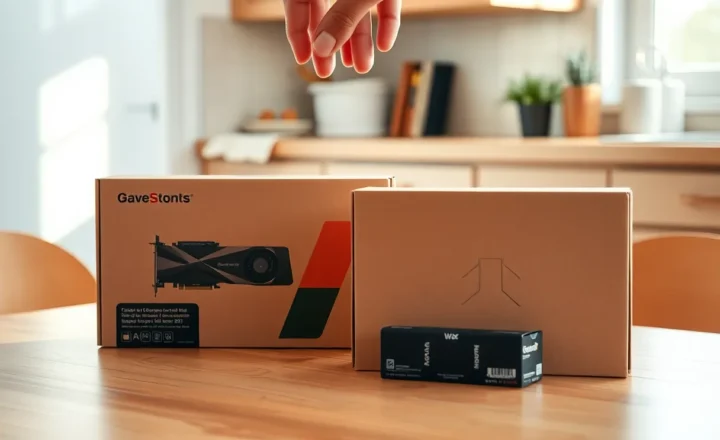
A used 12 GB GPU vs renting a cloud GPU for a weekend of drafts: when the card is cheaper than the invoice

Marcus Feldmann
September 23, 2026
A weekend of model drafts has a way of turning into a spreadsheet argument. In one column: a used 12 GB GPU from a marketplace listing, power supply anxiety included. In the other: a cloud GPU invoice that looked harmless at $1.xx/hour until you left a notebook running while you slept. The question is not which is “better for AI.” It is when owning a middling card beats renting a faster one for a burst of experimentation—and when the rental is the adult choice.
I have bought used cards that paid for themselves in two busy months, and I have burned cloud credit on jobs that should have been a single overnight run with a shutdown script. The break-even math is simple. Living with the answer is not, because the variables are utilization, electricity, your time, and how often “a weekend” becomes a lifestyle.
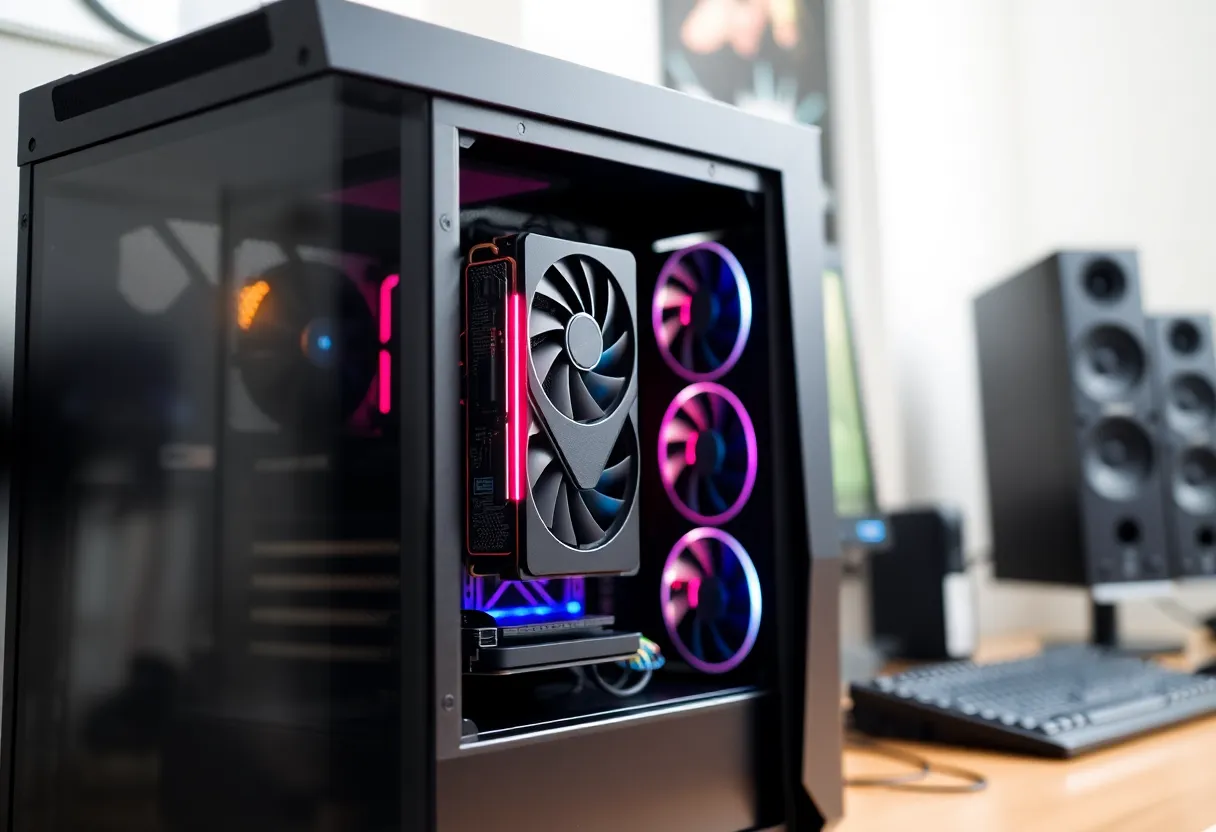
What a used 12 GB card actually buys
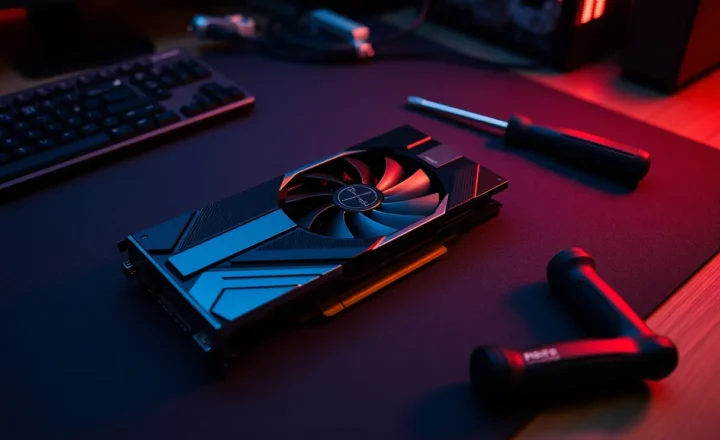
Twelve gigabytes of VRAM is a real threshold for local tinkering. It is enough for many 7B-class workflows with quantization, for comfortable image-model iteration at sane resolutions, and for fine-tunes that would OOM on an 8 GB gaming leftover. It is not enough to pretend you have a lab. Context lengths, batch sizes, and “just load the full precision checkpoint” dreams still hit a wall.
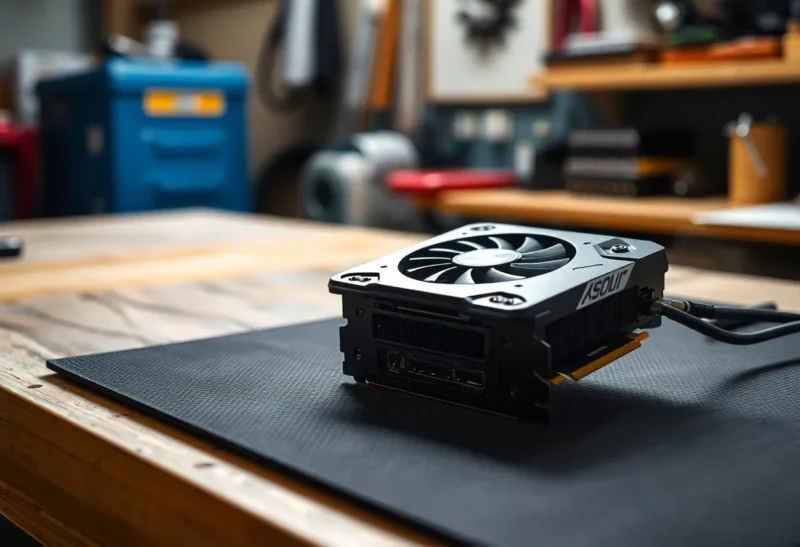
The used market adds caveats. Mining wear, thermal paste archaeology, missing boxes, and sellers who test with a spinning cube. You are buying silicon and a story. Budget for a PSU with honest 12V delivery, case airflow, and the afternoon you reseat a card that arrived with a bent fin. The sticker price is not the project price.
Once it works, the card’s marginal cost per experiment drops toward electricity and your patience. That is the whole thesis of ownership: idle hardware is expensive; busy hardware is cheap per hour.
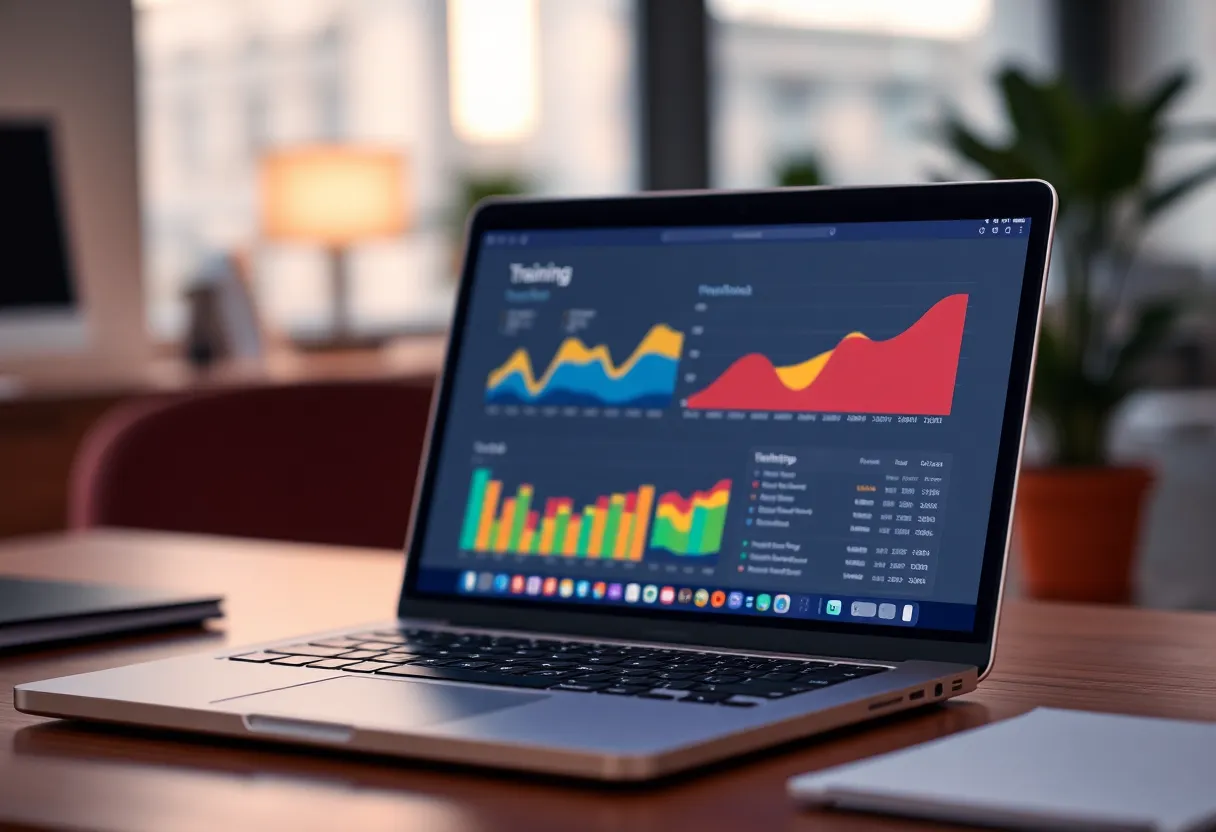
What a cloud GPU invoice actually buys
Renting buys peak capability without CapEx. Need 24 GB for one stubborn fine-tune? Spin it up. Need a multi-GPU node for a weekend you will never repeat? Do not buy a rack. Cloud also buys ops you do not want: drivers that match the image, disks that appear, and the ability to walk away when the experiment fails.
The invoice buys something else too: a meter that runs while you think. Jupyter left open. A checkpoint sync that retried. A spot instance reclaim that corrupted three hours and forced a redo. People remember the hourly rate and forget the human latency tax. A “cheap” weekend can still land as a three-figure line item if your process is sloppy.
Cloud shines when the alternative is buying hardware for a spike you cannot defend to yourself in thirty days. It fails when you rent mid-range cards every weekend for three months and refuse to notice you are financing someone else’s depreciation.
A weekend break-even you can do on a napkin
Pick numbers that match your market; the structure matters more than my examples.
- Used 12 GB card all-in (card + shipping + cables + PSU upgrade share): say $250–450 depending on generation and luck.
- Home power for heavy GPU use: often a few dollars per long weekend, not nothing, not dramatic in many regions.
- Cloud: rate × hours × mistakes. A “24-hour weekend” at $1.50/hr is $36 if you are disciplined—and $100+ if you are not.
If you expect four intensive weekends in the next two months, ownership often wins even before convenience. If you expect one intensive weekend this quarter and then radio silence, rental wins, especially if you need more than 12 GB for that one job.
Include your time. Three evenings of driver archaeology on a used card is a real cost if your actual goal was drafts, not PC building. Conversely, three evenings of fighting cloud auth, region quotas, and dataset upload speeds is also a cost. Be honest about which friction you personally hate more.
When the used card is cheaper than the invoice
Buy used 12 GB when most of these are true:
- Your workloads fit 12 GB with quantization or modest resolutions.
- You will iterate weekly, not once.
- You already have (or need anyway) a desktop that can cool and power the card.
- You can tolerate being one generation behind the blog-post hardware.
- You want offline capability and fewer upload surprises with private data.
Under that pattern, the card becomes a utility like a second monitor. The cloud invoice becomes a recurring temptation you no longer need for ordinary drafts.
When renting stays cheaper (and saner)
Rent when most of these are true:
- The job needs more VRAM or multi-GPU for a short window.
- You live on a laptop and do not want a tower project.
- Your experiments are bursty and rare.
- You need a specific CUDA/stack combo that is painful to keep current locally.
- You will actually shut instances down (scripts, budgets, alerts).
Also rent when the used market is chaotic—prices near new, sketchy sellers, or you need a warranty for peace of mind. A cloud hour has no bent PCIe slot.
Hidden costs on both sides
Owned card: electricity, noise, summer heat in a small room, resale risk if you guessed wrong on VRAM needs, and the distraction of tweaking fans instead of prompts.
Cloud: data egress, storage left behind, account sprawl across providers, region capacity droughts on deadline nights, and the psychological ease of starting “just one more run.”
Data gravity matters. If your dataset is 80 GB and lives on a NAS at home, local wins after the first upload marathon. If your dataset already lives in the same cloud as the GPUs, rental friction collapses. Privacy follows the same map: training on sensitive screenshots or internal docs is a different conversation on a home tower than on a shared hypervisor you have not reviewed.
Generational nuance: 12 GB is not one product
Not all 12 GB cards are equal. Memory bus width, generation, and cooling change whether your “weekend of drafts” feels snappy or like watching paint oxidize. A newer 12 GB part with strong FP16/tensor pathways can outperform an older 12 GB card that merely matches the VRAM headline. Used listings love the number on the sticker. Your workload loves bandwidth and driver maturity.
Also watch power connectors and case clearance. A used card that needs an adapter spider and three case fans you do not have is how a $280 deal becomes a $400 afternoon. Measure twice. If you are on an SFF workstation, rental starts looking tasteful again.
Discipline scripts beat virtue
If you stay on cloud for now, install boring guardrails before the weekend: budget alerts, auto-shutdown timers, and a habit of snapshotting results to cold storage then killing the box. The people who “hate cloud costs” often lack a kill switch, not a moral philosophy. If you buy a card, write down what success looks like after thirty days—hours used, projects finished—so you do not invent ROI after the fact.
A practical hybrid
Many people should own a 12 GB-class card for daily drafts and rent the fat instances for the rare job that does not fit. That hybrid sounds like indecision. It is usually cost control. Local handles the loop; cloud handles the spike. What hurts is using cloud for the loop or buying a used card for a one-off spike and then letting it become e-waste with a heatsink.
Write a personal rule before the weekend starts: “If I need more than N hours of cloud this month, I revisit buying.” Then look at the bill without vibes. Revisit the rule when prices move. Used markets and cloud spot pricing both swing; a decision that was obvious in March can be wrong in September.
One more honesty check: are you drafting to learn, or drafting to ship? Learning favors ownership because repetition is the point. Shipping a one-off demo for a client on Monday favors rental because failure should not leave you with a hardware asset and a story. Mix those motives and you will buy the wrong thing while narrating the right principles.
Checklist before you click Buy or Launch
- Name the model sizes and resolutions you actually run—not the ones you screenshot from Twitter.
- Estimate hours for the next 60 days.
- Price a clean used card all-in versus those hours on the cloud SKU you would really use.
- Add a friction tax: +30% hours for cloud mistakes or +one evening for local setup.
- Decide with the total, not the hourly rate alone.
A used 12 GB GPU is cheaper than the invoice when iteration is frequent and the workloads fit. A rental is cheaper when the need is sharp, tall, and brief—or when you refuse to become a part-time hardware tech. The weekend does not care about your identity as a “local AI person” or a “cloud native.” It cares whether the drafts ship without a surprise charge or a surprise project in your case.