The Best Backup Tools for a Homelab: Restic, Kopia, Borg, Duplicati and Proxmox Backup Server

Colin Dyer
October 25, 2026
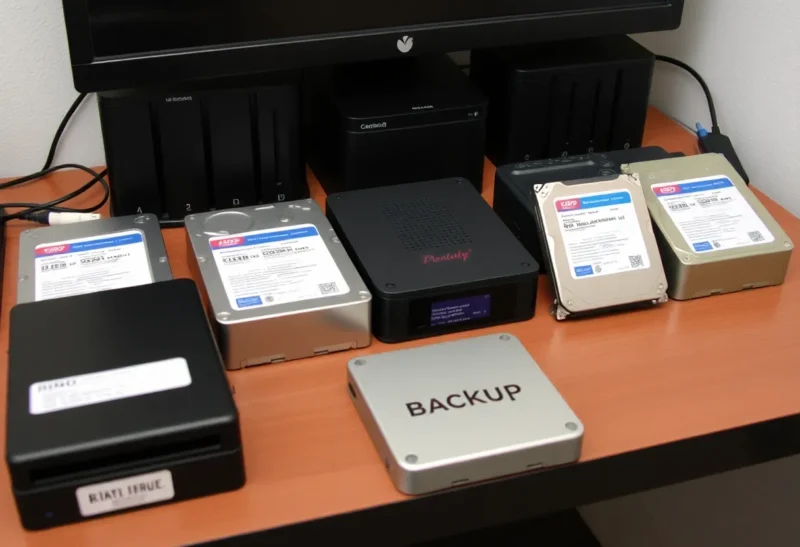
Every homelab eventually holds something irreplaceable: family photos, documents, a password vault, years of configuration. The backup tool you choose decides whether a dead disk, a bad update or ransomware is a minor inconvenience or a disaster. The good news is that the best homelab backup tools are free and open source. The harder part is choosing among them, because each fits a different kind of setup.
This roundup covers the five tools most homelabs consider: restic, Kopia, BorgBackup, Duplicati and Proxmox Backup Server. For each, it explains what it is best at, where it struggles, and who should pick it.
The five at a glance
| Tool | Interface | Best at | Watch out for |
|---|---|---|---|
| restic | Command line; third-party web UIs | Scriptable, encrypted backups to almost any storage | Needs scripting or a front end for scheduling |
| Kopia | Command line plus a desktop and web UI | restic-style backups with a built-in GUI and scheduler | Younger, smaller community than restic |
| BorgBackup | Command line; borgmatic for config | Efficient, compressed backups to SSH targets | Remote target must run Borg; fewer cloud options |
| Duplicati | Web UI | Beginner-friendly backups to many cloud services | Local database can make large restores slow or fragile |
| Proxmox Backup Server | Web UI, integrated with Proxmox VE | Fast, deduplicated backups of VMs and containers | Best inside the Proxmox ecosystem |
All five encrypt backups, deduplicate data so unchanged blocks are stored once, and keep many versions with retention rules. The differences are in interface, storage targets and what they are designed to protect.
restic: the scriptable standard
restic is a single program that backs up files and folders to a repository on a local disk, an SFTP server, S3-compatible object storage, Backblaze B2, a REST server and, through rclone, dozens of other services. Every backup is a snapshot; you can browse, compare, mount and restore any of them. Repositories are always encrypted.
Its strengths are reliability, a large community and simplicity of the core tool. Its main weakness is that scheduling, notifications and pruning are up to you, usually with a short script or one of several front ends such as Backrest that add a web interface. For homelabs managed with Compose files and cron, restic fits naturally. How long it takes to restore a large library, compared with Borg, is examined in restic vs Borg for a 4 TB NAS.
Pick restic if you are comfortable with the command line, want a widely trusted tool and need to back up to many kinds of storage.
Kopia: restic’s ideas with a GUI
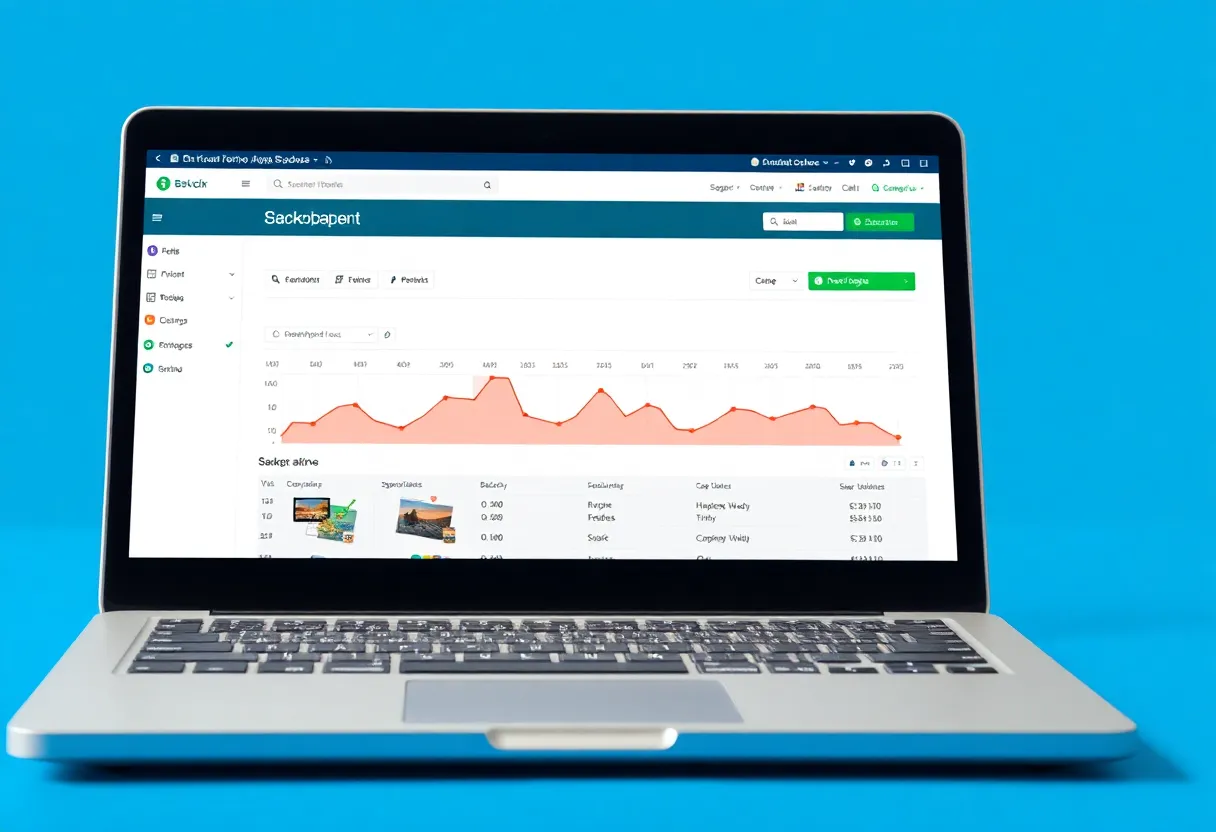
Kopia works on similar principles: encrypted, deduplicated snapshots to local disks, SFTP, WebDAV, S3-compatible storage, B2 and more. The big difference is that it includes a desktop app and a web interface with built-in scheduling, retention policies per folder, and snapshot browsing. It also supports compression and can run as a repository server for several machines.
It suits people who want restic-style reliability without writing scripts, and families where someone may need to restore a file without using a terminal. The two are compared directly in Kopia vs restic.
Pick Kopia if you want a polished interface and scheduling built in, on desktops and servers alike.
BorgBackup: efficient and battle-tested
Borg has been a homelab favourite for years. It deduplicates and compresses efficiently, encrypts repositories, and is fast for incremental backups of large data sets. Most people run it through borgmatic, which adds a configuration file, retention rules, database dump hooks and monitoring integrations.
Its limitation is storage: a remote repository is reached over SSH and the remote side must run Borg, so it targets another server, a NAS or a Borg-specific hosting service, rather than generic object storage. A major new version has been in development with changes to the repository format; check which version guides refer to.
Pick Borg if you back up to another Linux machine or a Borg hosting service and value efficiency and borgmatic’s tidy configuration.
Duplicati: friendly, with caveats
Duplicati offers a web interface for creating backup jobs to local folders and a long list of cloud services, with encryption, scheduling and versioning. It is approachable for beginners and runs on Windows, macOS and Linux.
Its weakness is the local database it keeps to track backups. Some users report slow restores or the need to rebuild that database on large backups, especially after interruptions. Many homelabs use it for small, simple jobs and choose another tool for important large data sets. If you use it, test full restores regularly.
Pick Duplicati if you want a simple GUI for modest backups to cloud storage, and you will test restores.
Proxmox Backup Server: for VMs and containers
Proxmox Backup Server (PBS) is a dedicated backup server for Proxmox VE. It backs up whole virtual machines and containers incrementally, with deduplication across all of them, and restores them quickly, including single files from inside a VM. It verifies backups, prunes on schedules and can sync to a second PBS off-site. A client tool can also back up ordinary Linux hosts.
It is excellent at what it is built for and less suited to backing up a desktop or a NAS share to the cloud. Many homelabs pair PBS for VMs with restic or Kopia for files. The difference between VM-level and file-level restores is explained in Proxmox Backup Server vs restic.
Pick PBS if you run Proxmox VE and want fast, reliable VM and container backups.

Honourable mentions
- ZFS send and receive, often through tools such as syncoid and sanoid, replicates snapshots between ZFS pools very efficiently. Excellent for NAS-to-NAS copies when both ends use ZFS.
- rclone copies and syncs files to almost any cloud service. On its own it is a sync tool rather than a versioned backup, but it pairs well with restic as a storage back end.
- UrBackup backs up Windows and Linux PCs over the network to a central server, including full disk images, which suits households with several family computers.
- Backrest and similar front ends add a web interface, scheduling and notifications on top of restic for people who like restic but not scripting.
Where to send the off-site copy
The tool matters less than having a copy outside the house. Common choices are S3-compatible object storage such as Backblaze B2 or Cloudflare R2, a small storage VPS, a Borg or restic hosting service, or a second NAS at a relative’s home connected over a VPN. Compare storage price, download (egress) cost and whether the service supports versioning or object lock. Cloud storage costs over time are compared in Cloudflare R2 vs Backblaze B2.
Scheduling and alerts
Backups fail silently more often than loudly. Whatever tool you use, schedule backups at a fixed time, send an alert when one fails, and add a heartbeat check that alerts when a backup has not completed by a deadline. A backup that stopped running a month ago is the most common surprise in homelab restores.
What to back up, whichever tool you choose
- App data and databases, with database dumps taken before the backup so restores are consistent.
- Configuration: Compose files, environment files, reverse proxy configuration and notes.
- Irreplaceable personal data: photos, documents and password vault exports.
- Not easily replaceable media you could download again, unless you have space to spare.
The 3-2-1 rule, simplified for a homelab
Keep three copies of important data, on two different kinds of storage, with one copy off-site. In practice: the live data on your server, a backup on a second disk or NAS, and an encrypted backup in cloud storage or at a relative’s house. All five tools can manage at least two of these copies.
Make the off-site copy hard to delete. Object storage with versioning or object lock, or a backup server that only accepts new data, protects backups if ransomware or an attacker reaches the main server.
Testing restores
The only meaningful test of a backup tool is a restore. Every few months, restore a folder to a different location, open some files, and for apps, restore their data to a test container and start them. Note how long it took. Most backup disasters are discovered during the first real restore; a scheduled drill moves that discovery to a calm afternoon.
A common combination
If you are starting from nothing, begin with whichever tool you will actually keep running. A Kopia setup configured this evening protects more data than a carefully planned restic and borgmatic system that never gets finished. You can always add a second tool for a second copy later, and having two different tools protecting the most important data is itself a sensible safety margin.
Many well-run homelabs settle on a simple mix: Proxmox Backup Server for virtual machines, restic or Kopia for app data and personal files to a local disk and to cloud storage, database dumps before each run, and a heartbeat check that alerts when a backup does not complete. It is not the only good answer, but it covers almost every failure a home setup will meet.