Mealie vs Tandoor for a Self-Hosted Family Recipe Manager

Ruth Ellison
October 20, 2026
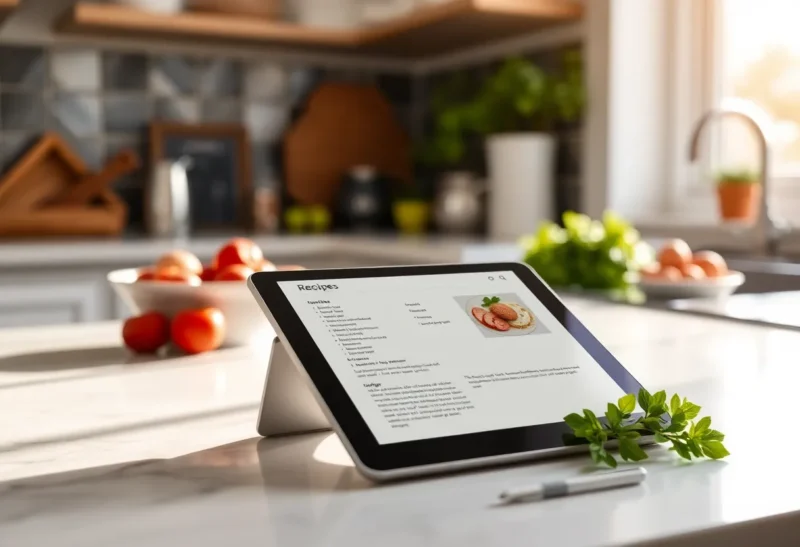
Every household has a recipe problem. Favourite dishes are scattered across bookmarks, screenshots, a stained notebook, three cooking apps and a grandparent’s handwriting. Recipe websites bury the actual recipe under ads and life stories. And the weekly question, “what are we eating, and what do we need to buy?”, gets answered from scratch every Sunday.
Self-hosted recipe managers fix this with one shared library that the whole family can reach from a phone in the supermarket or a tablet on the kitchen counter. The two most popular are Mealie and Tandoor Recipes. Both import recipes from websites with one click, both plan meals and build shopping lists, and both run happily on a small home server. They differ mainly in depth: Mealie aims to be pleasant and simple, Tandoor aims to be thorough.
Two kitchens, two philosophies
Mealie is a recipe manager and meal planner with a clean, modern interface. Paste a recipe URL and it scrapes the ingredients, steps, times and photo into a tidy card. Recipes can be organised with categories, tags and cookbooks, planned onto a weekly calendar, and turned into shopping lists. Recent versions support several households on one server, each with its own meal plans and lists. It runs as a single container with SQLite by default, or PostgreSQL for larger installs.
Tandoor Recipes is a more feature-rich recipe and meal management system. Beyond importing and organising recipes, it maintains a structured database of foods and units, so ingredients are linked to real items. That enables nutrition information, shopping lists grouped by supermarket section, ingredient substitutions, cost tracking and powerful filtering, such as “recipes with chickpeas that take under 30 minutes”. It runs as a web application with a PostgreSQL database.
| Mealie | Tandoor Recipes | |
|---|---|---|
| Focus | Simple, pleasant recipe library and planner | Deep, structured recipe and food database |
| Recipe import from websites | Yes, one click | Yes, plus imports from many recipe apps |
| Meal planning | Weekly planner with rules | Meal plans with types and sharing |
| Shopping lists | Yes, with labels | Yes, grouped by supermarket, with categories |
| Nutrition and costs | Basic | Detailed, from the food database |
| Learning curve | Gentle | Steeper |
| Database | SQLite or PostgreSQL | PostgreSQL |
Importing recipes from the web
Both import recipes from most major recipe websites, because those sites publish structured recipe data for search engines. Paste the URL, and you get a clean recipe without ads or long introductions. Both also offer a browser bookmarklet or share-sheet route from phones, so saving a recipe while browsing takes one tap.
Mealie’s import is quick and the result usually looks good immediately. Its ingredient parser can split lines like “2 cups chopped onion” into quantity, unit, food and note, which helps scaling and shopping lists. An optional AI-based parser is available for messy recipes.
Tandoor’s import is similar, then encourages you to link each ingredient to a food in its database. That takes a little longer per recipe at first, but pays off later: shopping lists merge the same food from several recipes, and search can find every recipe containing a specific ingredient. Tandoor can also import from exports of other apps, which helps when moving an existing collection.
Planning the week and the shopping list
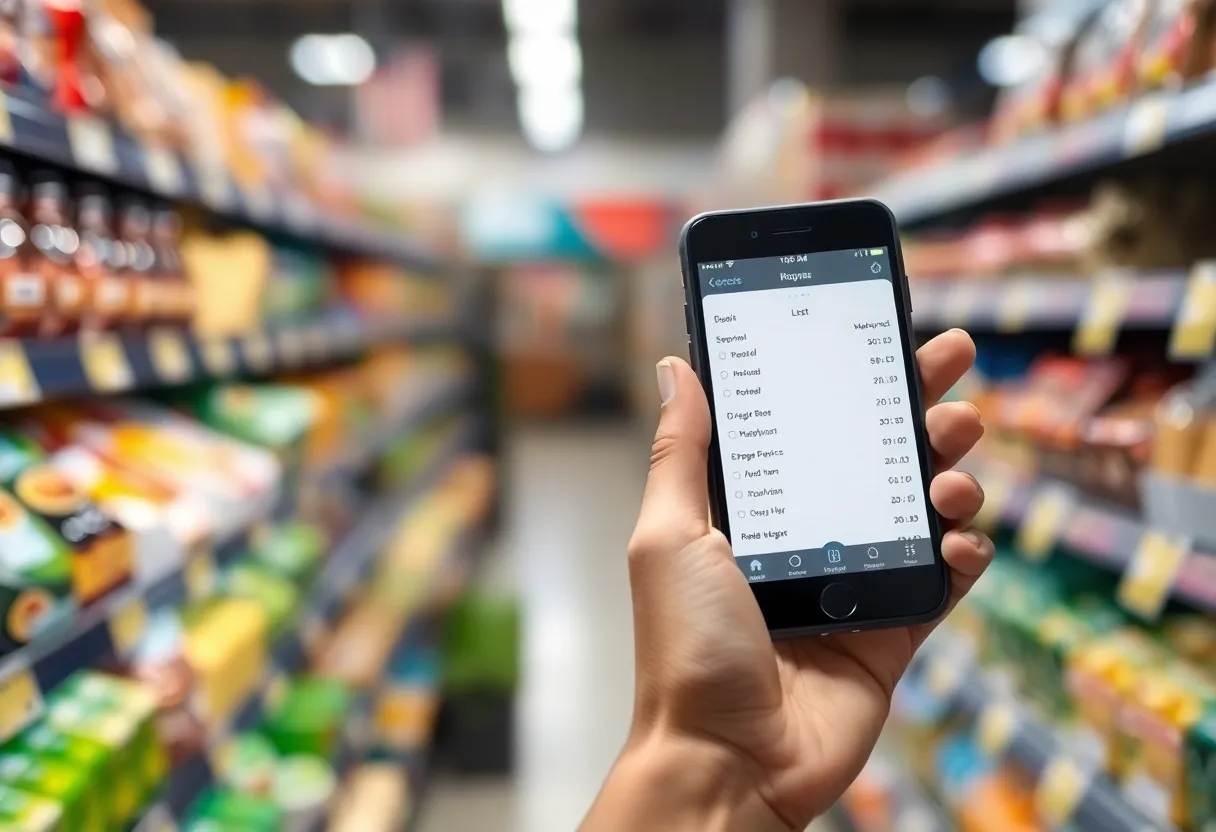
Mealie’s meal planner places recipes on days, with optional rules that suggest random recipes from categories, such as “a quick dinner on weekdays” or “fish on Fridays”. From the plan, it adds ingredients to a shopping list, which family members can check off on their phones in the shop. It is simple and works well for most households.
Tandoor’s planning is more detailed. Meal plans can have types (breakfast, lunch, dinner), be shared with household members, and generate shopping lists that combine quantities of the same food across recipes, sorted by the order of aisles in your usual supermarket. It can also track what is already in the pantry, so items you have do not appear on the list. For a household that plans carefully and shops once a week, this saves real time.
Family use on phones and tablets
Both are web applications that work well on phones and tablets and can be added to the home screen as web apps. Mealie also has community-built mobile apps. A cooking mode that keeps the screen awake and shows steps clearly is available in both, which matters with floury hands.
For non-technical family members, Mealie’s simpler interface tends to win: finding a recipe and adding it to the plan is obvious. Tandoor’s interface has more options on each screen, which some people find overwhelming at first, although day-to-day use (open recipe, cook, tick off the list) is straightforward once set up.
Both support multiple users with permissions, so children can view recipes and tick off shopping items without editing the collection.
Running it on a home server
Mealie is easy to run: one container with SQLite, a volume for data and images, and a reverse proxy for HTTPS. It uses little memory and runs comfortably on a Raspberry Pi or alongside other services on a mini PC. Backups are built in, creating a downloadable archive of recipes and images.
Tandoor needs a PostgreSQL database alongside the application, and a little more setup for serving media files. It is still light enough for a small home server. Back up the database and the media folder together.
Recipe images add up over time. A few thousand recipes with photos can use several gigabytes, which is modest but worth including in your backup plan. A household document system, such as the one in Paperless-ngx vs Nextcloud for household documents, often lives on the same box, and the same backup job can cover both.
Grandma’s handwritten recipes
Many families want to preserve recipes that exist only on paper. Neither tool reads handwriting reliably by itself, but both make the job manageable. Photograph or scan the card, attach the image to a new recipe so the original is always kept, and type the ingredients and steps. Mealie can create a recipe from an image using its optional AI features, which can save typing for printed recipes; check the result carefully.
Tandoor’s food database makes old recipes more useful once entered: an ingredient called “oleo” can be linked to butter, and a forgotten quantity flagged for checking. In both, add a “family” tag or cookbook so these recipes are easy to find and share at holidays.
Moving an existing collection
If your recipes already live in another app, check what each tool can import before choosing:
- From websites and bookmarks: both import URLs; paste them in batches.
- From other recipe apps: Tandoor supports imports from a long list of apps and formats. Mealie supports several common ones and its own migration tools.
- From notes and documents: copy and paste; both accept freeform ingredient lists and parse them.
- From one to the other: both can export recipes in standard formats, so changing your mind later is possible, though food links and meal plans may not carry over.
Import the twenty recipes your family actually cooks first. A library of two thousand imported recipes nobody opens is less useful than a short list everyone trusts.
Fitting it into the rest of the household server
A recipe manager is rarely the only family app on a home server. A few connections make it more useful:
- Home Assistant. Mealie has a Home Assistant integration that can show today’s planned meal on a kitchen dashboard and expose the shopping list, so it appears alongside other household lists. Tandoor can be connected through its API and community integrations.
- Single sign-on. Both support signing in through an external identity provider, so family members use one login for every household app instead of separate passwords.
- Shared calendars. Mealie can publish the meal plan as a calendar feed, which family members can subscribe to on their phones.
- File sync. Recipe photos and scanned cards can live in a shared family folder before being attached to recipes; the options for that folder are compared in Seafile vs Nextcloud for family file sync.
- Remote access. The shopping list is only useful if it opens in the supermarket. Use a VPN or a reverse proxy with authentication so phones can reach it away from home.
Treat it like any household service: monitor that it is up, back it up nightly, and update it on a regular schedule.
Picking one for your kitchen
Choose Mealie if you want a beautiful, easy recipe library that the whole family will actually use, with meal planning and shopping lists that cover most households’ needs. It is the better first self-hosted recipe app and the easier one to keep running.
Choose Tandoor if you plan meals carefully, want shopping lists merged and sorted by aisle, care about nutrition or costs, or have a large collection that benefits from structured ingredients. It asks for more setup and more care when adding recipes, and gives more power in return.
Both are free and open source. Try Mealie for a week of real cooking; if you find yourself wishing for more structure, Tandoor is the natural next step.