Pushover vs a Telegram Bot for Homelab Alerts: A Paid Push App or a Free Chat Channel

Nadia Pell
October 16, 2026

If you run a homelab, you want two kinds of messages on your phone. The first is information: a backup finished, a container updated, a download completed. The second is an alarm: the NAS is down, a disk is failing, the house lost power. A lot of people send both through a Telegram bot because it is free and they already have the app. Others pay for Pushover because it was designed for alarms. Both are good choices, and the difference shows up at three in the morning.
I have used both for years, Telegram for the chatter and Pushover for the things that must wake me. This is how they compare when the job is homelab alerting rather than chatting.
What you are actually comparing
Pushover is a commercial push notification service. You buy the app once per platform, after a free trial, and then any script or service can send you notifications through a simple HTTP API. It is built for alerts: priorities, quiet hours, sounds per message, and an emergency mode that repeats until you acknowledge it.
A Telegram bot is a free account you create through Telegram’s BotFather. Your scripts send messages to it through Telegram’s Bot API, and the bot posts them into a chat with you or into a group. Telegram is a messaging app first, so alerts arrive as chat messages next to your conversations with friends.
| Pushover | Telegram bot | |
|---|---|---|
| Cost | One-time purchase per platform after a trial | Free |
| Priorities | Five levels, from silent to emergency | Normal or silent messages |
| Repeating alarm until acknowledged | Yes, emergency priority | No |
| Quiet hours | Built in, with overrides for high priority | Only through phone or chat mute settings |
| Message history and search | Basic | Excellent; it is a chat |
| Two-way commands | Acknowledgement only | Yes, if you write the bot logic |
| Groups and shared alerts | Delivery groups | Group chats and channels |
The middle-of-the-night test
This is where Pushover earns its price. Every message can carry a priority. Low priority arrives silently. Normal priority behaves like any notification. High priority bypasses your quiet hours. Emergency priority repeats the alert at an interval you choose until you open the app and acknowledge it, or until it expires. You can also pick a different sound per message, so a disk failure never sounds like a finished download.
On iPhones, Pushover can also be allowed to send critical alerts, which can break through silent mode and Focus, subject to your permission in iOS settings. That is the closest thing to a pager most people will ever set up at home.
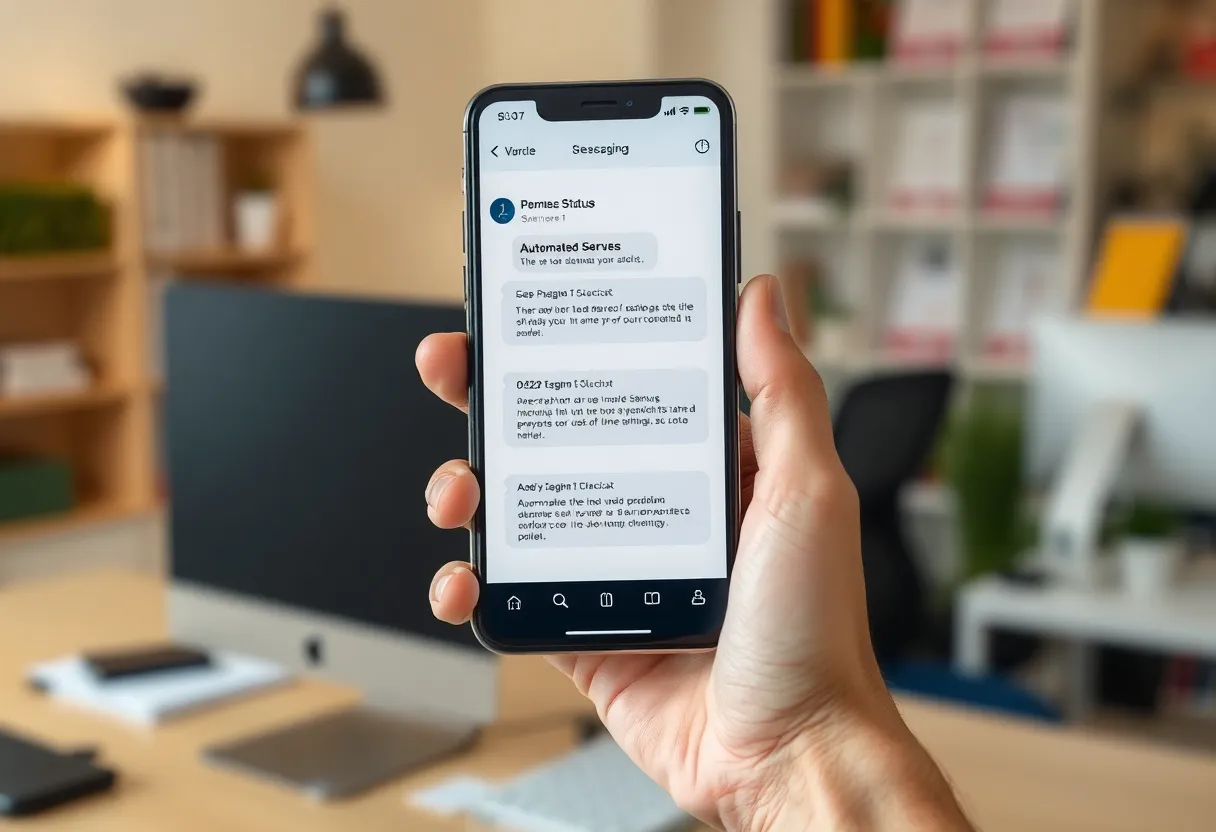
A Telegram bot cannot do any of this by itself. Messages are either normal or silent. If you mute the bot chat to stop the daily backup reports from buzzing, you have also muted the alarms. If your phone is on Do Not Disturb, a Telegram message waits until morning unless you add Telegram to the allowed apps, which lets every Telegram chat through. People work around this with two bots, one muted and one not, which helps, but there is still no repeat-until-acknowledged.
Where Telegram is the better tool
Telegram shines for everything that is not an alarm. A bot chat becomes a searchable log of your homelab’s life: when updates ran, when backups finished, how long a job took. You can scroll back weeks, search for a container name, and forward a message to someone else. Formatting with bold text, code blocks and links makes reports readable.
Telegram is also two-way. With a little code, or with tools that support it, a bot can accept commands such as /status or /restart jellyfin and reply with results. Home Assistant’s Telegram integration can send camera snapshots and receive commands. That interactivity is something Pushover does not offer beyond acknowledging an emergency alert.
Groups are another strength. Add a household member or a co-administrator to a group chat with the bot, and everyone sees the same alerts and can discuss them in one place. Pushover has delivery groups for sending to several people, but no conversation around the alert.
And it is free, with generous limits for homelab volumes. Telegram does limit how fast a bot can send, roughly one message per second to a single chat with bursts allowed, which only matters if a script floods it during a crisis.
Setting each one up
Pushover setup takes minutes: install the app, start the trial, create an “application” in the web dashboard to get an API token, and copy your user key. Every send is one HTTP POST with the token, user key, message, and optional priority, title, sound and URL. Each application includes a monthly message allowance that is far beyond what a homelab sends; heavy users can pay for more.
Telegram setup is also quick but slightly fiddlier. Talk to BotFather to create a bot and get its token, send the bot a message from your account, then fetch the chat ID from the API. Each send is an HTTP request with the token, chat ID and text. Keep the token secret; anyone who has it can send messages as your bot.
Both are supported almost everywhere: Uptime Kuma, Home Assistant, Healthchecks.io, Grafana, Proxmox, backup tools and media apps list them among their notification options, and both can be reached through Apprise. Switching later is easy.
Privacy and where the messages live
Both services pass your alerts through their own servers. Pushover messages are stored on its servers until delivered and then deleted after a short time by default. Telegram bot messages live in Telegram’s cloud, since bot chats are not end-to-end encrypted, and stay in your history until you delete them.
For most homelab alerts, “container stopped” or “backup finished”, that is fine. Avoid putting passwords, internal URLs with tokens, or personal details in alert text on either service. If you want everything to stay on your own hardware, a self-hosted option such as ntfy or Gotify is the alternative, compared in ntfy vs Pushover vs Gotify.

Reliability when things go wrong
Both services are reliable in normal conditions. The bigger risk is your side: the script that should send the alert runs on the machine that just died. An alert service cannot help if nothing calls it.
Pushover has one more useful property here: the emergency mode keeps nagging, so you are unlikely to miss an alert you did receive. Telegram makes it easy to miss one buried among dozens of informational messages, which is why separating the chatty bot from the alarm bot matters.
Pair either service with an external heartbeat check, such as a free Healthchecks.io account, that alerts you when your monitoring stops reporting. On iPhones, check notification permissions after major iOS updates; the experience of Shortcuts notifications being silenced, covered in Pushcut vs iOS Shortcuts notifications, applies to any alert app.
Writing alerts you can act on half-asleep
Whichever service delivers them, the content of your alerts decides whether they help. An alert that says “Error” at 3 a.m. is worse than none, because you have to get up and investigate just to know whether it matters.
- Put the host and the service in the title. “nas01: pool degraded” is better than “ZFS alert”. On a lock screen, the title is often all you see.
- Say what changed and since when. “Backup has not completed for 49 hours” tells you the size of the problem without opening anything.
- Include one link. Both services let a notification open a URL: link to the dashboard, the log, or the service’s admin page. Pushover has a dedicated URL field with a title; in Telegram, put the link in the message text.
- Send a recovery message. “nas01: pool back online” lets you go back to sleep. Most monitoring tools can send these; turn them on.
- Group noisy events. Twenty “container restarted” messages in a minute should be one message. Many tools have a delay or grouping setting, and Telegram’s rate limits will throttle a flood anyway.
A useful exercise is to read last month’s alerts and ask, for each one, “did I need to know this right then?” Anything that fails the test moves to the muted information channel or disappears entirely.
A split that works for most homelabs
You do not have to choose one. The setup I recommend to most people:
- Telegram for information. One bot, muted, in its own chat or a household group. Backup reports, update summaries, new media, daily status. Searchable and free.
- Pushover for alarms. Only the things that need action now: host down, disk failing, UPS on battery, a backup that has not run for two days. Use high priority for these and emergency priority for the very few that must wake you.
- Keep the alarm list short. If Pushover fires more than a few times a month, you will start ignoring it. Move anything that is not urgent back to Telegram.
The cost is a one-time purchase per platform, a small price for an alert path designed to wake you up.
Paying for the alarm or living in the chat
If you only want one service and your alerts are mostly informational, a Telegram bot is free, flexible, searchable and interactive. It is the better daily companion for a homelab, especially if you already use Telegram.
If you want a service you can trust to wake you when something important breaks, Pushover is worth the money. Priorities, quiet hours and the repeating emergency alert solve exactly the problem a chat app was never designed for. For many people, the right answer is both: chat for the record, a pager for the emergencies.