Freewrite vs AlphaSmart Neo 2 vs an E-Ink Tablet for Distraction-Free Writing

Naomi Ellison
October 15, 2026
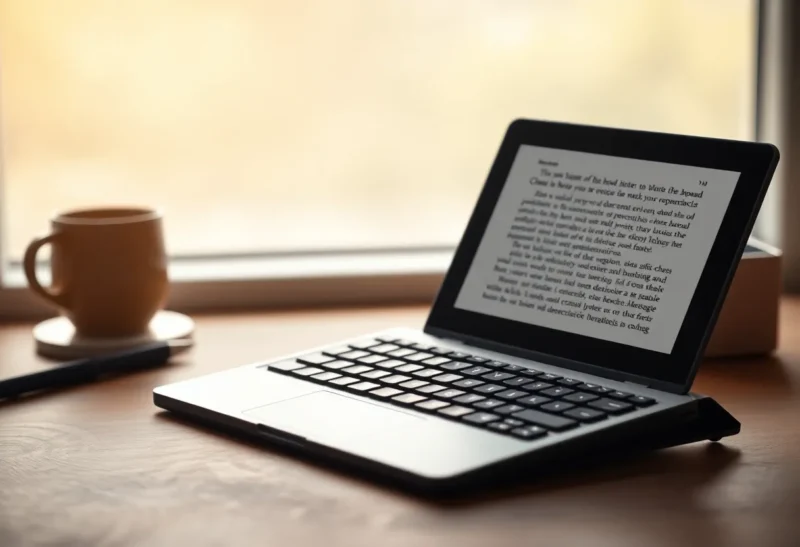
The laptop is a brilliant writing machine with one fatal flaw: it is also a machine for everything else. Email, messages, news and the endless urge to “just check something” are a single keystroke away. Distraction-free writing devices exist to remove that keystroke. They let you type, and almost nothing else.
Three very different routes lead there. Freewrite makes modern, purpose-built writing devices, most with e-ink screens and cloud sync. The AlphaSmart Neo 2 is a discontinued classroom keyboard from the 2000s that has become a cult favourite among writers on the used market. And an e-ink tablet, such as a Boox or reMarkable with a keyboard, offers a paper-like screen that can do a bit more. I have drafted with all three, and each suits a different kind of writer.
Three machines, three prices
| Freewrite (Smart Typewriter / Traveler) | AlphaSmart Neo 2 | E-ink tablet with keyboard | |
|---|---|---|---|
| Screen | E-ink (the cheaper Alpha model uses a reflective LCD) | Small monochrome LCD, a few lines of text | Large e-ink, full page view |
| Keyboard | Built in; mechanical on the Smart Typewriter | Built in, full size | Separate Bluetooth or folio keyboard |
| Battery | Weeks of typical use | Hundreds of hours on AA batteries | Days to weeks, depending on use |
| Getting text out | Automatic cloud sync to its Postbox service | USB cable; it “types” text into your computer | Export, cloud sync or apps |
| Distraction level | Very low; writing only | Almost none | Low to moderate; it can do other things |
| Typical cost | Several hundred, new | Low, on the used market | Several hundred, plus the keyboard |
Freewrite: a modern typewriter with a sync button
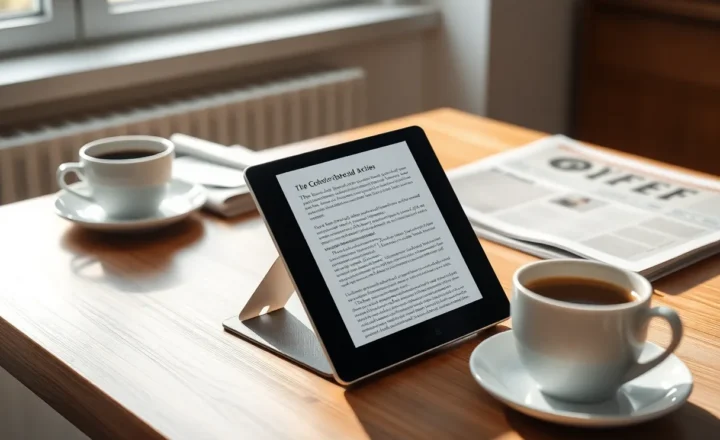
Freewrite’s devices are built for one task. The Smart Typewriter is a heavy, desk-bound machine with a full-size mechanical keyboard and an e-ink screen. The Traveler folds like a small laptop for writing on the move. The Alpha, a newer and cheaper model, swaps e-ink for a reflective LCD that refreshes faster and still reads well in daylight.
They are deliberately limited. Older Freewrite models had no arrow keys for editing at all, and even now editing is basic. The point is to push you forward rather than polish sentences. Drafts sync automatically over Wi-Fi to Freewrite’s Postbox service, which can send them on to Google Drive, Dropbox or other services, so your words reach your computer without any effort.
The appeal is real: you sit down, switch on, and you are writing in seconds, with nothing else on the device. The downsides are price, since Freewrite machines cost as much as a decent laptop, and dependence on the company’s sync service for the smoothest workflow.
AlphaSmart Neo 2: the used-market legend
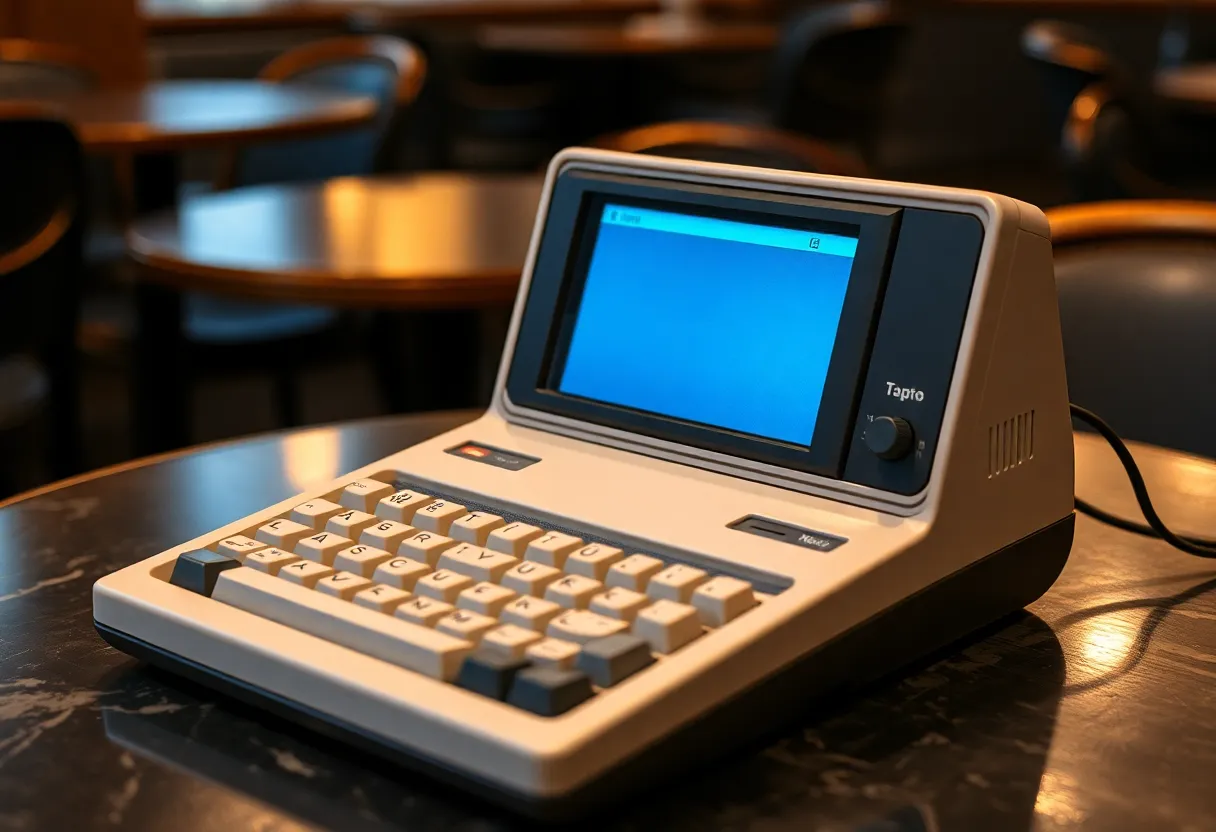
The AlphaSmart Neo 2 was made for schools, so students could type without a full computer. It has a full-size keyboard, a small LCD that shows a handful of lines of text, and runs for an extraordinarily long time, often quoted at hundreds of hours, on a few AA batteries. It switches on instantly and saves every keystroke as you go.
Getting your text out is charmingly old-fashioned. Connect it to a computer with a USB cable, open a document, press “Send”, and the Neo 2 acts as a keyboard, typing your text into the document character by character. It is slow for long drafts but works with almost any computer without software. It holds several separate files, switched with dedicated keys.
Production ended years ago, so you buy used, often for a modest price, though popularity among writers has pushed prices up. Condition varies: check the keyboard, the screen and the battery compartment for corrosion. The keyboard is solid and quiet, the machine is tough, and there is simply nothing else on it to do. It is, in many ways, the purest distraction-free device ever made.
The small screen is both the strength and the weakness. Seeing only a few lines at a time stops you re-reading and editing, which is exactly what helps many writers finish drafts. But reviewing, restructuring or editing longer pieces on it is impractical.
An e-ink tablet with a keyboard
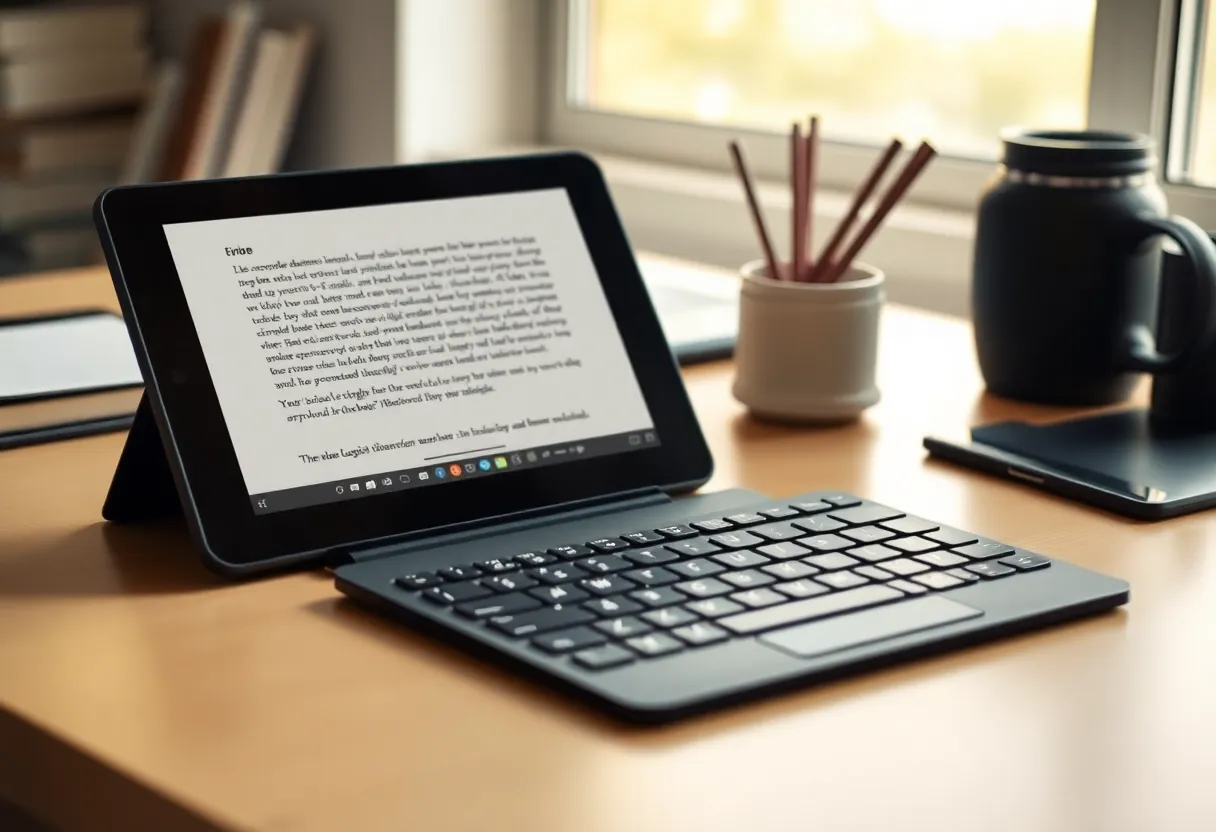
The third route is an e-ink tablet, such as a Boox or a reMarkable, paired with a keyboard. reMarkable sells a Type Folio keyboard for its tablets that turns them into a focused writing device, while Boox tablets run Android and pair with any Bluetooth keyboard.
You gain a large, paper-like screen that shows a whole page, comfortable for long sessions and for reviewing what you wrote. You can also read research, annotate PDFs and handwrite notes on the same device. If eye strain from screens bothers you, the e-ink display is the main draw, much like using an e-ink monitor, compared in e-ink monitor vs a second LCD for writing.
The catch is distraction. A Boox tablet running Android can install a browser, email and messaging apps, and the temptation returns. reMarkable is more focused by design, with no browser or app store, which makes it closer to a pure writing tool. E-ink refresh also adds slight lag while typing, which some writers notice more than others.
How each one feels after an hour
The Freewrite Smart Typewriter has the best typing experience: a full mechanical keyboard and a stable, heavy body. The Traveler’s keyboard is more like a compact laptop. Both feel like writing instruments rather than computers.
The AlphaSmart’s keyboard is surprisingly pleasant, full-size and quiet, with a slightly soft feel. Its LCD, readable in daylight with no backlight, is easy on the eyes in good light but hard to read in dim rooms.
E-ink tablets have the most comfortable screen for reading back long passages, but the keyboard depends on what you pair. reMarkable’s folio is thin and travel-friendly; a full Bluetooth keyboard with a Boox is better for long sessions but means carrying two things.
Getting drafts into a real editor
Every distraction-free draft eventually goes into a real editor for revision. How easily that happens matters more than it first seems.
Freewrite is the easiest: drafts sync automatically, and you can have them waiting in your cloud storage. The AlphaSmart’s “Send” works anywhere but takes time for long texts, and you need the computer at hand. E-ink tablets export documents in common formats or sync through their own cloud services, which works but may need a few steps.
A good habit with any of them: draft on the device, then revise on a computer. Trying to do heavy editing on a distraction-free device defeats both purposes.
Taking them out of the house
Writing away from the desk, on a train, in a café or in a garden, is where these devices differ most, and where the screen technology matters.
The Freewrite Traveler is the most obviously portable: it folds shut, weighs less than most laptops, and its e-ink screen is readable in bright sunlight. The Smart Typewriter is too heavy to carry casually. The Alpha’s reflective LCD also reads well outdoors and refreshes faster than e-ink.
The AlphaSmart Neo 2 is light for its size and very tough, but it is a full-width keyboard, so it needs a bag with room for it. Its screen has no backlight, so it shines in daylight and struggles in dim trains or evening cafés. On the other hand, batteries are never a worry: spare AAs are available everywhere, and a set lasts a very long time.
E-ink tablets with a folio keyboard are the slimmest option and read well outdoors. Many e-ink tablets now include a front light for dim conditions. The trade-off is that a tablet on a café table or a lap is less stable than a single-piece device, and folio keyboards are usually more compact than full-size keys.
If most of your writing happens on the move, weight, battery and outdoor readability matter more than any other spec in the table above.
Distraction is about habits, not just hardware
None of these devices makes you write. What they do is remove the quickest escape routes. For some people, simply having a dedicated device is enough to signal “now I write”. Others find that the novelty wears off and the laptop wins again.
The same logic applies to phones: reducing temptation through hardware works best when paired with deliberate habits, which is why people experimenting with e-ink phones, compared in Mudita Kompakt vs Hisense A9, often report that the device is only part of the change.
Before spending hundreds, try a free experiment: a laptop with Wi-Fi switched off and a full-screen plain text editor for a week. If that helps, a dedicated device will probably help more. If you still drift, notice why. If the problem is the screen’s glare, an e-ink device may help. If it is the internet, any of these will. If it is the work itself, no hardware will fix that.
Matching the device to the writer
Novelists and long-form writers who draft daily at a desk get the most from a Freewrite Smart Typewriter. The keyboard, the instant start and automatic sync make the habit easy to keep, and the price is easier to justify for daily use.
Writers on a budget, students, and anyone who wants the most distraction-free experience possible should look for a used AlphaSmart Neo 2. It costs little, runs for months, and does nothing but type. The tiny screen keeps you moving forward.
Writers who also read, research and annotate are best served by an e-ink tablet with a keyboard. You get a comfortable screen for drafting and reviewing, plus reading and note-taking in one device. Choose a focused one, such as reMarkable, if distraction is the main problem, or a Boox if you need Android apps. Be honest about whether those apps will pull you away.
The best distraction-free writing device is the one that gets you writing more. A used AlphaSmart is a low-risk way to find out whether a dedicated device suits you before spending more.