Cat 5e vs Cat 6 vs Cat 6A vs Cat 7 vs Cat 8: Which Ethernet Cable to Run in a House

Lars Beckmann
October 14, 2026
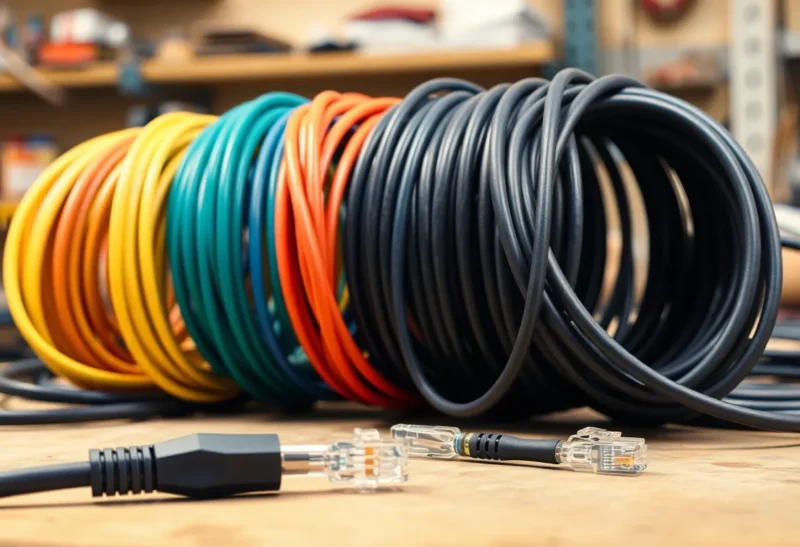
Walk into any electronics shop and the Ethernet cables are sorted like a ladder: Cat 5e at the bottom, then Cat 6, Cat 6A, Cat 7, and Cat 8 at the top with the gold-plated connectors and the price to match. The natural assumption is that higher is better and that a sensible person buys near the top. For a house, that assumption is mostly wrong, and occasionally it costs you money for a cable that performs worse in practice.
I have spent eight years running cable through my own house and helping friends do the same, and most of the questions I get are not really about category numbers. They are about decisions: what to put in the walls, what speed the house will ever need, whether the access points on the ceiling will get enough power, and why the cheap 30-metre roll from an online marketplace stopped working after a year. This piece is organised around those decisions.
What the numbers mean in practice
Each category is a performance standard for a twisted-pair copper cable: how high a frequency it is tested to carry, and therefore how fast a connection it can support over a given distance. For a home, translate the categories into what they let you plug in:
| Category | What it supports in practice | Home verdict |
|---|---|---|
| Cat 5e | 1 Gbps to 100 m, and 2.5 Gbps to 100 m | Fine for most existing runs; do not rip it out |
| Cat 6 | Up to 5 Gbps at 100 m; 10 Gbps over shorter runs, roughly 37–55 m | A good default for new cable |
| Cat 6A | 10 Gbps to the full 100 m | The future-proof choice for in-wall runs |
| Cat 7 | No more than Cat 6A for Ethernet with RJ45 plugs | Skip; mostly a marketing label |
| Cat 8 | 25–40 Gbps, but only up to 30 m | Built for data centres; pointless at home |
The important row is the first one. Many people assume Cat 5e caps them at 1 Gbps. In fact the multi-gigabit standards behind 2.5 Gbps Ethernet were designed specifically so existing Cat 5e cabling could carry 2.5 Gbps over a full 100-metre run, and in many homes Cat 5e manages 5 Gbps too, though Cat 6 is the official requirement for that. If your house already has Cat 5e in the walls, it can almost certainly carry the next upgrade most people will make.
Decision one: what speed will this cable ever carry?
Internet connections to homes are now commonly 1 Gbps and sometimes faster, and multi-gigabit 2.5 Gbps ports are appearing on routers, NAS boxes, mini PCs and Wi-Fi 6E and Wi-Fi 7 access points. Ten-gigabit at home is still mostly a homelab and power-user thing: fast NAS-to-workstation transfers, video editing from network storage, or links between switches.
For most rooms, then, the realistic ceiling over the life of a cable is 2.5 Gbps, and Cat 5e or Cat 6 handles that easily. Ten-gigabit is where categories start to matter: Cat 6 can do it over shorter runs, and Cat 6A over any run in a typical house. If you are not sure you will ever need it, 2.5 GbE vs 10 GbE covers when the difference is actually noticeable.
Decision two: in the wall, or on the desk?
This matters more than the category number, because the two jobs need different cable.
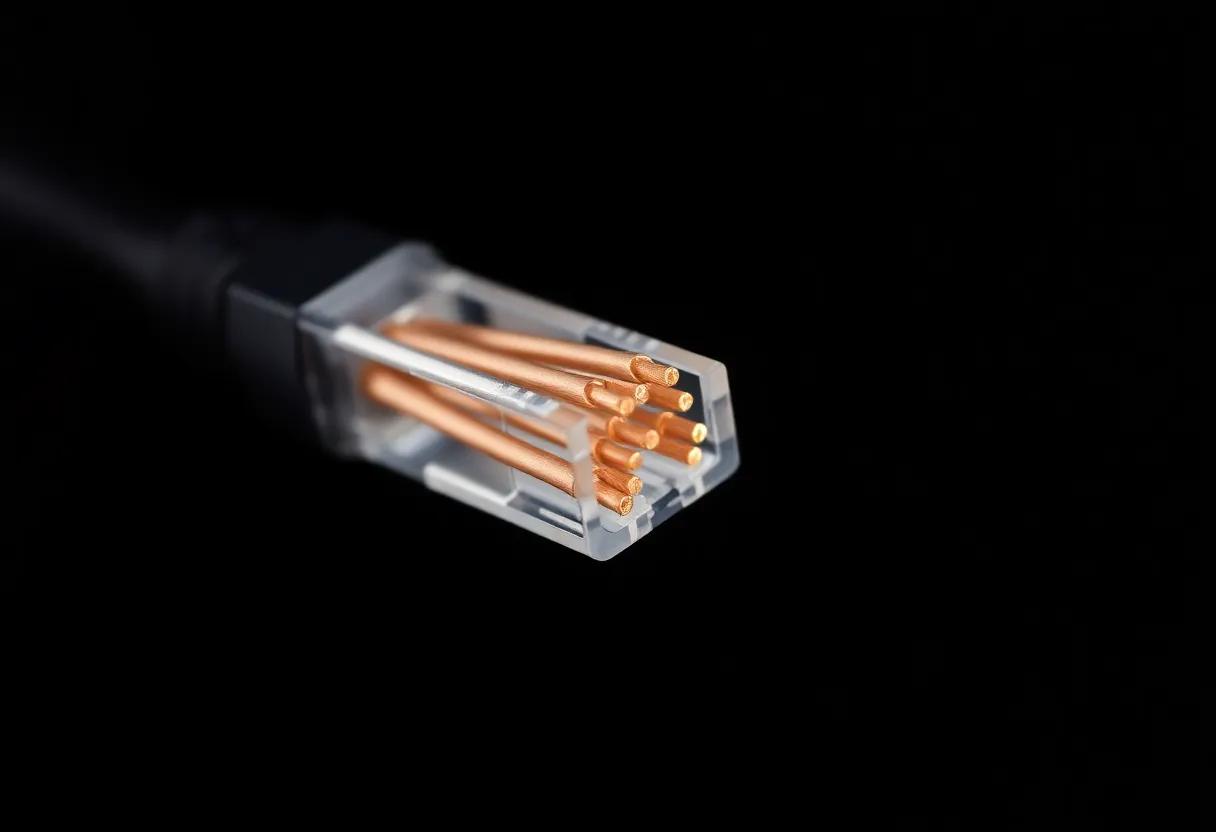
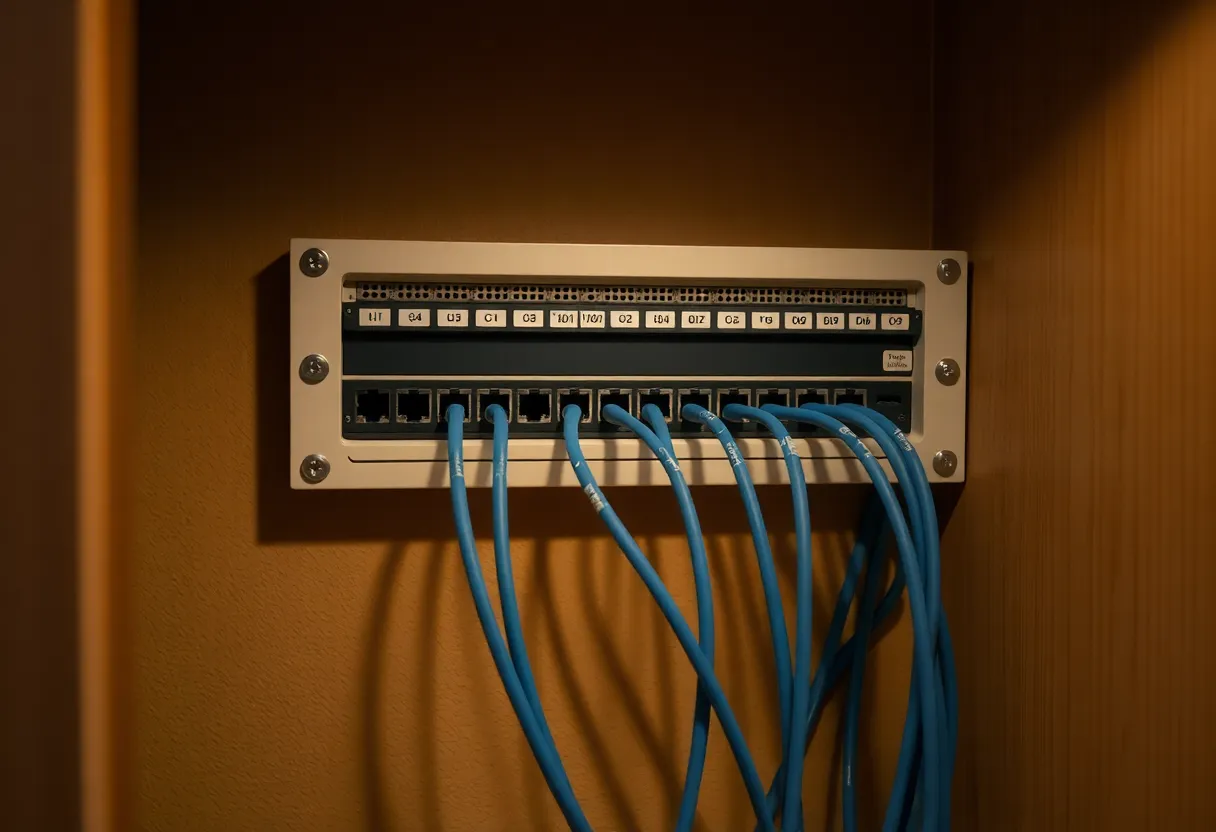
In-wall runs are cable you install once and hide: through walls, ceilings and floors, from a central cupboard to each room. Use solid-core cable, where each conductor is a single copper wire. It carries signals better over long distances and is designed to be punched down into wall sockets (keystone jacks) and patch panels, not crimped into plugs. Since you will not want to open the walls again, this is where spending a little more is justified. Cat 6A is the safe long-term choice, and Cat 6 is a sensible, cheaper and easier-to-handle middle ground.
Patch cables are the short leads from a wall socket to a device, or between a switch and a router. Use stranded cable, which is flexible and survives being bent and moved. Category matters much less here: a short, well-made Cat 6 patch cable will carry 10 Gbps happily, because short distances are easy. Buy ready-made patch cables rather than crimping your own; it is cheap insurance against a bad connector.
One practical difference: Cat 6A is noticeably thicker and stiffer than Cat 6, and its connectors are harder to terminate well. In tight walls and through small holes, that can make Cat 6A frustrating. If your installation is cramped and your runs are not long, Cat 6 is often the better real-world choice.
Decision three: will it power something?
Power over Ethernet (PoE) sends power along the same cable as data. It is how ceiling-mounted Wi-Fi access points, security cameras and some smart-home hubs get power without a socket nearby. If you are running cable to the ceiling for access points, as in a UniFi or Omada home network, PoE is the reason you are running it.
Every category carries PoE, but the cable’s copper matters. Higher-power PoE, used by some newer access points and pan-tilt cameras, warms the cable, especially when many cables are bundled together. Cat 6 and Cat 6A usually use slightly thicker conductors, which handle that heat better. More importantly, the cable must be solid copper.
The cheap-cable trap: copper-clad aluminium
The single most useful thing to know when buying Ethernet cable is to avoid copper-clad aluminium (CCA). These cables use aluminium conductors with a thin copper coating. They are much cheaper, they look identical, and they are sold under every category label, often as bargain rolls online.
CCA cable does not meet the category standards it claims. It has higher resistance, which causes trouble at longer lengths, and it heats up more under PoE, which shortens its life and can be a safety concern in walls. Aluminium is also brittle, so connectors and punch-downs fail over time. A suspiciously cheap roll is the classic sign. Buy cable that states “solid bare copper” or “100% copper”, from a reputable brand, and if in doubt, scratch a conductor: copper all the way through stays copper-coloured, while CCA shows silver underneath.
Shielded or unshielded?
Cables come either unshielded (UTP) or with foil or braided shielding (labelled F/UTP, S/FTP and similar). Shielding protects against electrical interference, which matters in factories, alongside heavy machinery, and in some long runs next to power cables.
At home, unshielded cable is usually the better choice. Shielding only works properly when it is grounded at both ends through shielded connectors, shielded sockets, a shielded patch panel and equipment that supports it. A shielded cable plugged into ordinary unshielded sockets and a home switch gains nothing, and a poorly grounded shield can sometimes make interference worse. Shielded cable is also thicker and stiffer. Use it where you have a specific reason, such as a run alongside mains wiring that you cannot avoid, and then do the whole chain properly.
Why Cat 7 and Cat 8 are not upgrades for a house
Cat 7 is defined in the international ISO/IEC standards as a fully shielded system that was designed around different connectors from the familiar RJ45. The North American TIA standards, which define Cat 5e through Cat 6A, do not recognise it. Most “Cat 7” cables sold for home use come with RJ45 plugs, which means the system is not actually Cat 7 end to end, and for Ethernet it performs no better than Cat 6A. You pay for a heavier, shielded cable that, as covered above, gains nothing without proper grounding.
Cat 8 is real and impressive: it supports 25 and 40 Gbps Ethernet. But it is designed for very short links, up to 30 metres, between switches and servers in data centres. There is no home equipment that uses those speeds, the cable is thick and expensive, and it is limited to short runs. A Cat 8 patch cable will work at home, but it offers no benefit over a good Cat 6 cable for anything you can plug into it.
Fire ratings and building rules
Cable that goes inside walls and ceilings is subject to building and fire rules that vary by country. In the US, jackets are rated, for example CMR for runs between floors and CMP for air-handling spaces. In the EU, cables carry fire-performance classes under the Construction Products Regulation. Check what applies where you live before buying in-wall cable, and if an electrician or installer is involved, follow their requirements. Patch cables on a desk are not covered by these rules in the same way.
What I would run in a house today
For a new installation, or an extension you are wiring now:
- In-wall runs: solid-copper Cat 6A if you want to support 10 Gbps anywhere for the life of the house, or Cat 6 if runs are short, space is tight, or the budget matters. Terminate at keystone sockets and a small patch panel.
- Ceiling runs for access points and cameras: the same solid-copper Cat 6 or Cat 6A, since they will carry PoE.
- Patch cables: ready-made Cat 6, in the lengths you actually need.
- Existing Cat 5e: leave it. It carries 1 and 2.5 Gbps fine. Test it, and replace only runs that fail.
- Skip: Cat 7, Cat 8, shielded cable without a reason, and anything that is not solid copper.
Run two cables wherever it is easy rather than one; the second costs little while the wall is open and saves a future headache. Label both ends of every run, and test each one with a basic cable tester before closing the walls. If you are still deciding whether cables are worth the effort at all in the age of fast Wi-Fi, whether Ethernet still matters with Wi-Fi 7 makes the case. For most homes, the answer is that a few well-placed cables make the Wi-Fi itself work better, and the category number on them matters far less than getting real copper into the right rooms.