Does OpenClaw keep working after you close the laptop, or does the agent stop with the machine?

Helen Cho
October 7, 2026
OpenClaw stops with the machine that is running the Gateway. Closing the terminal does not stop a Gateway you installed as a service. Closing the laptop so the computer actually sleeps does, because the agent is a process on that hardware, not a job sitting in someone else’s cloud. The project docs say this in the topology table: a laptop is a single-machine setup, and people whose laptops sleep often but who still want the agent always on are pointed at a home server or a VPS.
That distinction is the whole product. OpenClaw is a self-hosted gateway from the OpenClaw Foundation. You run one Gateway process. Chat apps, the browser Control UI, the command line, and the phone apps are clients of that process. There is no hosted OpenClaw service in the middle that keeps answering after your hardware clocks out. If the host is suspended, powered off, or otherwise not executing, nothing in the product is left awake to read Telegram, run a cron job, or call a model.
Does installing the Gateway as a service change any of that?
It changes what happens when you close a window. It does not change what happens when you close the lid.
Quick start leaves the Gateway in the foreground. The docs tell you to press Ctrl+C and then run openclaw gateway install if you want a background service. That install is supervised by the operating system: launchd on macOS, systemd on Linux, Task Scheduler on Windows. The point of the service is that the process no longer depends on the terminal you happened to have open. You can quit the shell, close the Control UI tab, and walk away from the keyboard. The Gateway is still a program on that computer.
A supervisor cannot run code on a suspended CPU. Sleep freezes the machine. The service definition is still on disk, and on many setups it will be there again after a reboot or a wake, but the minutes or hours the laptop spent asleep are minutes the agent did not work. I treat “installed as a service” and “safe to shut the lid” as two different sentences. The first one is an OpenClaw command. The second one is a power setting, and OpenClaw does not override it.
There is a narrow exception that is easy to confuse with a product feature. Some laptops, especially Macs on power with clamshell behavior configured in the operating system, stay fully awake with the lid shut. In that case the Gateway can keep running, because the machine never slept. That is the OS staying up. It is not OpenClaw detaching from the laptop. If you unplug, if the battery policy sleeps the machine, or if you shut it down, you are back to a stopped agent.
What actually pauses when the host sleeps?
The Gateway owns sessions, channel connections, and the agent turn. The remote-access docs are blunt about the shape: one Gateway is the master, and everything else is a client. A Telegram message, a Slack event, a WhatsApp note, an iMessage, a cron run, a webhook, a skill that was waiting on the next step: all of that is work the Gateway process has to be alive to do.
The chat app on your phone can still accept what you type. Telegram, Slack, and the rest are not running on your laptop. They will take the message. OpenClaw cannot answer it until two things are true again: the Gateway process is executing, and that channel’s connection is up. I have not found an OpenClaw page that promises a laptop sleep is invisible to those connections. Sockets that were open when the lid shut are often stale when the machine wakes. After a wake, openclaw channels status --probe is the check that tells you whether the bot is really back, rather than merely present in a process list.
The model provider does not fill the gap. Claude, an OpenAI model, a local Ollama process, whatever you configured: the Gateway is what calls it. If the Gateway never sends the request, the provider never sees the turn. A local model on the same laptop is in the same boat twice. Both the Gateway and Ollama stop when that machine sleeps. A cloud model key sitting in ~/.openclaw/openclaw.json is useless until something on your side is awake enough to use it.
Scheduled work follows the same rule. OpenClaw’s cron, hooks, and webhooks are Gateway capabilities. They are not a second computer. A job set for 3 a.m. does not fire at 3 a.m. if the only host is a laptop in a bag. It fires later only if something starts the Gateway and the scheduler catches up. Do not plan overnight work on a machine you also plan to sleep. That is the failure mode the always-on row in the docs exists to prevent.
Where should the Gateway live if you want replies overnight?
Put it on hardware that is already allowed to stay on. The remote-access page lists three setups, and the first is the one that matches this question.
- Always-on Gateway in your tailnet. A home server or a small VPS. You reach it with Tailscale or SSH. The docs name this for laptops that sleep often when you still want the agent always on.
- Home desktop. A machine you leave powered. The laptop connects with the macOS app’s remote mode. The docs describe that path as Settings, then Connection, then where OpenClaw runs. The desktop is the Gateway. The laptop is a client.
- Laptop only. Fine when you are at the machine. Expose it, if you must, through an SSH tunnel or Tailscale Serve, and keep
gateway.bindon loopback. This is the single-machine setup. It is not the always-on setup.
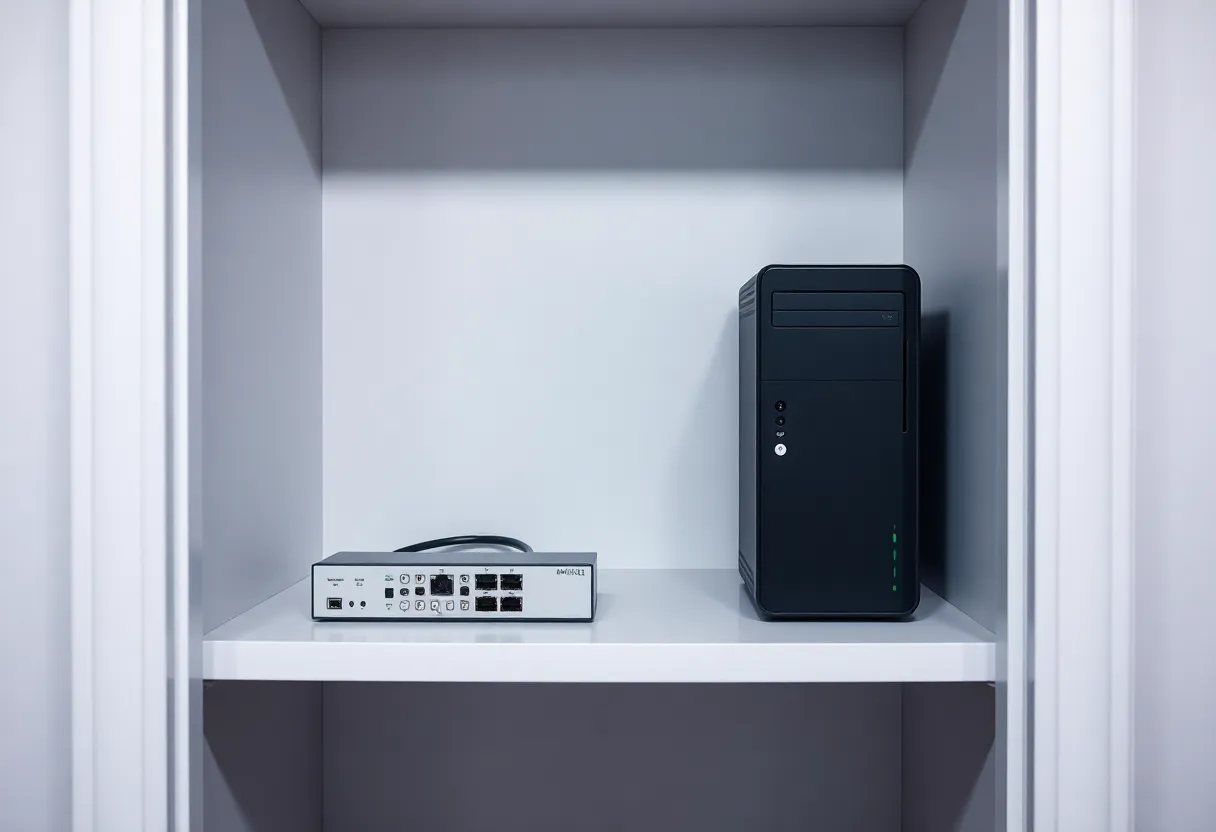
I keep a small computer in a closet for this exact reason. The interesting part is not the brand of the box. It is that the power policy and the agent policy finally agree. The machine is allowed to run at 2 a.m. The Gateway service is installed there. The laptop can sleep, travel, or sit closed on a kitchen table without taking the agent with it.
The Gateway is not heavy. The remote FAQ describes it as a small VPS or a Raspberry Pi-class box, with 4 GB of RAM called plenty. You do not need a second workstation. You need a host that does not suspend. A home server you already trust for other always-on jobs is a better fit than a laptop you close because the fan is loud.
Keep the bind on loopback unless you have a reason not to. The docs call loopback plus SSH, or loopback plus Tailscale Serve, the safest default, because the Gateway is not sitting on the public internet. Tailscale Serve can authenticate Control UI and WebSocket traffic with identity headers when gateway.auth.allowTailscale is true. That is a separate decision from “does it stay up.” A tailnet address does not keep a sleeping laptop awake. It only gives you a private path to a host that is already running. If the host is the laptop, the path dies with the sleep.
One Gateway should run per host unless you are deliberately using isolated profiles. Do not “fix” a sleeping laptop by also starting a Gateway on the desktop and hoping chats magically merge. Sessions, channel logins, and credentials belong to the Gateway that owns them. Pick the host, install the service there, and point clients at it.
What is the phone doing while the laptop is shut?
The phone is a client. It is not a spare Gateway.
Official iOS and Android apps connect to the Gateway WebSocket. The remote docs call nodes peripherals. A message can arrive at the Gateway, the Gateway runs the agent, and only then might the agent call a node for a camera, a screen, or another device action. The node does not run the model, and it does not own the channel. If the Gateway host is asleep, the phone app has nothing to attach to. The iOS docs also say the system may suspend foreground connections after the app enters the background, which is a second, smaller version of the same idea: a phone is a poor place to expect an always-on process.
There is a setup that looks like “the laptop is closed and the agent still works,” and it is worth naming so you do not fool yourself. Pair the laptop as a node to a Gateway that lives on the always-on host. The laptop can sleep. The Gateway on the server keeps the chats. When you open the laptop and the node reconnects, the server can ask that machine to do something local. While the laptop is asleep, those node tools are unavailable, and the chats still work, because the chats were never hosted on the laptop. That is the opposite of running OpenClaw only on the laptop and then closing it.
WebChat and the Control UI are the same kind of client. The local default is http://127.0.0.1:18789/. That page is a window onto the Gateway. Closing the browser does not stop a service-installed Gateway. It also does not keep a Gateway alive on a machine that has gone to sleep. If you open the dashboard from another computer, you are reaching whatever host the tunnel or tailnet points at. If that host is down, the page does not load a hidden cloud copy. There isn’t one.
What should you leave on the laptop anyway?
The laptop is still a fine place to type, to approve a pairing, and to run tools that need the screen in front of you. It is a bad place to be the only copy of the Gateway if you also want the agent to exist while you commute.
Leave the Gateway on the machine with the boring power policy. Leave the laptop as an operator: the macOS app in remote mode, an SSH tunnel, or a direct tailnet connection with Gateway auth, because non-loopback binds require a token, a password, or a trusted proxy. The docs accept plaintext ws:// for loopback, private LAN, and .ts.net hosts. Public hosts are expected to use wss://. None of that paperwork keeps a process running. It only decides who can talk to the process once the process exists.
Leave model keys and channel tokens on the Gateway host, in the config and credential files that host already uses. Copying them onto every laptop “just in case” creates a second place to leak them, and a second Gateway fighting for the same bot token. A Telegram bot token attached to two live Gateways is a mess you do not want at midnight. One owner.
Leave the decision about sleep explicit. If you insist on the laptop as the Gateway, turn off sleep on power and accept the heat, the fan, and the chance a lid-close policy still wins. Check after a real lid close, not after minimizing a window. Send a message from your phone on a channel you already paired. If nothing answers until you open the lid, you have your measurement. The service was never the missing piece.
How do you tell a closed terminal from a sleeping machine?
Use the host, not the chat app, as the source of truth.
openclaw gateway statustells you whether the service is installed and whether the process is up.openclaw gateway status --deepadds a system-level look at the supervisor.openclaw channels status --probetells you whether a channel can actually reach the Gateway, which is what you care about after a wake.- The Control UI at the loopback port is the local dashboard. If it loads on the Gateway host, the process is listening. If it only loads while you are logged into an SSH session on another machine, you are looking at that other machine.
A reply that arrives five minutes after you open the lid is not evidence that OpenClaw worked through the sleep. It is evidence that the process resumed, reconnected, and then handled a backlog. Those are different claims. If you need the first one, move the Gateway.
Invalid config can also stop a service from coming back cleanly. Linux systemd units are documented to avoid relaunching after an invalid-config exit. A laptop that “randomly stopped answering” after an edit is sometimes a config problem wearing a sleep costume. openclaw doctor is the repair path the docs keep pointing at. Fix the config on the host that is supposed to stay up, then reinstall or restart the service there. Do not debug a sleeping laptop by starting a second Gateway on a second machine and hoping the symptoms move.
So which sentence is the true one?
OpenClaw keeps working after you close the laptop only when the laptop is not the machine running the Gateway, or when the laptop never actually sleeps. The agent stops with the machine that hosts the Gateway. openclaw gateway install is how you survive closing the terminal. A home server, a desktop you leave on, or a small VPS is how you survive closing the lid. The phone, the browser, and the chat apps are how you reach that host. They are not a substitute for it.