Does a Glance dashboard replace Homepage once every app is on Tailscale?

Julian Park
October 7, 2026
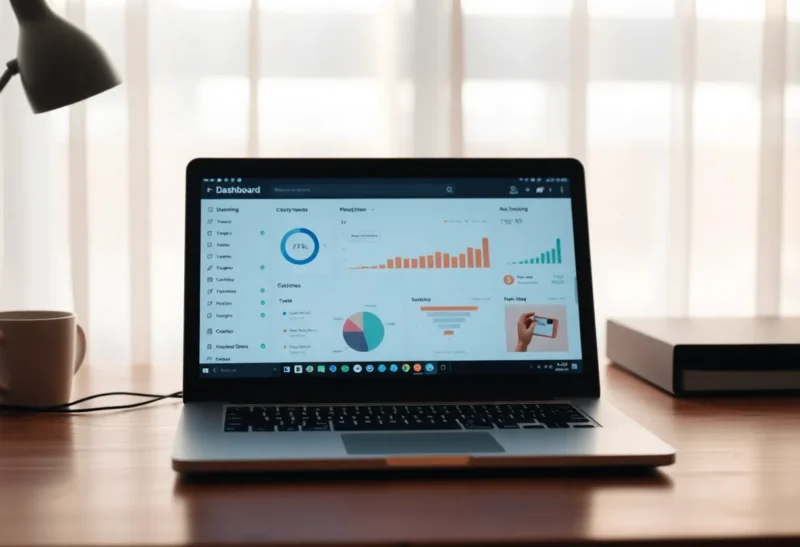
No. Tailscale removes the need to remember IP addresses. It does not turn Glance into Homepage. Homepage is a catalog of the services you run, with links and widgets that ask those services how they are. Glance is a start page of feeds, weather, and whatever widgets you stacked in columns. Once every app has a MagicDNS name, you can shrink Homepage or delete it if you never used it as anything but a phone book. Glance does not inherit the phone book, and Homepage does not become unnecessary just because the names finally resolve from a cafe.
The useful cut is what you open the page to do. If you open it to click Jellyfin, the NAS, and Home Assistant, that is Homepage, and the links should be MagicDNS names. If you open it to read three RSS feeds and see the weather before you pick a service, that is Glance. Most people who ask this wanted one browser start page and are hoping Tailscale deleted a YAML file. It deleted the LAN-only bookmarks, not the habit of having fifteen apps.
What Tailscale actually retired
Before the tailnet, Homepage existed because the addresses were hostile. 192.168.1.20:8096, a different port for every container, a bookmark folder that only worked on the home Wi-Fi. MagicDNS gives you jellyfin.tailnet-name.ts.net, or whatever split DNS name you already had, from the phone and the laptop, as long as Tailscale is up. You can type them. You can bookmark them in the browser. The dashboard is no longer the only place the URL lives.
That kills one job and leaves the other. Homepage’s service widgets are fetched by the Homepage server, not by the browser. When you are on a cafe Wi-Fi, the phone talks to Homepage over Tailscale, and Homepage, sitting on the homelab, talks to Pi-hole and the download client over the LAN. Those widgets keep working remotely because the server never needed your cafe to see 192.168.1.20. Switching the clickable links to MagicDNS names is still worth doing, so a widget and a link do not disagree. It is not a reason to throw the page away. The page was never just DNS.
Glance’s widgets are the same shape, server-side, and a different subject. Feeds, a calendar, markets, a clock. A monitor widget that pings a URL is not a Pi-hole query count and not a queue of downloads. You can paste MagicDNS links into Glance. You then have a list. You do not have Homepage’s integration widgets, and you have given yourself a second YAML file that drifts from the first. One list, in one tool, is the point of a dashboard. Two lists is how a service gets a new port and only one of the pages hears about it.
When you can delete Homepage
Delete it if you can name every service you use weekly without looking, and you never looked at the widgets. Four apps and a good memory do not need a launcher. Browser bookmarks on the devices you actually use, with the MagicDNS names, survive better than a dashboard you have to host, update, and log into. Tailscale is the launcher in that house. The icon is the app, or the bookmark. Homepage was a coping mechanism for a flat address space, and the coping mechanism can go.
Keep Homepage if the widgets change what you do. A Pi-hole block count, a disk filling up, a queue, “is the backup container running”: those are why the page stays open on a kitchen tablet. Glance will not grow those by installing Tailscale. If the tablet is the interface for the house, the catalog is the interface. MagicDNS makes the same page work when you are not home. That is an argument for keeping Homepage and fixing its URLs, not for replacing it with a feed reader.
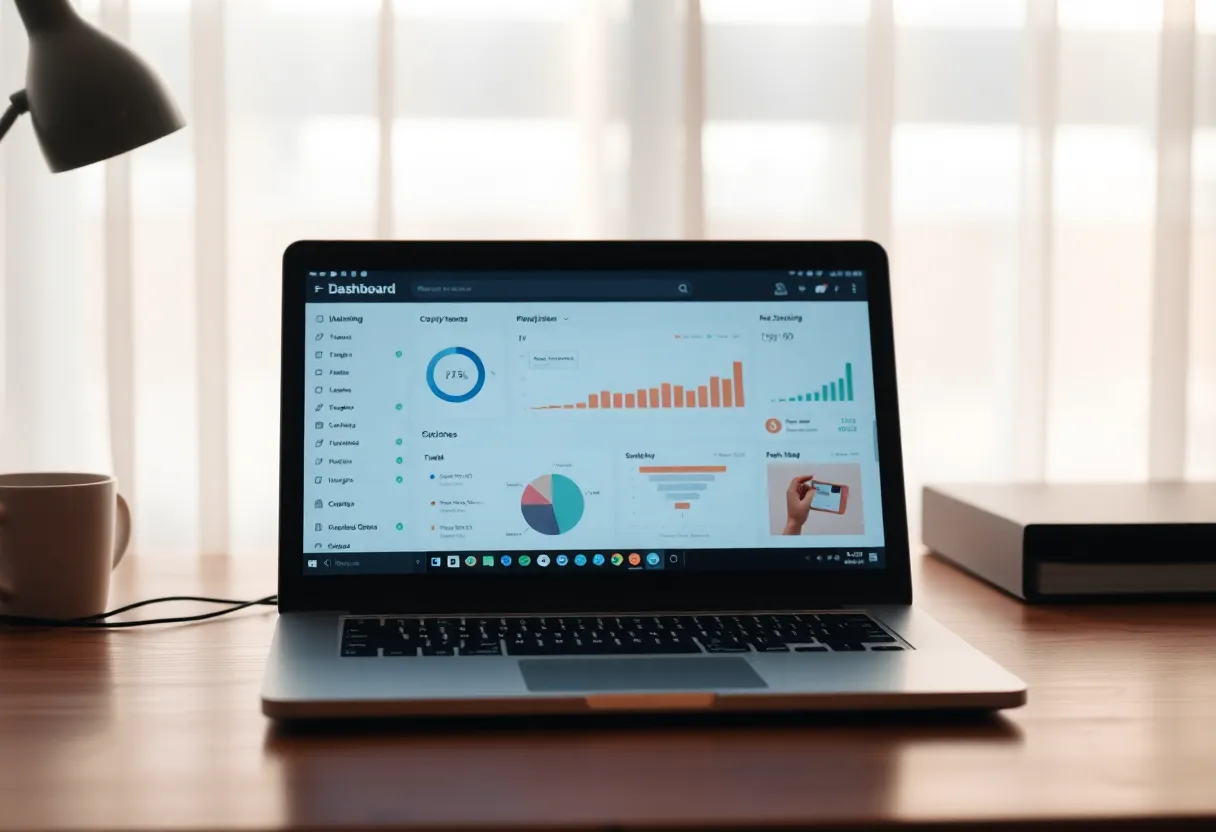
Keep Glance and delete Homepage if the start page you wanted was never the homelab. People install Homepage because a screenshot looked like a start page, then only ever read the RSS row and ignore the services. That row is Glance’s whole job, and it is lighter. Be honest about which pixels you click. The ones you do not click are the YAML you are allowed to stop maintaining. The ones you do click need a name that resolves on the tailnet, in whichever tool you kept.
The failure mode Tailscale adds
A dashboard that only resolves on MagicDNS is down when Tailscale is down, even at home, if you stopped publishing the LAN names. Split DNS, or a local name that works on the house Wi-Fi without the tailnet, is the spare key. MagicDNS from a phone that has not brought the tunnel up yet shows a start page that will not load, and every service behind it looks down. They are not down. The phone is not on the tailnet. Homepage and Glance fail this the same way. Neither is more Tailscale-native. Both are a website on a box, and the box’s name has to resolve in the place you are sitting.
Widgets that still call LAN IPs keep working from the server and confuse you from the browser. You click a link written as a MagicDNS name, it fails because the phone’s tunnel is down, and the widget next to it is green because the server could see the LAN. Green widget, dead link. Fix the link to a name that works in both places, or accept that this page is a remote page and the kitchen tablet should use the LAN name. Do not keep two Homepages to paper over it. One page, two names in the docs, one of them in the bookmark on each device.

Authentication stacks on top of this and is a separate decision. Putting Homepage on the tailnet does not mean every app should sit behind a login proxy. The dashboard can be reachable to your tailnet and the apps can stay reachable only to your tailnet too, with no extra gate. If guests need a link, that guest path is not “replace Homepage with Glance.” Glance is not an access control product. Neither is Homepage. They are pages. Tailscale is the network. Leave each one the job it already has.
The kitchen tablet is the decider
A laptop with a bookmark bar does not need either project. A tablet screwed to the idea of a start page does. That tablet is usually on the house Wi-Fi, not thinking about Tailscale at all, and it will sit on whatever URL you set as the homepage in the browser. If that URL is Homepage and the widgets are why someone glances at it while the kettle boils, keep Homepage and leave Glance for the browser you read in the morning. If the tablet was only a grid of icons and nobody trusts the icons, delete it and put four real bookmarks on the home screen. MagicDNS names work as Android and iOS shortcuts. A whole dashboard container is a lot of RAM on a small Pi to save one person from typing a word they already know.
Remote use is the other decider, and it is narrower than “every app is on Tailscale.” You, on a train, with the tunnel up, can open three hostnames from memory or from the phone’s Tailscale list. A partner who will not toggle a VPN and will not remember a name still needs a page that loads from a bookmark, on a tailnet that is already connected, or they need the services exposed some other way. Glance does not solve a person. Homepage does not either. The page only helps the person who can already reach the page. Fix the tailnet on their phone first. Then see if they still ask where the music server went. If they ask, the catalog stays. If they do not ask, you were the only user of the dashboard, and you are allowed to be the user of bookmarks instead.
Do not migrate widgets one at a time and leave both dashboards “for a week” that becomes a year. A week is a fair test: Glance as the browser start page, Homepage bookmarked, count the clicks. Whichever gets the clicks keeps the start-page slot. The other gets deleted, not disabled. Disabled containers come back after a restore and show stale ports, and someone uses them. One start page is a decision. Two start pages is a migration you did not finish.
Who should run neither
If the list of services fits on a sticky note, run neither. MagicDNS plus the Tailscale machine list is a directory you already pay for in attention. A dashboard is worth it when the widgets tell you something the machine list cannot, or when the household will not type a hostname. Pick Homepage for the services, Glance for the feeds, and only run both if you truly open both. Tailscale did not merge them. It made the phone book optional. The status board and the newspaper were never the same site.
Update whichever one you keep when you add a service, in the same afternoon, or the page becomes a museum of ports you no longer run. That drift is the real cost of a dashboard, and it is identical on a tailnet and off it. A wrong link on MagicDNS fails with a friendlier name than a wrong link on an IP. It still fails. One YAML, reviewed when you add the container, beats a second dashboard you installed because the first one felt old-fashioned once the VPN got easy.