Can one Raspberry Pi run Pi-hole and Home Assistant without DNS dying during an update?

Benito Ruiz
October 7, 2026
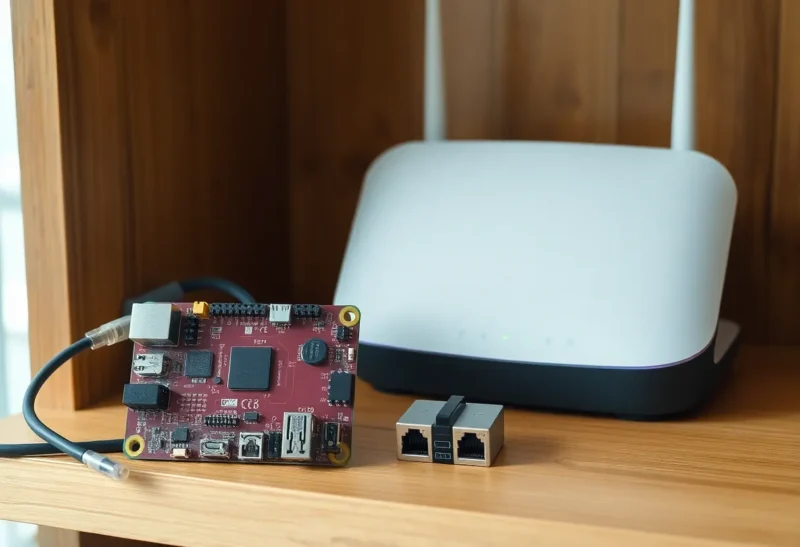
Yes, if the router hands out a second DNS address that is not this Pi. One Raspberry Pi can run Pi-hole and Home Assistant, and a normal add-on or container update does not have to blackhole the house. DNS dies when that Pi is the only resolver in DHCP and something reboots the whole board: a Home Assistant OS upgrade, a kernel update, a power blip during the write. Clients that were given only the Pi’s address sit and wait. Clients that also have the router, or 1.1.1.1, keep resolving.
The Pi is a fine place to run both. It is a bad place to be the only name server. Those are separate decisions, and the second one is the outage people blame on the first.
What an update actually stops
Pi-hole answering queries is a process. Home Assistant is a different process. Updating Home Assistant Core, or the Pi-hole container, restarts that process. The other one can keep running, on Raspberry Pi OS with Docker, for the length of a normal update. Gravity updates, the list refreshes, are even quieter. DNS does not “go down for maintenance” because you clicked update on a dashboard card.
The host reboot is the cut. Home Assistant OS upgrades often reboot. A Docker host apt upgrade that restarts the daemon restarts every container, Pi-hole included, for as long as the board takes to come back. A Pi 4 is not slow about that, but it is not instant, and a house with thirty devices all retrying the only DNS at once makes the return feel longer. During that window the board also cannot resolve names for its own update if the download is still in progress and the resolver it uses is itself. Point the Pi’s own upstream at something that is not a service on the same SD card you are rebooting. Unbound on 127.0.0.1 dies with the box. A public resolver, or a second Pi-hole, does not.
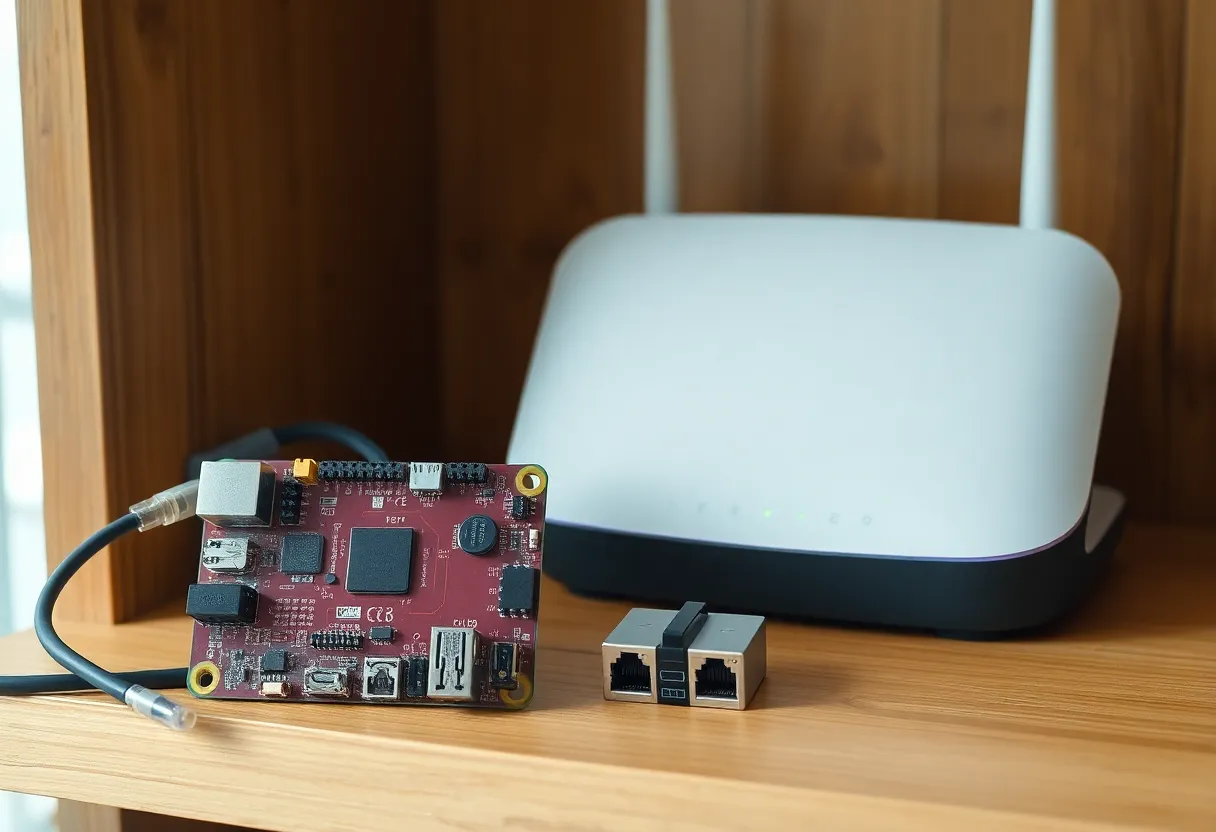
RAM is the other way an update looks like a DNS failure. A 2 GB Pi running Home Assistant, the recorder, a few add-ons, and Pi-hole will swap, and a swapping resolver times out even though the process is “up.” I would not put both on a 2 GB board if Home Assistant is doing more than lights. A 4 GB Pi 4 is the smallest I trust. A Pi 5 with 4 GB or more is comfortable. If the DNS timeouts happen when nobody is updating, you are out of memory, not out of architecture. Check that before you buy a second computer.
The DHCP line that prevents the outage
DHCP should live on the router, not on the Pi, if this board also runs Home Assistant. A Pi-hole that is also the DHCP server turns a reboot into a network that cannot renew leases and cannot resolve names. Leases that have not expired keep their addresses, so the house does not go dark immediately, and then a phone that reconnects gets nothing. Leave DHCP where the router already does it. Hand out two DNS servers. The first is the Pi-hole address, a static reservation so it cannot move. The second is a resolver that stays up when the Pi does not: the router itself if it can forward, or a public resolver if you accept that some queries leak there during an outage.
Order matters less than people think, and more than the diagram suggests. Some clients honor the list and fail over in a second. Some IoT devices use only the first address and never try the second. Those devices will stall for the length of the reboot even if you did everything right. That stall is acceptable for a bulb. It is annoying for a laptop in the middle of a call. It is the reason a second always-on resolver, another Pi or a small container on a different machine, is the grown-up version of “secondary DNS: 1.1.1.1.” A public secondary keeps the internet working and skips your blocklists for that minute. A second Pi-hole keeps the blocklists too. For one board in a flat, the public secondary is enough. For a house that notices ads returning, run the second copy somewhere that does not reboot with Home Assistant.
Do not put the Pi-hole address into every device by hand and also into DHCP. The hand-configured devices will never learn about the secondary you add later. Set it once, in DHCP, and forget the per-device DNS fields except on the one laptop you use to debug. That laptop should know the router’s IP and the Pi’s IP by heart, because during the outage, names are the thing you do not have.
Which update is safe to start
A Pi-hole version bump or a Home Assistant Core update, on a machine that is not about to reboot, is safe to start on a weeknight if the secondary DNS is in place. Watch one query from another computer. If dig or nslookup against the Pi still answers after the container is back, you are done. If you are on Home Assistant OS and the Pi-hole add-on is what you are updating, the add-on restart is a few seconds of refused queries. Clients with a secondary barely notice. Clients with only the Pi notice as a short stall.
An OS upgrade is a Saturday reboot. Tell the house, or do it when the stall does not matter. The failure mode is not mysterious corruption of the blocklist. It is a five-minute hole where the only resolver is off, the update server is a hostname, and the board comes back confused about why the download failed. Download first, reboot second, and give the board a resolver that is not on the SD card. Then let Home Assistant start, then confirm Pi-hole is answering, then confirm a client that uses DHCP got both addresses. That order is the whole procedure.
Power is the update you did not schedule. A Pi that loses power mid-write can come back with a filesystem that will not boot, and then DNS is dead until you restore, not until a container restarts. A small UPS on this board is not about elegance. It is about not combining “only DNS” with “SD card and a loose cable.” If you will not add a second resolver, at least do not let a vacuum cleaner be the thing that takes names away for an afternoon.
The clients that make a short reboot look like a crisis
Phones and laptops fail over. A lot of smart TVs, cheap cameras, and the occasional printer do not. They try the first DNS, time out slowly, and then the app on the phone says the TV is offline. The TV is on the LAN the entire time. It cannot resolve the name of its own update server, or of the service it phones to prove it is “online.” That is not Home Assistant crashing the network. It is one device with a one-address DNS config, plus a reboot. If those devices are the reason the household panics, give them a static DNS pair by hand, or accept that they sulk until the Pi is back. Do not move Pi-hole off the box solely because a television pouts for three minutes.
Home Assistant’s own name is the loop to avoid. If the companion app and the browser bookmark use a hostname that only Pi-hole resolves, then the machine you need in order to watch the update is the machine whose name dies when Pi-hole restarts. Bookmark the IP. Use the IP in the internal URL for the afternoon you do host upgrades. mDNS (homeassistant.local) survives a dead Pi-hole only if mDNS itself is working on that network, which a lot of routers mangle. The IP never needs a resolver. Write it on a label under the Pi if you do not trust yourself to remember it while the page is spinning.
IPv6 is the quiet second path. Some routers advertise a DNS server over router advertisements even when you set IPv4 DNS to the Pi. Clients then have a resolver you did not mean to give them, and during normal operation a slice of queries bypass Pi-hole. During the reboot those same clients look “fine” while others stall, and you get two stories from two people in the same room. Either advertise the Pi on v6 as well, with a real secondary, or turn off the router’s v6 DNS advertisement so the house has one policy. A split brain here looks exactly like “sometimes updates kill DNS and sometimes they do not.”
Who should split them anyway
Split them if Home Assistant on this Pi is already tight, if you reboot it several times a week while editing automations, or if the household will not tolerate a stall. A Pi-hole on a second, cheaper board, or on the router if the router is actually trustworthy, keeps DNS out of the automation box. One Pi for both is reasonable when the board has the RAM, DHCP advertises a fallback, and you treat host upgrades as reboots with a witness. It is not reasonable when the Pi’s IP is the only DNS entry in the router and you update Home Assistant OS from your phone on the same Wi-Fi. That phone is about to lose the name of the page it is looking at, and you will think Pi-hole and Home Assistant cannot share a machine. They can. They cannot share the privilege of being the only way the house finds anything.