Does Frigate need a Coral, or is a mini PC CPU enough for four 1080p cameras?

Kyle Brennan
October 7, 2026
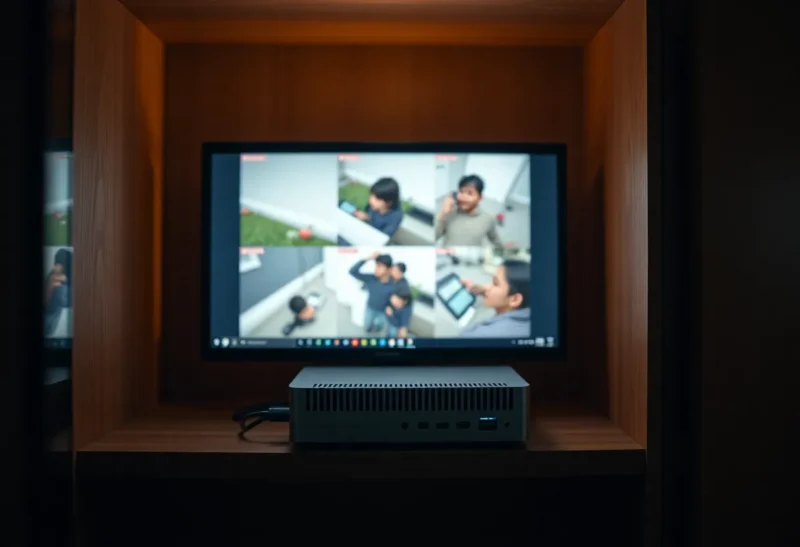
No. Four 1080p cameras do not need a Google Coral if the machine running Frigate is a recent Intel mini PC and detection stays on the substream. An N100 with OpenVINO on the iGPU is enough for that load. Buy a Coral USB or M.2 when the box is a Raspberry Pi, an older Celeron that is already running Home Assistant, or when Frigate’s own inference-speed number is already slower than the detect rate you asked for.
The confusing part is the phrase “1080p cameras.” It sounds like the detector is staring at four full HD pictures all day. In a sane Frigate config it is not. The camera’s main stream is what you record. The detector looks at a smaller second stream, usually something like 1280×720 or 640×360, a handful of times a second. Those are two different jobs, and only one of them is the Coral’s job.
What the Coral is actually doing
A Coral is an Edge TPU. Frigate uses it as a detector: a small model looks at a frame and returns boxes for person, car, dog, and the rest of the label set that model was built with. It does not encode video. It does not write the MP4. It does not talk to Home Assistant. If your recordings are H.264 and Frigate is copying that stream to disk, the Coral sits out of that path entirely.
What you pay it for is inference speed, the number Frigate prints next to the detector. Ten milliseconds means the TPU can theoretically look at about a hundred frames a second, shared across every camera. Four cameras at five detect frames per second is twenty frames. A USB Coral doing the default Frigate model is usually in the range where twenty frames is comfortable and forty is still fine. That is the whole spreadsheet. If your required detect rate is under what that millisecond number can feed, the Coral is idle part of the time and you will not feel it.
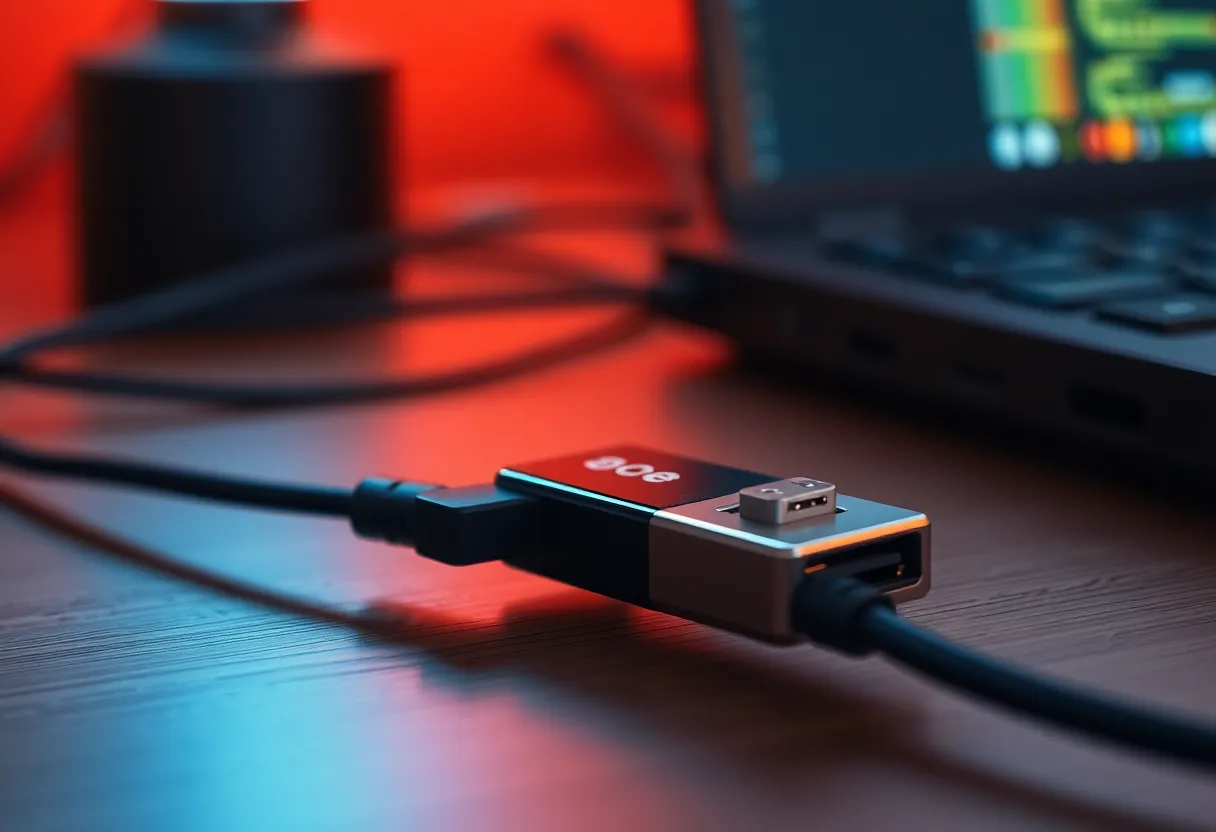
The model on a Coral is the constraint people forget. The Edge TPU wants a compiled model of a certain shape. Frigate’s default Coral model is fast and a bit blunt. It misses a person at the far end of a driveway more often than a newer YOLO model running through OpenVINO on an Intel iGPU. If you came from a product page that treats the Coral as “the AI,” you bought speed on an older detector, not a smarter one. On an N100, OpenVINO is often the better detector and the Coral is optional. On a Pi, you do not have that iGPU, so the Coral (or a Hailo, if that is what you can actually buy) is how you get the detector off the CPU.
When the mini PC is enough
I would not buy a Coral for this specific box: an Intel N100, or anything in that N-series generation with a working iGPU, four cameras or fewer, detect width and height pointed at the substream, detect fps around five, and hardware acceleration set so ffmpeg is not decoding those frames on the CPU cores. OpenVINO with the device set to GPU is the setup that makes the purchase unnecessary. The little cores stay available for Home Assistant, go2rtc, and whatever else you piled into the same Compose file.
The recording side of four 1080p cameras is a disk and a network problem, not a detector problem. A typical H.264 main stream at four to eight megabits is roughly two to four megabytes a second once you add the cameras together, plus the smaller detect streams. A mini PC with a decent SSD, or a mount pointed at a NAS, handles that without the CPU breaking a sweat, as long as Frigate is copying the stream instead of transcoding it. If the system metrics show the CPU busy and the GPU idle, you did not run out of computer. You left the decoder in software, or you pointed OpenVINO at the CPU by accident.
That last miss is the one I see most often in other people’s configs. The detector type says OpenVINO, so the dashboard looks modern, and the device line still says CPU. Four cameras then feel “almost enough,” inference speed wanders into the tens of milliseconds for a heavier model, and the next tab is a Coral product page. Flip the device to GPU, confirm VAAPI or Quick Sync is actually decoding, and read the inference number again before you spend the money.
The config that makes a fine CPU look weak
The failure that masquerades as “I need a Coral” is a camera with one stream. A cheap ONVIF bullet that only offers 1920×1080, which you then set as both the record stream and the detect stream, forces Frigate to decode full HD for every detect frame. Four of those, at five frames a second, is a decode load the detector never asked for. A Coral makes the inference line look better and leaves the decode where it was. You still want a substream, or a go2rtc restream that scales a detect feed down, whether or not a TPU is plugged in.
Motion masks are the other fake emergency. A camera aimed at a tree, a flag, or a road with constant headlights will mark half the frame as motion. Frigate only runs the detector on motion by default, which is why a quiet indoor camera feels free and a windy porch does not. The Coral will dutifully classify every swaying branch. It will not teach the camera to ignore the branch. Draw the mask, or shrink the zone, and the detect fps you thought you needed often drops on its own.
USB placement is a real Coral problem, and it shows up right next to the Zigbee stick. USB 3 interference is rude to 2.4 GHz radios. A Coral USB on the same hub as a Sonoff coordinator, on the back of an N100 that is also the Home Assistant box, gives you a fast detector and a mesh that falls over in the evening. An M.2 Coral in a Wi-Fi slot, or a short USB 2 extension that gets the dongle off the metal case, is the version of this hardware that survives a week. If the mini PC has no spare slot and the USB ports are already a junk drawer, that is an argument for OpenVINO, not for a fifth dongle.
When four cameras stop being a small problem
The N100 stops being the easy answer when you change the job, not when the fourth camera comes online. Eight cameras at five detect fps is forty frames a second. A small OpenVINO model on that iGPU can still do it. A larger YOLO model, the one you switched to because the Coral model was missing the person by the gate, might land at thirty or forty milliseconds. Forty frames times forty milliseconds does not fit. That is the moment a Coral, a second detector, or a smaller model is a real decision instead of a shopping reflex.
Enrichments are the quiet multiplier. Face recognition, license plates, and a semantic search index are not free side effects of the detector you already bought. They are extra models, often on the CPU or the same iGPU, looking at the crops the detector just produced. A house that was fine on four cameras becomes a house that stutters when someone turns all of those on during a Sunday setup. If the reason you wanted Frigate was “ping my phone when a person is in the driveway,” leave the extras off until the inference speed has headroom. The Coral does not absorb that work just because it is plugged in.
A Raspberry Pi is the other clean yes. A Pi 4 running the CPU detector is unhappy past one or two cameras once you also have Home Assistant and a browser tab open. A Pi 5 is better and still the wrong shape for four 1080p detect streams if you insist on doing it in software while the board is the Zigbee coordinator and the DNS resolver. A Coral or a Hailo on that board is the purchase that matches the computer you already own. An N100 mini PC is the purchase that makes the accelerator optional. Those are different sentences, and the forums glue them together.
Who should skip it
Skip the Coral if you already have an Intel N100-class box, four cameras with real substreams, and a Frigate system page whose GPU detector is faster than the frames you are sending it. Skip it if the CPU graph only spikes when a recording plays back in the browser, which is a client decode, not a detector problem. Skip it if the used price is silly relative to just moving Frigate onto the mini PC you were going to buy anyway. A Coral does not make a Pi into an N100. It makes a Pi into a Pi that can detect.
Buy it if the detector process is the thing falling behind after you have already fixed the substream, the masks, and the hardware acceleration, and the computer under Frigate is not an Intel chip with an iGPU Frigate can use. Buy the M.2 version if this machine also owns your Zigbee stick. Buy nothing this weekend if you have not read the inference speed yet. That number is the only quote that matters, and it is already on the page.