Yes, but for fewer devices than it used to. Wi-Fi 7 is fast enough that for a laptop or phone in the same room as the router, raw speed is no longer a reason to plug in. What Ethernet still gives you that no Wi-Fi standard does is consistency: the same low latency at 9 p.m. as at 9 a.m., no matter who else is online. It also frees up airtime for the devices that can’t be wired. So plug in the things that don’t move, give the access points a cable, and let everything else use Wi-Fi 7.
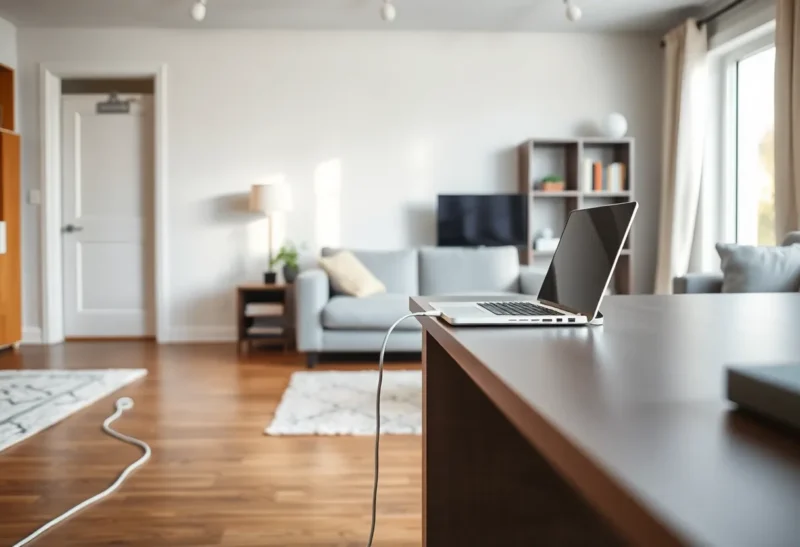
I used to install home internet for a living, and the most common call I got after Wi-Fi 7 routers arrived went like this: “I bought the newest router, the speed test says a gigabit, and my video calls still freeze every evening.” The last one I took before leaving the job was a family of five in a two-story house. The router was new, expensive, and doing exactly what it promised. The father’s work calls broke up at the same time every night. The fix was a single Ethernet cable, forty feet along a baseboard and under a door, from the router to his desk. The calls stopped freezing, and so, it turned out, did his daughter’s game in the next room.
That house is a good way to explain why cables still matter.
What Wi-Fi 7 actually delivers in a house
Wi-Fi 7 is a real step forward. It adds wider channels in the 6 GHz band, better modulation that packs more data into each transmission, and multi-link operation, which lets a device use more than one band at once. The headline numbers on the box, often in the tens of gigabits, add up every band and every antenna the router has. No single device ever sees that.
In practice, a good phone or laptop with a recent Wi-Fi 7 chip, in the same room as the router, can see real-world speeds in the low gigabits. That’s faster than most home internet plans and faster than gigabit Ethernet. Move the laptop two rooms away, put a couple of walls and a floor in the way, and it drops sharply, especially on 6 GHz, which gives up range for speed.
So in a straight speed contest, a nearby Wi-Fi 7 client can beat a gigabit cable. If speed were the whole story, this article would be two sentences long.
Why the calls froze anyway
The father’s laptop was getting great speed test results. The trouble was what happened during the call, not what happened during the test.
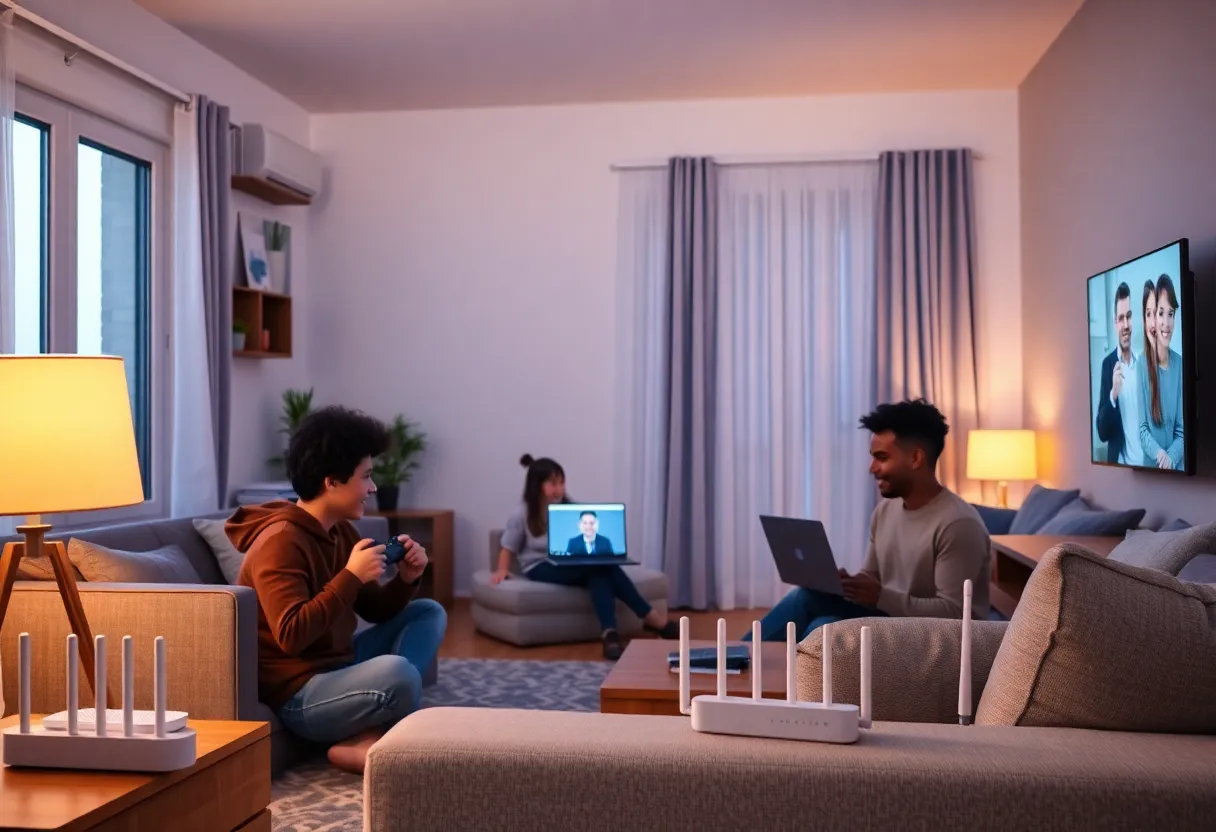
Wi-Fi shares the air. A cable is a private lane between one device and the switch. Wi-Fi is a shared room where only one device can talk on a given channel at a time. The access point takes turns, very quickly, between every device on that channel. In that house in the evening, that meant a game console, two phones streaming video, a TV playing 4K, a tablet downloading an update, and the work laptop, all taking turns. Wi-Fi 7 handles crowds better than older standards, but it doesn’t make the room bigger.
Latency is fine on average and bad at the worst moments. On a cable, the round trip from the laptop to the router is well under a millisecond, every time. On Wi-Fi it’s usually a few milliseconds, which is also fine. But under load or interference, individual packets sometimes wait much longer, tens of milliseconds, while the air is busy or a transmission has to be retried. Speed tests average that away. A video call doesn’t. A call can handle low bandwidth. What it can’t handle is audio packets arriving late and in bursts, and that’s what makes a call stutter.
The neighbors are in the room too. Every network within range that shares your channel takes turns with yours. In apartments and dense streets, a lot of the airtime you’re “sharing” belongs to people you’ve never met. The 6 GHz band helps here because it’s less crowded and doesn’t carry as far through walls, but only for devices close enough to use it.
The cable helped more than one device
Here’s the part that surprised the family: after the cable went in, the daughter’s game improved too, and she was still on Wi-Fi.
Every device you move from Wi-Fi to Ethernet stops taking turns on the air. The work laptop had been one of the busiest devices on the network during the evening, with a steady two-way video stream. With it on a cable, there was more airtime for everyone else. We moved the TV and the console to Ethernet too, since both sat right next to the router, and the evening slowdowns more or less disappeared.
This is the benefit of Ethernet people underrate the most: wiring a device helps the devices you can’t wire. The phones, tablets, and laptops that have to be wireless get a quieter room to talk in.
What Ethernet still does better
Bandwidth is no longer the main argument. These are:
- Consistent latency. For video calls, online gaming, remote desktop sessions, and anything else interactive, the worst moments matter more than the average. A cable has almost no bad moments.
- No contention. A wired device’s throughput doesn’t depend on what the rest of the house is doing.
- Reliability over time. Wi-Fi performance changes with where you sit, where the router is, the neighbors’ networks, and sometimes channel changes the router makes by itself. A cable doesn’t change.
- Full speed through walls and floors. Wi-Fi 7’s biggest numbers only apply nearby. Ethernet delivers the same speed at the end of a 50-meter run as it does at one meter.
- Freeing the air. Every stationary device you wire makes Wi-Fi better for the mobile ones.
Where Wi-Fi 7 means you can skip the cable
It’s fair to say Wi-Fi 7 has shortened the list of things worth wiring. I’d happily leave these wireless:
- Laptops that move around the house, especially if they’re usually in the same room as an access point.
- Phones and tablets, obviously.
- Streaming devices in rooms with good signal. Even 4K streaming uses a small share of Wi-Fi 7’s capacity, and streaming apps buffer ahead to cope with the odd delay.
- Downloads and updates on a nearby client, which will often run faster than your internet connection anyway.
- Anything in a room you can’t reasonably run a cable to. A good Wi-Fi 7 link beats a bad powerline adapter or a cable you’ll never install.
The cable that matters most: the one to the access point
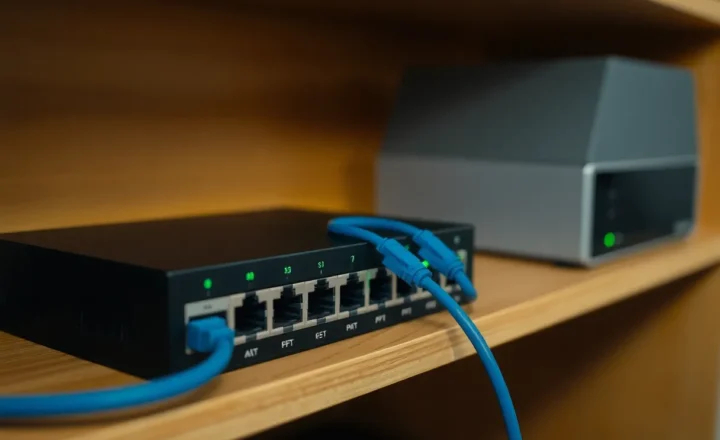
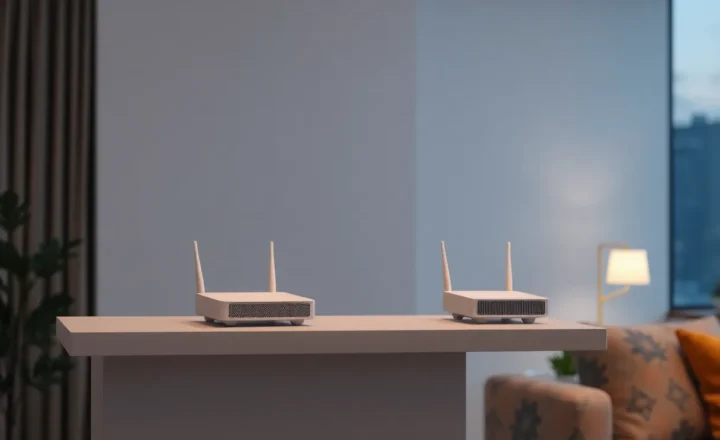
Every Wi-Fi network has a wired side, even if you never see it. The access point, or each mesh node, has to get its data from somewhere. If that link is wireless, as it is in most mesh kits out of the box, the nodes use the same airtime to talk to each other that your devices use to talk to them. A wireless hop can cut the speed and add delay for every device on the far node.
Wi-Fi 7 mesh systems do this better than older ones, with dedicated bands and multi-link operation for backhaul, but a cable to each node is still the single biggest upgrade most multi-node networks can get. When customers asked me where to spend money, running Ethernet to the second access point beat a more expensive router almost every time.
Many Wi-Fi 7 routers and access points now come with 2.5 GbE ports, and some with 10 GbE, which raises the question of whether the faster port is worth paying for. For most homes it isn’t. The uplink only needs to carry your internet connection plus whatever moves between devices in the house, and whether you can actually tell 2.5 GbE from 10 GbE depends more on your storage and your internet plan than on the Wi-Fi standard.
What I’d wire, in order
If you can only run a few cables, here’s the order I’d give them in:
- The second access point or mesh node. It improves every device that connects to it.
- The desk where someone works from home. Video calls and remote sessions are where Wi-Fi’s bad moments hurt the most, and a work desk rarely moves.
- Game consoles and gaming PCs. Online games are sensitive to latency spikes, and big game downloads are exactly the traffic you want off the air.
- The NAS or home server. Anything other devices depend on should never be on Wi-Fi.
- The main TV, if a port is handy. Lowest priority, since streaming tolerates Wi-Fi well, but it frees airtime for free.
If running cable through walls isn’t possible, flat Ethernet cable under a rug or along a baseboard is ugly but effective, and so is moving the router closer to the devices that need it most. That family’s forty-foot run was held on with cable clips and hidden behind a sofa. It wasn’t pretty, and it did more for the father’s calls than the new router had.
The short answer
Ethernet still matters with Wi-Fi 7. Not because Wi-Fi 7 is slow (nearby, it isn’t) but because Wi-Fi is shared and a cable isn’t. Wire the things that don’t move, especially the access points and the desk where someone works, and let Wi-Fi 7 handle the devices that do. You’ll get more out of the new router that way than by leaving every device to share the air.