Five-Plus Screens for Trading, Streams, and Code: What Those Walls Actually Do All Day

Nate Osborn
September 18, 2026
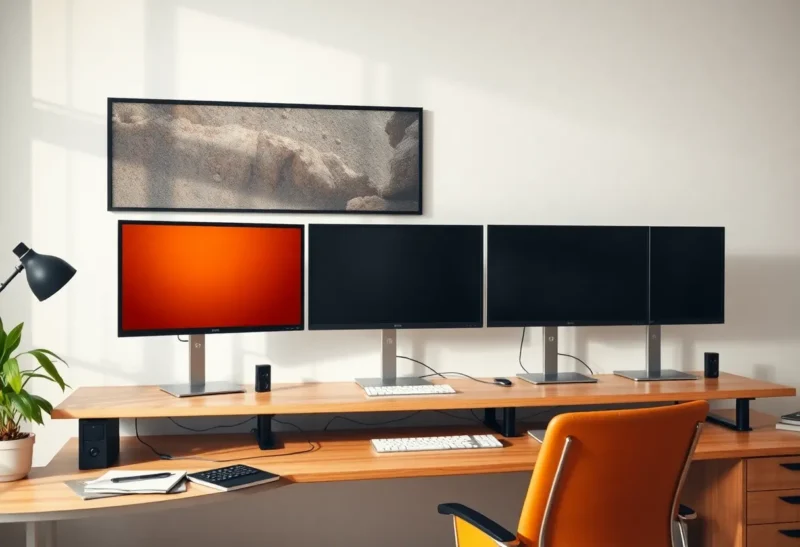
I have sat at a six-monitor wall that belonged to a friend who “day trades and also streams and also codes.” Three 27s on top, two 24s below, a laptop under the middle. At 11 a.m. the wall showed: a quiet Thinkorswim chart, Discord, a muted Twitch chat he was not live on, VS Code on a file he had not touched since Tuesday, Gmail, and a YouTube essay about monitor arms. The wall was a lighting installation with a brokerage login.
Five-plus screens can be a job. They can also be a furniture catalog. The difference is which rectangles still change when you leave the room for ten minutes.
Trading walls that are real
A futures trader who keeps a DOM, two timeframes, a news wire, and a risk blotter visible without tabs is using the glass. I have watched that person. Their eyes move on a schedule. The far panels are not Slack. They are prices. The chair turns. The desk is deep. The GPU is a desktop, not a 14-inch laptop on a DisplayLink hub that drops a display when the kettle boils.
Retail “I have five charts of the same ticker in different colors” is a mood. I have done a version of it with paper money. I used two 27s and a laptop. The third through sixth panels would have been the same candles. If your fifth screen is a Twitter list, you have a news addiction with a DisplayPort cable, not a trading floor.
Bloomberg-style layouts in real shops are software plus a KVM plus a building. Copying the photo at home without the data feed is how you buy a fourth Acer to hold a browser tab of CNBC. I will not tell you not to. I will tell you the tab works on a 27 you already own.
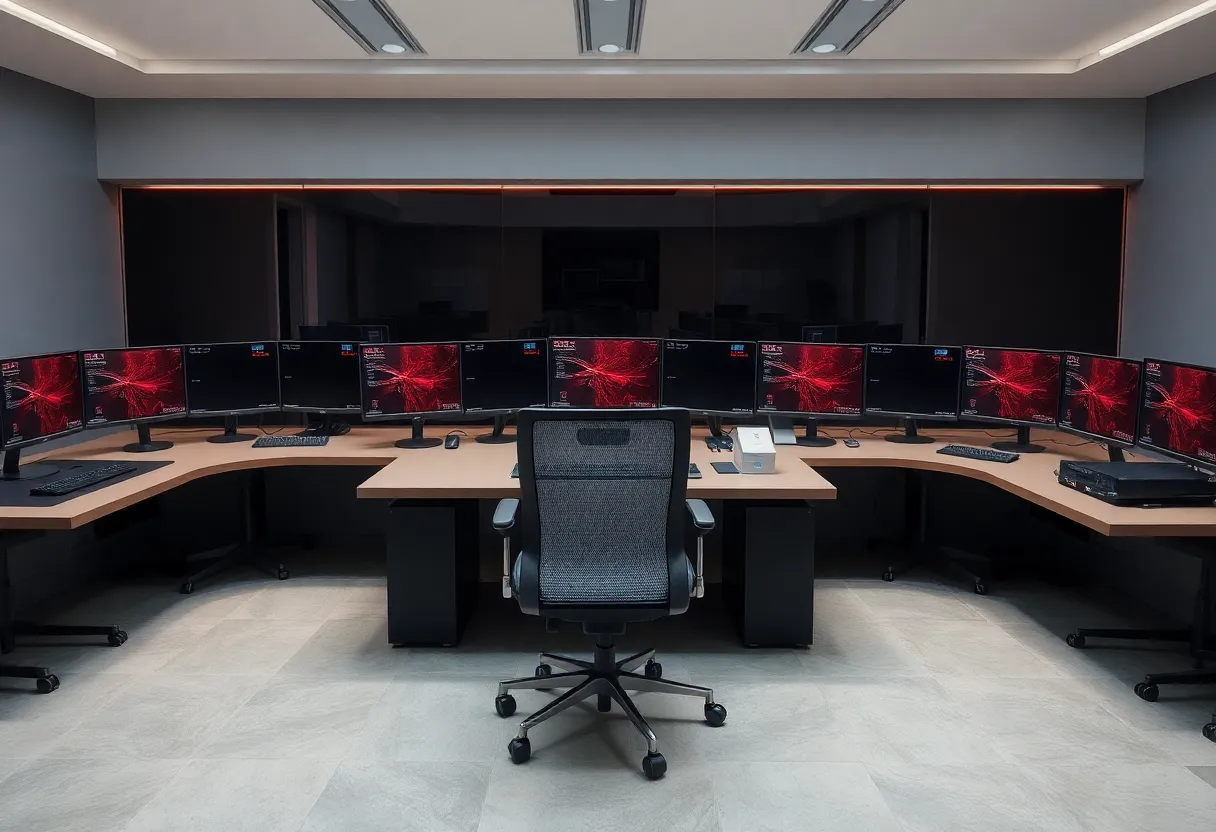
Stream walls that are half a control room
OBS, chat, a “just chatting” scene, a game, a preview, a Discord with mods — that can fill five surfaces if you are live and the chat is a job. I have helped a friend rack a 27 for game, a 24 for OBS preview, a 15-inch portable for chat, and a laptop for music. Four was enough. The fifth was a leftover that held a clock and a donation goal they glanced at twice an hour.
When they are not live, the wall is a very expensive clock. I asked them to power down the extras with a smart plug (Kasa, or a switched PDU if you are already in rack land). The room got quieter. The stream did not get worse. If a panel’s only live job is “I might go live,” it can sleep.
Capture cards (Elgato Cam Link, 4K60) and a second PC are the grown-up version of a stream wall. The second PC owns encode. The display count on the play PC can stay two. People add monitors because the photo of a streamer has many. The encode does not care how many bezels you own.
Code walls that are a tab problem
I have not written better software because I could see six files at once. I have written worse software because I could see Slack, email, a dashboard, a preview, a terminal, and a file, and I context-switched like a slot machine. Two screens, maybe a portrait docs panel, is the code wall I will defend. Five is a status board for a team you do not have.
A homelab operator who wants Grafana, a camera, Portainer, and an editor will try four panels. I put Grafana on a cheap always-on 1080p in the corner of the room, not in the work arc. The work arc stays two. The wall of ops is a glance when something is red, not a place I write functions.
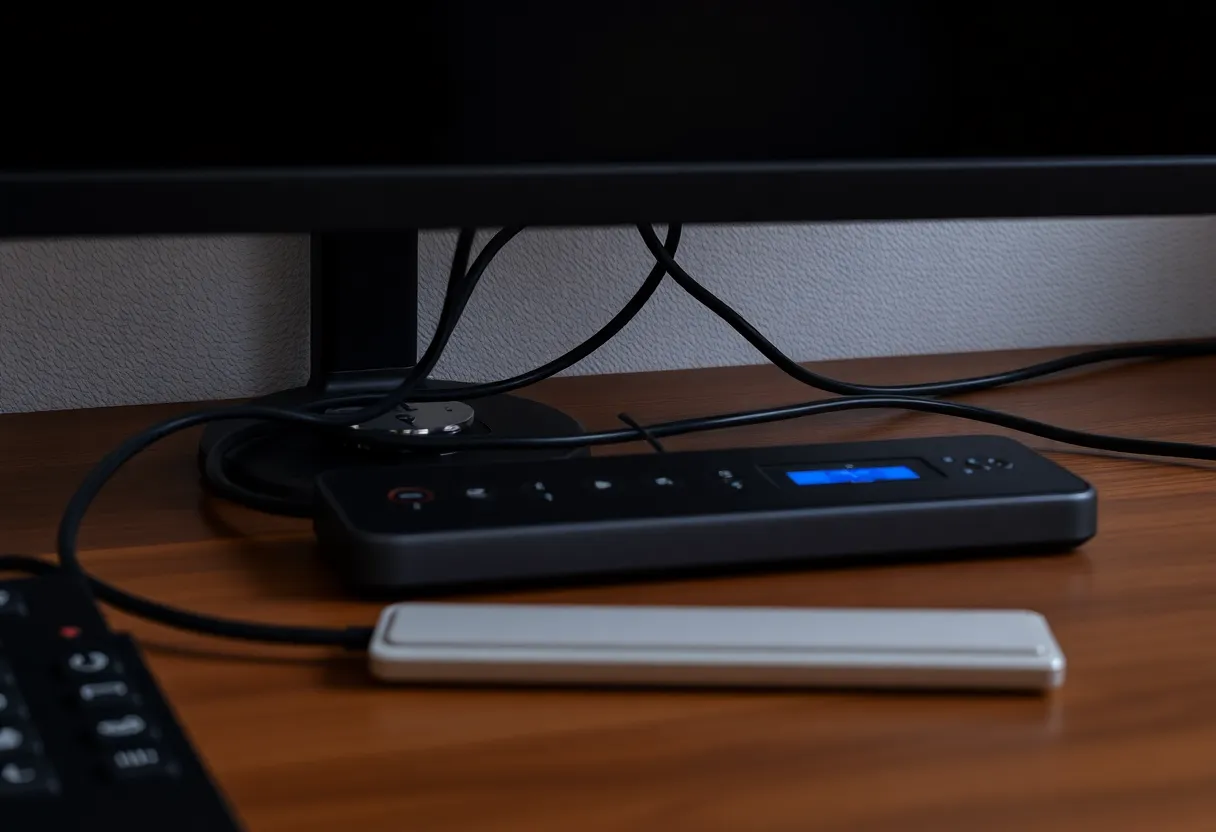
What the hardware is doing when you are not
Five 27s at 100 nits are a heater. In summer the desk becomes a climate. In winter it is cozy and your electric bill is a subscription to bezels. I measured a four-monitor Windows box at idle that was still a small space heater because none of the panels slept. Windows “turn off display after 15 minutes” plus a dock that wakes everything when a mouse ticks is a fight. I use a hardware switch on the power strip for the extras.
GPUs: a desktop with a used T1000 or a 4060 will drive a pile of 1080p/1440p 60 Hz outputs. A laptop will not, honestly, without DisplayLink, MST docks, and a driver afternoon. DisplayLink (ThinkPad docks, some Anker/Plugable hubs) works until it artifacts. I will not build a trading wall on DisplayLink. I will barely build a chat wall on it.
Inputs: a KVM for two computers across five monitors is a cable documentary. I have seen a $400 HDMI matrix that still swapped the wrong PC. One computer, fewer panels, is a happier Tuesday.
Neck, eyes, and the tile you actually use
Count glances for an hour. I did, with a note. The wall used two tiles. The rest were comfort objects. Comfort objects at 40 degrees of yaw are the third-monitor problem multiplied. If you need five fields, put them in an arc a chair can face, not a flat wall that turns you into a turret.
Matching PPI matters more when you drag. On a trading wall you often do not drag; you leave layouts parked. Mixed 1080p leftovers are then survivable. On a code wall you drag all day. Mixed leftovers are a cursor tax. I allow junk panels only for parked, full-screen, no-drag jobs: a clock, a static risk number, a muted chat you should have bound to a key anyway.
Audio, webcams, and the wall that talks
Five screens do not fix a single cheap laptop mic. Streamers add a GoXLR or a Wave XLR and still glance at a silent chat panel. Traders add a squawk box and still keep CNBC on a sixth tile they do not hear. I would rather one good microphone and two panels than a wall that is visually loud and sonically bad. The wall photo never includes the echo.
Webcams on the center bezel are fine. Webcams on the far left of a six-wide array are how you look at a guest while your face points at a DOM. If you take calls from this desk, the camera belongs on the panel you face when you talk. That is usually one of two, not one of six.
Software that pretends to be more glass
FancyZones, Rectangle, and virtual desktops are cheaper than a fifth panel. A trader’s layout saved in the platform is cheaper than a sixth chart of the same symbol. OBS multiview on one 27 is cheaper than three preview monitors. I have added glass because the software already had a layout and I wanted the layout to feel permanent. Permanent is a saved profile. Glass is a landlord.
If a window cannot be saved as a layout, it will wander across five screens until you hunt it. That hunt is the day. I name desktops (Trade, Stream, Code) and I switch, instead of keeping all three jobs lit. The wall can stay mounted. The power strip does not have to.
A wall I would actually build
Trading as a real frequent job: three matched 27-inch 1440p in a shallow arc, desktop GPU, chair that turns, no laptop lid. Fourth only if a feed is truly a different job, not a second Twitter.
Streaming as a real frequent job: game + preview + chat. Three. Portable for chat if the desk is small. Smart plug for the preview when offline.
Code: two, or one 49, or one 32-inch 4K. A homelab 1080p in the periphery if you want a red dashboard. Not five IDEs.
If you already own five, run a week with two powered and see which windows you miss. Missed windows are the wall’s real spec. Unmissed windows were a photo. I like photos. I like them on a phone, not as a heating bill that also holds my neck at a party angle until 7 p.m. If you cannot name the job of screen five in one sentence, screen five is a lamp that happens to speak DisplayPort.
A wall is a layout of attention. Five-plus screens only pay if five-plus streams of attention are the work. For everyone else they are a bright piece of furniture that used to be a stipend and a fear of missing a candle. Unplug the tiles that do not change. The ones that still change were the setup. The rest was a wall. I still like a big desk in a photograph. I like it more when I can name, without looking, which tiles would still be updating if I left the room with the kettle on.