One 49-Inch Ultrawide vs Two 27s: Who Wins at Code, Who Wins at Layout

Nate Osborn
September 18, 2026
I have done a year on an LG 49WQ95 and a year on two Dell U2723QE 27-inch 4K panels. Same desk, same chair, same arms. The internet treats this as a religion. It is a window-manager and a bezel religion. Code and layout do not vote the same way.
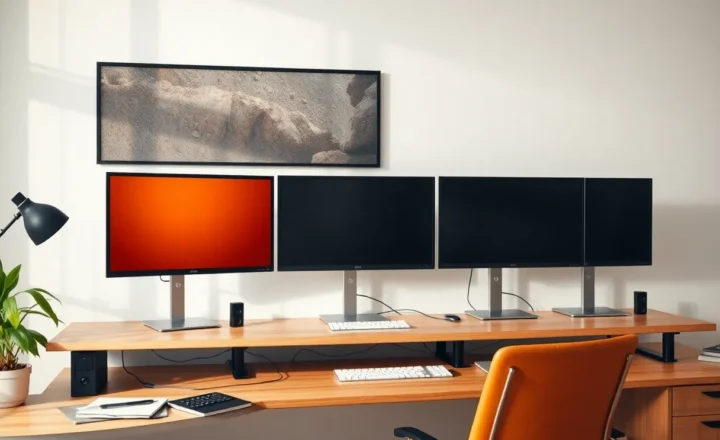
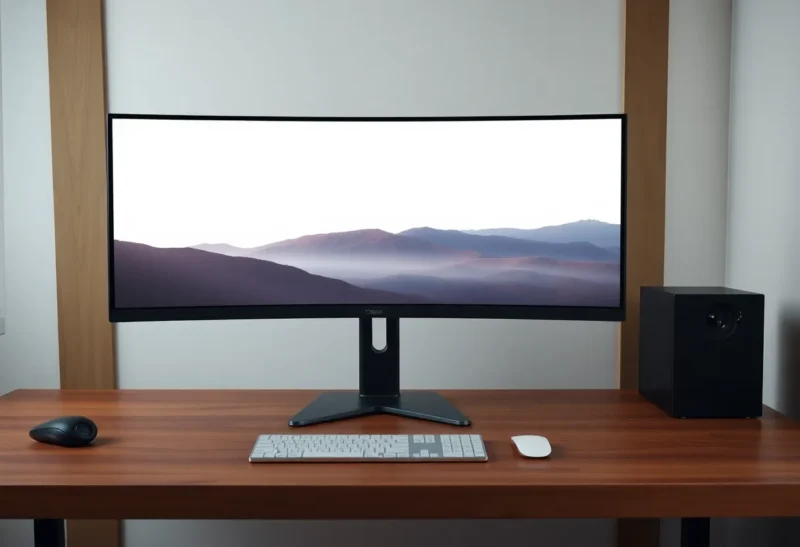
A 49-inch 32:9 is two 27-inch 16:9 frames glued together, minus the plastic in the middle, plus a curve you may not want, plus one cable, plus one scaling profile. Two 27s are two rectangles you can raise independently, rotate one, and turn off independently when you need a smaller world. Those sentences are the review.
What 49 inches actually is
The 49WQ95-class panels are 5120×1440, 32:9, often slightly curved, often expensive, often a USB-C dock in the stand. Samsung’s Odyssey G9 family is the gamer cousin: more curve, more refresh, more HDR theater, less “I am reading a PDF.” Dell’s U4924DW is the office cousin: a webcam optional, a KVM, a calmer look. I have used the LG and sat at the Dell. I have not loved the G9 for Figma. I have liked it for a sim and a browser.
5120×1440 is not 4K. It is 1440p tall and very wide. Text on Windows at 100 percent is small if you sit close. Text at 125 percent is fine and eats some of the “two 27s of pixels” fantasy. On macOS, 49-inch support has been a long argument about HiDPI and letterboxing. I run the 49 on a Windows desktop now. I will not tell a MacBook user to assume it is as clean as two Studio Displays.
Code on the 49
The win is a bezel-free split. VS Code on the left half, docs or a preview on the right, no plastic through a diff. FancyZones or Rectangle or whatever you use can fake two 27s. I bind halves and I stop thinking about it. A three-column layout — editor, terminal, browser — fits if you sit back. If you sit at 50 cm, the far edges of a 49 want neck. That is the same tax as a third monitor, just in one piece of glass.
The loss is height. 1440 vertical pixels is not a 4K 27. Long files, long stack traces, long markdown. I scroll more than I did on a 27-inch 4K at 150 percent, which had more usable vertical type after scaling. Portrait is gone. I cannot rotate half a 49. The coder who loved a vertical docs panel will miss it on day two.
One GPU output, one night when the panel dies, and the whole desk is dark. Two 27s fail one at a time. I have had an LG firmware afternoon. I still had email on the other Dell, when I still had Dells.
Layout on the 49
Figma likes width. A 32:9 canvas is a lovely artboard for a desktop website at 100 percent plus a side page of components. It is a worse artboard for a mobile frame plus a full-page screenshot plus a Slack strip, because the height is 1440 and the curve makes a ruler feel drunk if you are the kind of person who lines up edges to the bezel. I am that person. The curve on the WQ95 is mild. The G9 is not mild. I will not pick brand colors off a curved gamer panel and then argue with a developer about 8px.
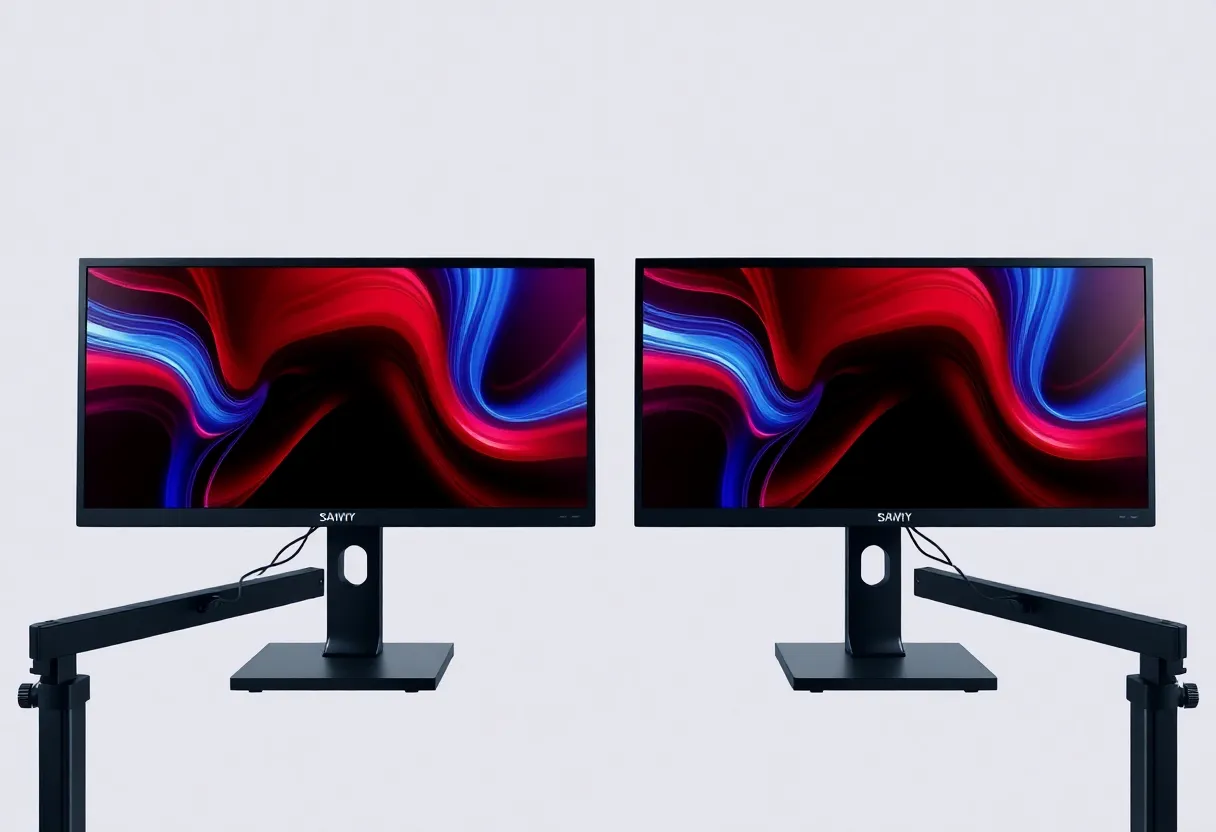
Two 27-inch 4K panels give a designer two flat, tall-enough rectangles. A 390pt iPhone frame is a honest size on one, a full desktop frame on the other. You can turn one off and live on a single 27 when you are tired. You cannot dim “half” of a 49 without software that paints a black rectangle, which I have done, and which feels like living in a cave with a tool.
Color: a good 49 (the LG I used, the Dell office 49) can be fine for UI. A G9 is a different product. If layout is the job, I would rather two Ultrasharps than a curved 1000R trophy.

Two 27s, without romance
The bezel in the middle is real. It cuts a window you span. I do not span. I put one job per panel. That is how two 27s beat a 49 for me in Figma and lose for me in a wide IDE split I want to feel like one surface.
You can raise the primary and drop the secondary. You can portrait the docs panel. You can mix a 4K and a 1440p if you like pain (you should not). You can buy the second 27 later. A 49 is a single check and a single hole in the desk for a clamp.
KVM and USB-C: many 49s are docks. One cable from a laptop is lovely. Two 27s need a dock that drives two DisplayPorts, or one panel on USB-C and one on HDMI, and a weekend of “why is this 30 Hz.” I have had that weekend. I have also had a 49 that needed a firmware update before USB-C would wake the laptop. Different weekends, same swearing.
GPUs, docks, and the 5120 tax
5120×1440 at 60 Hz is an easy DisplayPort job for any desktop GPU from the last several years. 5120×1440 at 120 Hz, or a G9 at 5120×1440@240, is a cable and a port conversation. Two 27-inch 4K panels at 60 Hz are two 3840×2160 streams. A mid laptop dock will do one 4K and one 1440p and then get weird. A desktop with two DP 1.4 outputs will not care. I have driven two 4K 27s from a used T1000 in a Mini PC. I have also failed to drive a 49 at high refresh from a thin USB-C laptop and then blamed the panel.
VRR and HDR on a 49 are nice for a movie night at the desk. They are irrelevant to a pull request. If those features are why you are buying the G9, say that. Do not say you are buying it for “productivity” and then game on it, which is allowed, and which is a different winner than the Figma test.
Windows snapping on a 49 needs a third-party tool or a careful FancyZones canvas if you want a stable half-and-half. Two 27s snap with the OS because each panel is already a half. That sounds petty until you spend a month dragging a window that is 200 pixels over the imaginary center line.
Desk and neck, again
A 49 wants a desk that is deep enough to sit back. If you sit close, the edges are a third-monitor twist in one panel. Two 27s can form a shallow V and sit closer to the midline. On a 140 cm desk I prefer two 27s. On a 180 cm deep-ish desk I prefer the 49 for code and still prefer two 27s for layout.
Travel: you do not pack a 49. You pack a laptop and you miss whatever you trained. Two 27s are also not packed. The difference is psychological. I found it easier to work on a 16-inch laptop after two 27s than after a 49, because the 49 had trained me to throw windows to a far hemisphere that no longer existed.
Who should buy which
Code, one machine, you like FancyZones, you hate bezels, you will not rotate, you have depth: 49. Start with the office-class LG or Dell, not the Odyssey, unless you also game on that desk and you know the curve.
Layout, two honest rectangles, you sometimes want portrait or to kill a panel, you share the desk with someone who will sit down at 3 p.m.: two 27s, matched, 1440p or 4K as a pair, not a mix.
Both jobs on alternate days: I would buy two 27s. The 49 is a better coding surface and a fussier design surface. Switching a window manager is easier than switching a curve.
If you already own two 27s and you are shopping a 49 because a photo looked clean, measure the desk depth and try to sit at a store. The photo does not include your C5 vertebra at 40 degrees of yaw. I brought the 49 home from that photo. I kept it for code. I brought the Dells back for anything that had to be the same size on Tuesday and Thursday.
There is no winner. There is a bezel you can work around and a height you cannot invent. Code can live with less height if the split is clean. Layout cannot live with a curve and a 1440-tall world if the job is “is this 8px.” Buy the rectangle that matches the lie you tell less often. I still have the 49 on the code desk and the pair of 27s on the layout desk, and I stop asking them to swap jobs for a photo.