Zigbee Channel 15 vs 25: USB 3 Noise That Looks Like a Dying Coordinator

Helena Vos
September 18, 2026
I have replaced a healthy coordinator twice because the map looked like a dying radio. Aqara buttons that used to answer in one hop started sitting on “unavailable.” IKEA routers forgot their children overnight. Zigbee2MQTT’s interview of a new Innr bulb timed out at 70 percent. The stick was a Sonoff ZBDongle-E that had been fine for a year. The thing that changed was an Unraid box: I plugged a USB 3 SSD dock into the same chassis, and I moved the dongle from a two-meter extension on a bookshelf back into a rear port so the desk would look tidy.
People then pick a fight between channel 15 and channel 25 as if the number is a firmware flash. Sometimes 25 does look like a resurrection. Sometimes 15 does. The USB 3 noise does not care which hymn you picked. It is broadband junk around 2.4 GHz sitting a few centimeters from the only radio that has to hear every router in the house. A channel change that “fixes” the mesh is often a Wi-Fi story. A channel change that does nothing, while you shop for a SkyConnect you do not need, is usually the dock.
What 15 and 25 actually sit on
Zigbee in 2.4 GHz is channels 11 through 26, 2 MHz-ish slices with 5 MHz spacing. Wi-Fi 2.4 is 20 MHz-wide (or 40, if someone left that on). The overlap chart is the one every blog reprints:
- Wi-Fi 1 stomps Zigbee 11–14
- Wi-Fi 6 stomps 16–19
- Wi-Fi 11 stomps 21–24
- 15 lives in the gap between 1 and 6
- 20 lives in the gap between 6 and 11
- 25 lives above 11, if your neighbors are not running 40 MHz or a “smart” AP that picked channel 13
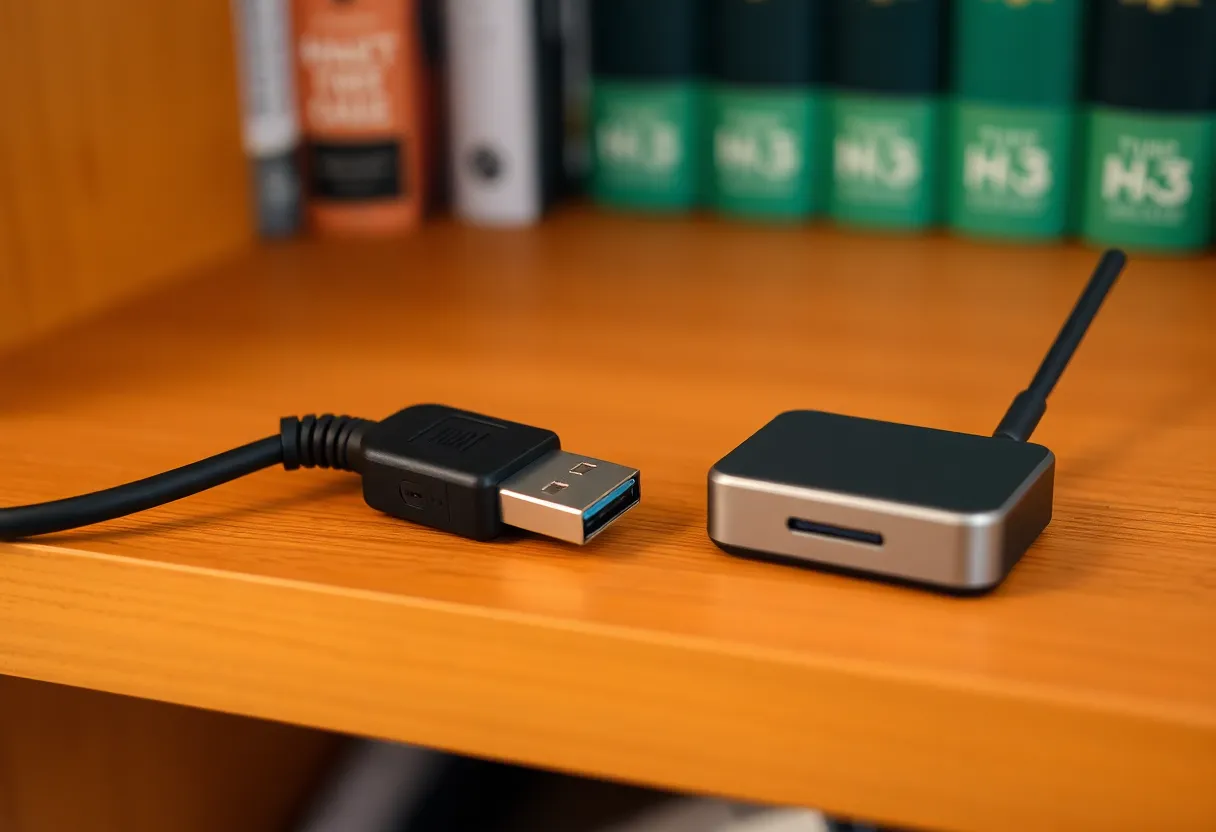
That chart is about Wi-Fi energy, which is shaped and mostly in the center of each AP’s channel. USB 3 SuperSpeed is not an AP. A 5 Gbit host, a cheap enclosure, and a poorly shielded cable radiate a messy blob across the ISM band. Intel’s old USB 3 / 2.4 GHz note is still the one I send people: the noise is worst near the connector, and it is wide. It is not “USB 3 uses channel 15.” It is “this port is a jammer, and your coordinator is sitting in it.”
Channel 25 is not magic against that blob. It is slightly farther from some Wi-Fi 11 energy and sometimes quieter in a European apartment that already parked every AP on 1 or 6. Channel 15 is the other gap, and it is the one Hue’s default used to land near, which is why a mixed Hue-plus-Z2M house will invent a religious war about 15. I have run both. I have also run 11 by accident after a backup restore and then spent a week blaming Aqara.
The dying-coordinator costume
USB 3 next to a stick does not look like “interference” in the UI. It looks like hardware end-of-life.
Zigbee2MQTT’s map thins out. LQI on the coordinator’s own links drops into the basement while two routers in the hallway still see each other fine. Permit join works, then the interview dies when the device has to talk to the stick rather than to a nearby bulb. OTA jobs stall. A battery sensor that used to report every hour goes quiet, then dumps a backlog when you walk it into the same room as the rack. ZHA’s device page says the coordinator is connected. The logs say DeliveryError and NWK source routing retries. None of that says “your Sabrent dock is screaming.”
I wasted a Saturday on EmberZNet firmware because that is what the thread said to do. The ZBDongle-E on 7.4.x versus 6.10.x is a real topic. It was not my topic that day. I moved the stick to a USB 2 port on a powered hub at the end of a ferrite cable, left the channel at 15, and the “dead” coordinator started answering interviews again. The firmware file stayed in Downloads.
A genuine dying stick exists. I have had a ConBee II that would lock up until I power-cycled the Pi. That failure is sticky across rooms and across USB ports. USB 3 noise follows the host. If the mesh heals when the stick is on a three-meter cable and sickens when it is in the Unraid USB 3 header, stop shopping for a TubeZB and buy a longer cable.
When 25 wins, and when it is theater
Change to 25 when a Wi-Fi analyzer — I use WiFiMan on a phone and a cheap USB adapter on a laptop, not the router’s “auto” claim — shows the 15 gap is gone. The usual reasons: a neighbor’s mesh hopped onto channel 1 and 6 with overlap, an ISP extender parked itself on 6 with 40 MHz, or you added a 2.4 GHz IoT SSID on 1 without noticing it sits on top of your old 15. In that house, 25 can drop retries on mains-powered routers in a day. End devices catch up slower. Aqara still takes its time.
Do not change to 25 as a first response to a stick that just moved next to an external SSD. You will force every device to find the new channel. Some will. Some will sit on 15 forever and look like they “died,” which is how you confirm your own misdiagnosis. Zigbee2MQTT can broadcast a channel change. ZHA can too. Battery devices and a few cheap Chinese no-name boards will ignore you until you re-pair. I have done a 15→25 migrate on a house with 80 devices. I will not do it again to test a theory I could have tested with an extension cable in four minutes.
Channel 15 still wins in houses where 25 is dirty. I see this when someone enabled Wi-Fi 40 MHz, when a rural AP is on 11 plus a guest on 13, or when Thread / Matter on 2.4 is sitting in the upper channels and you already have a border router you do not want to fight. 15 is also the path of least drama if Hue is on 15 and you are not ready to move the Bridge. Two coordinators on the same channel is a different mess. Two coordinators on adjacent channels in a small apartment is only slightly better.
Channel 26 exists on paper. In a lot of regions the transmit power is limited. I do not use it unless I am experimenting. Channel 20 is the third gap and I treat it like 15: fine if the analyzer agrees, not a personality.
How I tell Wi-Fi from USB 3 without buying another stick
Unplug the USB 3 devices. Not the stick — the dock, the backup HDD, the capture card, the front-panel hub on the NAS. Leave the coordinator where it is. If LQI on the coordinator’s links jumps in a few minutes, you found the jammer. If nothing changes, look at Wi-Fi.
Then walk the stick. USB 2 port on the host, then a short cable, then a long cable onto a shelf that is not metal and not behind a TV. I aim for two meters and a USB 2 hub with a ferrite. The SLZB-06 and other Ethernet coordinators exist because some racks will never be kind to a dongle. If you already know the radio has to live in a hallway, that is a placement product, not a channel product.
Only after the stick is away from SuperSpeed do I take a 2.4 GHz snapshot and pick 15, 20, or 25. I write the choice down in the same note as the Wi-Fi channels, because the next person who “optimizes” the Unifi 2.4 radio will otherwise park an SSID on my gap and open a ticket that says the coordinator is dying again.
Hue, Thread, and the second radio you forgot
A Hue Bridge on channel 11 while Z2M sits on 15 is common in houses that grew. Hue’s bulbs are loud routers. They will happily occupy airtime next to your Aqara mesh. If I still have a Bridge, I try to put Hue and Z2M on different gaps — 15 and 25 — and I accept that the 2.4 GHz band in the apartment is now a shared organ. Moving only Z2M to 25 while Hue stays on 11 can look like a Z2M miracle and a Hue regression. Measure both.
Thread uses the same 2.4 GHz ISM band. An Apple TV or a Nest as a border router will pick a channel you do not control as tightly as Z2M’s channel: 25. I have seen a Thread network land near 25 and a Zigbee network that I had just “fixed” by moving there fall over again. The analyzer will show energy. It will not label it Thread. If you added a border router the same week you changed Zigbee channels, you ran two experiments.
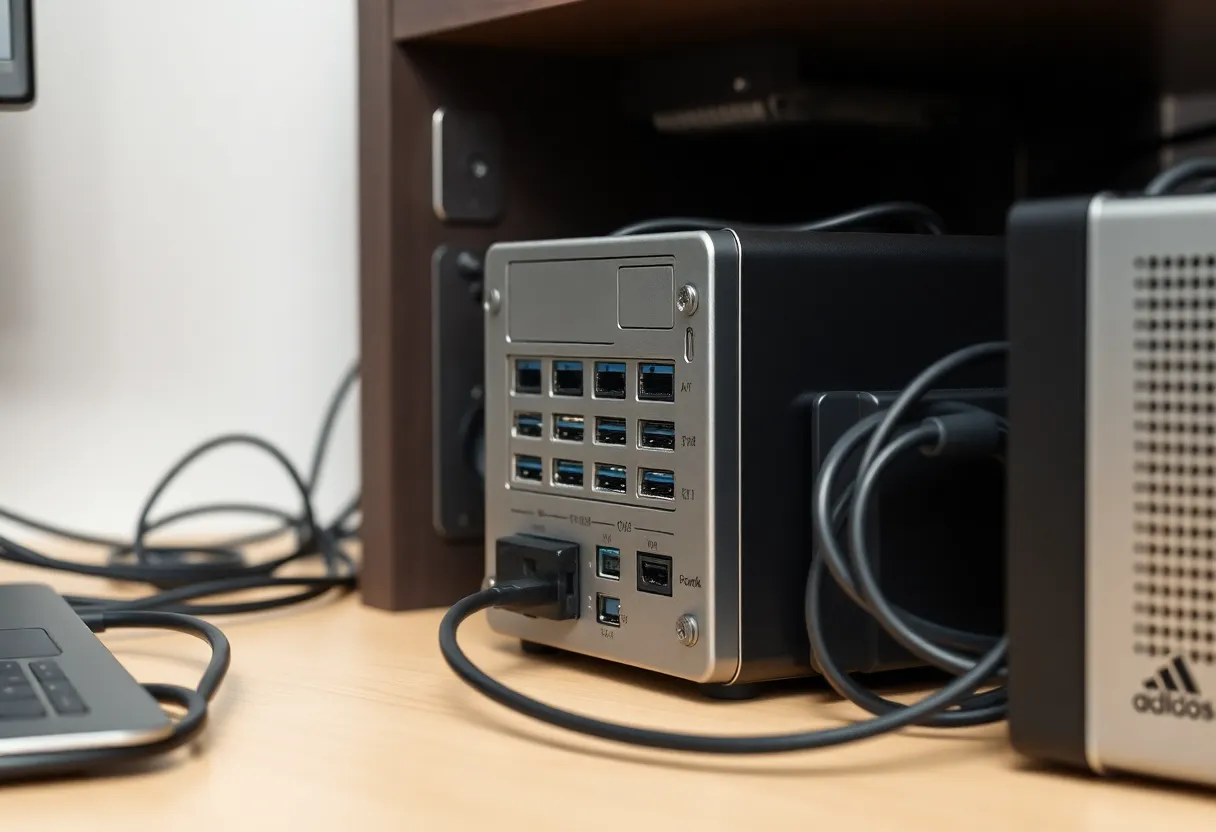
Bluetooth on the same Pi 4 as the stick is the other amateur move. The Pi 4’s USB 3 plus onboard Bluetooth plus a dongle in the USB 3 pair is a greatest-hits album of 2.4 GHz self-harm. I put HA on a Mini PC and the radio on a cable. The Pi can run Pi-hole.
What I actually put in configuration.yaml
For Zigbee2MQTT I set the channel once, on an empty network if I can, and I do not leave channel: 11 as a default I never looked at. I set output power to the legal maximum for the stick only after the stick is away from the host. Cranking TX on a dongle jammed against an SSD does not punch through USB 3. It just shouts into a bucket.
I keep a coordinator backup before any channel change. Z2M’s coordinator_backup.json / NVRAM dump is how I undo a 25 experiment that orphaned half the cheap sockets. I do not restore a backup onto a different stick and expect the channel story to stay coherent. That is a different article and a different way to fake a dying radio.
ZHA users: the channel is a radio setting, not a Home Assistant helper. Changing it is a migration. The UI will let you click it. The battery PIR on the shed will not get the memo. Budget a Saturday if the house is large, or do not click it because a Reddit comment said 25 is “best.”
Trade-offs I will not clean up
Channel 25 is the right default in a lot of North American apartments where 1/6/11 are occupied and 40 MHz is off. It is not a USB 3 shield. Channel 15 is the right default when Hue or an old Z2M install already lives there and the analyzer still shows a gap. Neither number repairs a Sonoff stuffed into a USB 3 port on a Pi 5 that also runs a WD_BLACK dock.
Ethernet coordinators cost more than a cable. They win when the computer closet is a Faraday cage of SuperSpeed and metal. They do not win when the only problem was a 30-centimeter lead. I own an SLZB-06. I also own a two-euro extension that fixed the first house.
If the mesh is still ugly after the stick is two meters from every USB 3 port and the channel sits in a real gap, then you may have a source-routing problem, a router-starved floor, or firmware that actually is bad. Those are real. I got to them faster once I stopped using channel 15 versus 25 as a personality test for a radio that was just sitting in a jammer.
The short version: 15 and 25 are the two gaps worth arguing about. USB 3 is the reason the argument looks like a hardware failure. Move the stick first. Read the air second. Change the channel last, and only once.