Raspberry Pi 5 Local LLM vs the Marketing Slides: Why 8 GB Is Still a Demo

Nico Alvarez
August 25, 2026
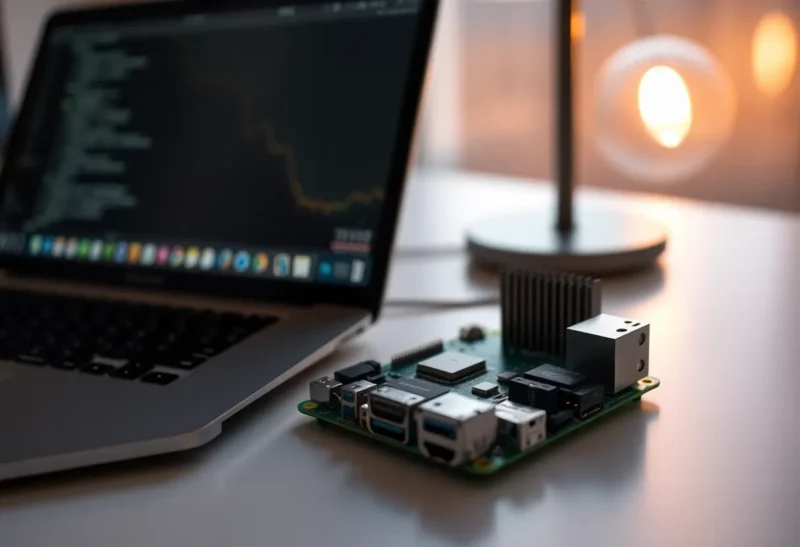
The Pi 5 slide deck implies you can put a language model on the nightstand and cancel a cloud bill. The 8 GB board is a wonderful computer. It is a terrible amount of RAM for the models people paste into the same sentence as “local LLM.” You can demo a 1B or 3B Q4. You can suffer a 7B at a quant that forgets how to spell. You cannot treat the Pi as a laptop-class inference box and then blame the OS when swap starts. 8 GB is still a demo. The marketing just stopped saying that out loud.
I run small models on a Pi 5 because it is always on and cheap to leave in a drawer. I do not run them because the tokens/s chart looked like a Mac Studio thumbnail. If you have the Mac, the memory wall is Ollama versus MLX on unified memory, not an 8 GB Pi.
The arithmetic the slide skipped
Raspberry Pi OS, a little Docker, and a browser tab for the UI will eat a few gigabytes before weights load. A 7B Q4 is often quoted around 4–5 GB. That leftover is not a playground. It is the KV cache, the runtime, and the lie that you can also run Home Assistant on the same card. Load the 7B and the house stack together and you have invented a new kind of slow: not inference slow, paging slow.
3B and 1B class models fit. They are useful for classify, rewrite a sentence, or a tiny bot that must not leave the LAN. They are not useful for “replace my API coding assistant.” If your bar is the latter, buy used mini PC memory or use the API. The Pi is the wrong SKU.
Hailo, NPUs, and other slide friends
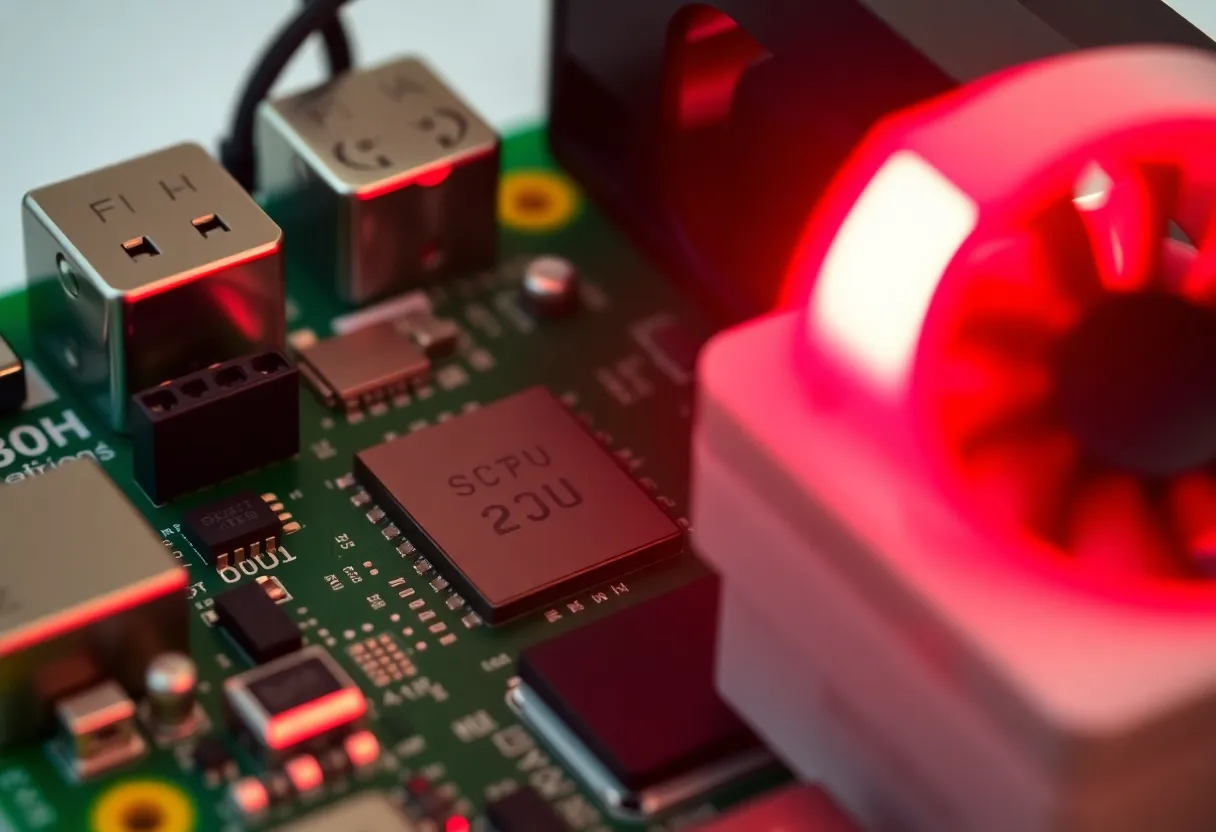
The AI Kit and Hailo-shaped hats are real products for vision: detect a person, count objects, spare the CPU. They are not a silent 70B in the corner. Bundling “AI” on a product page with llama.cpp screenshots is how buyers get angry. If you want cameras, look at the hat. If you want chat, look at RAM. Do not look at a TOPS number and do 7B math.
llama.cpp on CPU (and whatever GPU-ish path exists this month on Pi) will run. It will thermal-throttle without a fan. It will read GGUF from a microSD like it is 2009. Put the weights on a USB SSD if you insist on 7B experiments. The card is for the OS. I have watched first-token latency become a coffee because the model streamed from flash wear-leveling.
What an honest Pi 5 LLM job looks like
Always-on, low rate, small model. Classify MQTT payloads. Summarize a syslog line. A private autocomplete for a notes file that is 20 tokens. Offline toy for a kid. A reason to learn llama.cpp without spending $2,000.
Not: long-context repo Q&A. Not: concurrent users. Not: the same host as Immich ML and Plex. Those jobs have other boxes. Immich’s embedding worker alone will eat the RAM story. If you already learned that the hard way, you do not need a second lesson from llama.cpp.
I treat the Pi LLM the way I treat a cron box: one job, one resource cap, a systemd unit I can stop. Nice-level the process. If Home Assistant stutters when a prompt starts, the colocation failed. Move the model. The board is allowed to be a specialist. The slide wanted a general-purpose AI appliance. Specialists ship. Appliances on 8 GB do not.

16 GB Pi 5 versus 8 GB
If you can get 16 GB, you buy it for this hobby the same way you buy 16 GB on a Mac: the model plus a desktop-shaped OS. You still will not be proud of 13B. You will be less ashamed of 7B Q4 with a short context and nothing else on the board. 8 GB remains a demo plus 3B daily driver. The price delta is the whole product if language models are why you are here.
A used x86 mini PC with 32 GB will destroy both on tokens and on sanity. The Pi wins on watts, GPIO, and the joy of a $100 board. Pick the win you wanted. The slide wanted you to pick both.
Cluster fantasies — four Pis and a dream — fail the same RAM test four times and add Ethernet latency. I have seen the diagram. I have not seen the tokens. If you have four Pis, run four 3B specialists or run one real box. Do not shard a 7B across wishful thinking.
The 8 GB SKU remains the volume seller because it matches every other Pi project: HA, DNS, a camera. Those projects already filled the memory. Adding “just a small LLM” is how the OOM killer becomes your SRE. Dedicated board or dedicated “no.”
Thermals and power are part of the model
A throttled Pi is a slower model, not a broken build. Official power supply, active cooling, and a case that is not a sweater. Brownouts under load look like random crashes that you will blame on llama.cpp. Measure voltage. This is still a Pi.
If the board also runs Z2M and a MQTT broker, inference is a burst that steals CPU from the mesh. I do not colocate those. The demo is a dedicated Pi or a dedicated process you can kill.
Quantization theater on ARM
Q2 and Q3 will stuff a 7B into 8 GB on a wiki table. The sentences will read like a damaged radio. I will not ship that to a partner as “our home AI.” Q4 on a 3B is a better product than Q2 on a 7B. Quality is not parameter count when the bits are gone and the cache is swapped.
Context windows on the Pi should start embarrassing: 512, 1k, 2k. A UI default of 8k is how you thrash. Cap it. The Apple silicon article said the same with more RAM. Here the punishment is faster.
Ollama on Pi exists so you can pull a model that does not fit. Read the size. Quit other models. If the pull is 4.5 GB and you have 7.2 GB free after the OS, you do not have 7B headroom. You have a prayer. Prayers show up as dmesg oom-killer, not as a helpful error in the chat skin.
Networking the demo without pretending it is a server
A small OpenAI-compatible endpoint on the LAN is a nice homelab toy. Rate-limit it. Do not publish it. The Pi will fall over if two phones hit a 7B at once. One client, one short prompt, or you built a queue you will not staff.
I bind the API to the mesh, not to 0.0.0.0 on the WAN. The model is not worth the incident. Logs go to a file you rotate. Weights stay off the SD if they are large. None of this makes 8 GB into 32 GB. It makes the demo less likely to take down the Pi you also use as a clock.
Compare watts if you must: a Pi sipping 10 W for a 3B reply you needed once an hour is a win versus a Studio. A Pi grinding a 7B for a 20-minute answer while the fan screams is a lose versus a 30-second API call you already pay for. Do the per-answer math, not the per-month electricity guilt.
When I still recommend the demo
Teaching. Privacy toys. A LAN-only helper that must stay small. A build that you will show people once and then leave on a 3B. That is honest. A build you will use as your daily driver instead of a 16 GB laptop is not. I said the same about Apple silicon 8 GB. The Pi is that argument with less RAM and slower memory.
The close
The Pi 5 can run a local language model. 8 GB means the model is a demo or a tiny specialist. Marketing TOPS and AI hats do not change the resident set. Buy 16 GB if you must stay in Pi-shaped plastic. Buy a used mini PC if you want a real local chat. Leave the 8 GB board for GPIO and 3B jobs, and stop comparing it to a slide that never loaded Activity Monitor.
If a YouTube video shows a 7B flying on a Pi 5, look at the context, the quant, the empty desktop, and the single prompt. Then look at your compose stack. Those are different machines that share a PCB. I keep the video as a party trick and the 3B as the service. The slide can have the 7B. My uptime graph cannot.