Samsung Galaxy vs Google Pixel: The Real Differences That Matter Day to Day

Priya Nair
July 7, 2026
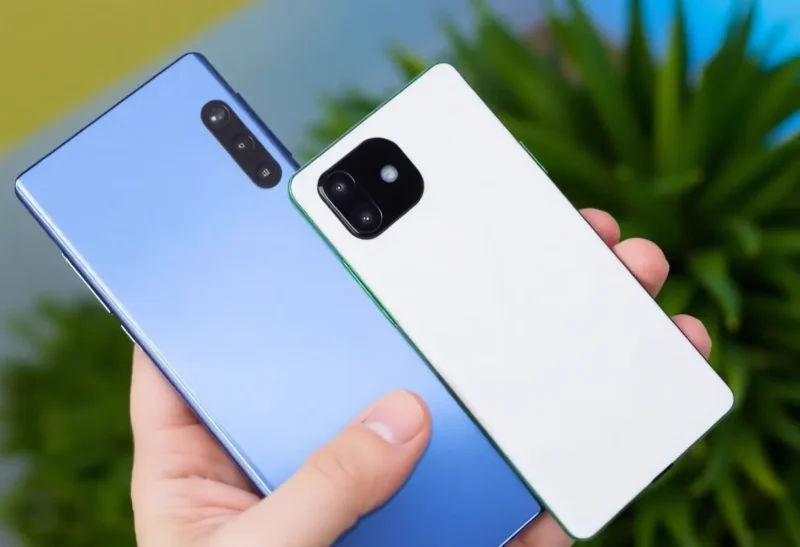
Both Samsung Galaxy flagships and Google Pixel phones run Android—on that level, they’re more similar than different. But below the shared operating system is a meaningful divergence in software philosophy, update policy, AI integration, hardware design, and ecosystem depth that produces genuinely different daily-use experiences. The choice between them is not about which is “better” in absolute terms—it’s about which set of trade-offs fits your specific priorities.
Software Experience: One UI vs Stock Android
The most felt daily difference is the software interface. Google Pixel runs a close-to-stock Android experience—clean, minimal, fast, with features that appear in the Android OS update before being available on other manufacturers’ versions. Samsung Galaxy runs One UI, Samsung’s customisation layer on top of Android, which adds a large number of features, settings, and Samsung-specific apps and services.
One UI has matured substantially—it’s no longer the laggy, cluttered experience of earlier TouchWiz eras—but it remains denser and more feature-laden than stock Android. Samsung’s lock screen, notification shade, settings menu, and multitasking all have additional options and customisation points compared to Pixel’s equivalent. Whether this feels like a richness of features or an overwhelming complexity depends on the user. For power users who want to customise every aspect of their interface, One UI provides more surface area. For users who want a clean, fast experience that gets out of the way, Pixel’s stock Android is preferable.
Samsung also pre-installs its own suite of apps: Samsung Pay, Samsung Health, Galaxy Store, Bixby, Samsung Notes, Samsung Internet, and more. Several of these have genuine quality (Samsung Notes in particular is well-regarded), but the overall bloatware presence is higher than Pixel’s. Most Samsung apps can be disabled if not deleted.
Updates and Support: The Biggest Practical Difference
This is the dimension where the choice has the most long-term consequence. Which vendor actually gets Android updates right is the next layer. Google offers 7 years of Android OS updates and security patches for Pixel 8 and later. Samsung offers 7 years of OS updates and 7 years of security updates for Galaxy S24 and later—matching Google’s commitment after years of falling behind.
The timelines are now matched in terms of years, but the execution differs in practice. Pixel phones receive major Android updates on launch day—Google ships Android and controls the Pixel, so there’s no manufacturer delay. Samsung Galaxy phones receive major Android updates with a delay of typically 2–4 months after Google releases the new Android version. For monthly security patches, Pixel receives them immediately; Samsung’s patch cadence is generally monthly but occasionally skips or delays.
For users who care about running the latest Android features and having the latest security patches applied promptly, Pixel’s position as the reference Android device gives it a consistent advantage in update timing even though the total support window is now similar.
Camera: Different Processing Philosophies
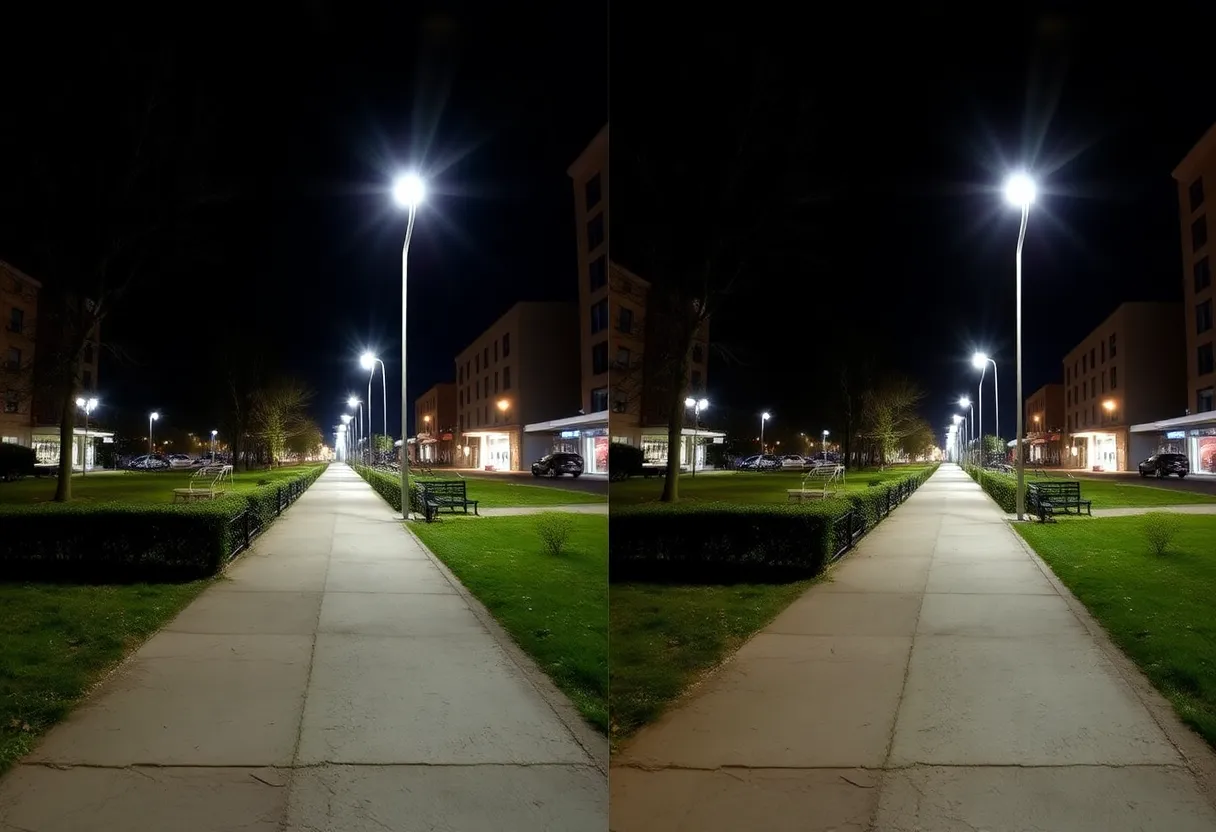
Both Samsung Galaxy S25 Ultra and Google Pixel 9 Pro take excellent photos—both can produce compelling results in most conditions, and side-by-side comparisons between them are often close enough that real-world preference depends on processing style rather than absolute quality.
Samsung’s processing philosophy tends toward sharpening, saturation, and detail enhancement—photos look sharp and vivid, sometimes more so than the actual scene. The Galaxy’s cameras are strong across the focal range, with the Ultra’s zoom system (periscope telephoto) being a genuine hardware advantage for long-range shots. Samsung processes its photos to look immediately impressive and social-media-ready.
Google Pixel’s processing philosophy prioritises computational photography that captures more like how the scene looked to the eye—lower contrast boost, more natural colour, better shadow detail retention, more accurate skin tones. Pixel’s software advantages (Magic Eraser, Photo Unblur, Best Take) extend Google’s lead in AI-powered photo editing that happens automatically or with minimal user input. Pixel’s video has historically lagged Galaxy in stabilisation and overall quality; the gap has narrowed but Samsung remains generally stronger for video.
AI Features: Integration Depth vs Accessibility
Both Samsung and Google have made AI the central theme of their 2024–2026 flagship releases, but they approach it differently.
Google’s AI features (Gemini integration, Circle to Search, AI Overviews, Pixel Screenshots) are tightly integrated into the stock Android experience and often arrive on Pixel before other Android devices. The on-device AI running through Google’s Tensor chip handles tasks locally that other phones might offload to the cloud, with privacy implications for sensitive processing. Gemini as an assistant is more capable than Bixby for complex queries.
Samsung’s Galaxy AI (Interpreter, Live Translate, Chat Assist, Generative Edit in the photo editor, Note Assist) runs through a combination of on-device models and cloud processing (via Google’s cloud and Samsung’s partnerships). The features are genuinely useful—real-time translation in calls, AI-generated photo editing, note summarisation—and the Samsung AI ecosystem is more visually polished than Pixel’s. Samsung has also been quick to ship AI features in a user-facing way, making them accessible to non-technical users.
Ecosystem and Hardware
Samsung’s ecosystem breadth is substantially larger than Google’s: Galaxy Watch, Galaxy Buds, Galaxy Tab, Galaxy Ring, DeX (desktop mode), and deeper integration with Samsung TVs and appliances. For users invested in Samsung hardware, the ecosystem interconnectivity (continuous calls between phone and earbuds, Galaxy AI features working across devices, clipboard sharing between Galaxy devices) produces integration advantages that Google’s hardware ecosystem can’t fully match.
Google’s Pixel hardware ecosystem is smaller—Pixel Watch, Pixel Buds, Pixel Tablet. Integration quality is high within that smaller set, but it doesn’t extend to the breadth that Samsung’s does.
The Decision Framework
Choose Pixel if: clean, fast stock Android matters to you; day-one Android updates are important; you value Pixel’s specific photo processing style and AI photo editing tools; you want the best Gemini and Google AI integration; or you want the most reliable Android update schedule.
Choose Galaxy if: One UI’s additional features and customisability appeal to you; you’re invested in the Samsung ecosystem (Watch, Buds, DeX, Galaxy Ring); you need the best available zoom camera (Galaxy Ultra’s telephoto hardware); or you want a wider selection of form factors and price points within the same software ecosystem.
Both are excellent Android phones. The difference is genuinely in the software experience and the ecosystem fit—not a quality difference significant enough to override clear personal preference.