NVMe vs SATA SSD: The Real Difference and When It Actually Matters

Ian Cross
July 7, 2026
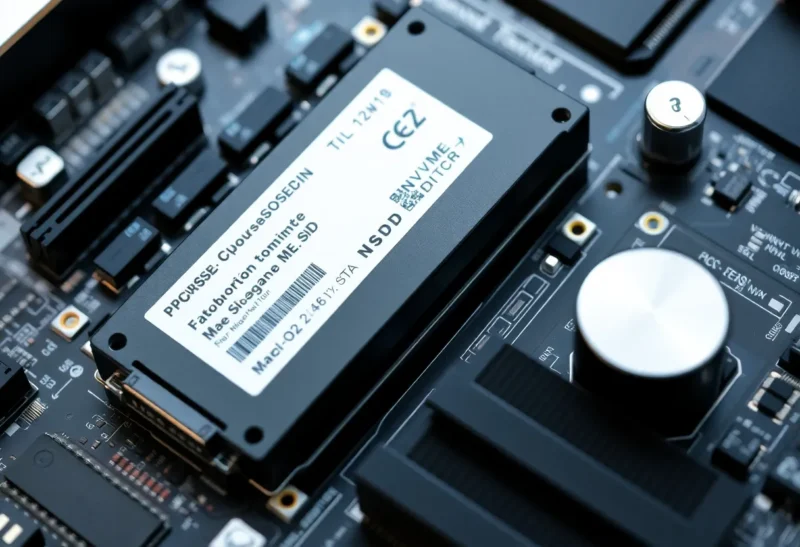
NVMe SSDs have essentially replaced SATA SSDs as the default choice in new PC builds and many laptops, with good reason: they’re faster, they’re now similarly priced per gigabyte, and they use the same M.2 form factor slot that makes installation straightforward. But the marketing around NVMe speed numbers can mislead buyers into prioritising the wrong spec—or spending more on faster NVMe drives for workloads where the difference is imperceptible. Here’s what the interface difference actually means and when it matters in practice.
What the Interface Difference Actually Is
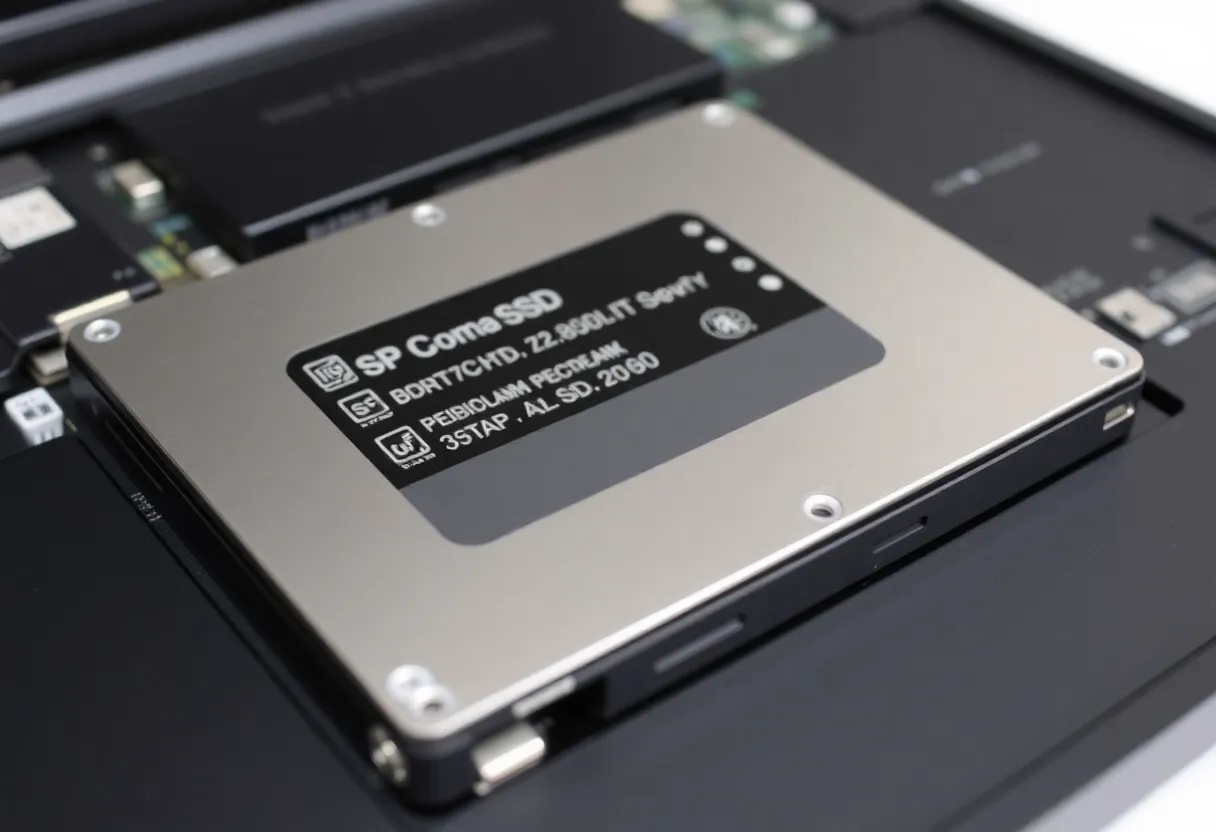
SATA (Serial ATA) is a storage interface originally designed for hard disk drives. The SATA interface has a theoretical maximum bandwidth of 600 MB/s (SATA III), and even the fastest SATA SSDs approach but don’t exceed this ceiling—typically topping out around 550 MB/s sequential read.
NVMe (Non-Volatile Memory Express) is a protocol designed specifically for NAND flash storage, communicating over the PCIe bus rather than the SATA interface. PCIe 3.0 (4 lanes) provides approximately 3.5 GB/s of bandwidth; PCIe 4.0 (4 lanes) provides 7 GB/s; PCIe 5.0 (4 lanes) provides 14 GB/s. NVMe drives use this bandwidth—current PCIe 4.0 NVMe drives reach 7 GB/s sequential read; PCIe 5.0 drives approaching 14 GB/s are now available. The sequential read speed of a high-end NVMe drive is roughly 10–25 times faster than the theoretical maximum of SATA.
This is a large number. Whether it translates to a perceptible difference in the use cases most people actually have is a separate question.
Where the Speed Difference Matters
The workloads where NVMe’s bandwidth advantage is meaningful are those involving large sequential reads and writes at high throughput: video editing with large raw files, 3D rendering, compiling large codebases, transferring large files to and from the drive, and game loading times to a limited extent.
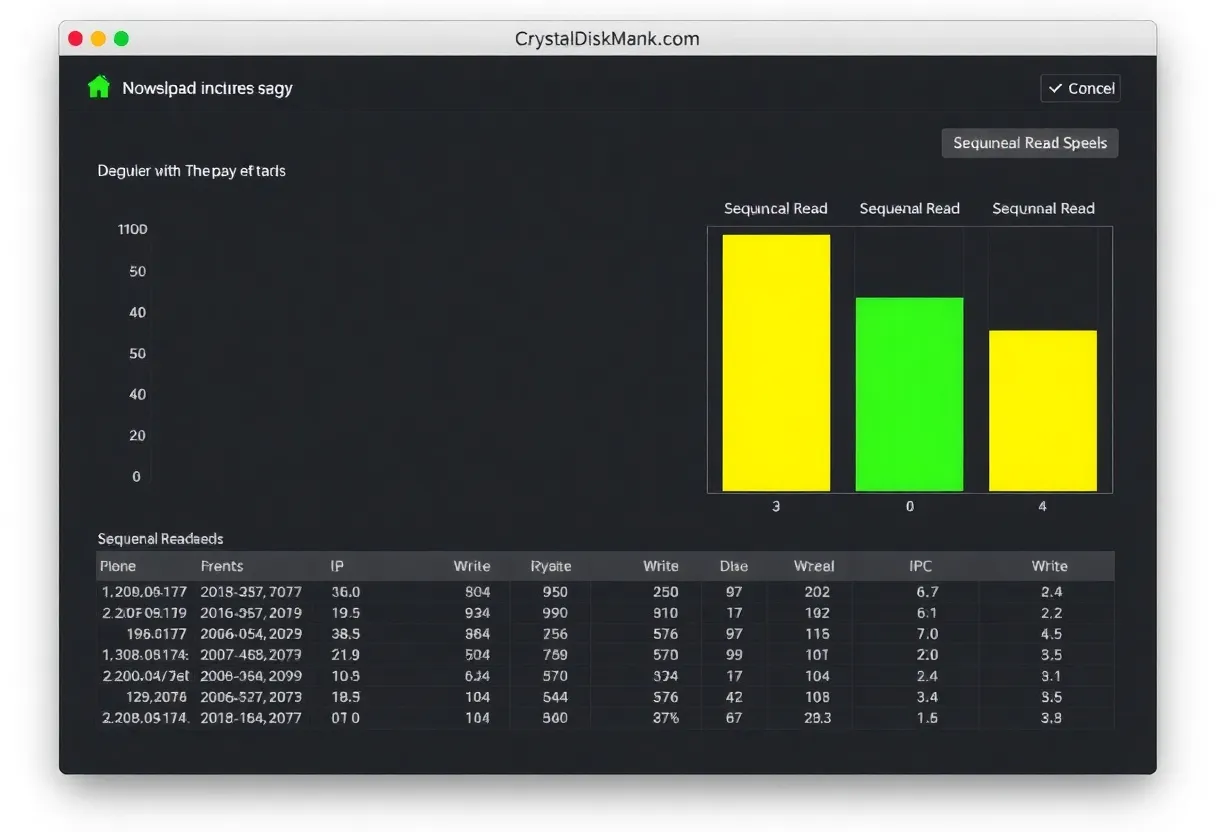
A video editor working with 4K raw footage from a cinema camera—files that are 5–10 GB per clip—benefits directly from NVMe’s sequential bandwidth. The difference between an NVMe drive and a SATA drive for scrubbing and rendering these files is real and measurable. A software developer compiling a large C++ project sees reduced compile times with NVMe, though the improvement depends on the degree to which the build is IO-bound versus compute-bound.
For game loading times specifically: early benchmarks showed substantial differences between NVMe and SATA, but modern games are more optimised for direct storage APIs (DirectStorage on Windows) that better leverage NVMe’s low latency and high IOPS. The difference in game loading times between SATA and a fast NVMe drive in 2026 is real but often seconds rather than the dramatic gap the raw specifications suggest.
Where the Speed Difference Doesn’t Matter
For the majority of desktop computer tasks—web browsing, document editing, email, spreadsheets, casual gaming with normal file sizes, general Windows or macOS use—a modern SATA SSD and a fast NVMe drive perform identically from the user’s perspective. The bottleneck in these workflows is almost never storage throughput.
The reason: these tasks involve small, random IO operations, not large sequential transfers. NVMe’s advantage in sequential bandwidth doesn’t directly translate to an advantage in small random IO. Both modern SATA and NVMe SSDs handle the small random read/write patterns of everyday computing faster than the CPU and software stack can process the results anyway—the storage is not the bottleneck.
Booting Windows or macOS: the difference between a SATA SSD and a fast NVMe drive is typically 2–5 seconds in boot time. Both are dramatically faster than a hard drive; neither produces a meaningful subjective difference compared to the other for most users.
PCIe 4.0 vs PCIe 5.0 NVMe: Does It Matter?
Within the NVMe category, the same logic applies to the PCIe generation question. PCIe 5.0 NVMe drives (like Samsung 990 Pro successor models, Seagate FireCuda 540) reach 12–14 GB/s sequential read speeds—roughly double PCIe 4.0 drives. They’re more expensive and run hotter, requiring active cooling in some configurations.
For the workloads where PCIe 5.0 matters—extremely large file transfers, sustained high-throughput video workflows—the improvement is real. For most users building a gaming PC or general-purpose workstation, PCIe 4.0 NVMe drives represent the practical performance ceiling. The additional cost and heat of PCIe 5.0 drives is not justified by the performance gains in typical gaming and productivity workflows.
SATA Still Makes Sense in Specific Cases
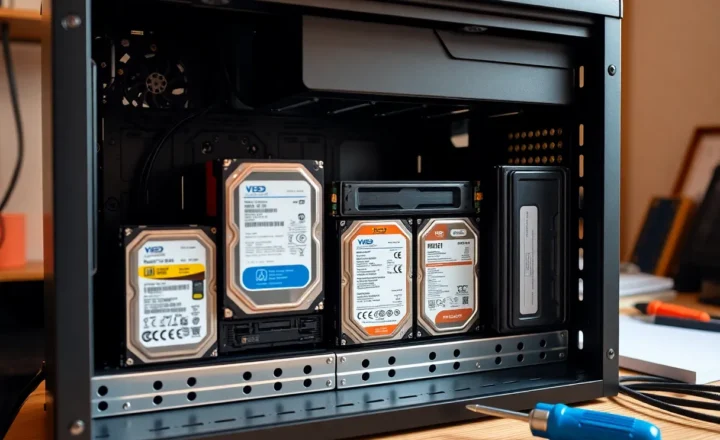
SATA SSDs remain relevant in 2026 in situations where the cost-per-gigabyte difference matters (SATA is still modestly cheaper per TB for larger capacity drives), where a system only has SATA connections (older laptops, older desktops), or where large-capacity secondary storage is needed and the workload is not IO-intensive. Using a 4 TB SATA SSD as a secondary drive for game library storage, photos, or documents in a system with an NVMe boot drive is a practical and cost-effective combination.
The Practical Recommendation
For a new PC build or laptop purchase: choose NVMe. Prices are comparable to SATA, M.2 slots are standard, and you get the bandwidth headroom even if you don’t currently need it. Within NVMe: PCIe 4.0 is the sensible choice for most users (gaming PC, general workstation, developer machine). PCIe 5.0 is worth considering if you regularly work with very large files and need sustained high sequential throughput.
Don’t spend money on a faster NVMe drive expecting to notice a difference in everyday computing. If you’re upgrading from a hard drive to any SSD—SATA or NVMe—that upgrade will produce a massive subjective improvement. The difference between a SATA SSD and an NVMe drive, while real and significant on benchmarks, is perceptible primarily in specific high-throughput workloads and largely imperceptible in daily use.