Why USB Standards Are Still a Mess in 2026—and Who’s Responsible for Fixing That

Marcus Vidal
July 7, 2026
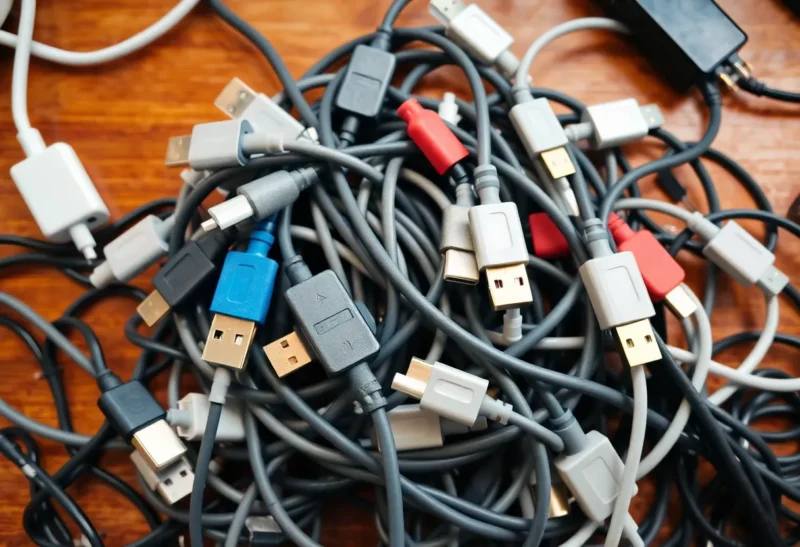
USB has achieved something remarkable: it’s become the dominant connector standard for consumer electronics while simultaneously becoming one of the most confusing technology standards that ordinary users have to navigate. The same physical port can mean wildly different things depending on what’s inside the device—different speeds, different power delivery capabilities, different video output support—with no reliable external indication of which version you have.
This isn’t an accident, and it’s not entirely unavoidable complexity. It’s the result of specific decisions by the USB Implementers Forum (USB-IF), the industry consortium that defines USB standards, and by device manufacturers who have consistently chosen marketing convenience over user clarity. Understanding how it got here—and who is and isn’t working to fix it—is useful for anyone who needs to buy cables, chargers, or devices and wants to understand what they’re actually getting.
The Connector Proliferation Problem (Now Mostly Solved)
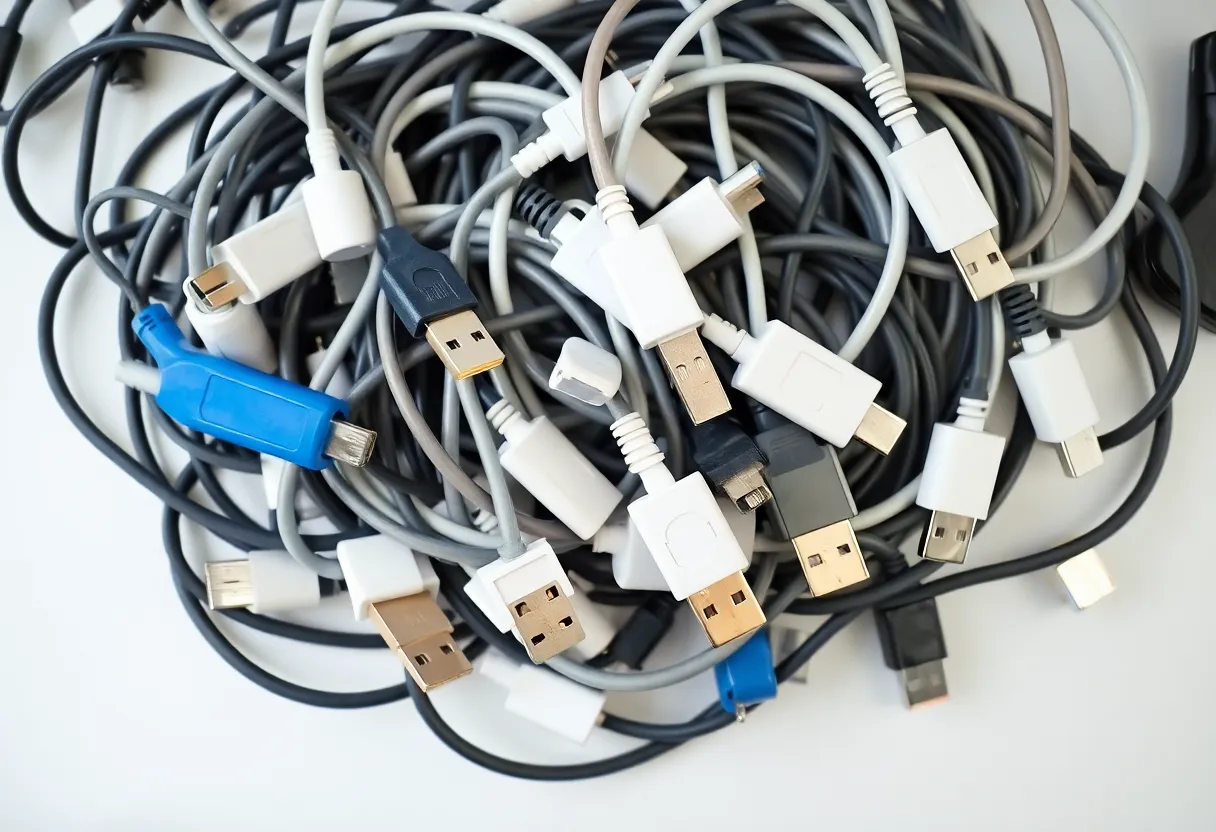
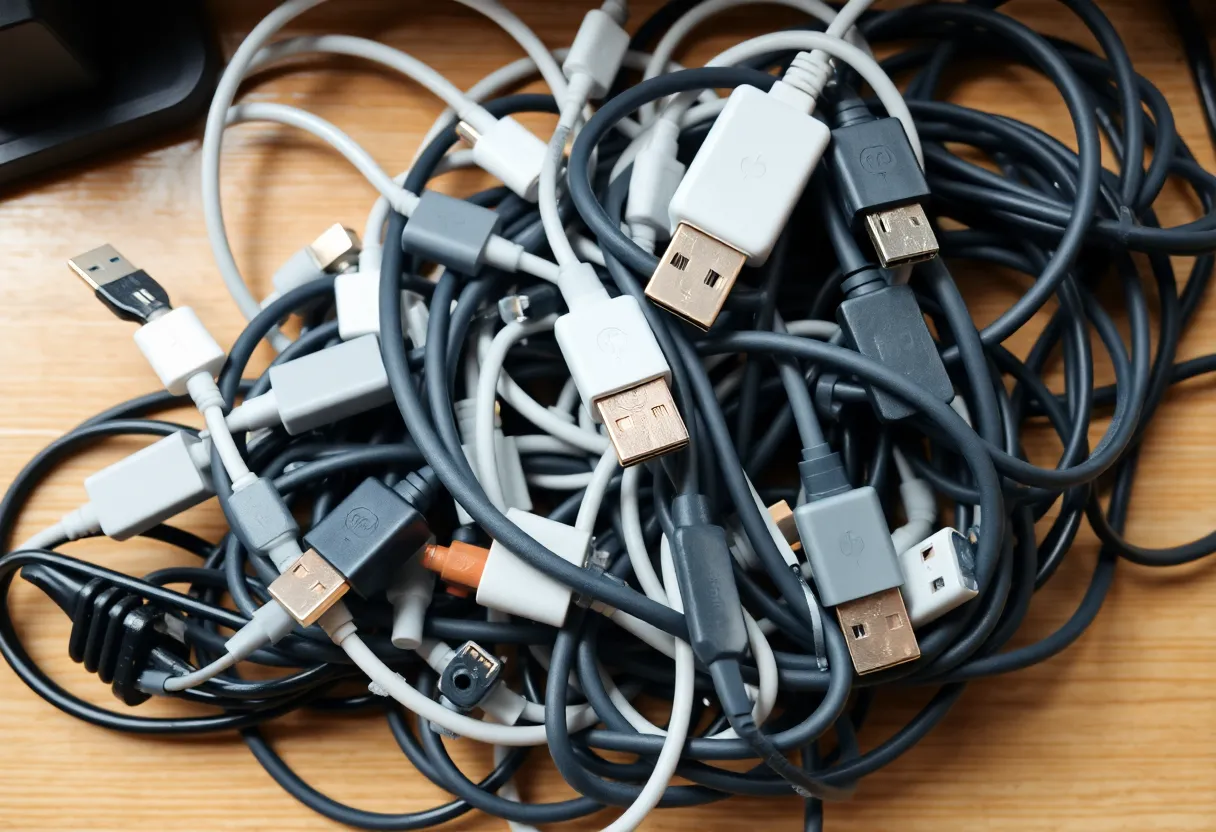
The first era of USB confusion was about connector shapes. USB-A (the rectangular one), USB-B (the square one used on printers and older drives), Mini USB, Micro USB, USB-C—at various points, consumers needed multiple different physical cable types to use their devices. The move to USB-C as a universal physical connector was supposed to fix this.
And to its credit, it largely has. USB-C is now the dominant connector on laptops, Android phones, tablets, accessories, and peripherals. The EU’s common charger regulation, which took effect in 2024 and mandated USB-C for mobile phones, tablets, and a range of other portable electronics, accelerated the transition. Apple moved iPhone and iPad to USB-C in 2023–2024. The era of Micro USB drawer chaos is largely behind us.
But solving the physical connector problem exposed a deeper problem: the same USB-C port can implement very different underlying standards with very different capabilities, and there’s no visual way to tell them apart.
The Version Naming Catastrophe
Here is a simplified history of how USB-IF has named its standards, which is sufficient to explain why even technically inclined people have given up trying to track it:
USB 1.0 and 1.1 were clear. USB 2.0 (480 Mbps) was clear. USB 3.0 introduced SuperSpeed at 5 Gbps. So far, reasonably comprehensible.
Then USB 3.1 arrived with two variants: Gen 1 (still 5 Gbps, the same as USB 3.0) and Gen 2 (10 Gbps). The USB-IF retroactively renamed USB 3.0 as “USB 3.1 Gen 1″—so the same speed now had two names.
Then USB 3.2 arrived, adding Gen 2×2 (20 Gbps) but also keeping Gen 1 and Gen 2 as sub-variants, while retroactively renaming everything again. USB 3.0 is now also “USB 3.2 Gen 1.” The same 5 Gbps protocol has been marketed as USB 3.0, USB 3.1 Gen 1, and USB 3.2 Gen 1 at different times.
Then USB4 arrived (without a space, deliberately) with Gen 2×2 (20 Gbps) and Gen 3×2 (40 Gbps) variants, based on the Thunderbolt 3 protocol that Intel had developed. USB4 requires the USB-C connector but has its own version complexity.
Thunderbolt itself—Intel’s protocol that can run over USB-C connectors—has its own versioning: Thunderbolt 3 (40 Gbps), Thunderbolt 4 (also 40 Gbps but with stricter minimum requirements), and Thunderbolt 5 (120 Gbps asymmetric). Thunderbolt 4 is a subset of USB4 but with more rigorous certification requirements that guarantee specific capabilities.
The result: a USB-C port might be USB 2.0, USB 3.2 Gen 1 (5 Gbps), USB 3.2 Gen 2 (10 Gbps), USB 3.2 Gen 2×2 (20 Gbps), USB4 Gen 2×2 (20 Gbps), USB4 Gen 3×2 (40 Gbps), Thunderbolt 3, Thunderbolt 4, or Thunderbolt 5—all with identical physical connectors. The capabilities of each are substantially different.
Power Delivery: A Second Layer of Confusion
USB-C’s most practically significant feature for most consumers—charging—adds its own layer of complexity through the USB Power Delivery (USB PD) standard and the multiple proprietary fast-charging protocols that compete with it.
USB PD specifies how USB-C devices can negotiate charging power, allowing charging up to 240W (in the current revision). A USB-C port that supports USB PD can deliver substantially more power than the 15W (5V/3A) maximum of non-PD USB-C. But USB PD has multiple versions (USB PD 1.0, 2.0, 3.0, 3.1) with different maximum powers and features, and not all USB-C ports support USB PD at all.
Meanwhile, smartphone manufacturers developed proprietary fast charging protocols that are faster than standard USB PD in specific device-charger combinations: Qualcomm’s Quick Charge (QC), various versions; OnePlus/OPPO’s VOOC/SuperVOOC; Xiaomi’s Hypsercharge; Samsung’s Adaptive Fast Charging. Most of these require both a compatible phone and a compatible charger to achieve their maximum speeds. A third-party USB PD charger will charge most phones but usually not at the proprietary fast-charging speed.
The practical complexity for a consumer: a cable that can physically plug into a USB-C port will always charge something, but the charging speed depends on which version of which protocols both the charger and the device support—information that is rarely prominently disclosed on either the charger or the device.
The Cable Problem
USB-C cables add a third dimension of confusion. A USB-C cable has the same connector at both ends but may support very different protocols depending on its internal construction.
A USB 2.0 USB-C cable (common on cheap cables, especially those bundled with accessories) can charge devices and transfer data at USB 2.0 speeds (480 Mbps) but does not support USB 3.x speeds or Thunderbolt. Connecting a USB4 device to a USB4 port with a USB 2.0 cable produces USB 2.0 performance. The cable is the bottleneck, and there’s no visual way to identify cable version from appearance.
High-speed cables (supporting USB 3.2 Gen 2 or above, or Thunderbolt) require active electronics or higher-quality passive construction, which is why they’re significantly more expensive. A £4 USB-C cable and a £25 USB-C cable may be physically identical but perform completely differently.
USB-IF introduced a labelling scheme with icons indicating cable capability. In practice, these labels are inconsistently used by manufacturers, too small to read without magnification, and not widely understood by consumers. The cable problem has not been solved.
Who Is Responsible for Fixing It
The USB-IF, as the standards body, bears significant responsibility for the naming chaos. Retroactively renaming standards that were in widespread use—calling USB 3.0 ports “USB 3.1 Gen 1” after millions of devices had been sold labelled as “USB 3.0″—created confusion without benefit. The argument that the renaming produced a cleaner hierarchical namespace is technically defensible but practically irrelevant when the old names are on billions of existing devices and in millions of user manuals.
The USB-IF’s apparent motivation for the complex versioning has been to maintain backward compatibility and allow differentiation between capability levels without requiring new connector types. These are defensible engineering goals. The execution has prioritised namespace coherence for engineers over legibility for consumers, and the result has been widely and correctly criticised.
Device manufacturers bear responsibility for using the most flattering-sounding version name available to them rather than the most accurate. A laptop with a USB 3.2 Gen 1 (5 Gbps) port described as “USB 3.2” is technically accurate but implies more capability than it delivers in the context of a consumer market where “USB 3.2” sounds like it should be faster than “USB 3.0.”
There has been some improvement. USB4 and Thunderbolt 4 have relatively straightforward branding with clear capability guarantees. The EU’s common charger regulation has created pressure for clearer labelling requirements. The Thunderbolt logo—a lightning bolt symbol—is consistently used and meaningful as a mark of guaranteed capability.
The Practical Guide for 2026
Until labelling improves, navigating USB-C means knowing what to look for:
For charging: Any USB-C charger will charge any USB-C device, but speed varies. A charger with USB PD certification and appropriate wattage for your device will charge at PD speeds. Phone manufacturers’ proprietary fast charging requires their specific charger or a charger that explicitly supports their protocol. The power rating printed on the charger (in watts) is meaningful—a 65W PD charger will fast-charge laptops that accept USB-C charging; a 20W PD charger won’t.
For data transfer: Check the spec sheet of your device for the USB version of each specific port. Don’t assume all USB-C ports on a device are equal—laptops often have multiple USB-C ports at different speeds. Look for the Thunderbolt logo (lightning bolt) for the highest-capability ports.
For cables: Don’t use cables supplied with low-cost accessories for high-speed transfers or high-power charging. A cable specifically rated for the speed you need (USB 3.2 Gen 2, Thunderbolt 4, USB4 40Gbps) from a reputable manufacturer is worth the premium if you’re doing serious data work. For basic charging and light data transfer, cheaper cables are fine.
The USB standard will not become simple. Too many legacy versions, too many competing business interests, and too much installed base exist for a clean restart. The best available defence is understanding the layers well enough to read specifications accurately—which, unfortunately, remains necessary.