What Chiplet Architecture Means for Your Next PC Build

Marcus Webb
March 7, 2026
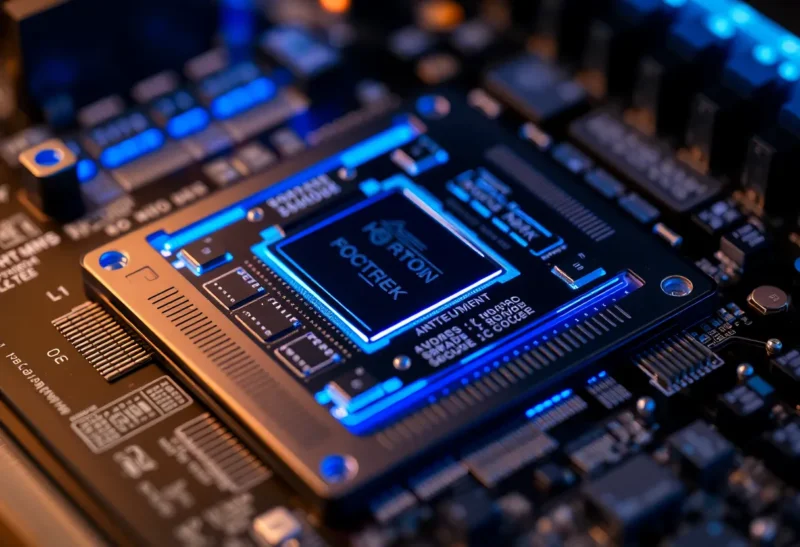
Chiplets have gone from lab curiosity to mainstream in a few short years. AMD’s Ryzen 7000 and 9000 series use them. Intel’s Arrow Lake and Meteor Lake do too. Even Apple’s M-series chips are moving toward modular designs. If you’re planning a new PC build, understanding what chiplets are—and what they mean for performance, power, and upgrade paths—will help you make better choices. Here’s the practical breakdown.
Monolith vs Chiplet: The Basics
Traditionally, a CPU was a single piece of silicon. All the cores, the cache, the memory controller, the I/O—everything sat on one die. That’s a monolith. Manufacturing advances let Intel and AMD cram more transistors onto that die, but there’s a limit. Big dies are harder to make, more prone to defects, and more expensive. Yield—the fraction of dies that work—drops sharply as die size grows.
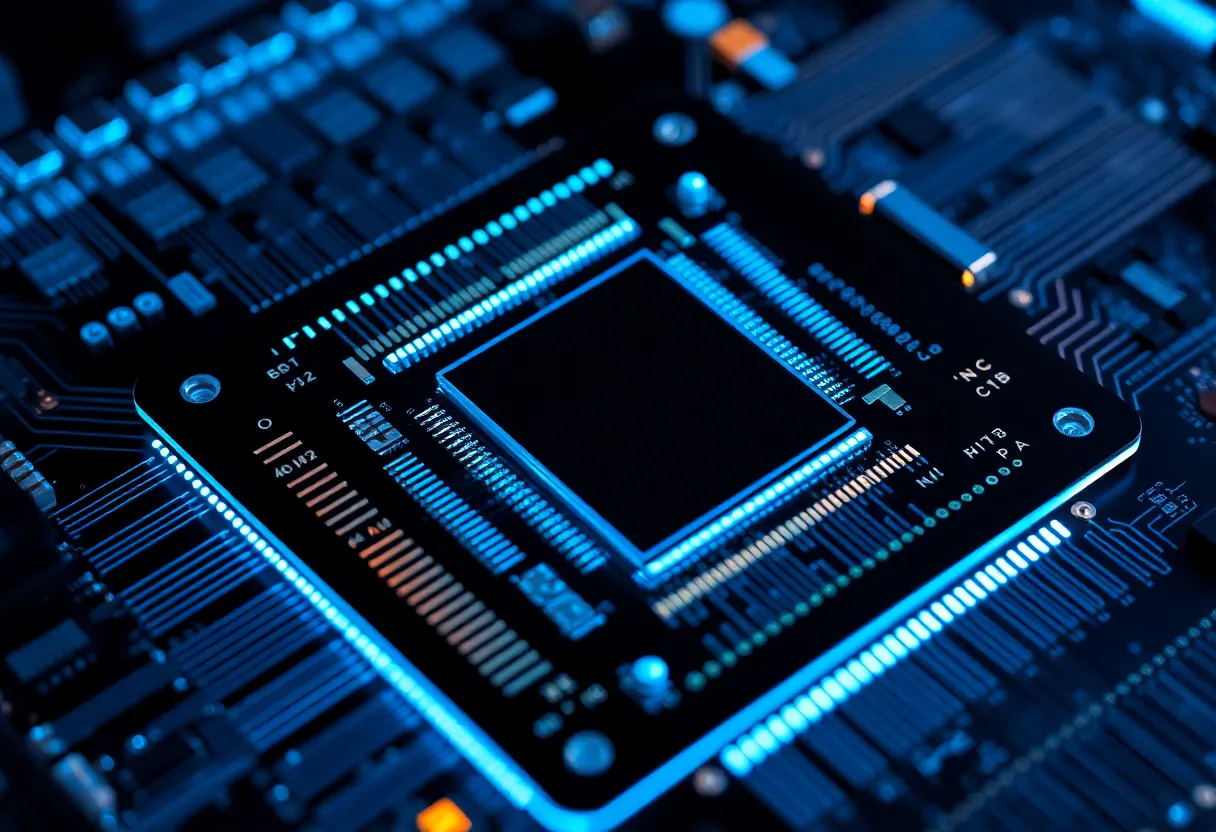
Chiplets change the game. Instead of one giant die, you have several smaller dies—chiplets—connected on a package. One chiplet might hold the CPU cores. Another holds the I/O and memory controller. A third might hold extra cache or a GPU. They’re linked by very fast interconnects (AMD uses Infinity Fabric; Intel uses EMIB and Foveros). The result: you get the transistor count of a big die, but you build it from smaller, higher-yield pieces. Cheaper to produce, more flexible to design.
Why It Matters for Your Build
First, performance. Chiplet designs let AMD and Intel offer more cores at lower price points than monolithic designs would allow. A 16-core Ryzen 9 is feasible because the cores live on multiple core-complex (CCD) chiplets. Intel’s hybrid architecture—performance cores on one tile, efficiency cores on another—is another form of modular design. You get better multi-threaded performance per dollar than you would from a monolith of the same size.
Second, power and heat. Chiplets let manufacturers use different process nodes for different parts. The cores might be on TSMC’s 3nm; the I/O die might stay on an older, cheaper node. That can improve efficiency. It can also introduce complexity: cross-chiplet latency matters. AMD’s 3D V-Cache adds a cache chiplet stacked on top of the core die. Great for gaming; the extra cache reduces memory access latency. But not every workload benefits. Understanding which parts of a chip are chiplets helps you interpret benchmarks.
The Latency Trade-off
Cores on the same chiplet talk to each other quickly. Cores on different chiplets talk through the interconnect—a few extra nanoseconds. For many workloads, that doesn’t matter. For latency-sensitive applications—games, some real-time tasks—it can. AMD’s 7800X3D, for example, uses a single CCD with 3D V-Cache. All cores share that cache with minimal latency. The 7950X3D has two CCDs; only one has the cache. The scheduler has to place threads on the right CCD, or performance suffers. Chiplet design creates heterogeneity you didn’t have with monoliths.
Intel’s approach with Meteor Lake and Arrow Lake mixes performance and efficiency cores on different tiles. Thread Director routes work to the right core type. Again, the design is more complex. Benchmarks that don’t account for this can be misleading. When comparing CPUs, look at tests for your actual use case—gaming, compilation, video encoding, or whatever you do—not just generic multi-thread scores.
Future-Proofing and Upgrade Paths
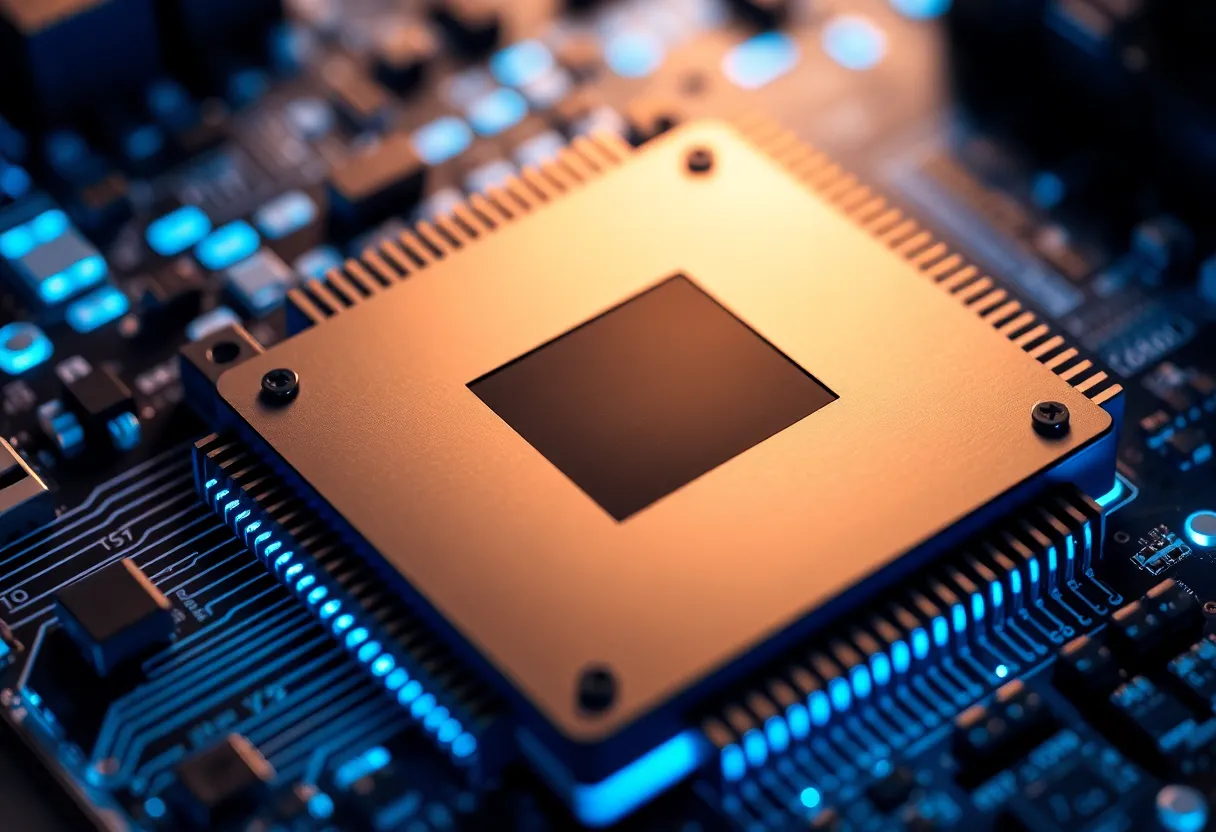
Chiplet architectures make it easier for AMD and Intel to mix and match. New core chiplets on a new process can be paired with existing I/O chiplets. That speeds up iteration. For you, it means new generations may offer meaningful improvements without a complete platform redesign. AM5, for example, is built with chiplets in mind. Future Ryzen CPUs will drop into the same socket with updated core chiplets. Intel is moving in a similar direction with its tile-based approach.
The flip side: platform longevity is still dictated by socket and memory support. Chiplets don’t change that. DDR5, PCIe 5.0, new power delivery—those come with the platform. Chiplets just let the CPU part evolve faster within that platform.
What to Look For in Your Next CPU
If you’re building in 2026, you’re almost certainly buying a chiplet-based CPU. AMD Ryzen 9000 and Intel Arrow Lake (and beyond) are all modular. Don’t fixate on monolith vs chiplet as a buying criterion—you won’t have a choice. Do pay attention to:
- Core layout. Single-CCD designs (e.g., 7800X3D) often have more consistent latency. Multi-CCD designs (e.g., 9950X) offer more cores but with cross-CCD overhead.
- Cache. 3D V-Cache helps gaming and some workloads; it doesn’t help everything. Check benchmarks for your apps.
- Cooling. Chiplets can create uneven heat distribution. A good cooler matters. High-end air or a decent 240mm AIO handles most chips.
- Platform. AM5, LGA1851—choose based on upgrade path, memory support, and feature set, not just the current CPU.
The Bottom Line
Chiplets are here to stay. They enable more cores, better yields, and faster iteration. They also add complexity: latency variation, scheduling nuances, and design trade-offs. For your next build, focus on benchmarks for your workload, cooling adequacy, and platform longevity. The chiplet revolution is happening under the hood—your job is to pick the right chip for what you do, knowing how it’s put together.