The Real Trade-offs of Running Tailscale Instead of a Traditional VPN

Lena Kowalski
March 7, 2026

Tailscale has become the go-to recommendation for developers who want to access their homelab, SSH into remote machines, or connect devices across networks. It’s fast, simple, and built on WireGuard. But it’s not a drop-in replacement for a traditional VPN—and treating it like one leads to confusion, false expectations, and sometimes real security gaps. Here’s what you’re actually choosing when you pick Tailscale over NordVPN, Mullvad, or a self-hosted OpenVPN server.
What Tailscale Actually Does
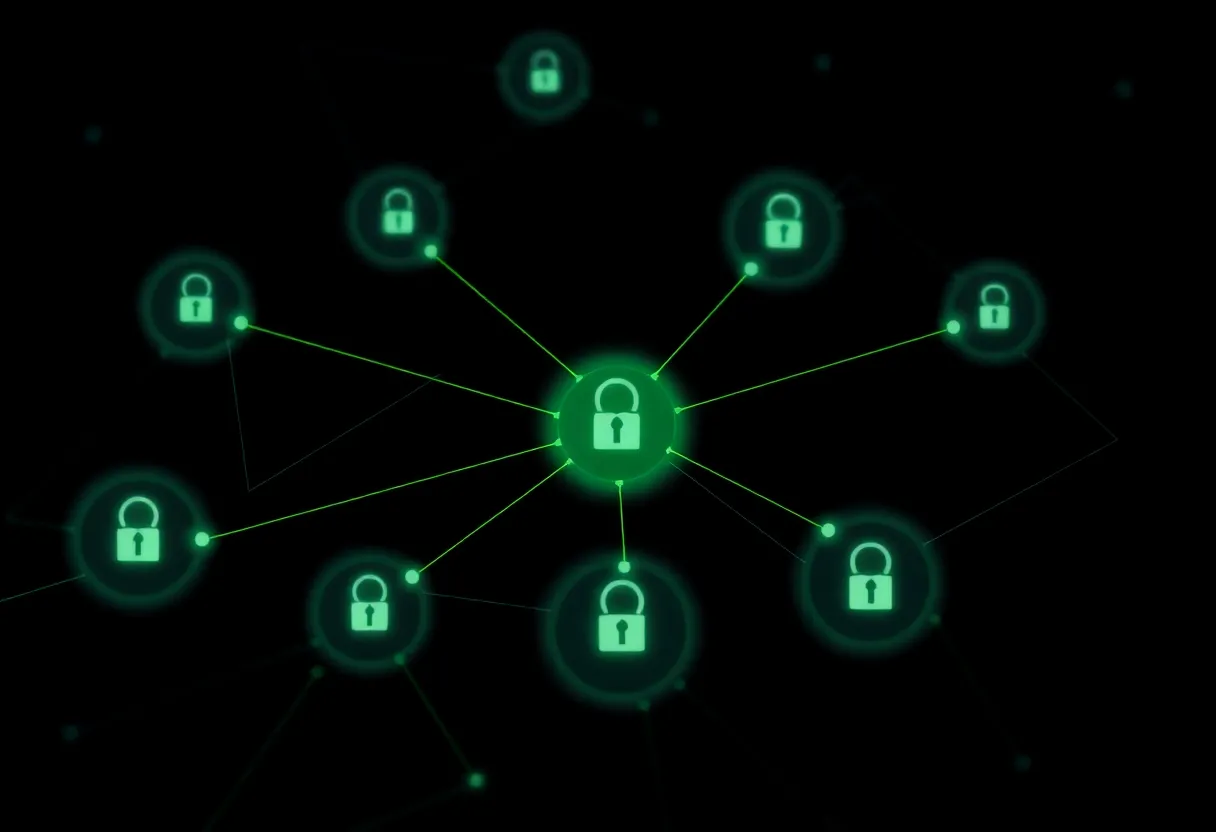
Tailscale creates a mesh overlay network. Each device running the client gets a stable Tailscale IP (100.x.x.x) and can talk directly to any other device on your tailnet. Traffic is encrypted end-to-end using WireGuard. No port forwarding. No complex configuration. You install the client, authenticate, and you’re in. Devices discover each other automatically. NAT traversal just works.
Traditional VPNs work differently. You connect to a VPN provider’s server (or your own). All your traffic—or a subset of it—flows through that server. Your public IP changes. You’re “somewhere else” on the internet. Use cases: hide your traffic from your ISP, get around geo-restrictions, access region-locked services, or tunnel through untrusted networks.
Tailscale is not designed to anonymize you or make you appear in another country. It’s designed to let your devices talk to each other securely, wherever they are. That’s a different problem.
The Trade-off: Privacy vs Convenience
When you run a traditional VPN, your traffic exits through the VPN provider. Your ISP sees encrypted traffic to one IP; the VPN sees the decrypted contents. Trust shifts from your ISP to the VPN. If you use Mullvad or a well-audited provider, that trade can be acceptable. You’re choosing who observes your traffic.
Tailscale routes traffic mesh-style. Device-to-device traffic goes directly (or via DERP relay servers if direct connection fails). It doesn’t funnel all your browsing through a single exit. So Tailscale doesn’t replace a privacy VPN for general web use. If you want to hide your traffic from your coffee-shop Wi‑Fi or your ISP, Tailscale alone won’t do it. You’d need to route traffic through a specific exit node—and Tailscale can do that, but it’s a deliberate setup, not the default.
On the flip side, Tailscale excels at device-to-device access. Your laptop, your home server, your Raspberry Pi—all on the same tailnet, reachable from anywhere. No VPN server to maintain. No firewall rules to debug. For that use case, a traditional VPN is often overkill and harder to manage. Tailscale replaces a lot of custom WireGuard config, not a subscription to a privacy VPN.
Where Tailscale Shines
Remote access to homelabs, NAS devices, and development servers. A single tailnet spans your home, your office, your laptop at a cafe. You SSH, you access your dashboard, you stream from Jellyfin—all over an encrypted tunnel, with no ports exposed to the internet. Tailscale’s ACLs let you restrict which devices can talk to which. That’s a strong fit for the “access my stuff from anywhere” crowd.
Zero-trust network access for small teams. Instead of a corporate VPN that puts everyone on the same LAN, Tailscale can limit access to specific services for specific users. A contractor gets access to one app, not the whole network. When they leave, you remove them from the tailnet. No VPN server to patch, no radius config to maintain. For small shops, that’s a real win.
Cross-platform and low-friction. Tailscale runs on Windows, macOS, Linux, iOS, Android, and even some NASes and routers. Install, sign in with Google or GitHub or SSO, and you’re done. Compare that to setting up WireGuard manually on five devices. For most people, Tailscale’s convenience outweighs the cost of routing control planes through Tailscale Inc.

Where It Falls Short
Geo-spoofing and streaming. Want to watch a service that’s only available in another country? Tailscale can run an exit node there—if you have a machine in that country. Otherwise, you’re out of luck. Traditional VPNs sell exit nodes in dozens of regions. Tailscale is about your network, not global exit diversity. If streaming unblocking is your goal, use a privacy VPN.
Full-tunnel privacy. By default, Tailscale only routes traffic destined for your tailnet over the overlay. Your general web browsing still goes out your normal connection. To route all traffic through Tailscale, you’d configure an exit node and enable “use exit node” on your client. That’s possible, but it’s not the default, and it requires a machine you control to act as the exit. Most Tailscale users never do this.
Third-party dependency. Tailscale Inc. runs the coordination servers. Your keys, your ACLs, your device list—all flow through their infrastructure. They use WireGuard and have a solid security story, but you’re trusting a vendor. Self-hosted WireGuard gives you full control. Tailscale gives you ease. Trade-off. If you want the Tailscale clients and mesh without their coordination servers, that is Headscale versus Tailscale for a household—an ops problem, not just a privacy slogan.
When to Use Which
Use Tailscale when: you need to connect your own devices across networks, access a homelab or NAS remotely, or set up zero-trust access for a small team. The setup cost is low, the UX is excellent, and the mesh model fits those problems well.
Use a traditional VPN when: you want to anonymize or obfuscate your general web traffic, bypass geo-restrictions for streaming or services, or hide your activity from your ISP or local network. That’s a different threat model, and Tailscale isn’t built for it out of the box.
You can run both. A lot of people do: Mullvad or similar for browsing, Tailscale for accessing their own infrastructure. They solve different problems. The mistake is assuming Tailscale replaces a privacy VPN—or that a privacy VPN replaces Tailscale for remote access. Pick the right tool for the job.
The Bottom Line
Tailscale is excellent at what it does: mesh networking for your devices, zero config, built on solid crypto. It’s not a substitute for a privacy-focused VPN when your goal is hiding traffic or changing your apparent location. Understand the difference, choose accordingly, and you’ll get far more value from both.