Why Your First Arduino Project Teaches You What Tutorials Skip

Jamie Torres
February 26, 2026
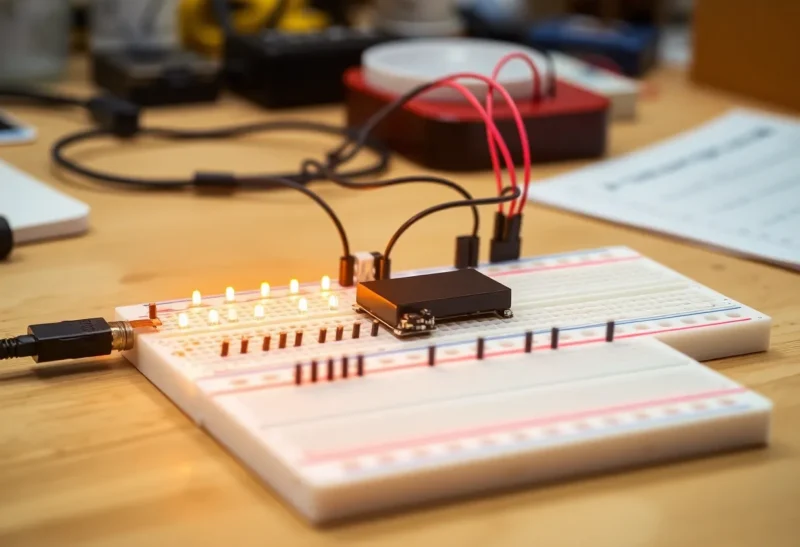
If you’ve ever followed an Arduino tutorial step by step and ended up with a blinking LED—and no idea why it worked—you’re not alone. Tutorials are great for getting something on the screen (or the breadboard) fast. They’re terrible at teaching you what actually matters: how electricity behaves, how code and hardware talk to each other, and why your first real project will break in ways the tutorial never mentioned.
Your first Arduino project that you design yourself—not copy from a guide—forces you to confront those gaps. You’ll hit wrong pin numbers, backwards LEDs, and logic that only works “sometimes.” That friction is where the learning happens.
What Tutorials Optimize For (And What They Leave Out)
Most Arduino tutorials are built for one thing: a working result in under an hour. They give you a parts list, a wiring diagram, and code you can paste. You follow the steps, and something blinks or beeps. Success feels good. But the tutorial has already made a dozen decisions for you: which pins to use, how to structure the code, why that resistor value, what “ground” means in this circuit.
When you finish, you might be able to repeat the project. You might even tweak the delay or the pin number. What you usually don’t have is a mental model. What happens if the LED is in backwards? What if you plug the motor into a pin that can’t supply enough current? Tutorials rarely pause to answer those questions, because the goal is completion, not understanding.
Why Your First “From Scratch” Project Feels Hard
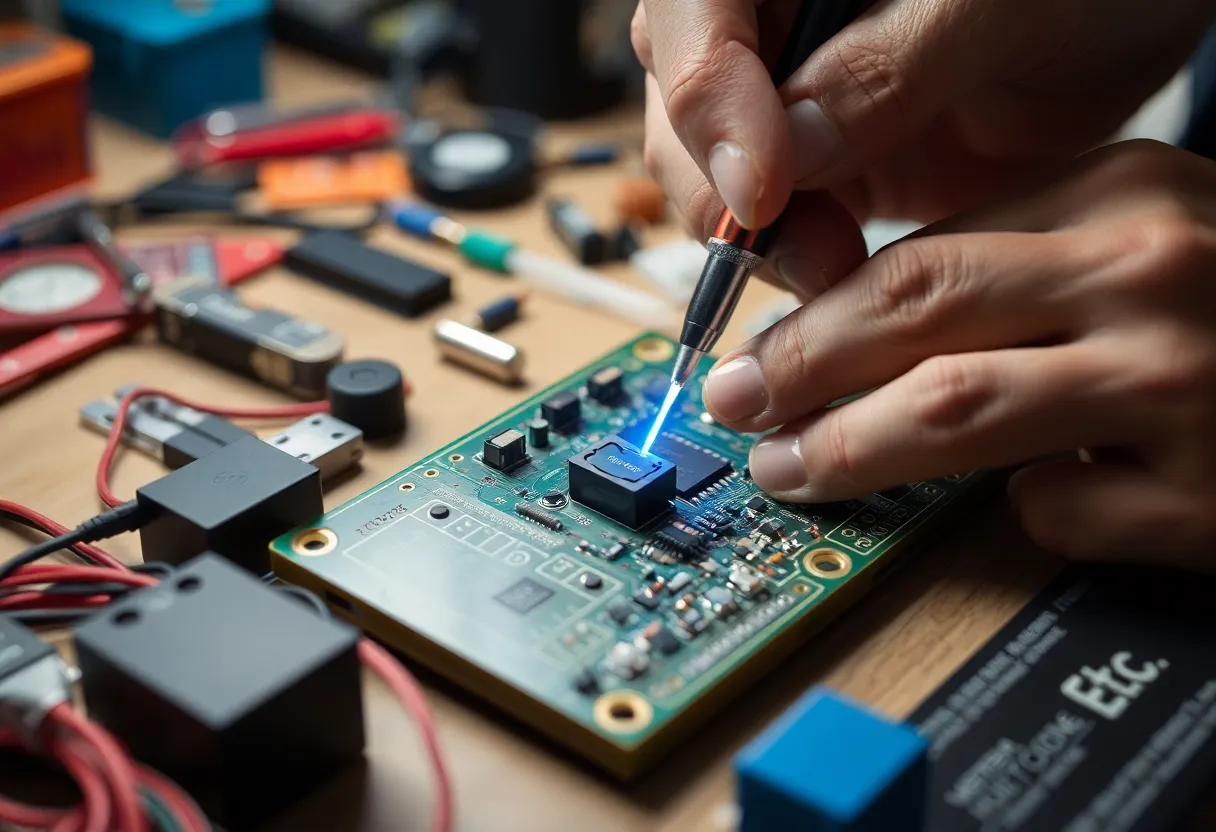
When you sit down to build something you thought up yourself—a temperature sensor that logs to a display, a simple motion-activated light, a box that beeps when the mail arrives—you suddenly need to make choices. Which sensor? Which pins? How do you read the datasheet? Do you need a pull-up resistor? The tutorial never had to teach you that, because it never asked you to choose.
That’s the moment many people get stuck. They’ve done three tutorials and they “know Arduino,” but the first time there’s no diagram to follow, they freeze. The difference isn’t talent. It’s that tutorials train you to follow, not to decide. Your first real project trains you to decide: to read a pinout, to look up a part, to try a wiring and see it fail, then fix it.
You also learn that hardware is messy. In software, a typo gives you an error message. On a breadboard, a loose jumper or a pin that’s one row over might give you nothing, or flickering, or magic smoke. Debugging hardware means checking connections, measuring with a multimeter, and learning to suspect your assumptions. That habit—questioning the physical setup, not just the code—is something no amount of copy-paste tutorials can instill.
The Things You Only Learn by Breaking Them
One of the best lessons from a first Arduino project is that breaking things is informative. Plug an LED in backwards and it doesn’t light up—now you’ve seen that LEDs have a direction. Use a pin that can’t source enough current and your motor stutters—now you’ve learned that pins have limits. Try to drive a relay directly from a GPIO and you might kill the board—now you understand why we use transistors or driver chips.
Tutorials often avoid these failures. They give you the “right” circuit so you never see the wrong one. When you’re designing your own project, you’ll make wrong circuits. You’ll forget the current-limiting resistor, or hook the sensor to 5 V when it wants 3.3 V. Fixing those mistakes sticks. You don’t forget the time you let the magic smoke out of a component; you remember why the datasheet said “absolute maximum.”

From Following to Designing
The jump from “I followed a tutorial” to “I designed a thing” is where you stop being a spectator and start being a maker. You start to think in systems: input (sensor, button, serial command), process (your code), output (LED, motor, display, network). You learn that the Arduino is just a small computer with pins—and that the real challenge is often not the code but the interface between the digital world and the physical one.
That interface is full of details tutorials skip: debouncing buttons, handling noisy sensor readings, managing power so your project doesn’t brown out when the motor starts. Your first project will force you to grapple with at least one of these. Maybe your button triggers five times per press until you add debounce logic. Maybe your analog reading jumps around until you add a filter or a capacitor. Those fixes are not in the “Getting Started” guide; they’re in the “I built something and it misbehaved” phase.
Where to Start If You’ve Only Done Tutorials
If you’ve finished a few Arduino tutorials and want to cross the gap to your own project, pick one small idea. It doesn’t need to be original—”a light that turns on when it’s dark” or “a beep when a door opens” is enough. The point is that you choose the parts, you read the datasheets, and you wire and code it yourself. Use the tutorial knowledge as reference, but don’t copy a full project. When you get stuck, look up the specific problem: “Arduino analog noise,” “button debounce,” “LED current limit.” You’ll learn in context, and the next project will be easier.
Your first Arduino project that you designed yourself will teach you what tutorials skip: how to make decisions, how to debug hardware, and how to learn from failure. That’s the foundation everything else is built on.