Why Your TV’s Built-In Smart Features Will Outlive Their Software

Ian Cross
March 7, 2026
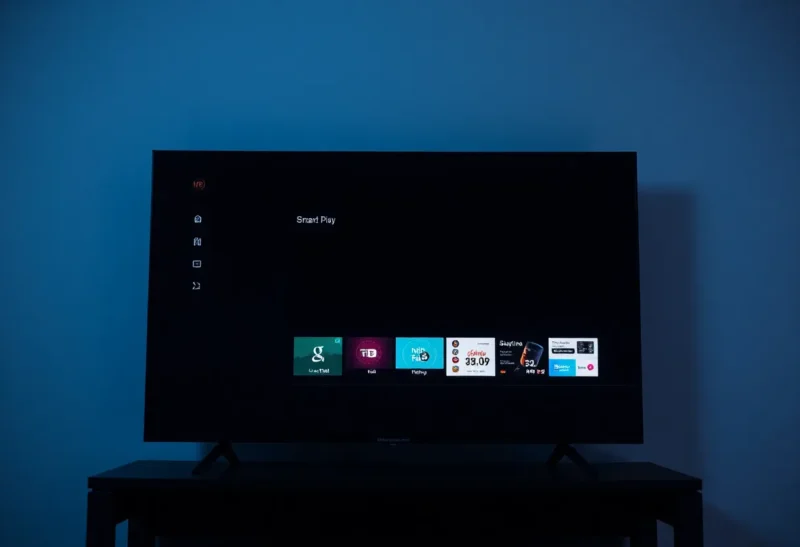
You bought a smart TV five years ago. The panel still looks great. The speakers are fine. But the Netflix app has started stuttering. Disney+ dropped support. And the home screen keeps suggesting content you have no interest in, with no way to turn it off. The hardware that was supposed to last a decade has been quietly betrayed by the software that came with it.
This is the reality of modern televisions: the display will outlive the smart platform by years. Understanding why—and what to do about it—is one of the most practical tech decisions you can make when buying or using a TV today.
The Hardware Is Built to Last. The Software Isn’t.
A good LED or OLED panel, properly cared for, can deliver excellent picture quality for a decade or more. That’s not marketing. It’s physics. Phosphors dim slowly. Backlights degrade predictably. Manufacturers design around these limits because TVs are large, expensive purchases and buyers expect them to stick around.
Smart TV software follows a completely different timeline. Samsung, LG, Sony, TCL, and others typically support their platforms for three to five years. After that, security patches slow down or stop. App developers drop older versions. New streaming services launch with no support for your TV’s OS. Your “smart” TV gradually becomes a dumb display with a rotting interface attached.
This mismatch isn’t an oversight. It’s structural. TV makers earn a fraction of their margin on the panel. The real money—or the hope of it—comes from ads, data, and partnerships. Once a TV is in your living room, the manufacturer has little incentive to keep pouring engineering resources into a platform that no longer drives new sales. The next model year needs attention. Your five-year-old set does not.
Why Manufacturers Stop Updating
Consider the math. A TV sold in 2019 might have shipped with a quad-core ARM chip, 2GB of RAM, and 8GB of storage. That was adequate then. Today, streaming apps have grown heavier. DRM requirements have tightened. New codecs and formats have emerged. Patching that old hardware to keep pace costs money, and the return is minimal. You already bought the TV. You’re not going to buy another one because Netflix stopped working—you’ll buy a Roku.
Meanwhile, the TV industry runs on a replacement cycle that has nothing to do with software. People upgrade when they want a bigger screen, better HDR, or a different form factor. The smart platform is a checkbox at purchase, not a reason to stay loyal. So manufacturers optimize for the sale, not the long tail. They’ll promise updates, but the fine print usually limits that to a vague “support period” that expires well before the panel gives out.
What Happens When the Software Dies
First, streaming breaks. Apps get slower, crash more often, or simply disappear from the store. HBO Max became Max; your 2018 TV might never see the new app. Paramount+ might never arrive. Regional services come and go. You’re left with whatever was popular when your TV shipped, minus the ones that have since pulled support.
Second, security degrades. Smart TVs run a full operating system—often Android TV or a custom Linux build. When updates stop, known vulnerabilities go unpatched. A TV connected to your network is another device on that network. It can be probed, exploited, and in some cases used as a jumping-off point. Most people don’t think of their TV as a computer. Hackers do.
Third, the experience rots. The home screen fills with ads and recommendations you didn’t ask for. Settings menus become cluttered with features that no longer work. The remote’s dedicated Netflix button might open an app that hasn’t been updated in two years. What was once convenient becomes frustrating.
The Streaming Stick Trap—And the Escape
So you buy a Roku, Fire TV, or Apple TV. Problem solved, right? Partly. External streamers get updates for longer because that’s their entire business. Roku and Amazon want you inside their ecosystem; they’ll support hardware for years to keep you there. Apple treats the Apple TV as a platform, not an afterthought.
But now you have two smart platforms: the TV’s built-in one, which you’ve abandoned, and the stick’s, which you actually use. Many people never disconnect the TV from the internet. That means the TV is still phoning home, still running background services, still presenting a potential attack surface. The smart features you’re not using are still there, still vulnerable, still consuming resources.
The cleanest approach: treat the TV as a display. Connect your streaming device via HDMI. Connect the TV to the network only if you need firmware updates for the panel itself—and then disconnect it, or put it on an isolated VLAN if you’re technically inclined. Use the TV’s smart features only if you genuinely prefer them, and accept that they have an expiration date.
Buying for the Panel, Not the Platform
When you’re shopping for a new TV, prioritize picture quality, connectivity, and physical design. Treat smart features as a bonus that might last a few years, not a core part of the purchase. If two TVs have similar panels at similar prices, the one with the better HDMI implementation and lower input lag will serve you longer than the one with the flashier smart home integration.
Ask how long the manufacturer has committed to software support. Some brands are clearer than others. Assume that whatever they say, you’ll get less. Plan to add an external streamer within the TV’s lifespan. Budget for it. A $50 Roku or $130 Apple TV is a fraction of the cost of a new TV, and it’ll outlive the built-in platform.
The Long View
Smart TV software will keep getting abandoned. The incentives won’t change until TV makers find a way to monetize the installed base that justifies long-term support—or until regulation forces them to. In the meantime, the people who get the most out of their TVs are the ones who treat them as displays first and computers second. Your TV’s smart features will outlive their usefulness. The panel doesn’t have to.