Most smart home devices are built to talk to the cloud. You tap an app, the command goes to a server somewhere, and the server tells your bulb or lock what to do. It works—until your internet drops, the vendor’s servers have a bad day, or you realise you don’t want every “lights off” command to leave your network. A local hub changes that. It’s a device or server in your home that talks to your gadgets directly and can run automation and logic without the internet. Here’s why that matters and how to get there.
The Cloud Dependency Problem
When your smart home runs through the cloud, you’re dependent on someone else’s infrastructure. Outages take down your lights and thermostats. Latency adds a delay to every command. And every interaction—even “turn off the bedroom light”—can involve your phone, a vendor server, and then your device. That’s more failure points than you need for a simple action. It also means your habits and routines are visible to the vendor. How often you’re home, when you sleep, when you leave—that data flows to their servers. For a lot of people, that’s acceptable. For anyone who cares about reliability or privacy, it’s a reason to look at local control.
What a Local Hub Does
A local hub sits on your network and communicates with your devices using whatever protocol they speak—Z-Wave, Zigbee, Thread, or sometimes Wi-Fi with a local API. Home Assistant, Hubitat, and similar platforms run automation rules on the hub itself. When you press a button or a motion sensor fires, the hub can turn on lights, adjust the thermostat, or trigger a sequence without sending anything to the internet. Your phone app, when you use it, talks to the hub on your LAN. The hub can still integrate with cloud services—for voice assistants, remote access, or weather—but the core logic and the path to your devices stay local.

That means when the internet is down, your automations can keep running. Lights still turn on at sunset. The thermostat still follows your schedule. You lose remote access and maybe voice control, but the system that runs your home doesn’t go dark. For anyone who’s been locked out of their own lights because of a cloud outage, that’s a big deal.
Privacy and Data
With a local hub, the default is that your data stays home. Sensor readings, schedules, and device states live on your hardware. You’re not sending “someone entered the living room” to a third party unless you explicitly add an integration that does that. That doesn’t make your setup perfectly private—some devices still phone home on their own—but it puts you in control of what your automation platform does with your data. You can block devices from the internet at the router level, use local-only integrations, and avoid cloud-dependent workflows for sensitive actions like locks.
Unifying Brands and Protocols
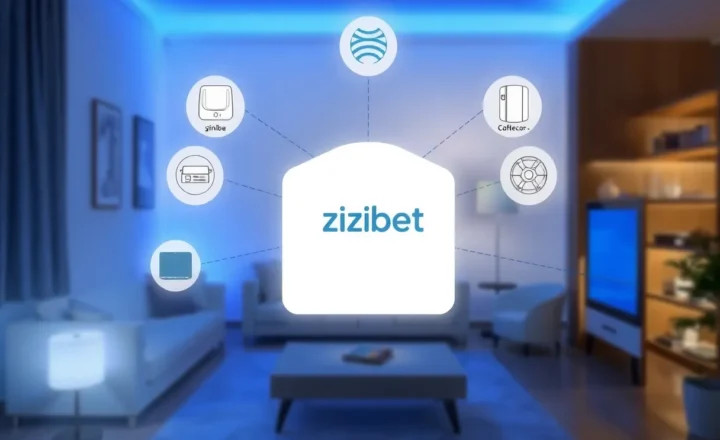
Smart home devices come from dozens of brands and use different wireless protocols. A local hub often acts as a translator. You can mix Zigbee sensors from one vendor, Z-Wave switches from another, and Wi-Fi devices that support local APIs, and have them all work together in one dashboard and one set of automations. The hub becomes the single place where “when the front door opens after sunset, turn on the hallway light” lives—regardless of which company made the door sensor and the bulb. That’s harder to do when every device wants to talk to its own app and its own cloud. A hub gives you one brain for the whole system.
Getting Started
You don’t need to replace everything. A lot of people start with a Raspberry Pi or a small PC running Home Assistant, add a Zigbee or Z-Wave stick to talk to compatible devices, and migrate a few key automations from the cloud. You can keep using some cloud-only devices where it’s convenient and move the important stuff to local control over time. The goal isn’t to never touch the cloud—it’s to have the core of your smart home run locally so that reliability and privacy don’t depend on a vendor’s uptime or policy. Your smart home works better when it has a local hub. Here’s why, and how to give it one.