Why Your Mechanical Keyboard Sounds Different Than the Specs Say

Owen Finch
February 25, 2026
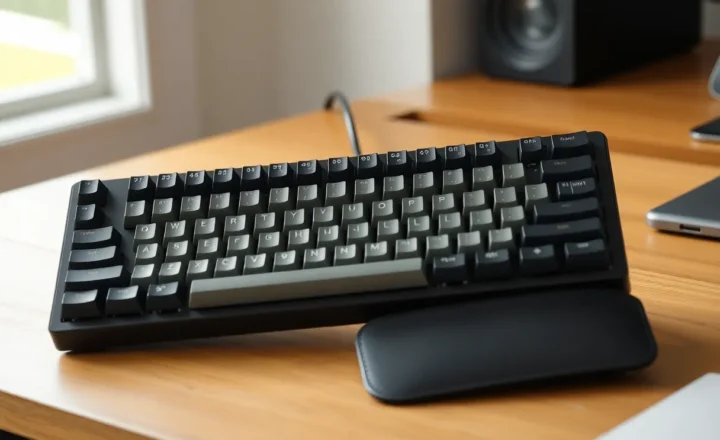
Mechanical keyboard specs will tell you a switch is “tactile” or “linear,” how many grams of force it takes to actuate, and maybe the travel distance. What they won’t tell you is how it actually sounds on your desk. The same switch in two different boards can sound completely different—and that gap between spec sheet and reality is where the hobby gets interesting.
Specs Describe the Switch, Not the System
Switch datasheets are measured in isolation. Actuation force, total travel, and stem type are real and comparable. But the sound and feel you get depend on the whole system: the switch, the keycaps, the plate, the case, the desk, and the room. A “silent” switch in a hollow plastic case can still sound tinny. A “loud” clicky switch in a well-damped board can feel and sound more controlled than a linear in a cheap tray-mount. The spec sheet can’t capture that.
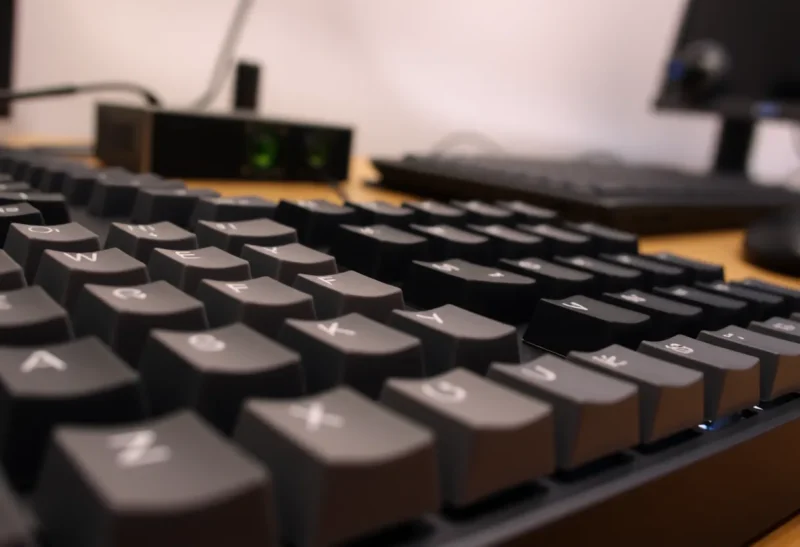
Keycap material and profile matter a lot. Thick PBT keycaps tend to dampen and deepen the sound; thin ABS can make everything sound higher and hollower. Keycap profile—whether the key is flat, sculpted, or high—changes how your finger hits the switch and how the cap resonates. Two people with the same switches can have wildly different experiences just from keycaps alone.

Case and Mounting Change Everything
The case is a resonance chamber. A metal case with no damping will ring. A plastic case with flex can sound muted or inconsistent. Gasket mounting—where the plate floats on rubber or silicone—absorbs vibration and often produces a deeper, softer sound than a tray-mount or top-mount where the plate is screwed straight to the case. Foam or other dampening material inside the case can tame harsh frequencies. None of this shows up in switch specs.
Desk and room matter too. A solid wood desk will transmit and amplify sound differently than a glass or metal one. A small room with hard walls will make any keyboard sound louder. That’s why sound tests on YouTube are useful for comparison but never match what you hear at home. Your setup is part of the instrument.
Why This Frustrates (and Delights) People
If you’re buying your first mechanical keyboard, the specs can feel like a lie. You picked “tactile” and “medium weight” and got something that sounds like marbles in a tin. That’s not because the specs were wrong—they just weren’t the whole story. The community has developed a whole vocabulary—thock, clack, poppy—to describe sounds that don’t appear on any datasheet. Building or modding a board is partly about learning how to tune that system: foam, lube, stabilizers, keycaps, and mounting.
Once you know that, the same “disappointment” becomes a feature. You can take the same switches and make them sound completely different by changing the rest of the build. That’s why people end up with multiple boards—not just different switches, but different systems that highlight different qualities. The specs say what the switch is; the rest of the build decides how it sounds.
Lubing and filming switches can also change sound and feel beyond what the factory spec suggests. A stock linear switch can become smoother and quieter with lube; a tactile can lose or gain character. Again, the datasheet doesn’t capture that. The hobby has evolved precisely because the gap between spec and experience is so large—and so tunable.
So when your keyboard doesn’t match the reviews or the spec sheet, you’re not wrong. The specs are just the starting point. The rest is the build.