Why Your Home Server Needs a UPS (and How to Size One)

Jesse Cole
February 26, 2026
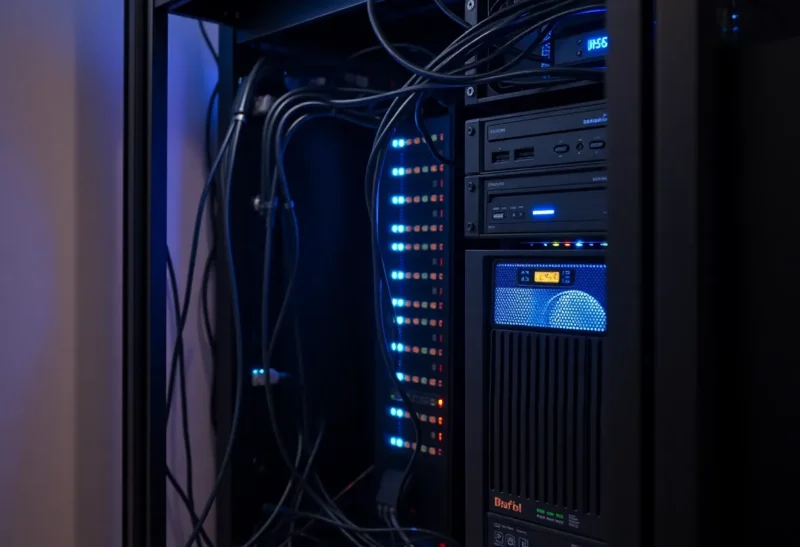
Run a home server, NAS, or homelab and a power blip can corrupt data, kill disks, or take your services down. A UPS—uninterruptible power supply—gives you a few minutes of battery so you can shut down cleanly or ride out short outages. Here’s why it’s worth it and how to size one.
Why a Home Server Needs a UPS
Servers and NAS boxes don’t like being cut off mid-write. A sudden power loss can leave file systems in a bad state, trigger RAID rebuilds, or shorten SSD life. If you’re running anything you care about—files, backups, media, or homelab services—a clean shutdown is better than a hard stop. A UPS gives you that: when the power fails, the battery takes over and your gear keeps running. Many UPS units can also signal the server (via USB or network) to shut down automatically after a few minutes on battery, so you get protection even when you’re not home.
Beyond clean shutdown, a UPS smooths out brownouts and voltage dips. Those can stress power supplies and cause random reboots. So a UPS isn’t only for blackouts—it’s for “the power flickered and your server didn’t notice.” For a box that runs 24/7, that’s a big upgrade in reliability.
How to Size a UPS
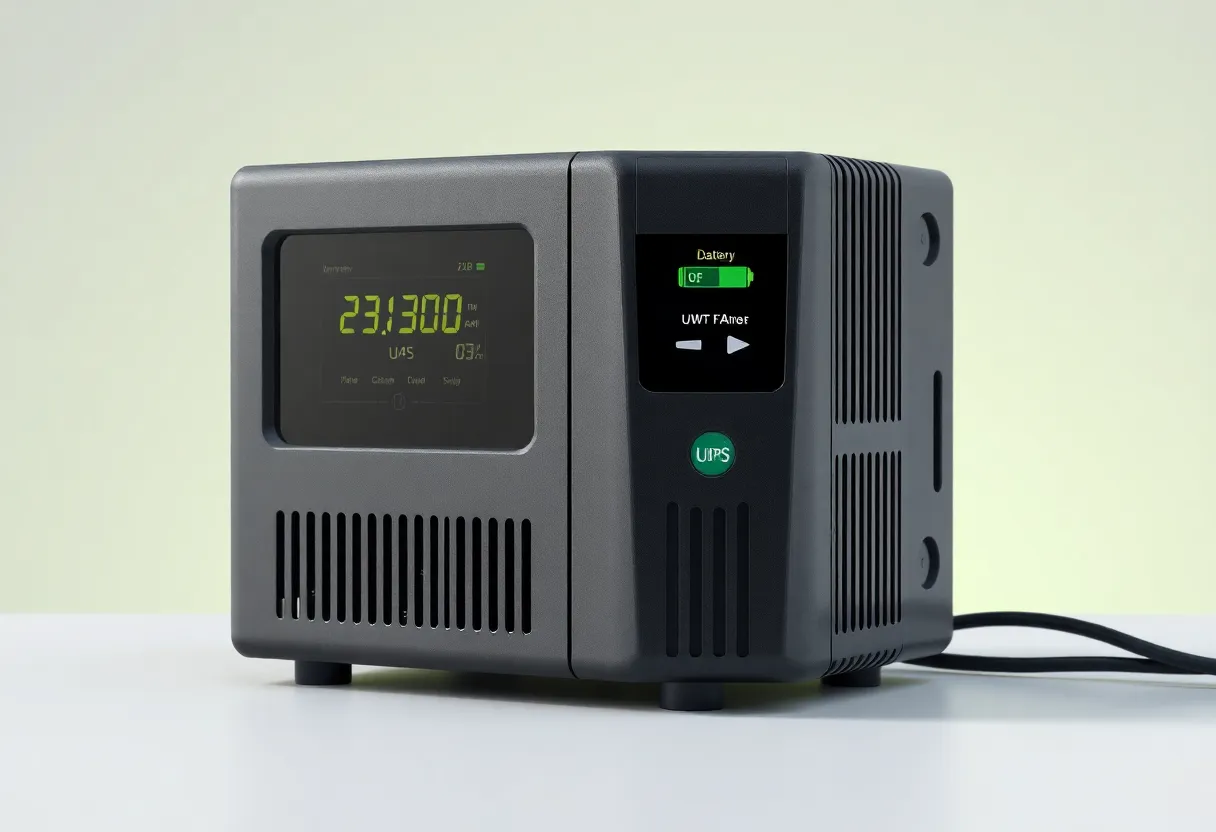
Two numbers matter: capacity (VA or watts) and runtime. Capacity is how much load the UPS can support; runtime is how long the battery lasts at that load. You need enough capacity to cover everything plugged into the UPS—server, NAS, network gear, maybe a modem and router. Add up the wattage (or use a kill-a-watt to measure). Then add headroom: aim for the UPS to run at 50–80% of its rated load so you’re not maxing it out. A typical small server or NAS might draw 30–80 watts; a beefy homelab could be 150–300 watts or more. A 450–900 VA UPS is often enough for a single server and some network gear.
Runtime is “how long do you need?” For automatic shutdown, 5–10 minutes is usually plenty—enough for the OS to receive the signal and shut down. If you want to ride out short outages, 15–30 minutes might be nice. Beyond that, you’re paying for a bigger battery; for most home setups, “enough to shut down” is the goal. Check the manufacturer’s runtime curves: they show runtime at different load levels. Size for your actual load, not the UPS’s max rating.

Features That Matter
Look for a UPS with a data port (USB or network) so your server can talk to it. Software like NUT (Network UPS Tools) or the vendor’s own tool can then trigger shutdown when the battery is low or the power has been out for a set time. Sine-wave output is nicer for sensitive gear than simulated sine wave, but for most home servers a quality line-interactive UPS with simulated sine is fine. Replace the battery every 3–5 years; they degrade over time even if you rarely use them.
Bottom Line
If you run a home server or NAS, a UPS is one of the best reliability upgrades you can add. Size it for your load and aim for enough runtime to shut down cleanly—then set up automatic shutdown so you’re protected even when you’re away.