Why E-Ink Tablets Are Finally Good Enough for Note-Taking

Owen Finch
February 25, 2026

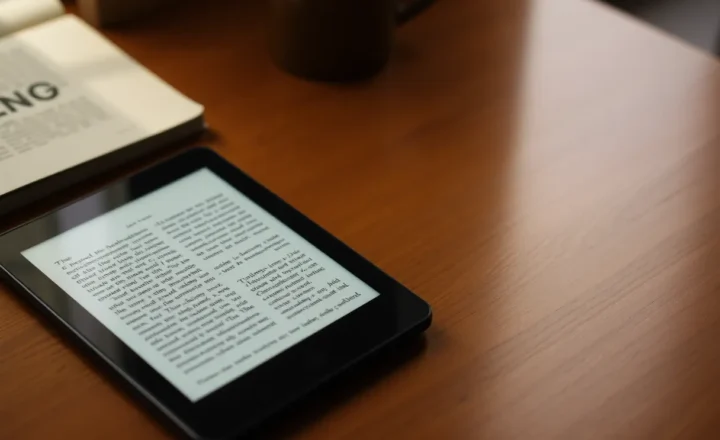
E-ink tablets used to be a compromise: great for reading, laggy for writing. In the last few years, that’s changed. Refresh rates have improved, stylus latency has dropped, and the software has caught up. E-ink devices like the reMarkable, Kindle Scribe, and Boox line are now viable for serious note-taking—not just reading. Here’s why they’re finally good enough, and where they still fall short.
Latency and Feel
The biggest complaint about writing on e-ink was lag. You’d put the stylus down and the line would appear a moment later, making handwriting feel disconnected and slow. Newer panels and dedicated note-taking devices have reduced that latency to the point where it’s barely noticeable. Combined with matte, paper-like screens that have some texture, the experience is close enough to pen on paper that many people can switch without feeling like they’re fighting the device. That’s the threshold that mattered: when the tech gets out of the way, you stop thinking about it and just write.
Battery and Focus
E-ink only uses power when the screen changes. So a tablet that’s mostly for reading and writing can go days or weeks on a charge. That’s not just convenience—it changes how you use the device. You’re not constantly aware of battery percentage or hunting for an outlet. You can take it to a meeting or a café and not think about power. For note-taking, that reliability matters. The device is there when you need it, without the anxiety that comes with an LCD tablet that might die mid-session.
E-ink also lacks the glow and constant refresh of an LCD. For long writing or reading sessions, that can mean less eye strain and fewer distractions. No notifications blazing at you from the lock screen—just the page. For people who want a dedicated writing surface rather than another general-purpose tablet, that separation is a feature.
Software and Ecosystem
Note-taking on e-ink has matured. You get notebooks, layers, export to PDF, and in some cases sync to cloud or other apps. The reMarkable and Boox devices, in particular, offer folder structures, search, and templates that make them usable for real work, not just quick scribbles. They’re still not as flexible as an iPad with GoodNotes or Notability—but they’re no longer toys. You can organize, search, and export without fighting the device.
The trade-off is that you’re often in a walled garden. Your notes may live in the vendor’s cloud or in proprietary formats. If that’s acceptable, the current crop of e-ink tablets is viable. If you need deep integration with every app under the sun, an LCD tablet or a laptop will still win.
Where They Still Fall Short
E-ink isn’t great for fast scrolling, video, or color-heavy content. If your workflow is “take notes and occasionally look something up on the web,” fine. If you need to flip through slides, watch a lecture, or annotate color diagrams, you’ll hit limits. E-ink tablets are optimized for reading and writing—black and white, relatively static. That’s the niche they fill. They’re not replacing an iPad for everything; they’re replacing paper and a stack of notebooks for people who want a single, searchable, portable surface.
The Bottom Line
E-ink tablets have crossed the bar for serious note-taking: low enough latency, long battery life, and software that supports real organization and export. They’re finally good enough to use as a primary note-taking device—if your use case is text and sketches, not video or heavy color. For that use case, they’re worth a look.