Why Desktop Linux Gaming Is Finally Viable in 2026

Blake Soto
March 7, 2026
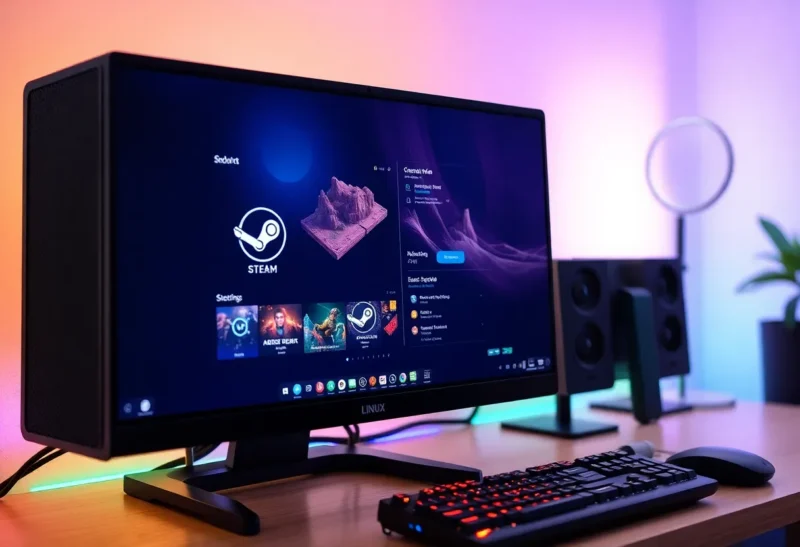
For years, “Linux gaming” meant either native titles (a small list) or a lot of tinkering with Wine. In 2026, the picture has changed. Steam Deck proved that a Linux-based platform could run a huge chunk of the Steam catalog; Proton and related compatibility layers have improved to the point that many Windows-only games run on desktop Linux with minimal fuss. Drivers are better, support is broader, and the gap between “it might work” and “it just works” has narrowed. Desktop Linux gaming still isn’t perfect—anti-cheat and some launchers remain pain points—but it’s finally viable for a lot of people who don’t want to dual-boot or stay on Windows just to play.
Proton and the Steam Effect
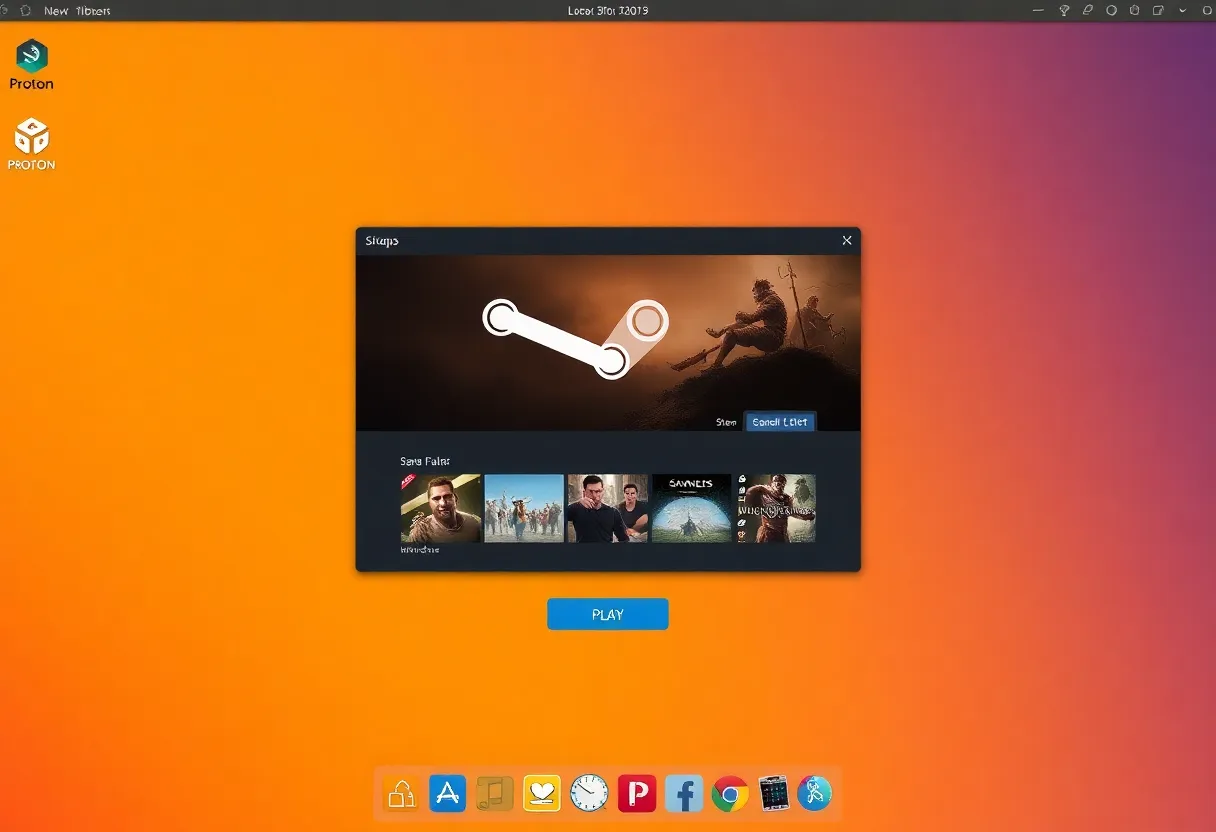
Valve’s Proton—a Wine-based layer that translates Windows API calls to Linux—is the main reason desktop Linux gaming took off. Steam ships Proton by default; you enable it for a game and, in many cases, it runs. The Steam Deck forced Valve to invest heavily in Proton, driver work, and game testing. That investment flows back to desktop: the same compatibility layer and many of the same fixes work on any Linux box running Steam. The ProtonDB community reports and Valve’s own verification give you a rough idea of what works before you buy. So you’re not flying blind—you can check whether your library has good Linux support.
Drivers and Hardware Support
AMD and Intel open-source GPU drivers on Linux are in good shape. AMD in particular is well supported; NVIDIA’s proprietary driver works but has had a rockier history with Wayland and newer stacks. In 2026, if you’re building or buying a Linux gaming rig, AMD is the path of least resistance. That said, NVIDIA has improved, and many people game on NVIDIA + Linux without major issues. The key is to pick a distro and driver stack that’s well tested—Ubuntu, Fedora, and SteamOS-based distros get the most attention.
Input devices—gamepads, racing wheels, VR headsets—generally work. Steam Input handles a lot of controller mapping. Some niche or very new hardware may have lagging support, but for standard controllers and peripherals, Linux is fine.

Where It Still Hurts
Anti-cheat is the biggest remaining barrier. Games that use kernel-level or proprietary anti-cheat (e.g. some multiplayer shooters) often block or ban Linux players because the anti-cheat doesn’t recognize the environment. That’s a publisher decision, not a Linux limitation—Proton can run the game, but the anti-cheat vendor or studio may not allow it. So if your life is a specific competitive title, check before you switch.
Some launchers (Epic, EA, etc.) are flakier on Linux than Steam. Heroic and Lutris help, but the experience isn’t as smooth. If most of your library is on Steam, you’re in good shape; if it’s spread across half a dozen launchers, expect some friction.
Performance can be a few percent behind Windows in some titles—translation layers have overhead—but for many games the difference is negligible. Newer Proton versions and driver improvements have narrowed the gap. Unless you’re chasing every last frame, Linux is often “good enough” and sometimes matches or exceeds Windows when the native port or Proton path is well optimized.
Why 2026 Feels Different
Enough games work well enough that “Linux as a gaming OS” is no longer a joke. You can install a mainstream distro, install Steam, enable Proton, and play a large subset of your library. You might have to tweak a few titles or accept that one or two don’t run, but the baseline is “viable.” That’s a shift from even three or four years ago. For people who prefer Linux for everything else—dev work, privacy, control—gaming is finally not a reason to stay on Windows. You can have one OS and game on it too.
The Bottom Line
Desktop Linux gaming in 2026 is viable for most people whose libraries are mostly on Steam and who can live without a few anti-cheat-heavy or launcher-locked titles. Proton, better drivers, and the Steam Deck effect have closed the gap. It’s not perfect, but it’s good enough to be a real option—and that’s something Linux gamers have waited a long time for.