What OLED Burn-In Tests Actually Tell You About Monitor Lifespan

Ian Cross
March 15, 2026
OLED monitors have gone from niche to mainstream for desktop use, and with that shift comes a question that never quite goes away: burn-in. Manufacturers run accelerated stress tests and publish hours-to-failure numbers; reviewers run their own torture tests. But what do those tests actually tell you about how long your panel will last in real use? The short answer: they’re useful for comparison, but they’re not a direct map to your desk.
How Burn-In Actually Happens
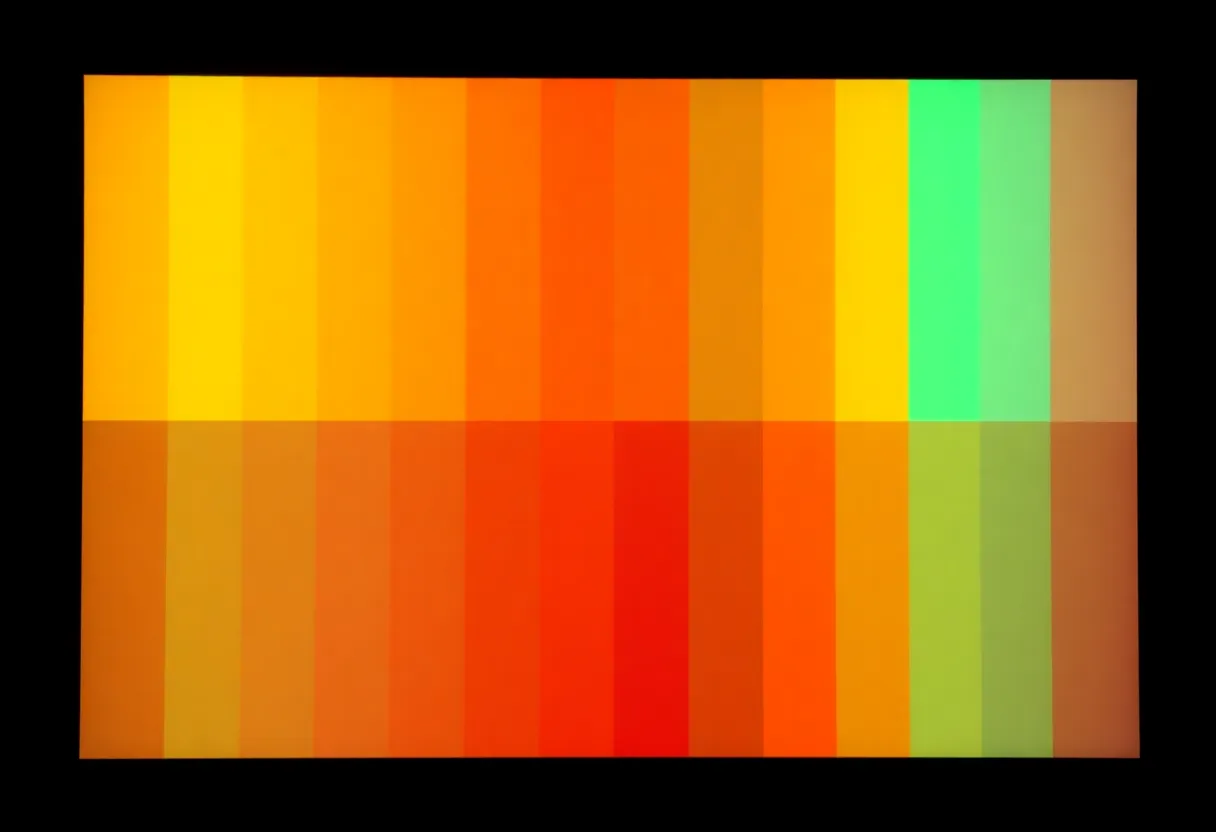
OLED pixels use organic compounds that emit light when current passes through. Over time, the materials age—and they age faster when they’re driven harder or held in a static state for long periods. A pixel that’s been showing the same bright color for thousands of hours will dim relative to its neighbors. That differential aging is what we call burn-in (or image retention): the “ghost” of a taskbar, a logo, or a spreadsheet grid.
Not all usage is equal. A pixel showing white at full brightness ages faster than one showing mid-gray or black. So a test that runs a high-contrast static image 24/7 is deliberately worst-case. Real use—varied content, mixed brightness, screensavers, and the fact that you turn the monitor off—usually looks nothing like that. The question is how much margin exists between “lab torture” and “typical desk use.”
What Accelerated Tests Measure
Review sites and manufacturers often run “stress tests”: a static image (e.g. a CNN or Excel-style layout) at high brightness for hundreds or thousands of hours. When visible uniformity loss or burn-in appears, they note the hours. Those numbers are comparable across panels—Panel A lasted 2,000 hours, Panel B lasted 3,500—so they’re good for “which product is more resilient in the worst case.” They are not good for “I will get 3,500 hours of problem-free use.”
Acceleration usually means high brightness and 100% static content. Your real usage likely has lower average brightness, varied content, and off-time. So the same panel might last many times longer in practice. Conversely, if you run a single app with a fixed UI at high brightness all day, you’re closer to the stress-test scenario and might see retention sooner. The tests tell you relative robustness and give a sense of how aggressive the pixel-wear mitigation (pixel shifting, logo dimming, etc.) is—not an exact calendar for your setup.
What to Look For in Reviews and Specs
When you’re comparing OLED monitors, use test results as a tiebreaker, not a guarantee. Look for:
- Consistency across units. If one review unit shows burn-in at 1,500 hours and another at 4,000, that’s panel or firmware variance—worth noting.
- Description of test conditions. Brightness, content, and hours per day matter. The same panel can “fail” at very different hour marks under different tests.
- Firmware and mitigation. Pixel shifting, logo detection, and automatic brightness limits can push real-world longevity up. Reviews that mention these give you a better picture.
- Warranty and coverage. Some brands now offer burn-in warranty; that’s a signal of confidence and reduces your risk.
Panel Tech and Why It Varies
Not all OLED panels are the same. Different subpixel layouts (WRGB vs RGB), different driver and compensation circuitry, and different firmware for pixel refresh and wear leveling all affect how quickly retention shows up. A stress test on one model doesn’t translate directly to another. That’s another reason to treat published test hours as relative data—”this model did better than that one under the same torture”—rather than a promise. Over time, as more independent tests pile up, you get a better picture of which brands and product lines are investing in longevity.
Practical Takeaways
If you’re buying an OLED monitor for productivity or mixed use, treat burn-in as a real but manageable risk. Use sensible habits: varied content, moderate brightness, screensaver or blank after a timeout, and avoid leaving a single high-contrast static image on for days. Pay attention to manufacturer mitigations and warranty. And use stress-test results to compare products, not to predict the exact day your panel will show retention.
What OLED burn-in tests actually tell you is how panels compare under punishment—so you can pick a more resilient one and then use it in a way that keeps it healthy for years. The numbers are a guide, not a countdown.