Web Push Notifications: Why the Permission Prompt Became an Adversarial UI Problem

Luis Ortega
May 9, 2026
The first time browsers let websites wake you without a tab open, it felt like magic for publishers and like a liability for everyone else. Push notifications solved a real problem—timely updates without keeping a page pinned—but they inherited the worst habit of older permission models: they arrived as a binary interrupt, usually before you knew why you should care.
By 2026, “Allow notifications?” is less a question than a skirmish in an attention war. Users have been trained to tap Block on reflex; honest sites pay the tax created by spammy ones. This article explains how the prompt turned adversarial, what browsers have tried to soften the blow, and what still separates ethical implementation from growth-hackery dressed as engagement.
None of this argues against push as a technology—only against treating the permission moment like a pop-up ad slot.
The original sin: timing and motive misalignment
Best practice has always been simple: ask after value is demonstrated, in context, with plain language about frequency and topic. Product reality often was simpler still: fire the prompt on first visit because funnel dashboards reward opt-in percentages, not comprehension. When incentives line up that way, the UI becomes a weapon against the user’s default preference for quiet.
That is what “adversarial” means here—not that the browser is malicious, but that one side optimizes for clicks while the other optimizes for peace. The permission sheet is neutral chrome; the surrounding site chrome is not. Overlays, delayed modals, and “soft asks” that reopen the prompt after a refusal all train muscle memory toward Block everything.
Mobile Safari and Chrome on Android differ in where settings live, which sounds trivial until you watch non-technical relatives hunt for ten minutes to undo a single mis-tap. Cross-browser inconsistency is not an excuse for aggressive sites; it is another reason to earn trust before the sheet appears, because the repair path is emotionally expensive.
What web push actually unlocks
Under the hood, push combines a service worker, a subscription object, and a push service run by the browser vendor or OS. Sites cannot silently subscribe you; they still need consent. The gap is cognitive, not cryptographic. Users rarely distinguish “this site can send messages while closed” from “this site can annoy me forever,” and marketers rarely hurry to clarify.
Compared with native apps, web push promised parity without store review friction. That lowered the barrier for small teams shipping PWAs—and for anyone who could buy traffic. The same open distribution that powers the indie web also powers disposable domains that burn through prompts until blocklists catch up. Regulators talk about dark patterns in checkout flows; notification nagging is the same family of harm with a different CSS file.
Legitimate uses—two-factor prompts, delivery updates, breaking news from organizations people chose—sit beside coupon blasts and re-engagement drips that behave like malware with a brand kit. Aggregated at the OS level, the channel becomes noisy enough that platforms throttle, batch, or demote web pushes relative to native apps, which reshapes ROI and pushes dishonest actors toward ever more aggressive pre-prompts.
Browser responses: quieter asks, stricter heuristics
Chrome and Safari have both experimented with softer patterns: quieter permission UI when sites abuse prompts, auto-denial for domains with chronically low accept rates, and stricter rules about what counts as a “user gesture.” The details shift between releases, but the direction is consistent—treat repeated nagging as a quality problem, not a civil right of the long tail web.
For developers, that means your integration can break retroactively if you relied on aggressive timing. A site that once eked out twelve percent opt-in may find itself in a penalty box where the browser never shows a loud prompt again until behavior improves. That is adversarial design in the opposite direction: the platform defending users against your growth team.
Ethical patterns that still convert
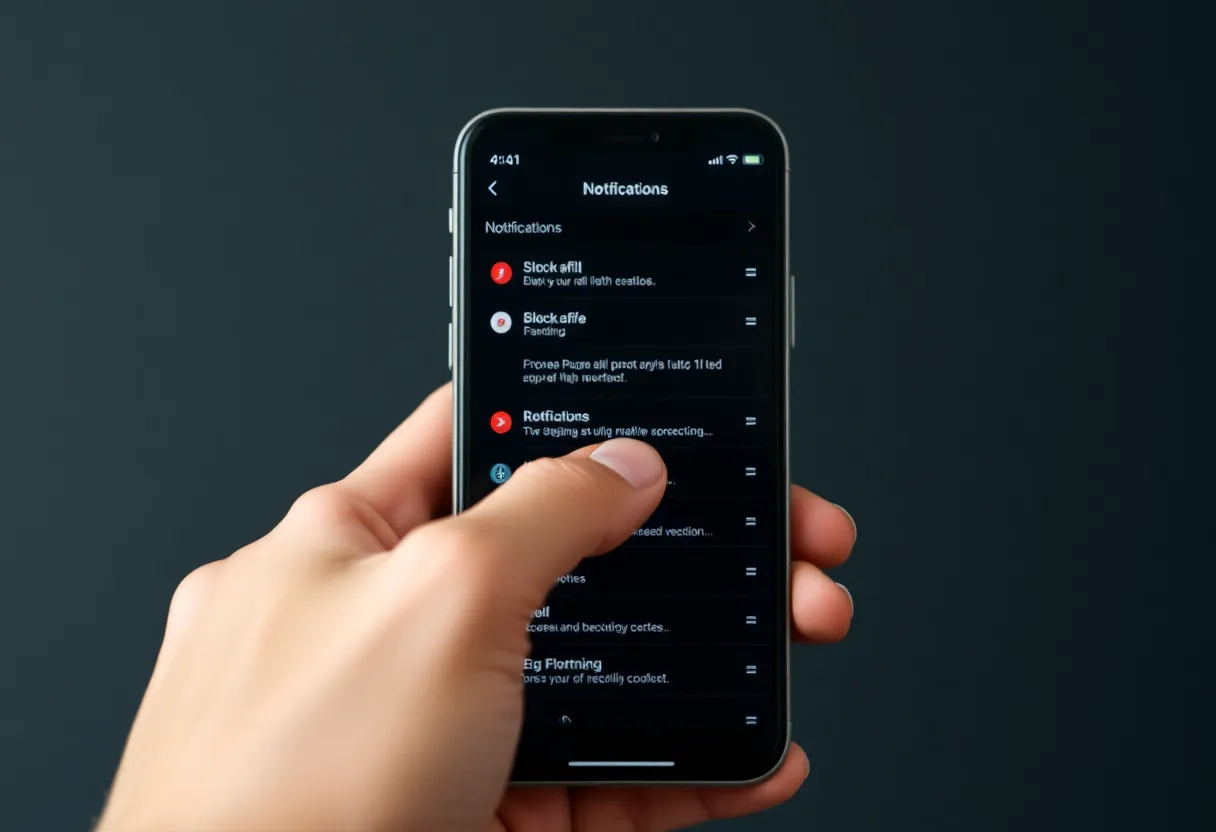
Transparency beats cleverness. State what you send, how often, and how to leave. Pair the browser prompt with in-page copy written by a human who has seen support tickets. Offer granular controls inside the app—categories you can mute—because the OS toggle is binary and users hate binary risk.
Two-step consent still works when it is sincere: first a custom in-app card with examples of real notifications, then the browser sheet after a tap that proves intent. A/B tests that skip the first step because it lowers conversion are telling on themselves. You are not optimizing UX; you are optimizing for users who have not read the contract.
Implementation notes engineers actually feel
Service worker lifecycles, VAPID keys, and subscription refresh edge cases already make push finicky to ship. Layer aggressive prompts on top and you get flaky analytics: users who dismiss workers, revoke keys, or reinstall browsers without understanding what broke. Document recovery paths—how to resubscribe after clearing site data—because support tickets will arrive anyway. The adversarial UI problem is not only moral; it increases engineering load when users distrust the feature enough to toggle it randomly while debugging unrelated issues.
PWAs versus native: expectations collide
Users mentally bucket “app” and “website” differently even when the technology converges. A PWA installed to the home screen inherits native-ish iconography but not the years of muscle memory about where notification settings live. That mismatch fuels accidental opt-outs and confused reviews. Copy that says “We’ll only ping you for live scores” lands better than jargon about service workers—meet people where their mental model is, not where the spec diagram is.
Trigger prompts after a meaningful action: saved item, started trial, followed a live event. If your only hook is “we exist,” you do not deserve push. Measure downstream retention, not just opt-in rate; a giant numerator on day zero with churn by day three is how publishers learn they trained people to hate them.
Security and abuse angles
Push endpoints are secrets. Leaked subscriptions plus stolen keys let attackers spam subscribers until keys rotate. Rate limits and signing matter as much as UX. On the social-engineering side, fake system dialogs in-page remain a staple of phishing tutorials; the existence of real permission prompts makes counterfeit ones slightly more plausible. Defense is familiar—origin-bound UI, HTTPS, user education—but the ambient fatigue of notification spam makes users less vigilant, not more.
Enterprise deployments add another wrinkle: internal dashboards that request push for “IT alerts” but reuse the same copy as marketing drips. Employees cannot casually uninstall the corporate portal; they can, however, tune out every future permission dialog on personal devices after one bad week. Cross-contamination of trust is an externality few internal comms teams measure.
Accessibility and cognitive load
Screen reader users hear permission prompts as urgent interruptions. Motion-sensitive users encounter parallax modals that shake until you choose. People juggling caregiving or shift work may not have bandwidth to parse subtle differences between “Allow while visiting” and “Allow always.” Designing push flows without accessibility review is not neutral—it biases outcomes toward users with spare attention, then calls the skew “data-driven.”
Regional and regulatory pressure
Privacy regimes increasingly treat consent banners as audit targets; push is next in line wherever consent must be freely given, specific, and informed. That does not kill the channel; it raises the bar for copy, logging, and proof of opt-in. Startups that treated prompts as growth hacks may find due diligence questionnaires asking how many users accepted after a single pageview—and whether that meets local law’s idea of informed choice.
What users can reasonably do
Per-site settings in the browser and OS are tedious but effective. Periodic audits of who still has keys to your lock screen pay dividends. For readers who never want web push at all, global denial remains an option, which is tragic for the minority of sites that would have used it respectfully—but tragedy is what broken markets produce until norms harden.
A line in the sand for product teams
If your roadmap calls push a “retention lever” without naming the information users actually want pushed, you are already on the adversarial path. Rename the initiative “timely, user-initiated alerts,” write acceptance criteria that include unsubscribe friction tests, and accept lower top-of-funnel numbers in exchange for not being muted at the platform layer. The prompt stopped being innocent years ago; the teams who act like it still is are the reason everyone else taps Block.
Instrumentation that does not lie to you
Track prompt impressions separately from accepts. Watch bounce after denial—if users flee, your pre-prompt experience was probably coercive. Segment satisfaction by notification volume and read rates, not vanity sends. The ethical metric is not “how loud can we shout before churn,” but “do people still thank us in support mail after month three.” If the answer is no, your adversarial UI is working; your brand is not.
Browsers will keep tightening until the median user trusts the channel again—or abandons it entirely. Publishers who want web push to exist in 2030 should treat every prompt like borrowed time: explain the value, respect the refusal, and never train the world to treat your domain like a slot machine that only pays annoyance.