The Real Trade-offs of Going All-In on Apple’s Ecosystem

Chris Walsh
March 1, 2026
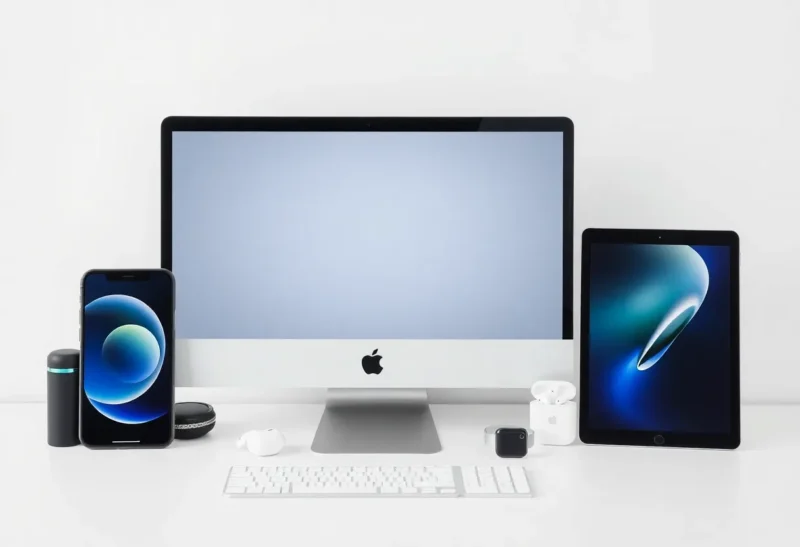
If you own an iPhone, there’s a decent chance you’ve felt the pull. A MacBook would make Handoff work. AirPods would connect seamlessly. An Apple Watch would unlock your laptop without a second thought. The promise of the Apple ecosystem isn’t just convenience—it’s a kind of frictionless digital life where your devices quietly talk to each other and get out of your way.
That promise is real. But so are the trade-offs. Going all-in on Apple means committing to a walled garden with its own rules, prices, and limitations. Here’s what you’re actually signing up for—and how to decide if it’s worth it for you.
The Upside: It Really Does Work
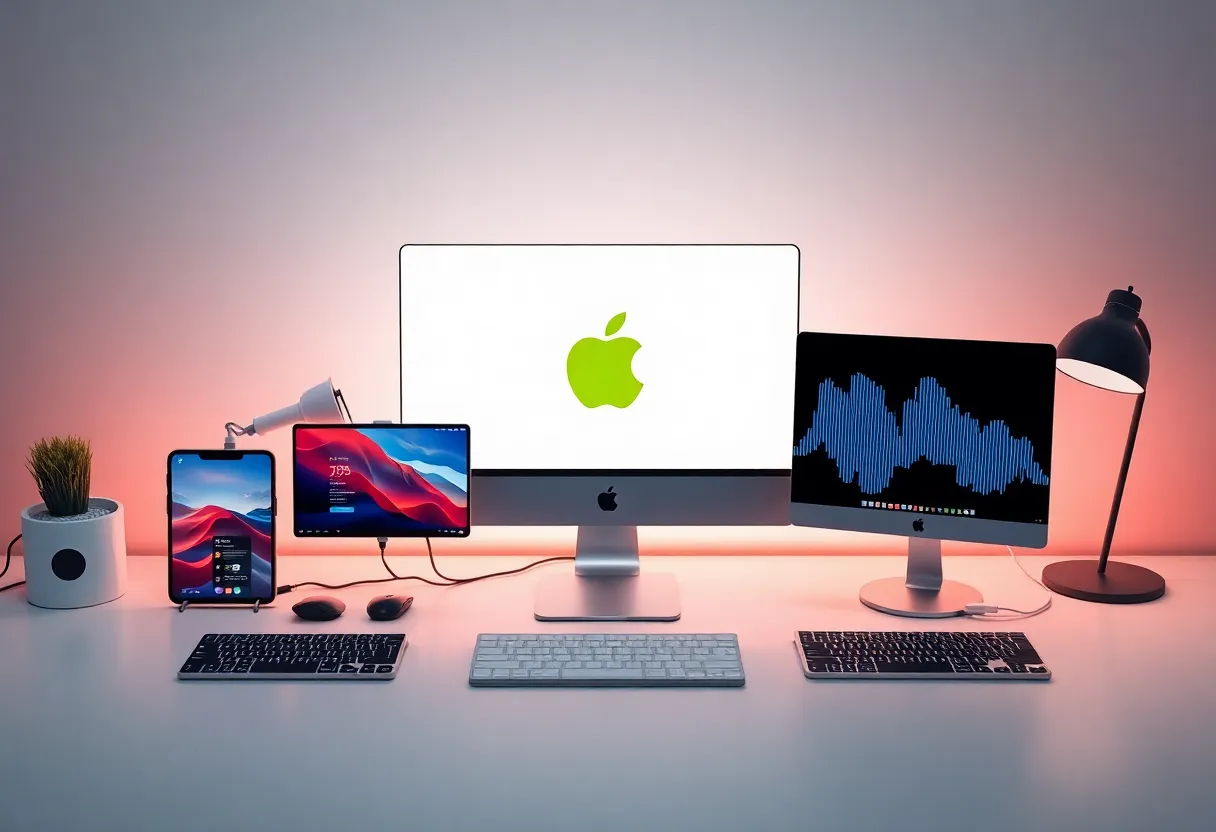
Let’s start with the good stuff, because it’s substantial. Apple’s ecosystem integration isn’t marketing fluff. The Continuity features—Handoff, Universal Clipboard, AirDrop, Sidecar—genuinely reduce friction in ways that compound over time.
Handoff lets you start an email on your phone and finish it on your Mac without copying links or re-typing. Universal Clipboard means you can copy text or an image on one device and paste it on another seconds later. AirDrop avoids the USB-cable-and-cloud-dance when moving files between your own devices. Sidecar turns your iPad into a second display for your Mac without extra software. These aren’t gimmicks. Once you’re used to them, they become invisible infrastructure—and going back to a world without them feels clunky.
The hardware quality is consistently high. You rarely get a dud. The software is polished, and iOS and macOS updates tend to arrive for years. iCloud keeps your photos, notes, reminders, and files synced across devices without much thought. And if you’re already paying for Apple One, the bundled services—Music, TV+, Arcade, Fitness+, and iCloud storage—can make the total cost feel reasonable compared to piecing together Spotify, Netflix, and storage elsewhere.
There’s also a family dimension. iCloud Family Sharing, Shared Albums, and Find My make it straightforward to keep a household on Apple devices. Parents can manage screen time, share subscriptions, and locate devices. It’s not perfect, but it’s cohesive in a way that mixed-platform setups often aren’t.
The Cost Nobody Talks About Enough
Here’s where it gets thorny. The sticker price is obvious—Apple kit costs more than most alternatives. A base MacBook Air, iPhone, and iPad add up fast. Throw in AirPods and an Apple Watch, and you’re well into five figures. But the real cost is harder to see: vendor lock-in.
Once you’re deep in iCloud, Apple Music, Apple Pay, Apple Notes, Reminders, and the rest, switching feels like moving house with no truck. Your photos live in iCloud Photos. Your notes are in Apple Notes. Your reminders sync through iCloud. Exporting is possible but clunky—and you often lose metadata, shared links, or integration with other apps. Migrating to Android or Windows means rebuilding workflows, reinstalling apps, and often losing features you’ve come to rely on. Many people stay not because they’re thrilled, but because leaving feels too costly.
Then there’s the upgrade cycle. Apple tends to design its best integrations to work best within recent generations. Older devices still get updates, but features like Continuity Camera, Universal Control, or the latest Handoff tricks assume you’re on reasonably current hardware. The ecosystem gently nudges you toward staying current—and that means regular spending every few years.
Repairs and service add up too. AppleCare is expensive, and out-of-warranty repairs often cost more than comparable Android or Windows fixes. The right-to-repair debate isn’t abstract if you’ve ever had to replace a cracked iPhone screen or a failing MacBook keyboard.
Finally, there’s the subscription layer. iCloud storage fills up quickly if you shoot a lot of photos or keep large files. Apple One bundles help, but you’re still committing to monthly fees. Add Apple Music, TV+, Arcade, and Fitness+—even at a discount—and the annual cost is non-trivial. The ecosystem doesn’t stop at hardware.
When the Garden Feels Smaller
Apple’s ecosystem is also a closed one. Want to use a non-Apple smartwatch with full iPhone integration? You’re out of luck—the best experience is Apple Watch. Prefer Google Assistant over Siri? You’ll hit limits. Need to sideload an app or run software Apple hasn’t approved? On iOS, you’re mostly stuck. The trade for polish and security is less flexibility.
This becomes more visible when you hit edge cases. Maybe you need to collaborate with someone on Android and AirDrop isn’t an option. Maybe your work requires Windows-specific software, and running it in a VM or on a separate machine breaks the “everything just works” feeling. Maybe you want to use a device or service—a particular smart home hub, a Linux dev machine, a gaming handheld—that doesn’t play nice with Apple’s rules. The ecosystem that felt effortless when everything was Apple can start to feel restrictive.
Apple’s control extends to the App Store. Developers must play by Apple’s rules, which can mean higher fees, delayed features, or apps that never make it in at all. If you rely on sideloading, emulators, or niche tools that Apple doesn’t endorse, the garden can feel more like a cage.
Who Benefits Most—And Who Doesn’t
If you live mostly within Apple’s world—iPhone, Mac, iPad, maybe a Watch—and you value smooth interoperability over flexibility, the ecosystem delivers. Creative pros who move between iPad and Mac for design or video work get real value from Sidecar and Handoff. Students in Apple-heavy schools and universities benefit from shared tools and workflows. Families who want simple device management and sharing often find Apple’s setup less frustrating than cobbling together Google, Microsoft, and third-party services. And plenty of people just want things to work without tinkering. For them, the premium pays for itself in reduced friction.
But if you’re platform-agnostic, travel with mixed hardware, or care a lot about openness and choice, going all-in can backfire. You’ll pay more for an experience that might not align with how you actually work. Developers who need Linux or Windows for certain tools may find a Mac-only setup limiting. Gamers will hit walls—Mac gaming is improving but still lags behind Windows. And if you ever want to switch ecosystems, the exit cost is real. The “it just works” promise assumes you’re okay with Apple’s way of doing things. If you’re not, the garden can feel suffocating.
The Hybrid Middle Ground
Not everyone goes all-in or all-out. Plenty of people run an iPhone with a Windows PC, or a Mac with an Android phone. The experience is less integrated, but it’s workable. You lose Handoff and Universal Clipboard, but you gain flexibility. You can use Google Photos instead of iCloud, Spotify instead of Apple Music, and keep your options open. The trade-off is that you’re always bridging two worlds—no single ecosystem delivers the full “it just works” promise.
If you’re on the fence, a hybrid approach can be a useful test. Try an iPhone with your existing Windows machine, or a Mac with your Android phone. See how much you miss the deep integration. Some people find they don’t need it. Others realize they’ve been underestimating how much friction the ecosystem actually removes.
Making the Call
There’s no universal answer. The right move depends on your priorities: Do you value seamless integration over flexibility? Are you willing to pay a premium and accept Apple’s rules? Will you stick with Apple for the long haul, or might you switch in a few years?
If you’re considering going deeper—adding a Mac, upgrading to an iPad Pro, grabbing AirPods Pro—ask yourself: Am I doing this because I need it, or because the ecosystem is pulling me in? Both can be valid. Maybe you genuinely benefit from Handoff and Sidecar. Maybe you’re upgrading because it feels like the path of least resistance. Just go in with your eyes open.
The convenience is real. So is the lock-in. The quality is high. So is the cost. Choose accordingly—and remember that the best ecosystem is the one that fits your life, not the one that fits Apple’s marketing.