The Hidden Complexity of Building a Raspberry Pi Cluster

Jesse Cole
February 25, 2026
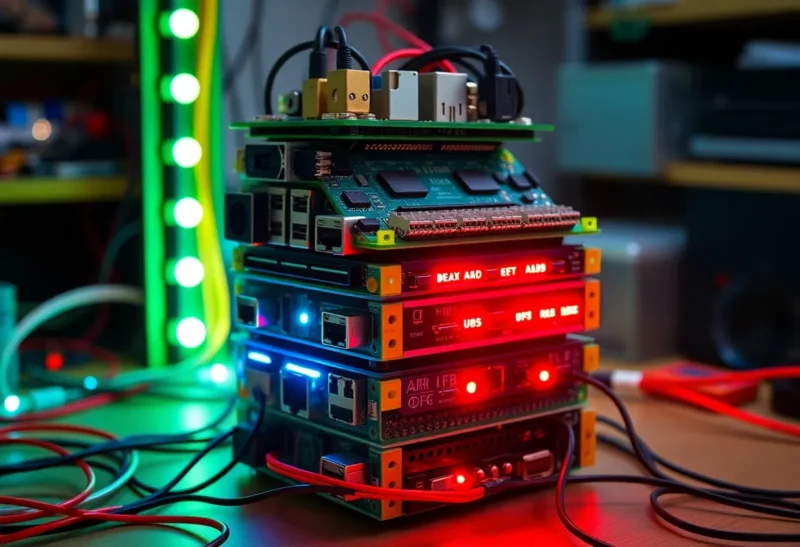
Raspberry Pi clusters look simple. Buy a few boards, a stackable case, some cables, and you’ve got a mini data center on your desk. Tutorials make it sound like a weekend project. The reality is messier: power, networking, storage, and orchestration all have gotchas that don’t show up until you’re deep in the build. Here’s what they don’t tell you up front.
Power: The First Bottleneck
Each Pi needs stable 5V power. A single USB charger might handle one board; four or more need a proper supply. Underpowered setups cause random reboots, SD card corruption, and hours of debugging. You need a supply that can deliver enough amps across all nodes—and cables that don’t drop voltage. PoE (Power over Ethernet) hats simplify wiring but add cost and heat. Budget for a quality PSU and don’t daisy-chain weak adapters.
Then there’s the SD card. Running an OS and workloads off the card is the default, but cards wear out under heavy I/O. Boot from SD and run from USB SSD, or boot from USB entirely, for anything you care about. That’s extra hardware and a different setup path for each Pi. Not hard, but it’s another layer the “get a cluster in an afternoon” posts skip.
Networking and Naming
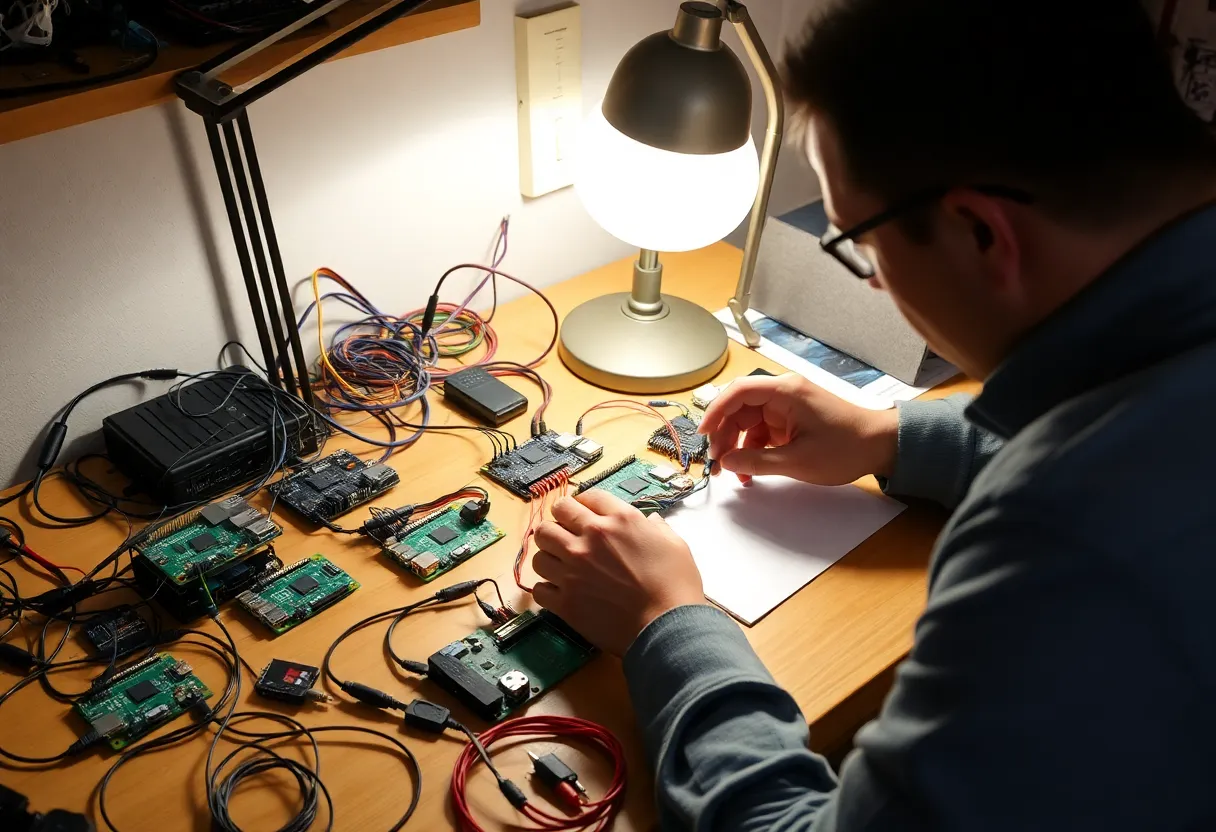
Your cluster needs a network. A cheap switch works, but you want consistent hostnames and IPs. Static IPs or DHCP reservations prevent nodes from swapping addresses after a reboot. If you’re running Kubernetes, k3s, or Docker Swarm, node identity matters. One wrong IP and your join commands or token-based setup breaks. Plan your subnet and hostnames before you start installing.
Then there’s discovery. How do the nodes find each other? mDNS, static /etc/hosts, or a local DNS server. Each approach has trade-offs. Get it wrong and you’ll spend an evening wondering why one node can’t see the others.
Orchestration: Not Just “Install k3s”
Running Docker or Kubernetes on a Pi cluster is doable—k3s is built for it—but ARM images aren’t always available. Plenty of images are x86-only. You’ll need ARM-compatible images or multi-arch builds. Storage classes, persistent volumes, and ingress all need thought. The Pi’s limited RAM means you can’t run a heavy control plane and a dozen pods per node. You’re resource-constrained from the start.
Heat and Physical Layout
Several Pis in a stack or a tight case generate real heat. Throttling kicks in when they get hot, and performance drops. You need airflow—passive heatsinks help, but for more than two or three nodes, a fan or an open frame is often necessary. Cable management matters too: power, Ethernet, and any USB storage add clutter and can block vents. Plan the physical layout before you commit to a case. The “pretty” stackable setups often run hotter than a simple open rack or stand.
Why Do It Anyway?
Despite the complexity, Pi clusters are worth it for learning. You get hands-on with distributed systems, networking, and orchestration without cloud bills. You learn where the friction is—power, storage, ARM compatibility—in a way that reading docs doesn’t teach. The hidden complexity is the point: once you’ve fought through it, you understand how real clusters work.
Just don’t expect a weekend. Plan for power, storage, networking, and image compatibility from the start. Treat the first build as a learning project, not a production system. Then iterate.
The Bottom Line
Building a Raspberry Pi cluster is rewarding but not trivial. Power, storage, networking, and orchestration all have hidden complexity that tutorials often gloss over. Budget time and money for proper PSUs, storage, and a clear network plan. If you go in expecting a weekend project, you’ll get frustrated. If you go in expecting to learn the hard parts of running a small distributed system, you’ll get a lot out of it.