The Case for Dedicated Hardware Audio When Your Laptop Sound Isn’t Enough

Soren Bell
July 7, 2026
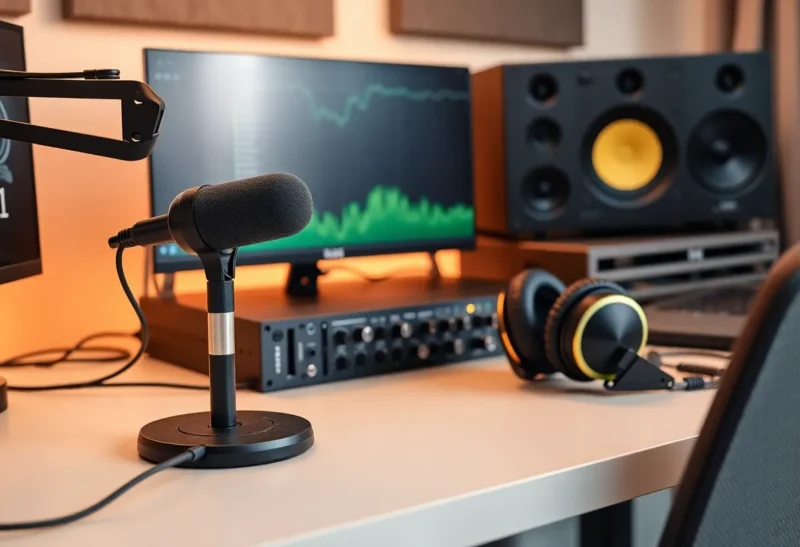
Most laptops made in the last five years have adequate audio for casual use. The speakers are tolerable for a quick video call. The headphone jack works. The built-in microphone is good enough for a Teams meeting in a quiet room. If your audio needs are truly minimal, the built-in hardware is fine and there’s no reason to spend more.
But “adequate” and “fine” cover a lot of ground that matters more the more seriously you use audio. Podcast recording that sounds like you’re in a bathroom. Video calls where colleagues ask you to repeat yourself. Music that sounds flat and narrow through on-board audio. Headphones that don’t get loud enough without distortion when the source has a high impedance. These are fixable problems — and the gap between laptop audio and a modest dedicated setup is much larger than the price difference would suggest.
What On-Board Laptop Audio Actually Is
Modern laptop audio is handled by integrated audio chips — Realtek, Conexant, and Cirrus Logic are the common vendors — that handle both the digital-to-analog conversion (DAC) for playback and the analog-to-digital conversion (ADC) for recording. These chips are compact, inexpensive, and designed to consume minimal power. They do the job. They are not designed for audio quality as a primary objective.
The signal chain in a laptop is hostile to clean audio in several ways. The components are physically close to electrically noisy circuitry: CPU, GPU, storage controllers, wireless radios. Interference can introduce audible noise into the signal. The power delivery to audio components shares a power rail with other laptop systems, creating potential for ground loops and hiss. Laptop form factors leave no room for the heavier transformers and filtering capacitors that reduce noise in dedicated audio hardware. The headphone amplifier section — if you can call it that — typically doesn’t have enough current drive for high-impedance headphones, causing distortion at higher volumes.
On the recording side, laptop microphone inputs are almost universally designed for 3.5mm TRRS headset microphones with narrow frequency response and limited dynamic range. They are not designed for XLR microphones, condenser mics requiring phantom power, or any recording application that requires low noise and flat response across the full audio range.
USB DACs: The Entry Point for Better Playback
A USB DAC (digital-to-analog converter) takes the digital audio signal from your computer via USB and converts it to analog outside the laptop’s noisy environment. The quality difference is audible immediately on anything with decent headphones, and the price entry point is genuinely low.
The FiiO KA13 and Hidizs S9 Pro are in the $40–70 range and make a clear, measurable improvement over on-board audio for headphone listening. The noise floor drops. Stereo imaging gets wider. High-impedance headphones — anything above 150 ohms — get proper drive without distortion. For listeners using quality headphones who’ve never tried a dedicated DAC, the difference is significant enough to be surprising.
One tier up, the Topping DX3 Pro+ and the iFi Zen DAC 3 ($130–180) add more power for demanding headphones, balanced output options, and better measured performance on distortion and noise floor. These are overkill for typical headphones but appropriate for audiophile-grade dynamic headphones (Sennheiser HD 650, 6XX series) or any planar magnetic headphone that needs current delivery. A dedicated headphone amplifier — separate from the DAC — becomes relevant at this point for the most demanding loads, but for most users a decent DAC/amp combo handles everything.

Audio Interfaces: When You Need to Record, Not Just Listen
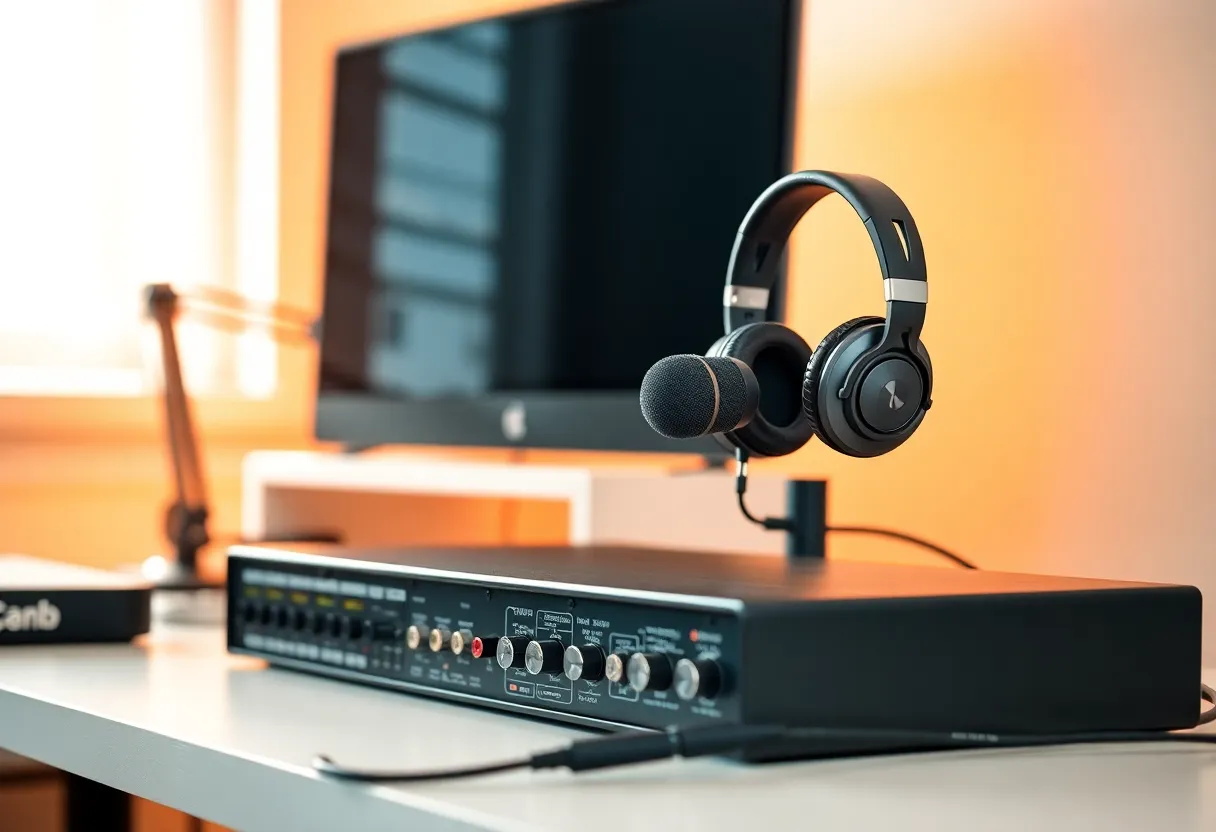
An audio interface is a different piece of hardware from a USB DAC, though they overlap. An audio interface has microphone preamps — the signal amplification stage that takes a microphone’s weak output signal and boosts it to line level — plus phantom power (48V, required by most condenser microphones), and typically handles both recording input and monitoring output in one device. They are the right tool if you want to use an XLR microphone for podcasting, voice recording, screencasts, or music production.
The Focusrite Scarlett Solo (Gen 4) is the default recommendation at the entry level because Focusrite’s preamps have a clean reputation and the driver ecosystem is reliable on both Windows and macOS. At $130, it provides one XLR/TRS combo input with phantom power and a headphone monitoring output with a dedicated level control. The second-generation Scarlett 2i2 can often be found used for $60–80 and performs essentially identically for most recording tasks.
The Universal Audio Volt series ($200–350) competes at the mid-range and adds analog-modeled vintage preamp modes — useful if you want a bit of warmth in your recordings rather than clinical flatness. Universal Audio’s ecosystem integration matters if you’re using their plug-ins for recording; if you’re not, the Focusrite offers similar clean preamp performance for less.
For podcast recording specifically — a common use case for remote workers and content creators who don’t care about music production features — the Rode NT-USB+ is worth knowing about as an alternative. It’s a USB condenser microphone with a built-in headphone monitor output, which combines the microphone and interface into one device. The trade-off is less flexibility (you can’t swap to a different microphone without changing the whole system) and lower audio interface quality for listening. But for someone who just wants dramatically better voice quality on calls and recordings without learning XLR signal chains, it’s a clean solution.
The Microphone Question
A better audio interface doesn’t help if the microphone going into it is poor. For most laptop users making the upgrade to dedicated audio hardware, the microphone is the higher-impact investment — the single thing that most improves how you sound on calls and recordings.
For XLR setups with an audio interface, condenser microphones with cardioid polar patterns pick up what’s directly in front and reject room noise from behind. The Audio-Technica AT2020 ($90) is a reliable entry-level large-diaphragm condenser that records voices cleanly. The Shure SM7dB ($400, a built-in preamp variant of the legendary SM7B) is the industry standard for podcast and broadcast voice work — its dynamic capsule is less sensitive to room reflections and background noise than condensers, which makes it more forgiving in imperfect acoustic environments.
Room treatment matters as much as the microphone quality, a fact that most microphone reviews underemphasize. A $400 microphone in a hard-surfaced room with parallel walls sounds worse than a $100 microphone in a softly furnished room with diffusion and absorption. Before buying expensive microphones, do the acoustics: close curtains or hang a curtain behind you, push a bookshelf with irregular surfaces into the recording area, use a reflection filter (a foam baffle that attaches behind the microphone on the stand). These are cheap and genuinely effective.
The Practical Threshold: When It’s Actually Worth It
Not everyone needs dedicated audio hardware. If your audio use is: occasional video calls from a quiet room, casual music listening on modest headphones (under 80 ohm impedance), and no recording, on-board laptop audio is genuinely fine. The investment doesn’t pay off.
The threshold where dedicated hardware becomes worth it:
You’re on video calls for several hours a day and your audio quality affects how you’re perceived professionally. Remote work raised the stakes on audio quality in ways that weren’t true when meetings were in person — on a call, your audio quality is your first impression. Better microphone audio makes you sound more competent and engaged, and colleagues notice the difference even if they can’t articulate why.
You’re recording content — podcasts, screencasts, YouTube videos, online courses — where audio quality reflects directly on the perceived production value of your work. Podcast audio is the thing listeners and watchers forgive least; most people will tolerate imperfect video quality before they’ll tolerate reverby, noisy audio that makes them work to understand you.
You’re using headphones above the $150 tier with impedances above 150 ohms, or planar magnetic headphones. These are not adequately driven by laptop audio and genuinely benefit from proper amplification. The same headphones through a DAC/amp versus a laptop headphone jack are not the same listening experience.
You’re working on music or audio production at any level above casual. Even amateur music production needs clean monitoring and accurate playback to make mixing decisions; on-board laptop audio introduces coloration and noise that makes it impossible to know what your mix actually sounds like.
The Practical Entry Setup
For someone moving from laptop audio to a dedicated setup, the most common good entry point is either: a USB DAC/amp combo like the FiiO KA13 or iFi Zen DAC if playback quality is the priority, or a Focusrite Scarlett Solo with a decent dynamic or condenser microphone if recording quality is the priority. Total cost for either is $130–250, which is one of the better value-per-improvement ratios in a home office setup. The difference is audible immediately and doesn’t require ongoing subscription costs, cloud dependencies, or configuration overhead. The hardware just works, session to session, without thought — which is exactly what audio hardware should do.