Cloud everything was supposed to make the home server obsolete. Why run your own hardware when you can rent someone else’s? And for a lot of people, that trade-off still makes sense. But in 2026, the calculus is shifting. Better hardware, mature software, and a growing unease with locking your data and services into a handful of providers have made running a server at home more practical—and more appealing—than it’s been in years.
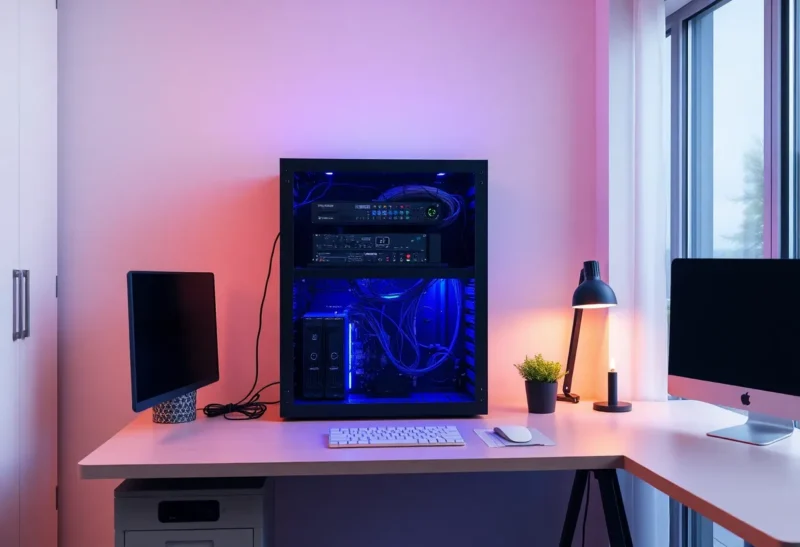
This isn’t about replacing AWS or going off the grid. It’s about having a place that’s yours: for backups, for self-hosted apps, for learning, or simply for the satisfaction of controlling your own stack. If you’ve been curious about homelabs but assumed it was only for tinkerers with rack mounts and 10Gb Ethernet, it’s time to look again.
Why Bother? Data, Privacy, and the Joy of Ownership
The most obvious reason to run a home server is data. Photos, documents, and project files pile up. Cloud storage is cheap until you need a lot of it, and then the bill grows—and so does your dependence on one company’s policies and availability. A NAS or a small server with a few drives gives you a single place to back up your devices, share files on your LAN, and optionally sync or expose only what you choose to the internet. You’re not abandoning the cloud; you’re adding a layer you control.
Privacy is part of the same picture. Self-hosted calendars, note-taking, password managers, or media servers mean your most sensitive data doesn’t have to live on someone else’s infrastructure. Tools like Nextcloud, Immich, and Jellyfin have made it straightforward to run your own alternatives to Big Tech products. They’re not always as polished, but they’re yours.
Hardware in 2026: Small, Quiet, and Efficient
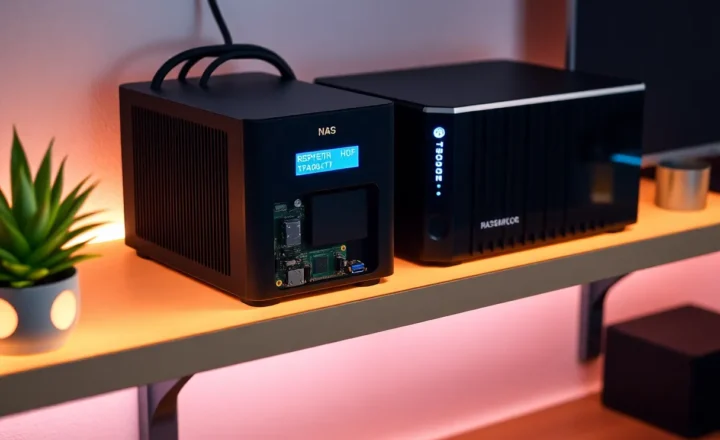
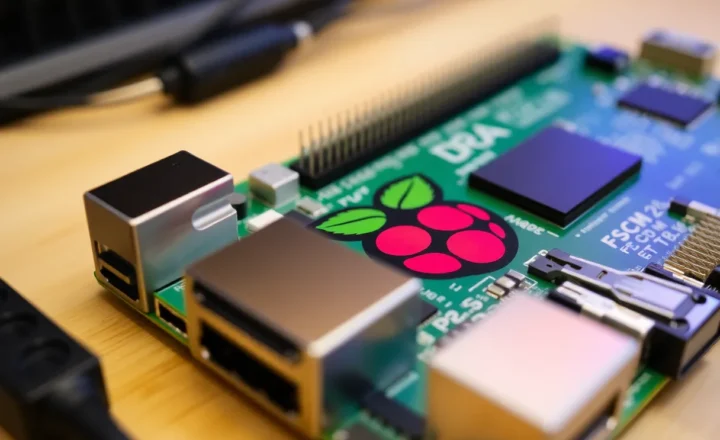
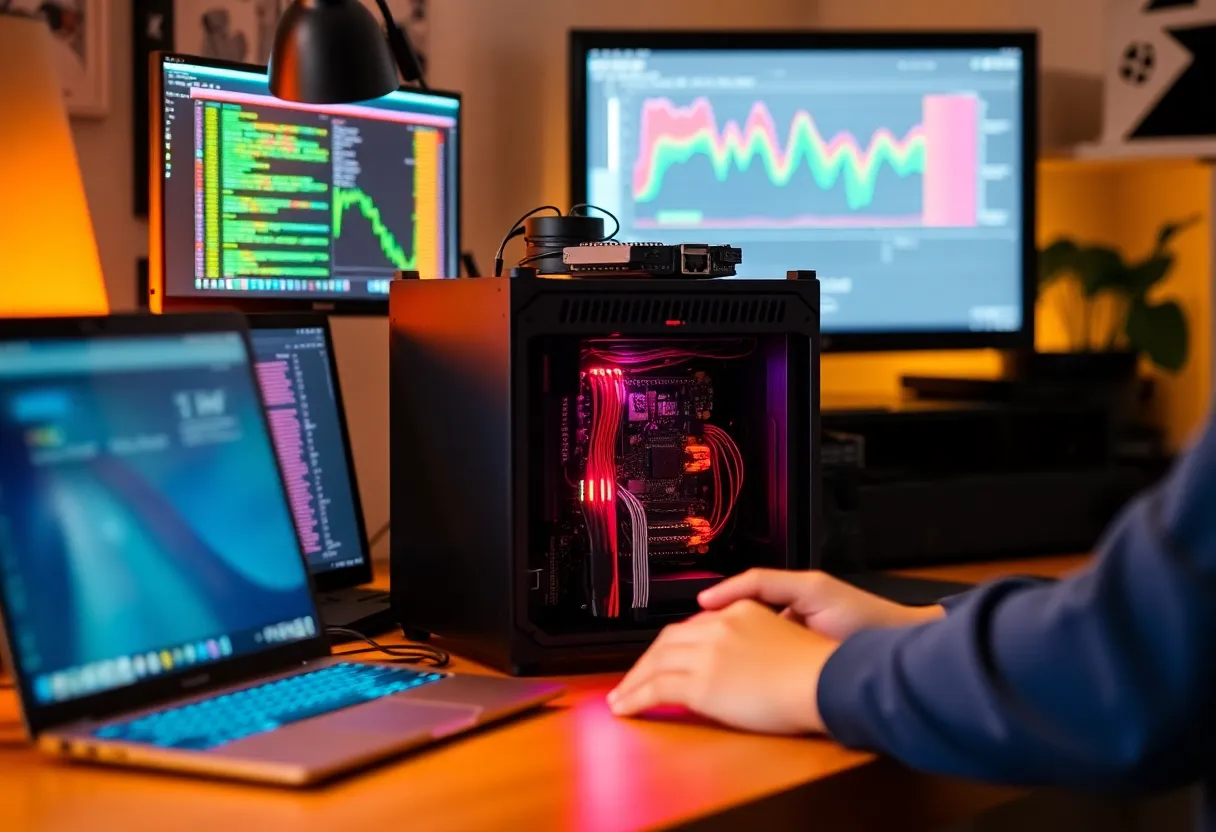
Today’s options are a long way from the loud, power-hungry towers of the early 2000s. Mini PCs and small form factor (SFF) machines with low-wattage CPUs can sit on a shelf or in a closet and run 24/7 without turning your room into a server room. ARM boards like the Raspberry Pi 4/5 and various Rockchip-based boxes are capable enough for file serving, light containers, and automation. If you need more headroom, used business desktops (e.g. Intel NUC-style or tiny OptiPlex) are cheap on the secondhand market and sip power compared to a full-sized desktop.
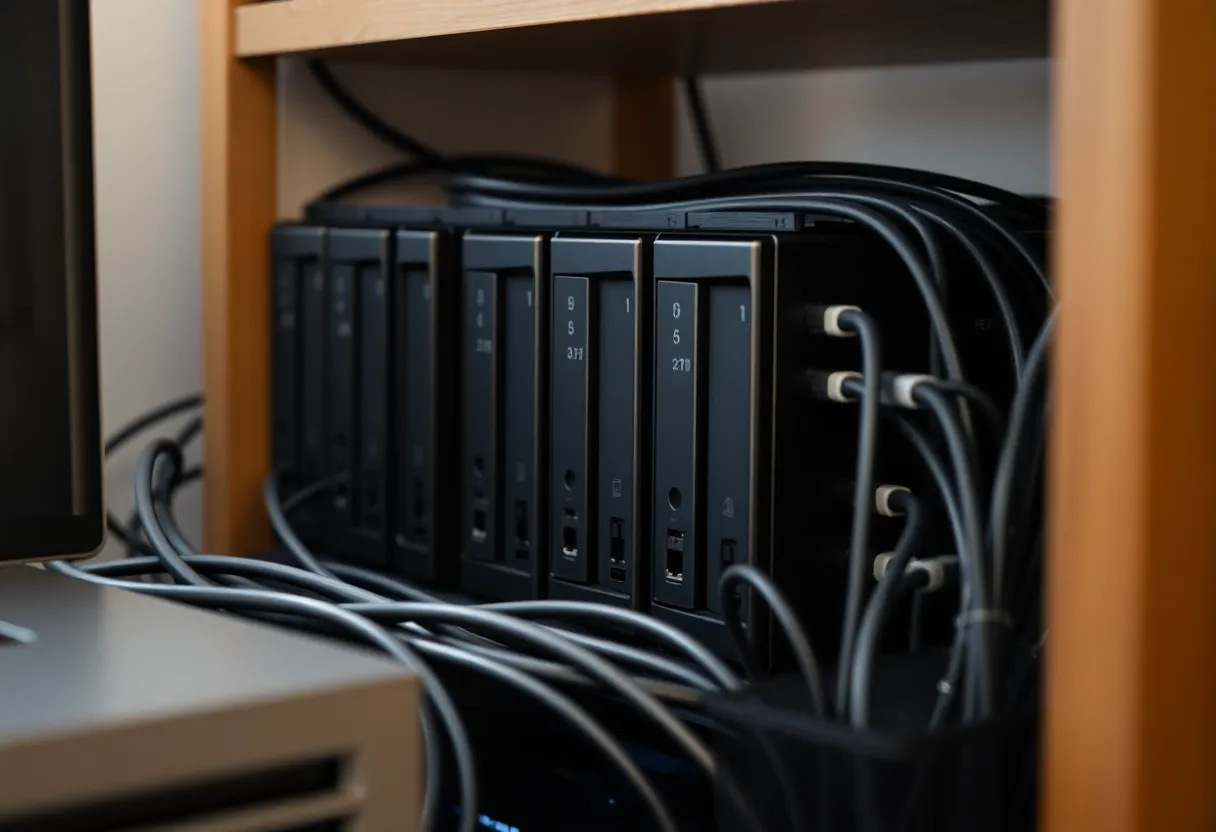
Storage is the main investment. SSDs have made boot and app volumes fast and quiet; for bulk storage, spinning drives in a small NAS or a multi-bay enclosure are still the most cost-effective. You don’t need a rack. A single compact box with two or four drive bays can hold terabytes and run something like TrueNAS, OpenMediaVault, or plain Linux with mergerfs and SnapRaid. The goal is “good enough” and maintainable, not datacenter-grade.
Software: Containers, Proxmox, and the Homelab Stack
Once you have a machine, the software side has never been more approachable. Docker (and Podman) let you run dozens of services—databases, web apps, media servers—without polluting your host. Compose files turn “how do I run this?” into a single command. If you want to go further, Proxmox VE or similar gives you lightweight VMs and containers on one box, so you can experiment with different OSes or isolate services without a full rack.
The homelab community has standardized on a few stacks: Docker Compose for app-level services, something like Nginx Proxy Manager or Traefik for reverse proxy and TLS, and optionally a dashboard (e.g. Homepage, Homarr) to tie it all together. You’re not building from scratch; you’re assembling proven pieces. Documentation and tutorials are everywhere. The learning curve is real but manageable, and the skills transfer to professional DevOps and cloud work.
What to Run First
If you’re starting from zero, a sensible path is: get one machine (even an old laptop or a Pi), install a stable Linux distro or a NAS OS, and add one use case at a time. Backup is the highest-impact first step—something like Restic, BorgBackup, or Duplicati backing up your main devices to the server. After that, a media server (Jellyfin or Plex), a personal wiki or note app, or a local password manager. Each new service teaches you a bit more about networking, storage, and automation.
Don’t try to replicate the entire cloud on day one. Start with a single service you’ll actually use. When that’s stable, add the next. The “homelab spiral” is real—you’ll find more projects than time—but the best home server is one that’s running and useful, not one that’s half-built and overwhelming.
The Case, in One Sentence
Building your own home server in 2026 isn’t about rejecting the cloud; it’s about having a node that you own. Better hardware, mature open-source software, and real concerns about data and privacy make it a better time than ever to run a small piece of the internet from your own corner. Start small, back up your data, and grow from there.