The Case for a Dedicated Gaming PC When You Work From Home

Marcus Webb
March 15, 2026
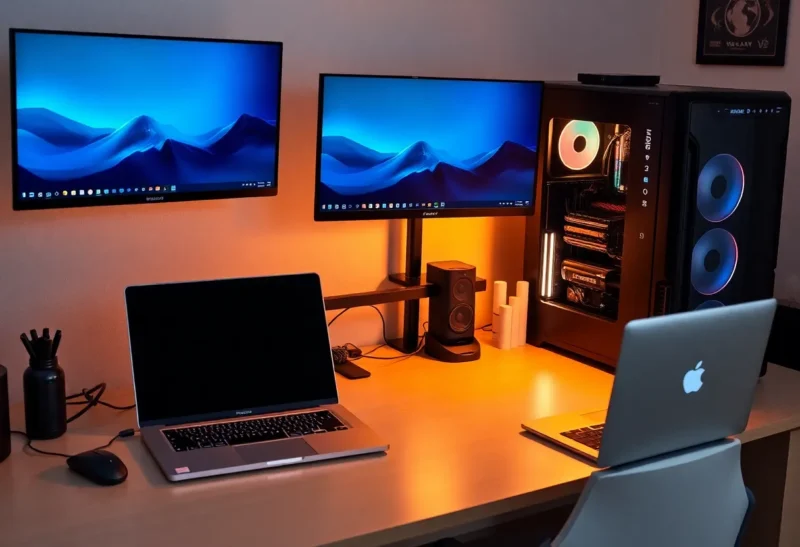
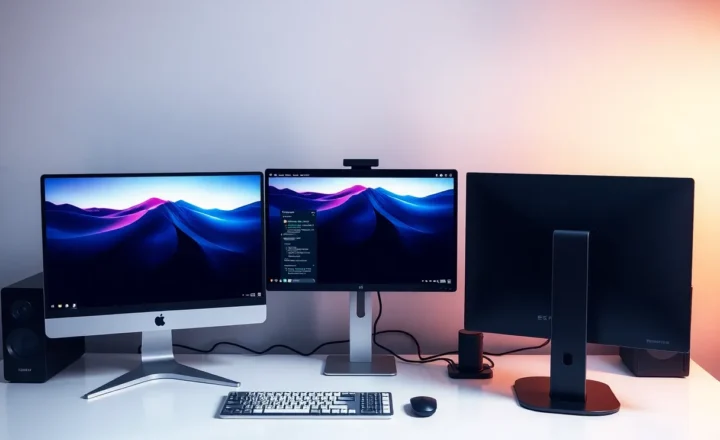
When you work from home, your desk is your office. The same machine that runs Slack and spreadsheets often doubles as your evening gaming rig. For plenty of people, that’s fine—one PC, one setup. But if you’re serious about both work and play, there’s a strong case for a dedicated gaming PC. Not as a luxury, but as a way to keep boundaries clear, performance predictable, and your work environment intact.
Why One Machine Feels Like Enough
Consolidating makes sense on paper. One tower or laptop, one set of peripherals, one cable run. You avoid the cost of a second GPU, the clutter of two boxes, and the mental overhead of “which machine am I on?” Modern CPUs and GPUs are versatile; a solid work build can often run games at decent settings, and a gaming rig can certainly run code and video calls. So why would you split?
The reasons aren’t just about raw FPS. They’re about separation of concerns: work stays on the work machine, games and experiments stay on the other. That separation pays off in security, stability, and sanity.
Security and Compliance on the Work Side
Many employers require locked-down work devices: managed endpoints, encrypted disks, no random software. You can’t install mods, overclocking tools, or game launchers that phone home without running afoul of IT. Even if your employer is relaxed, mixing work and play on one box means one compromised game or sketchy driver can put work data at risk. A dedicated work machine stays clean. You never have to explain why Steam or a crack (if you ever ran one) touched the same drive as company documents.
Conversely, a dedicated gaming PC is a sandbox. You can try new hardware, test overclocks, and install whatever you want without worrying about breaking your work environment. If something goes wrong, you’re not debugging your productivity setup at 11 p.m.
For roles that handle sensitive data or require compliance (healthcare, finance, government contractors), the line is even clearer: work device for work only, personal or gaming device for everything else. IT can lock down the work machine without touching your gaming rig, and you avoid any gray area about what’s allowed where.
Performance and Stability
Work loads and game loads are different. Work often wants stability: long uptime, predictable behavior, no driver surprises. Gaming pushes the GPU and sometimes the whole system to the limit; driver updates for new titles can introduce bugs or odd behavior. Keeping them on separate machines means a bad game patch or a flaky overclock doesn’t take down your work PC. You can also tune each system for its job—quiet and efficient for work, aggressive cooling and higher power for gaming—without compromise.
If you’re on a work-issued laptop, it’s probably not built for gaming anyway. Pushing it to run the latest titles can mean thermal throttling, fan noise on calls, and shortened hardware life. A separate gaming rig lets the laptop stay a laptop: portable, cool, and focused on work.
Driver updates are another factor. Game-ready drivers often prioritize new titles and can introduce quirks or regressions. On a work machine, you might need to stay on a known-good driver for stability; on a gaming box, you can ride the latest without worrying about breaking your IDE or video conferencing.
Mental and Physical Boundaries
Working from home blurs the line between “office” and “home.” Having a distinct machine for gaming—and ideally a distinct space or at least a clear “this is play” setup—helps reinforce that when you’re on the work device, you’re working. When you’re on the gaming PC, you’re off the clock. That can reduce the urge to check email at night or hop on “just one meeting” from the gaming chair. The physical act of switching machines becomes a ritual that supports the boundary.
Some people find that a single machine leads to context creep: “I’ll just quickly check work” turns into an hour, or “I’ll launch one game” happens during a break and then the work machine is tied up. A dedicated gaming PC doesn’t eliminate that entirely, but it creates a natural friction that many find helpful.
When a Dedicated Gaming PC Makes the Most Sense
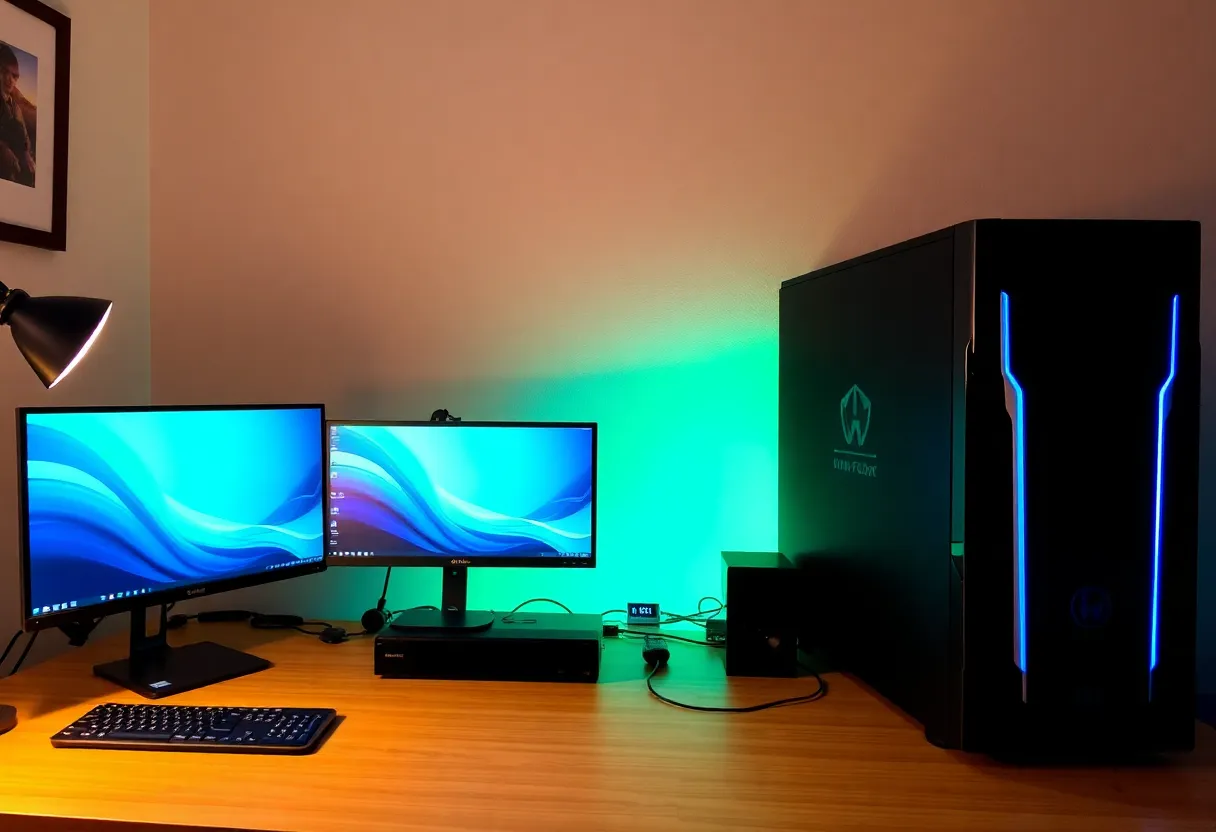
A second PC is most compelling if: you’re a heavy gamer and your work machine is locked down or underpowered for games; you care about keeping work and play strictly separate for security or peace of mind; or you want to experiment with hardware and tuning without risking your work setup. It’s less critical if you game lightly, your employer doesn’t care what’s on the machine, and you’re fine with one do-it-all box. The “case” is strongest for people who already have a work-issued or work-dedicated machine and are thinking about where to put their gaming budget.
Practical Setup
You don’t need a second desk. A KVM switch or just two inputs on the same monitor lets you flip between work and gaming PCs. One set of peripherals can serve both if you’re okay switching. The main cost is the gaming box itself—and that can be built incrementally, or repurposed from an older build when you upgrade your work machine.
If budget is a concern, a used or mid-tier GPU in a separate tower still buys you the separation; you don’t need a flagship card to get the benefits. The case for a dedicated gaming PC when you work from home isn’t that you must have two of everything; it’s that giving games their own machine can make both work and play better—clearer boundaries, fewer compromises, and a work setup that stays exactly as your employer (or your own discipline) expects.