Supernote Handwriting Search vs Boox OCR: Markdown You Can Find Without Ratta’s Cloud

Iris Bent
September 21, 2026
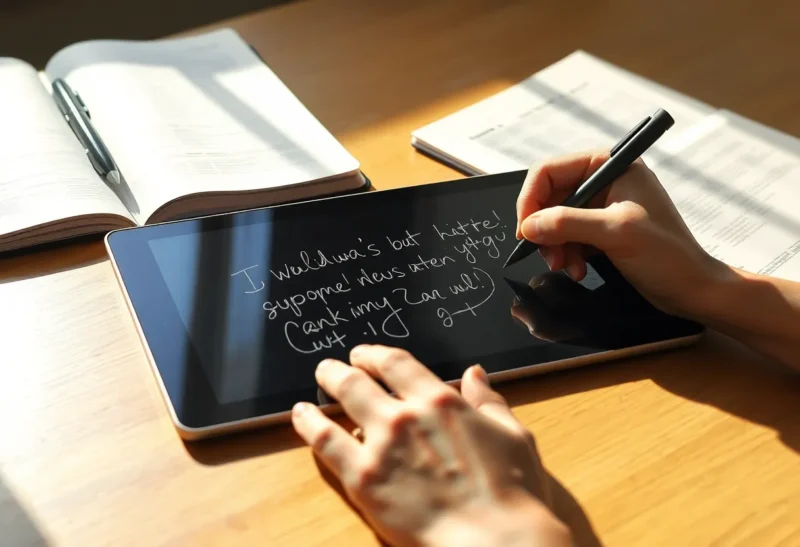
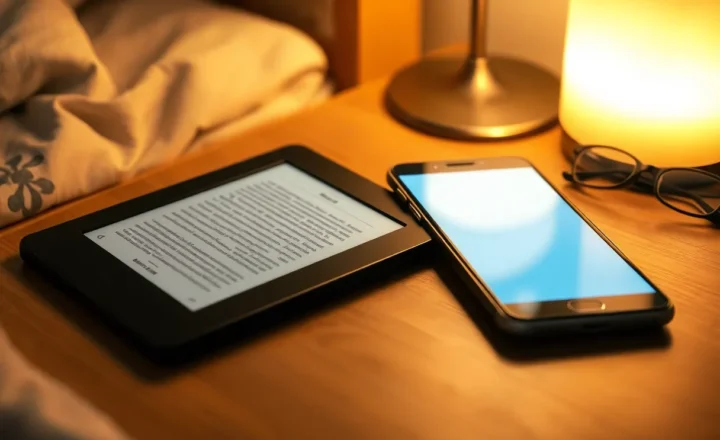
Handwriting on e-ink is the easy part. Finding the sentence you wrote in March is the product. Supernote’s handwriting search and Boox’s OCR-to-text paths both promise retrieval; they disagree about where the intelligence lives, what file you keep, and whether Ratta’s cloud has to be in the loop.
This comparison is for people who want searchable notes that still end up as markdown (or plain text) in Obsidian, Logseq, or a git vault—without pretending every scribble must become perfect prose on the device.
Two different bets on “search”
Supernote leans on handwriting recognition tuned for its own ink and notebook format. Search can feel like searching ink: you type a query and land on pages where those shapes were recognized. Export paths matter when you leave the Ratta ecosystem. The tension is between staying inside Supernote’s excellent notebook feel and getting durable files you control.
Boox, being Android, leans on OCR and text layers you can push into many apps. You can run Obsidian, syncthing folders, and third-party OCR utilities. Search often means “there is a text layer somewhere” rather than a single first-party handwriting index. Flexibility is high; consistency varies by app, export setting, and how carefully you file results.
Neither wins as a slogan. One wins as a closed notebook with strong ink search. The other wins as an open Android slab that can manufacture text files on your terms.

What “without Ratta’s cloud” actually requires
If your constraint is local-first, spell it out. Some recognition and digest features are happier when Supernote’s cloud services participate. Export-to-file workflows exist; the question is whether search quality you liked on-device survives in the exported artifact.
Practical local-ish patterns on Supernote:
- Export notebooks to PDF or text/digest formats you already tested
- Keep exports in a folder Syncthing or USB copies to the PC
- Treat on-device search as the interactive layer; treat exports as the archive layer
- Accept that archive search may be OCR-on-PDF later on the desktop if the export is image-heavy
If on-device handwriting search is the whole reason you bought Supernote, forcing a cloudless life may mean you keep using the device UI for retrieval and only export for backup. That hybrid is honest. Pretending export equals identical search is how people get angry at markdown.

Boox OCR as a markdown factory
Boox users who care about Obsidian usually build a pipeline: write in Notes or a preferred app, run OCR, land text in a synced folder, clean on the desktop. The win is files you can diff and grep. The loss is friction and variable recognition quality—especially for messy shorthand, diagrams, and mixed language pages.
Tips that keep Boox OCR useful:
- OCR sooner rather than after fifty pages of unnamed notebooks
- Prefer one capture notebook that always exports to
Inbox/ - Do not expect diagrams to become mermaid; mark them as images
- Run a weekly desktop pass to fix names and tags while memory is fresh
- Keep raw page images if the text layer is lossy; storage is cheaper than lost context
Android also means you can sidestep vendor OCR with desktop tools after USB or sync. That is sometimes more accurate and always more steps.
Head-to-head on jobs that matter
Finding a meeting note from last quarter while still holding the tablet. Supernote’s handwriting search often feels better if you stayed in its notebooks. Boox depends on whether you OCR’d and which app indexed the text.
Getting a paragraph into Obsidian today. Boox usually wins on raw pipeline flexibility. Supernote wins if your export digest is already clean enough to paste.
Staying out of vendor cloud. Boox as an Android file citizen is easier to reason about. Supernote can be local-enough with disciplined export, but you must verify each feature you rely on.
Long-form journaling with light search needs. Either works; pick the writing feel. Search philosophy should follow how often you retrieve versus how often you write.
STEM notes with diagrams. Both struggle to turn sketches into perfect text. Keep images; use search for the labels you actually wrote as words.
Markdown quality beats recognition bragging rights
A 95% OCR dump that lands as a wall of unbroken text is worse than an 85% dump with headings you fixed. Build a tiny cleanup ritual:
- Split on obvious date headers
- Fix proper nouns you always need searchable
- Link to the image of the page when the ink matters
- Delete duplicate OCR runs
Supernote digests that already approximate structure save this step. Boox flexibility costs this step unless you automate it.
Hybrid setups people keep
Supernote for ink, desktop for vault. Write and search on Supernote; weekly export into Obsidian as dated notes. Cloud optional for sync between Supernotes; vault never depends on it.
Boox for Android apps, Obsidian on device. Type when you can, ink when you must, OCR inbox nightly. Heavier device; fewer export mysteries.
Two-device: Supernote + phone keyboard. Ink for thinking, phone for titles and tags that make desktop search easy. Odd, effective.
Failure modes
Expecting handwriting search on-device to equal grep in Obsidian without an export bridge. Expecting Boox OCR to invent structure you did not write. Turning on cloud sync “temporarily” and then building retrieval habits you cannot reproduce offline. Ignoring filenames so every export is Notebook(1).pdf.
Also: searching before recognition finishes, then declaring the feature broken. Give the index a moment—especially after large imports.
Decision guide
Choose Supernote handwriting search when interactive retrieval inside its notebooks is the daily motion and you will treat markdown export as a deliberate archive step—cloud used only if you accept it, not because search secretly requires it for every query you care about.
Choose Boox OCR pipelines when the end state must be files in your vault under your sync rules, and you will invest in OCR hygiene.
Choose a hybrid when writing feel and vault ownership matter equally: ink where it is best, text where it is searchable forever.
Markdown you can find is less about the cleverest recognizer and more about a path you still follow on tired evenings. Pick the device whose boring export you will actually run—then make search a feature of that habit, not a screenshot of a demo query.
If Ratta’s cloud is a hard no, validate your Supernote loop with airplane mode tests before you buy accessories. If Android chaos is a hard no, accept Supernote’s boundaries. The worst outcome is owning both philosophies on one device and finishing neither pipeline.
When you test a device, search for a proper noun you wrote last month and for a verb you scribble often; those two queries expose different recognition weaknesses than a demo page of neat pangrams ever will. Keep a short list of must-find terms—client names, project codes, medication names, citations—and make sure your export path preserves them in plain text, not only as ink pixels in a PDF.