The Steam Deck OLED did not magically rewrite physics: it is still a PC squeezed into a handheld, and PCs are hungry. What changed is efficiency in the right places—brighter, more pleasant screen; better thermals in some workloads; a slightly larger battery in the OLED SKU—so your real flight numbers move in the right direction if you stop treating “maxed-out AAA at native TDP” as the baseline. This article walks through honest battery math for long travel: what drains the pack fastest, what buys you hours, and how to plan a cross-country leg without staring at a percentage icon for five hours straight.
Start with the chemistry, not the marketing slide
Handheld gaming lives inside a lithium-ion envelope with a finite number of watt-hours. The OLED model’s larger pack helps, but your game’s GPU load and screen power still dominate. Marketing quotes rarely match your library: indie titles sipping watts and Cyberpunk chewing them are different universes on the same device.
This guide assumes stock SteamOS behavior; dual-booting Windows or emulating beyond first-party expectations can shift power curves. If you run exotic stacks, re-measure—assumptions from Linux gaming forums do not always transfer one-to-one.
Think in watts out, not “percent per hour.” If the system draws twelve watts average, you get a longer session than at twenty—often dramatically so. That is why flight planning begins with settings, not hope.
Also separate LCD versus OLED expectations if you are upgrading: the OLED panel’s higher peak brightness is a blessing in sunlit terminals and a temptation to crank watts on the bus ride to the gate. In flight, dim cabins reward restraint. The “HDR looks amazing” moment costs less than you think when ambient light is low—until you slide brightness to max out of habit.
Resolution and scaling: pixels are not free
Running at native panel resolution with aggressive anti-aliasing looks great; it also feeds the GPU. Many titles happily scale to 720p or use AMD FSR-style upscaling. On a seven-inch screen, smart scaling is often visually invisible and electrically obvious. Set per-game caps: thirty or forty FPS targets for slower genres, sixty where you must—then let the Deck’s frame limiter keep things steady. Jittery uncapped frames cost more than smooth locked ones because silicon keeps chasing peaks.
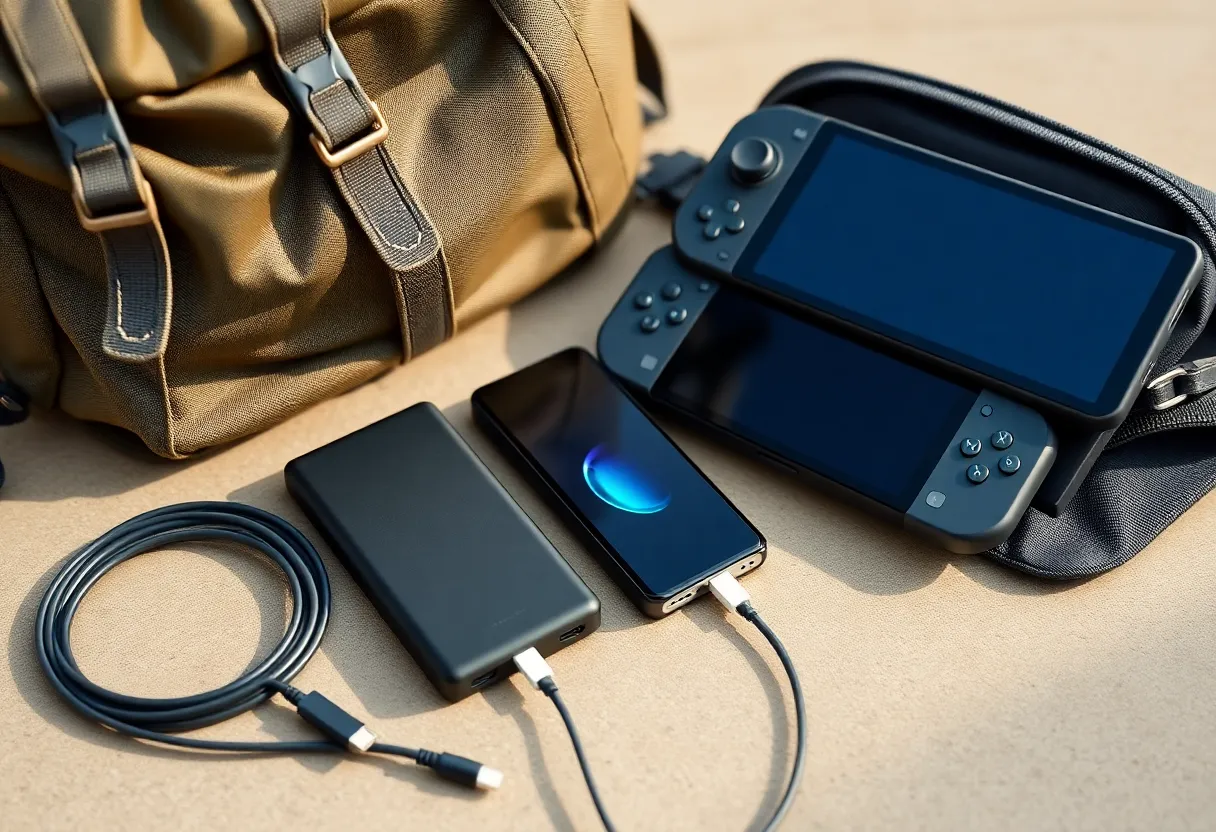
What the OLED screen really costs you
OLED rewards dark UIs and inky loading screens; full-screen bright scenes can climb in power. In practice, most people run auto brightness with a sane cap. On a dim cabin, you can run lower brightness than at home and still look great—especially with HDR highlights doing visual heavy lifting on supported content.
If you chase every last minute, switch to a slightly lower refresh plan when the game allows, cap frame rates, and avoid leaving the screen on static menus at max brightness while you nap.
TDP caps: the boring dial that matters
SteamOS exposes power limits for a reason. A lower TDP ceiling throttles peak GPU clocks—sometimes exactly what you need for older titles or strategy games. It is the difference between “land with spare juice” and “hunt for an outlet during a tight connection.”
Learn your per-game profile. Turn-based games and 2D indies often tolerate aggressive caps; fast-paced shooters may not. Build a travel preset in the performance menu and save yourself mid-air fiddling.
If you are new to the device, spend an evening benchmarking your library. Built-in overlays and community tools can report wattage trends. Write down two numbers: “comfortable minimum” and “I will tolerate this for one boss fight.” That pair becomes your inflight playbook.
Networking and background drains
Wi-Fi on a plane is optional; Bluetooth audio is not. But downloads, cloud sync, and workshop updates can spin disks and antennas when you are not looking. Before takeoff, pause updates, switch to offline where possible, and close launchers that phone home. Airplane mode with Bluetooth enabled for headphones is usually the sweet spot.
Doing the napkin math for a five-hour block
Suppose you average eleven watts on the battery for a mixed session—reasonable for capped indie or last-gen ports. If usable capacity after overhead lands near forty watt-hours (order-of-magnitude illustration, not a spec claim), you are in the three-to-four-hour play window before you must recharge or throttle harder. Heavier AAA might sit at seventeen watts or more, collapsing that window fast.
The point is not precision to two decimals; it is order of magnitude. Track one long session at home with performance overlay enabled, note average power, and extrapolate. Your flight is just another room with worse seats.
Remember battery health: older packs sag under peak load. If your device is a few years old, shave expectations by ten to fifteen percent versus the honeymoon period. Sudden shutdowns under load are a hint to retire travel-heavy sessions until you replace the pack.
Also account for OS overhead: Steam downloads, shader compilation, and cloud sync can spike CPU briefly. Those spikes rarely define the whole flight, but they matter when you are already at single-digit percentages.
USB-C power banks: friends with caveats
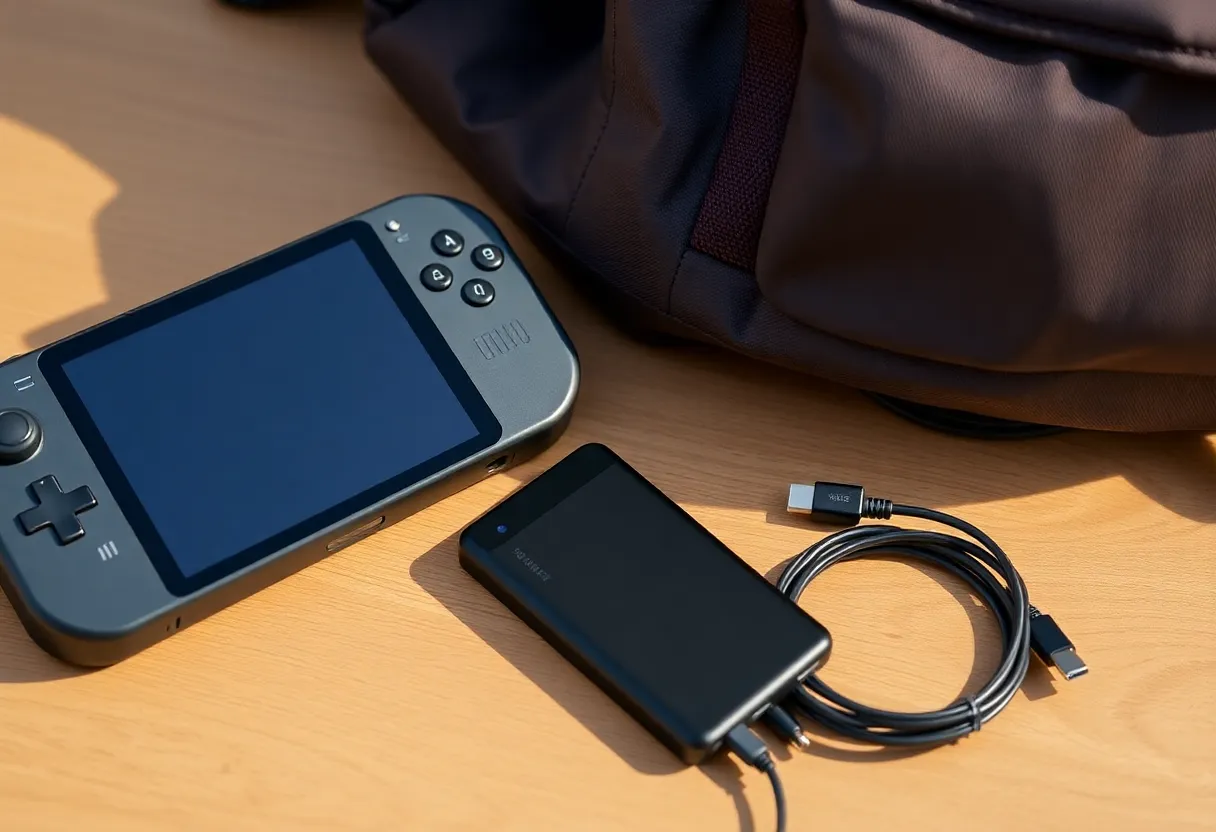
Good PD banks can extend a trip, but physics still applies: conversion losses, cable resistance, and the Deck’s charge curve while playing. Expect “more hours,” not miracles. Pack a short high-quality cable; long thin cords drop voltage under load. If the seat has AC power, a compact GaN charger beats wrestling a sagging bank on your lap.
Check airline rules for spare lithium—most carriers want power banks in carry-on, not checked bags, with Wh limits you should verify before you pack the monster brick. Nothing kills a trip like arguing with security while your connection window shrinks.
While charging and playing simultaneously, the device may get warmer. Give it airflow; do not bury it under a blanket for hours. Thermal throttling is a battery saver sometimes, but stutter during a tense sequence is not worth a half-watt.
Storage and downloads mid-trip
NVMe activity spikes power briefly. Pre-install games on the ground. If you must download in the air, schedule it during meal service when you are awake to babysit thermals and avoid surprise sleep suspends.
Audio and haptics: small levers
Speaker volume and heavy rumble are not the main drain compared with GPU, but they add up on the margins. Headphones reduce speaker draw; lighter haptics profiles can trim a little more. These are polish tweaks after you fix TDP and brightness.
Bluetooth codecs and high-gain amplification have their own costs, though still secondary to the GPU. If you are hunting minutes, wired IEMs beat a long-range Bluetooth codec battle—mostly for consistency, not miracles. Every little friction point adds up on a twelve-hour day.
Comfort is part of battery strategy
Cramming the Deck flat on a tray heats the shell and nudges fans. A tiny stand that improves airflow can keep sustained clocks without raising power limits. Cooler silicon at the same watt cap often feels smoother—less stutter, fewer fan spikes.
Ergonomic comfort matters for marathon sessions: wrist angle, neck angle, and whether you can rest elbows on armrests. Pain makes you fidget; fidgeting makes you bump brightness and TDP. A cheap foam grip or case with a kickstand can indirectly save power by keeping you steady.
Comparing travel scenarios: short hop vs hub-to-hub
A ninety-minute hop rewards different choices than a transcontinental with a layover. On short flights, you might not bother with a bank—just run a lightweight title. On long hauls, cycle between heavy and light games: play something intense while fresh, switch to reading or puzzles when battery anxiety rises. Variety beats staring at a single percentage.
What to tell your seatmate
You are not running a mining rig; you are playing games. If someone side-eyes the fan noise, angle vents away, pick a quieter profile, or switch titles. Social battery matters too.
Planning a realistic itinerary
For a six-hour flight with one meal and a movie break, aim for: (1) offline-capable games prepped, (2) a travel TDP profile, (3) a charged 45–65W-class PD bank if you lack seat power, (4) a cable that will not undervolt under stress. Expect to recharge once on heavy AAA days; expect to land with margin on indie days.
Add buffer for taxi, takeoff, and landing windows where you must stow devices—your “continuous play” time is shorter than the block printed on the boarding pass. If you need to finish a chapter, plan the save point before the flight attendant asks for trays up.
The honest takeaway
The Steam Deck OLED makes travel gaming nicer—screen quality alone is a quality-of-life upgrade—but it does not repeal the watt-hour limit. Treat battery life as something you engineer with caps, brightness, and game choice. Do that, and cross-country flights become something you play through—not something you white-knuckle from twenty percent to touchdown.
If you walk away with one habit, make it measure before you fly: one evening, one overlay, one notebook line with average watts for the game you actually plan to play. That single data point beats every generic “battery tips” list on the internet—this one included.