Mechanical Keyboards and RSI: What Switch Choices Actually Change

Owen Finch
April 8, 2026
Mechanical keyboard forums sometimes read like wellness clinics: “This tactile switch saved my wrists.” Vendors echo the vibe with softer landing marketing. The honest biomechanics are messier—switch weight, travel, spacing, posture, breaks, and training volume matter more than brand allegiance. This article separates what key switches can influence from what they cannot, so you spend money on changes that actually reduce repetitive strain risk instead of chasing another group buy.
Medical disclaimer: this is not individualized medical advice. If you have pain, numbness, or weakness, see a qualified clinician promptly. Keyboards are ergonomics, not orthopedics.
Why anecdotes overshoot evidence
Rigorous studies on switch types and RSI rates are thin—sample sizes small, exposures varied. That uncertainty does not invalidate personal experience; it cautions against universal claims. What helps your colleague might hurt you if your anthropometrics differ—listen to your body early.
Typing technique still matters
Float versus plant, finger routing, and error correction strategies change daily load. Touch-typing instruction reduces awkward reaches; hunt-and-peck with a $300 board is still hunt-and-peck. Invest an hour in technique before investing a paycheck in aluminum cases.
Video yourself occasionally—shoulders creeping toward ears is a common tell. Awareness precedes change.
What RSI actually is (briefly)
Repetitive strain injuries cover tendon and nerve conditions aggravated by sustained awkward loads. Typing is not inherently evil; sudden jumps in load, poor recovery, and bad ergonomics combine. Medical diagnosis belongs to clinicians—this section only frames why hardware tweaks have limits.
Common presentations include tendonitis patterns, nerve entrapment sensations, and diffuse myofascial discomfort. Each needs different management—another reason not to self-treat solely through shopping.
Force, travel, and bottom-out
Mechanical switches specify actuation force and total travel. Lighter springs can reduce peak finger effort; too light invites accidental keypresses and compensating tension elsewhere. “Linear” versus “tactile” changes feedback timing, not necessarily injury risk—preference and accuracy matter. Bottom-out—slamming keys to the deck—still transmits shock; o-rings or softer plates help some users.
If you type like you are angry at the keys, no spring weight fixes chronic impact—technique and mindfulness belong in the stack alongside foam.
Two-stage switches and long-pole variants change cushion at end-of-travel—subtle but real for heavy-handed typists. Try blind tests; confirmation bias is loud in hobby spaces.
Stabilizers and large keys
Spacebars and shifts that rattle or bind alter how thumbs and pinkies work. Tuning stabilizers reduces side forces that radiate discomfort. Before blaming wrists, wiggle your big keys.
Keyboard layout and reach
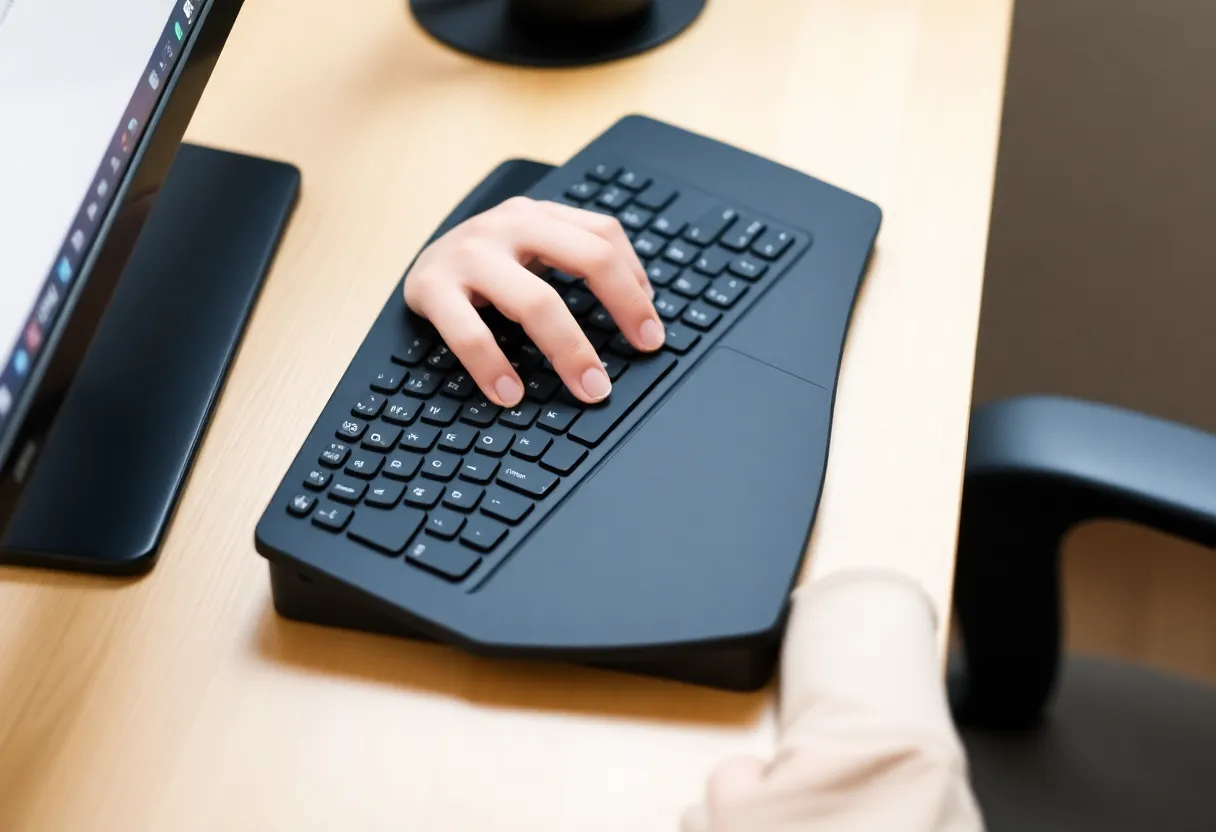
Column stagger, split boards, and ortholinear layouts change ulnar deviation and shoulder width. A fancy switch in a cramped 100% layout may lose to a mediocre switch on a split ergonomic board that fits your shoulder span. Think in centimeters of reach, not only grams of force.
Tenting and negative tilt alter wrist extension. Some users thrive at steep angles; others need nearly flat setups due to shoulder constraints. Copying a streamer’s rig without measuring your body is a recipe for disappointment.
Macros and layers for workload shift
Programmable layers move frequent symbols closer to home row, reducing pinky reaches—especially valuable in languages heavy with brackets. Efficiency lowers repetition counts; repetition counts drive many RSI stories.
Wrist rests: support, not parking
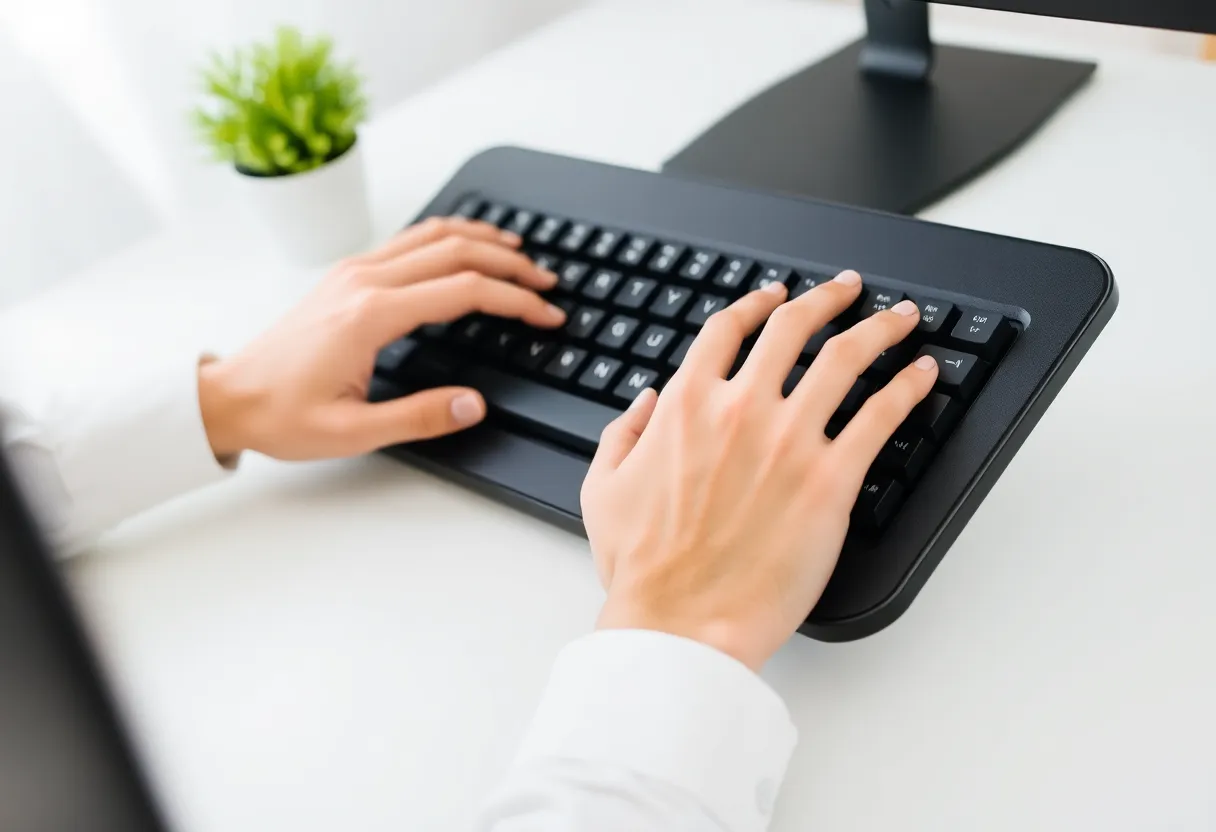
Rests are for between bursts, not sustained pressure while typing. Height should keep wrists neutral, not flexed upward. Material firmness is personal—too soft can pin nerves oddly.
Desk and monitor height
If monitors are too low, you crane necks; if chairs are wrong, you shrug shoulders. Those loads feed forearm discomfort through altered mechanics. Fix the big levers before buying switch sample packs.
Feet should rest flat or on a support; dangling legs tilt the pelvis and cascade upward. Armrests that clear desk edges reduce shoulder elevation. These basics sound boring because they work reliably across bodies and budgets.
Standing desks and movement variety
Standing all day trades one static posture for another. Alternating sit/stand with gentle walks beats heroic stillness. Anti-fatigue mats help heels and knees; shoes matter more than influencers admit.
Programming languages and punctuation load
Developers hammer Shift and symbols constantly. Remap modifiers to thumbs on programmable boards; consider wide ISO enters if your region allows; explore PowerToys or OS-level remaps for one-handed shortcuts. Fewer contortions, fewer complaints.
Breaks and workload
Training for a marathon without rest days fails; typing sprints without breaks fail too. Timers, pomodoros, and real boundaries beat novelty keycaps for long-term resilience.
Microbreaks need not be spiritual—stand, sip water, look past 20 feet, roll shoulders. Eyes benefit alongside hands; ocular strain encourages leaning and bad posture. Blink on purpose; dryness sneaks up during deep focus.
Remote work traps
Kitchen tables and bar stools were never ISO standards. If your employer will not fund ergonomics, fund yourself incrementally—a monitor arm pays dividends faster than artisan cables.
When to see a professional
Numbness, night pain, or weakness needs clinicians—not Discord diagnoses. Early PT or hand therapy often shortens recovery versus stubborn heroics.
Ergonomic assessments at work may exist; ask HR quietly. Student health clinics sometimes offer basic screening—use them before finals week becomes a permanent tingling souvenir.
Insurance and equipment
Some regions allow HSA/FSA spending on ergonomic gear with documentation. Rules vary; receipts and letters of medical necessity matter. Not a guarantee—worth investigating if costs sting.
Shopping without magical thinking
- Try switches in a tester before committing to a full board.
- Prioritize fit: layout, angle, keycap profile.
- Budget for chair and monitor arm alongside keys.
- Return policies matter—typing a week reveals truths five minutes in a store cannot.
Acoustics and shared spaces
Thock enthusiasts celebrate sound tests; roommates and open offices hear them too. Consider dampening mods or quieter linears if your environment matters. Social sustainability counts—conflict stress tightens shoulders.
Travel and laptop bridges (again, practically)
Slip cases and compact 40% boards help, but also pack a lightweight stand. Typing downhill toward a trackpad invites wrist extension marathon sessions. Airplane trays are hostile—plan offline tasks that reduce typing when ergonomics are hopeless.
Aging and adaptation
What worked at 22 may fail at 42—recovery slows. Revisit setup every few years or after major training ramps like new jobs or NaNoWriMo-style pushes. Bodies change; rigs should too.
When switches cannot help
Systemic illness, inflammatory conditions, and unrelated nerve issues exist. If symptoms persist after ergonomic optimization, clinicians should widen the differential—not every hand pain is “because of the keyboard.”
Closing
Mechanical keyboards can be part of a healthier setup, but they are not amulets. Optimize forces, geometry, and recovery together. Your tendons care about physics and rest more than RGB, and they never read marketing copy.
Sound, vibration, and perception
Clicky switches can encourage lighter touch for some typists and annoy neighbors for others. Auditory feedback changes behavior—sometimes reducing over-force, sometimes increasing tension if you chase a crisp sound profile. Note what your hands do, not only what your ears enjoy.
Keycap profiles and finger motion
SA, Cherry, DSA, and flat XDA profiles change finger travel paths and edge catches. Taller caps can reduce mis-hits or increase reach depending on hand size. Profile swaps are cheaper than new boards—worth experimenting before major purchases.
Gaming versus typing loads
MOBA spam and FPS strafing load thumbs and pinkies differently than prose writing. Competitive players may need different springs on specific keys—programmable boards with per-key tuning exist for a reason. Do not assume one uniform plate solves asymmetric stress.
Lubrication and smoothness
Scratchy switches can invite extra force; lubing stems and springs can smooth travel. It is maintenance, not medicine—still valuable if it reduces micro-shock at actuation.
Mobile and laptop bridges
If you alternate between laptop flat on a desk and external board, muscle memory wobbles. Risers, stands, and consistent angles reduce adaptation strain. Carrying a compact board beats hammering chiclet keys on knees during travel weeks.
Mouse synergy
Keyboard obsession without addressing mouse grip width and DPI is half a fix. Symptom clusters often pair—trackballs, vertical mice, or larger pads reduce shoulder compensation that shows up as forearm pain.
Stress and clenching
Anxiety tightens shoulders and jaws; forearms follow. Mindfulness sounds soft next to torque specs, yet stress reduction changes load. Combine hardware tweaks with sleep and training volume honesty.
Budget reality
Used ergonomic chairs beat premium switches on a bad stool. Spend in order: posture foundations, layout fit, then boutique components. Incremental upgrades beat financing stress that tightens your grip—literally.
Community noise and placebo
Enthusiast forums optimize fun; clinicians optimize outcomes. Cross-check pain advice with professionals. N-of-one anecdotes are not trials—interesting, not definitive, rarely universal.
Ultimately, mechanical switches change how force travels through plastic, metal, and tissue by millimeters and grams. Respect those margins—they matter—but pair them with the big levers: neutral joints, varied movement, and recovery. That combination beats any single group buy.
Keeping hobby joy without injury denial
Collecting boards is fun; pain is data. If your collection grows while symptoms persist, pause acquisitions and log symptoms against workloads. The hobby survives honesty—your hands might not if you ignore trends.
Build deliberately: measure, adjust, rest, repeat. The best keyboard is the one that lets you work tomorrow too—without bargaining with painkillers every night.