Scissor switches, membrane domes, and low-profile “laptop-style” boards keep getting better. You can buy a thin, quiet, wireless keyboard that feels fine for a fraction of the cost of a mechanical. So why do so many people who type for a living—developers, writers, support staff—still swear by clacky, heavy mechanical keyboards? The answer isn’t nostalgia. It’s tactility, durability, and the fact that once you’ve felt the difference, it’s hard to go back.
Mechanical keyboards aren’t for everyone. They’re louder, heavier, and usually more expensive. But for anyone who spends hours a day at the keys, the advantages are real: consistent actuation, long life, and a level of customization that membrane and scissor boards simply can’t match. Here’s why mechanical keyboards still beat the alternatives when it comes to serious typing.
Feel and Tactility: You Know When You’ve Hit the Key
On a membrane or scissor keyboard, keys typically bottom out against a rubber dome or a thin mechanism. The feedback is mushy and uniform—every key feels the same in a vague, dampened way. Mechanical switches, by contrast, use individual physical switches (Cherry MX, Gateron, and dozens of clones and variants). Each key has a distinct actuation point: the moment the switch registers the press. Many mechanical switches are tactile (a bump) or clicky (a click at actuation), so you get clear feedback before the key hits the bottom. You don’t have to pound the key to be sure it registered; you feel the click or bump and can release. That reduces bottoming-out and can ease strain over long sessions.
That tactility also makes it easier to type quickly and accurately. Your fingers learn the actuation point and you can “float” above the keys, pressing just enough to register. On a membrane board, the only way to be sure is often to hit the deck—which means more force, more impact, and more fatigue over time. It’s a small difference per keystroke that adds up over thousands of strokes a day.

Durability: Built to Last Millions of Keystrokes
Mechanical switches are rated for tens of millions of actuations—often 50M to 80M per switch. Membrane keyboards wear out: the rubber domes lose their snap, keys become inconsistent or stop registering, and the whole board is usually not user-serviceable. When a key dies on a cheap membrane board, you often throw the whole thing away. On a mechanical keyboard, you can replace a single switch or keycap. Many enthusiasts build or modify their boards and expect them to last a decade or more.
That longevity isn’t just about saving money. It’s about consistency. A mechanical board that’s five years old can feel and perform the same as the day you bought it. A membrane board of the same age is often mushy, uneven, or missing keys. If you type for a living, that reliability matters.
Customization: Layout, Switches, and Keycaps
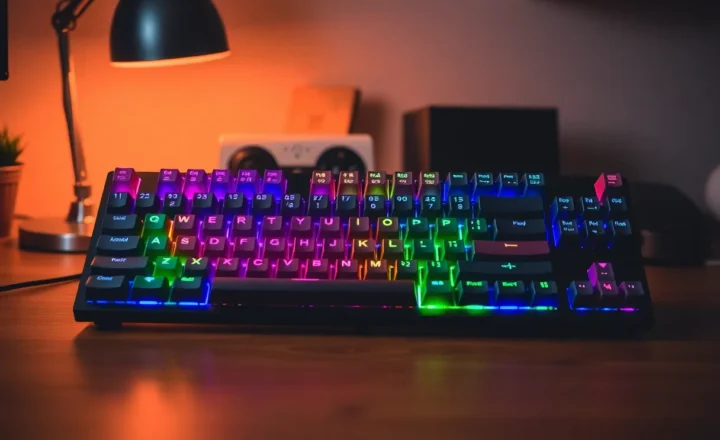
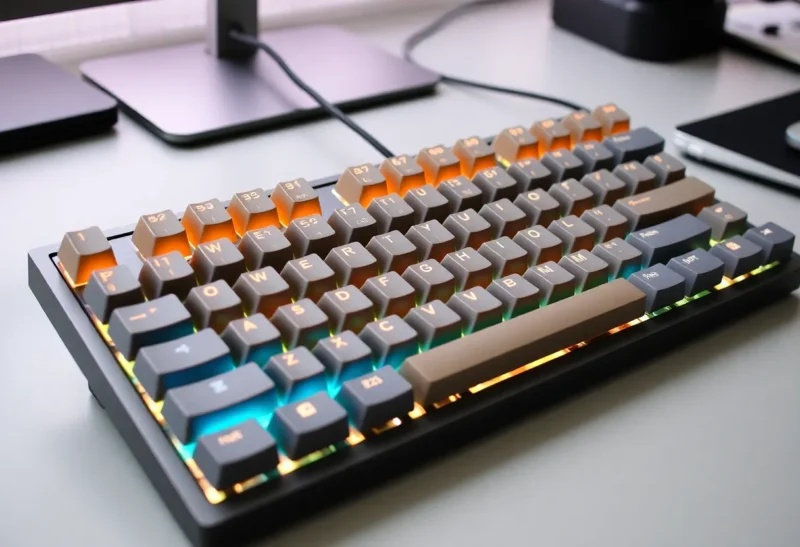
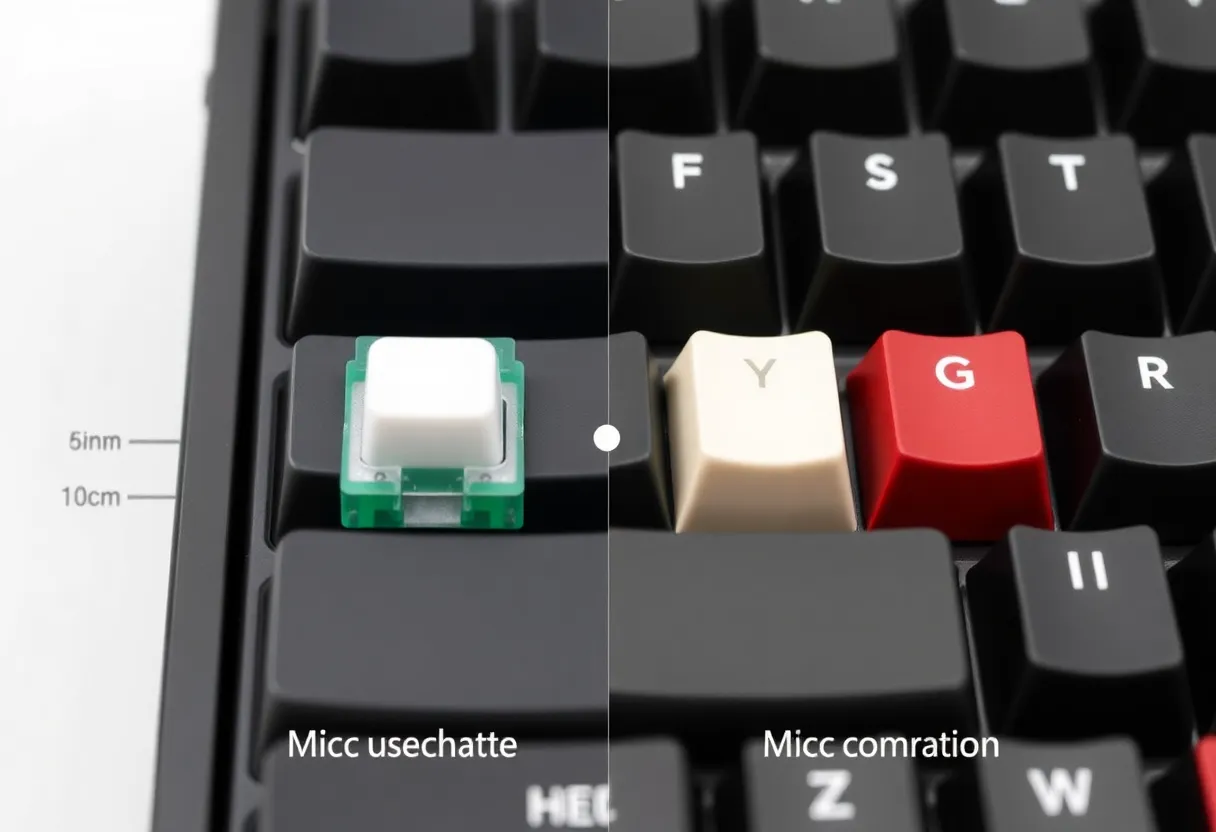
Mechanical keyboards exist in a huge ecosystem. You can choose different switch types (linear, tactile, clicky), different weights (light to heavy), and different form factors (full-size, tenkeyless, 65%, 60%, split, ortholinear). Keycaps are interchangeable—different profiles, materials, and legends—so you can tune the sound, feel, and look. Want a silent office board? There are quiet linear or tactile switches. Want maximum feedback? Clicky switches and thick keycaps. Want something that fits in a bag? Compact mechanical boards are everywhere.
Membrane and scissor boards don’t offer that. What you buy is what you get. You can’t swap switches or keycaps; you can’t easily repair or modify. For people who care about their tools, mechanical keyboards are a platform, not a sealed product.
How Mechanical Keyboards Went Mainstream Again
Twenty years ago, mechanical keyboards were mostly associated with legacy IBM Model M fans and a niche of gamers. Today they’re a staple of the “setup” culture: streamers, developers, and remote workers routinely feature custom or premium mechanical boards. The shift came from a few directions: gaming brands (Razer, Corsair, Logitech) brought mechanical options to a wider audience; Asian manufacturers (especially in China and Taiwan) drove down the cost of switches and boards; and the maker community embraced DIY kits, group buys, and keycap sets. You can now buy a decent mechanical keyboard for under $50 or spend hundreds on a custom build. The range means there’s something for almost every budget and preference—and the baseline “good enough” mechanical is now within reach of anyone who types a lot.
The Downsides (and Why They’re Worth It for Many)
Mechanical keyboards are louder than membranes. Even “silent” mechanical switches are usually noisier than a typical laptop keyboard. In a shared office or a quiet home, that can be a problem—and it’s why many people use membranes or scissors in those settings. Mechanical boards are also heavier and bulkier; portability is not their strength. And they cost more upfront, though the longevity can offset that over time.
So they’re not the only right choice. If you need something thin, silent, and cheap for occasional use, a membrane or scissor board is fine. But if you type for hours every day and you’ve never tried a mechanical keyboard, it’s worth borrowing one or trying a switch tester. The feel is different enough that many people find they type more comfortably and with less fatigue. Once you notice the difference, the alternatives often feel like typing on wet cardboard—and that’s why mechanical keyboards still beat them for anyone who takes typing seriously.