Kindle Scribe vs reMarkable Paper Pro: Amazon Lock-In vs Connect Subscription in 2026

Lena Hartwell
August 25, 2026
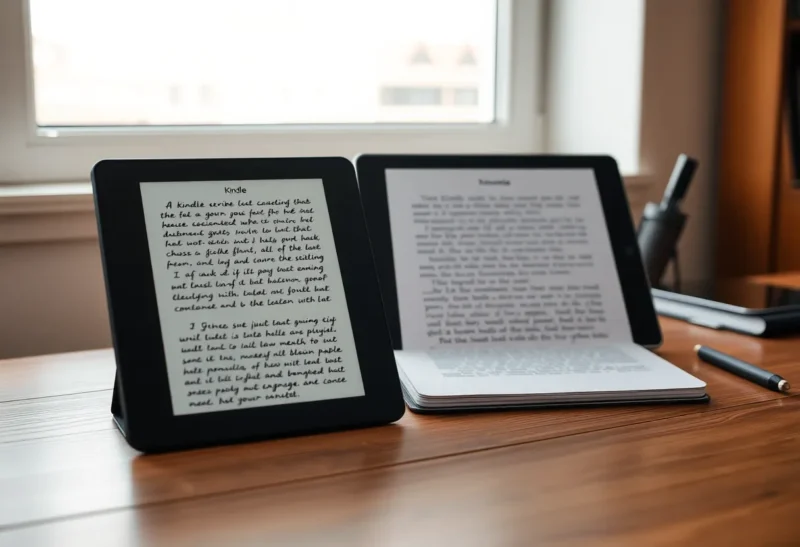
The comparison people want is handwriting feel. The comparison that actually decides whether you still have those notes in 2029 is lock-in. Kindle Scribe and reMarkable Paper Pro both look like expensive paper. They are not the same paper company.
I have used a Scribe as a reading tablet that happens to take notes, and a Paper Pro as a notebook that happens to open PDFs. After a year of living in both, the hardware argument is mostly settled. The Scribe is a Kindle with a decent pen. The Paper Pro is a writing surface that charges you, monthly or yearly, if you want the cloud to behave like a modern product.
That is the real fork: Amazon’s ecosystem tax versus reMarkable’s subscription tax. If the other notebook in the room is a Supernote, that tax story is Supernote versus Scribe. Both companies will sell you the fantasy of focus. Neither will give you your notebooks as a clean, future-proof folder of files unless you fight for it.
What you are actually buying in 2026
Kindle Scribe is still a Kindle first. The home screen is a bookstore. The notebook list is a side feature that Amazon keeps improving in bursts, then ignoring for a season. If you already buy Kindle books, send PDFs through Send-to-Kindle, and highlight on a Paperwhite, the Scribe feels like the same library with a bigger canvas and a Marker. That is a compliment if reading is the job. It is a warning if notes are the job.
reMarkable Paper Pro is still a notebook first. The home screen is a stack of papers. The bookstore is not the product. The product is a writing surface, a thin software layer, and a cloud that reMarkable would like you to treat as infrastructure. The Paper Pro’s color layer and front light made it less of a monk’s tablet than the original reMarkable 2, which is good. You can actually see the thing on a dim train. You also get a device that is more expensive than a midrange laptop if you add the folio, the Marker, and Connect.
Neither device is trying to be a Boox. There is no Play Store escape hatch, no sideload-your-own-reader path that Amazon or reMarkable will bless. You are choosing a walled garden. The question is which wall you can live inside, and which one lets you climb out with your work intact.
Handwriting and latency: the part reviews over-index
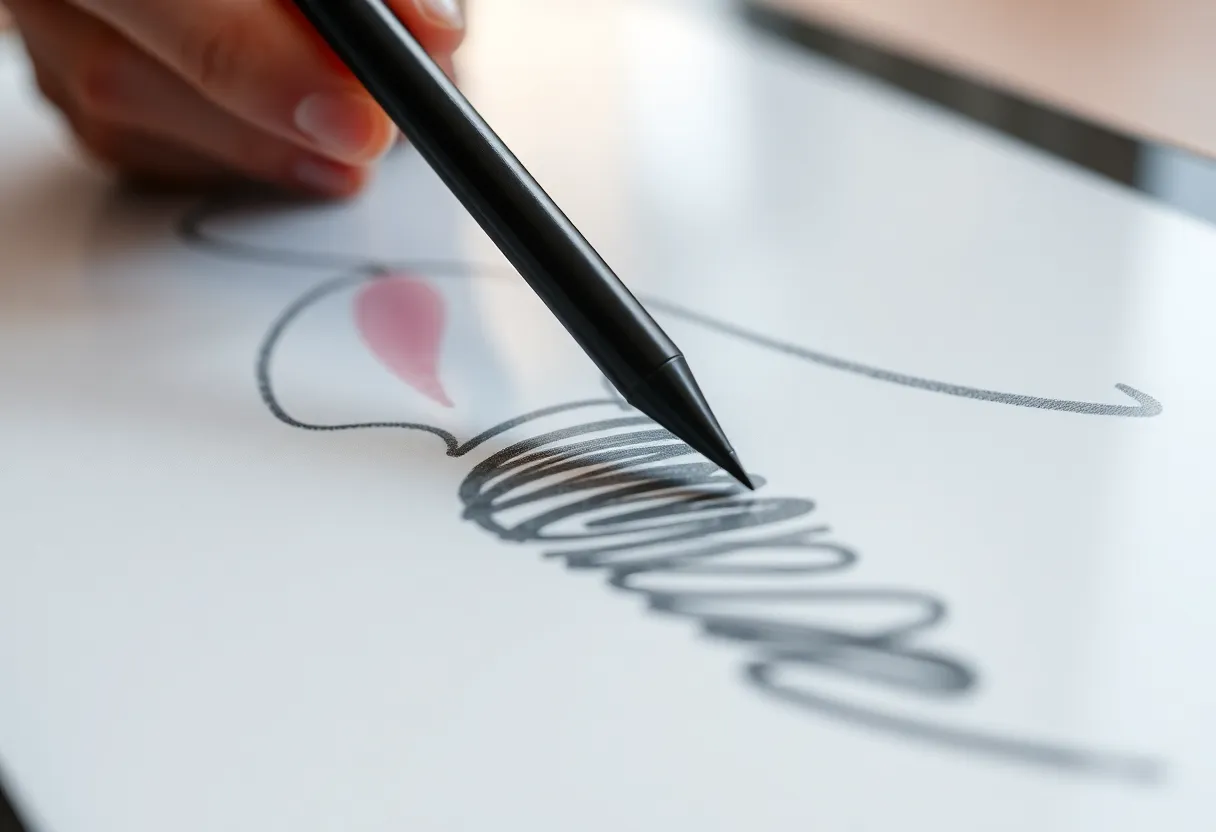
On a desk, with a good night’s sleep and a fresh nib, both pens feel close enough that I would not pick a device on latency alone. The Paper Pro still wins the “this might be paper” argument by a small, stubborn margin. The stroke is drier. The glass is less glassy. If you sketch in the margins and hate the plasticky bounce of most e-ink glass, you will notice it in the first afternoon.
The Scribe Marker is fine. It is not a toy. Amazon’s later Markers improved the tip and the grip. I can take meeting notes on it for two hours without wanting to throw it. What I cannot do is pretend it matches the Paper Pro when I am drawing boxes, arrows, and ugly architecture diagrams. The Scribe is happier with lined pages and block letters. The Paper Pro is happier with messy thinking.
That difference matters less than people think, because most buyers are not illustrators. They are people who want to stop opening an iPad and falling into Slack. For that job, both are good enough. If handwriting feel is your only criterion, buy the Paper Pro, use it for a month, and then come back to this article when you try to get a notebook into Obsidian.
Notebooks, folders, and the lie of “just write”
reMarkable’s software still treats a notebook as a first-class object. Layers, templates, infinite-feeling pages, and a folder tree that is boring in a good way. Search for handwritten text works when your handwriting is not a medical secret. It fails when you write like a tired person, which is most of the time. Titles and tags still do more work than OCR.
Kindle Scribe notebooks have gotten less embarrassing. You can organize. You can use templates. You can move things around without feeling like you are fighting a 2014 firmware team. You still feel the Kindle-ness: notebooks sit next to books, and Amazon’s mental model is “document in a library,” not “thinking surface.” If you keep three active notebooks, you will not care. If you keep thirty, the Scribe’s organization starts to feel like a bookstore that hired a filing clerk last week.
I keep a rule now. If a notebook will be referenced in six months, it needs a title I would search in a file manager, not a cute name. “Q2 pricing notes” survives both ecosystems. “Ideas” dies in both.
Amazon lock-in: the quiet kind
Amazon does not charge you a monthly fee to sync Scribe notebooks. That sounds like the ethical high ground until you look at the formats.
Your Kindle books are not your files. They are licenses. You already knew that if you have ever left the Kindle store. The Scribe makes that worse because the device invites you to annotate those books as if the markup were yours. Highlights export in ways that have improved, then quietly broken, then improved again. Notebooks can be sent to yourself. They can land in formats that are usable. They can also land in formats that look like a photocopy of a photocopy, depending on which export path you used this quarter.
Send-to-Kindle is the Scribe’s superpower and its trap. PDFs and documents arrive easily if you stay inside Amazon’s pipeline. Personal documents appear on the device. You read them. You mark them up. Then you try to get a marked-up PDF back out as a first-class file you can file in a vault, and you discover you are negotiating with a retailer, not a notes company.
The lock-in is social as much as technical. Your highlights live near your Amazon account. Your family library is there. Your next book purchase is one tap away. Every time you pick up the Scribe to “just write,” the store is in the same building. I have lost more writing sessions to “I’ll just look up that title” than I have to reMarkable’s slower document import.
Amazon can also change notebook features the way it changes everything else: suddenly, in a software update, with a help page that assumes you are grateful. There is no Connect invoice to cancel. There is also no contract that says your notebooks will keep the same export options in 2028.
reMarkable Connect: the invoice for a finished product
reMarkable will let you use the tablet without Connect. People say this as if it settles the argument. It does not. Without Connect, the Paper Pro is a beautiful local notebook with a USB cable and a worse life. Sync across devices, mobile capture, and the cloud features that make the tablet feel like part of a system sit behind the plan.
Connect is not evil. It is a business model. reMarkable built a device that is expensive to manufacture and refused to turn the home screen into a storefront. Something has to pay for the cloud and the apps. The problem is that the tablet’s price already feels like it paid for the software. Paying again, every year, for the privilege of not emailing PDFs to yourself, is the part that makes people bitter.
I paid for Connect for a year because I use the phone app as a capture inbox. A photo of a whiteboard, a quick typed note, a document I want on the tablet tonight. That workflow is genuinely good. It is also the workflow that trains you to treat reMarkable’s cloud as the system of record. That is the lock-in. It is more honest than Amazon’s, because you see the charge. It is also easier to underestimate, because $60 or so a year feels small next to a $600 tablet until you do it for five years.
Export from reMarkable is better than Kindle if you are disciplined. PDF and PNG are straightforward. Integration with cloud drives exists. Handwriting-to-text is usable for clean notes and decorative for the rest. The files you get are still “what reMarkable thinks a notebook looks like,” not a living markdown file. If your real archive is Obsidian, Logseq, or a git vault, both devices are frontends. Neither is the vault.
The export drill I actually run
Once a month I do a restore-style export, the same way I do a backup restore drill on a homelab. I pick one notebook I would be sad to lose. I export it. I open the file on a computer that is not logged into Amazon or reMarkable. I check whether the pages are complete, whether the handwriting is readable, and whether I could reconstruct the thinking without the original app.
On the Scribe, this drill has failed in small ways: missing pages when I used the wrong send path, a PDF that flattened layers I thought were there, a notebook that exported as an image stack I did not want to refile. On the Paper Pro, the drill usually produces a clean PDF. The failure mode is different. I forget that the live notebook on the device has pages I added after the last export, because the cloud made me feel backed up.
Feeling backed up is not a backup. Connect sync is a convenience copy. Kindle sync is a convenience copy. If the company changes terms, or you lose the account, or the format shifts, the monthly feeling of safety does not help.
My current rule is ugly and it works. Important notebooks get a PDF in a dated folder in a vault I control. Temporary scratch dies on the device. I do not try to make every page eternal. That is how people end up with 400 notebooks and no system.
Reading, PDFs, and the job you pretend you bought the tablet for
If you read more than you write, the Scribe wins in a walk. Kindle’s reader is still the best e-ink reading software you can buy without assembling a Boox and a prayer. Typography, library, dictionary, Whispersync, the boring reliability of “the book is just there.” Annotating a Kindle book on the Scribe is pleasant. Annotating a personal PDF is acceptable. Living in academic PDFs with two-column layouts and tiny figures is still a compromise on both devices, but the Scribe at least feels like it was designed by people who read.
The Paper Pro can read. It is not a reading product. Importing a pile of papers is extra friction. The reader is serviceable. The writing tools on top of a PDF are the reason to do it. If your day is “markup this contract, then take notes in a separate notebook,” Paper Pro is the better desk tool. If your day is “read three chapters and jot a page of reactions,” Scribe is the better bag tool.
I keep both jobs honest by asking a rude question: would I still buy this tablet if the pen died? For the Scribe, yes, because it remains a large Kindle. For the Paper Pro, no. That tells you which company you are funding.
Three-year cost, not launch-day cost
Price the stack, not the SKU.
A Scribe with a Marker and a folio is already a lot of money. Then you keep buying Kindle books you might have bought anyway. There is no Connect line item. There is an ongoing relationship with a store that wants the rest of your media life. Opportunity cost is real even when it does not show up on a credit card statement as “Scribe Cloud.”
A Paper Pro with Marker Plus, a folio, and Connect for three years is more expensive than most people admit at the register. If you skip Connect, you save money and lose the workflow that made the tablet feel modern. Some people are happy with USB. I was not, once I had used the phone inbox. That is a designed funnel.
Accessories are not optional on either. A naked e-ink tablet in a bag is a scratched e-ink tablet. Nibs wear. Folios crack. Budget like you are buying a fountain pen, not a slab of glass that stays pristine.
Who should buy which, without the brochure voice
Buy the Kindle Scribe if reading is the main job and notes are a supporting act. Buy it if you already live in Amazon’s library and you are willing to run a monthly export drill. Buy it if you want one device that replaces a Paperwhite and a cheap notebook, not a device that replaces a paper studio.
Buy the reMarkable Paper Pro if writing is the main job and you will pay Connect without resenting it, or you have the discipline to treat USB as the real sync. Buy it if you hate home-screen stores. Buy it if you sketch, diagram, and keep long-lived notebooks you will export as PDFs into a vault you own.
Do not buy either if your real requirement is “notes in Obsidian tonight with attachments and backlinks.” Buy a Boox, or write on paper and photograph the pages, or use an iPad and accept the distraction. The Scribe and the Paper Pro are both specialized tools. They fail when you ask them to be a general-purpose thinking OS.
Do not buy both unless you have a split life I recognize: a lot of Kindle reading, and a separate stack of work notebooks you refuse to keep in Amazon. I did that for six months. It worked. It also meant I never had “the” notebook. I had two incomplete brains.
The decision I would make again
If I could keep one, I would keep the Paper Pro and pay Connect, because my work product is notes, not a bookstore. I would keep exporting PDFs like a paranoid person. I would not pretend the subscription is optional once the phone inbox is part of how I think.
If I were buying for a reader who annotates books and keeps a single journal, I would buy the Scribe and skip the romance of reMarkable’s paper cult. I would show them the export drill on day one, before the unboxing glow wears off.
The honest trade-off in 2026 is not “which nib feels nicer.” It is which company you want to need. Amazon will not charge you rent for notebooks, and it will keep those notebooks near a store that owns the format. reMarkable will charge you rent for a cloud that makes the tablet complete, and it will still hand you a better PDF when you ask. Pick the dependency you can see, and file the files yourself.