How to Choose a Power Supply That Won’t Die on Your Build

Marcus Webb
March 1, 2026
The power supply is the most underrated part of a PC build. Most people focus on the CPU, GPU, and RAM—and treat the PSU as an afterthought. Buy whatever’s cheap and has enough watts, right? Wrong. A bad power supply can fry your components, cause random crashes, or die quietly and take your whole system with it. Here’s how to choose one that won’t let you down.
Why the PSU Matters More Than You Think
The power supply converts AC from your wall into the clean, stable DC that your components need. If it’s poorly built or undersized, it can deliver dirty power—voltage spikes, ripple, or inconsistent rails—that stresses your GPU, CPU, and storage. Over time, that stress shortens component life. In the worst case, a cheap PSU can fail catastrophically and take out your motherboard, drives, or graphics card.
Good power supplies also last longer. A quality 650W unit from a reputable brand can often outlive multiple builds. A budget unit from an unknown brand might die in two years, or worse—fail under load and damage other parts. The extra $30–50 you spend upfront can save you hundreds in replacement costs and data loss.
Wattage: Don’t Overbuy, Don’t Undersize
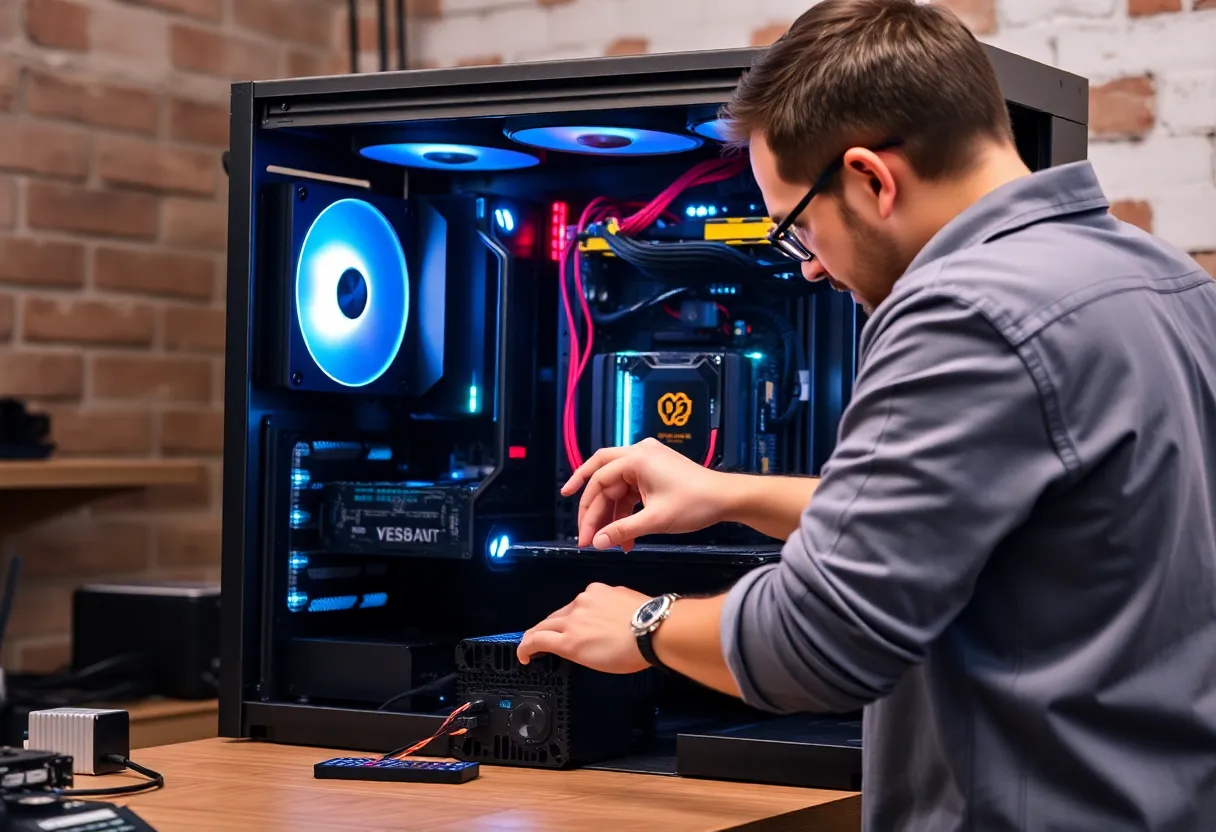
The first question everyone asks: how many watts? The answer depends on your build. A basic office PC might need 400–500W. A mid-range gaming rig with a modern GPU often needs 550–650W. A high-end system with a flagship GPU and overclocking can push 750–850W or more.
Use a PSU calculator (like the ones from Outervision or be quiet!) to get a baseline. Add 15–20% headroom—running a PSU at 100% load is inefficient and stresses it. Running at 50–70% load is ideal for efficiency and longevity. So if your calculated load is 450W, aim for 550–650W. If it’s 600W, look at 750W.
Don’t go overboard. A 1200W PSU for a 500W build wastes money and runs inefficiently at light loads. Match the wattage to your actual needs plus headroom.
Efficiency Ratings: 80 Plus Bronze and Up
80 Plus certification tells you how efficiently the PSU converts AC to DC. Bronze (80% efficiency at 20%, 50%, and 100% load), Silver, Gold, Platinum, and Titanium represent increasing levels. For most builds, 80 Plus Gold is the sweet spot—good efficiency without paying a premium for Platinum or Titanium.
Bronze is fine for budget builds, but Gold units often have better build quality and longer warranties. Avoid uncertified units entirely—they’re usually inefficient and poorly built.
Efficiency matters for your electricity bill and heat output. A more efficient PSU wastes less power as heat, so it runs cooler and quieter. That’s especially important in compact or low-airflow cases.
Modular vs Semi-Modular vs Non-Modular
Modular PSUs let you connect only the cables you need. Non-modular units have all cables permanently attached. Semi-modular is a middle ground—the 24-pin and CPU power are fixed; the rest are detachable.
Modular and semi-modular units are easier to cable-manage and improve airflow. For most builds, semi-modular or full modular is worth the small extra cost. Non-modular is acceptable for budget builds where cable management isn’t a priority, but it makes the build messier. If you’re building in a compact case or aiming for a clean aesthetic, full modular is worth it.
Form Factor and Size
Most PCs use ATX power supplies (150mm × 140mm × 86mm). Compact builds often use SFX (125mm × 63.5mm × 100mm) or SFX-L (130mm × 125mm × 63.5mm). Check your case spec—some ATX cases support full-length PSUs; others have length limits. Make sure your chosen unit fits before you buy.
SFX and SFX-L PSUs are typically more expensive than ATX equivalents and have fewer options. If you’re building small-form-factor, factor that into your budget. Some ATX cases also support SFX with an adapter bracket.
Brand and Reviews: Don’t Trust the Label Alone
Brand reputation matters, but not all units from the same brand are equal. Corsair, Seasonic, be quiet!, EVGA, and Silverstone have strong lineups, but they also sell budget models. A “Corsair” PSU can mean a top-tier RMx or a budget VS—very different quality.
Read professional reviews. Sites like Tom’s Hardware, Gamers Nexus, and JonnyGuru (now part of Tom’s) tear down PSUs, test ripple, efficiency, and load regulation. Look for units that perform well under stress and have clean power delivery. Avoid models with no reviews or consistently bad feedback.
Warranty is a useful proxy for quality. A 10-year warranty usually means the manufacturer trusts the unit. A 2-year warranty on a budget unit is acceptable, but be cautious of cheap units with long warranties—sometimes they’re marketing, not confidence.
Protection Features
Good PSUs include protection circuits: over-voltage (OVP), over-current (OCP), over-power (OPP), under-voltage (UVP), and short-circuit (SCP). These help prevent damage to the PSU and your components if something goes wrong. Most reputable units include them. If a PSU doesn’t list protection features, skip it.
Single-Rail vs Multi-Rail
Power supplies deliver power on “rails”—12V, 5V, 3.3V. Some PSUs use a single 12V rail; others split the 12V load across multiple rails with separate current limits. For most builds, single-rail is simpler—you don’t have to worry about balancing load across rails. Multi-rail can offer slightly better protection in theory, but for typical usage the difference is negligible. Unless you’re building a very high-end system, don’t stress over it.
What to Avoid
Don’t buy no-name brands from questionable retailers. Don’t reuse a PSU that’s been running for 8+ years without checking its condition—capacitors degrade over time. Don’t max out the wattage—leave headroom. Don’t assume “80 Plus” alone means quality—some certified units are still poorly built. Don’t use power supply cables from a different PSU—they’re not always compatible and can damage components. Don’t cheap out to save $20 on a $1500 build. The PSU is the last place to cut corners.
Avoid units that lack proper protection or have a history of failures. Avoid extremely low-priced units for high-power builds. If a 850W PSU costs $40, something is wrong.
Putting It Together
For a typical mid-range gaming build: aim for 550–650W, 80 Plus Gold, semi-modular or modular, from a reputable brand with good reviews. Expect to pay $70–120 for a quality unit. For high-end builds, 750–850W Gold or Platinum from Seasonic, Corsair, or be quiet! is a solid choice.
The power supply isn’t glamorous. But it’s the foundation. Choose wisely, and your build will thank you for years.